Data issues
Work the EDFlow Report a data problem queue: what staff report, resolving or closing reports, and how data issues feed the 98% milestone agreement go-live gate.
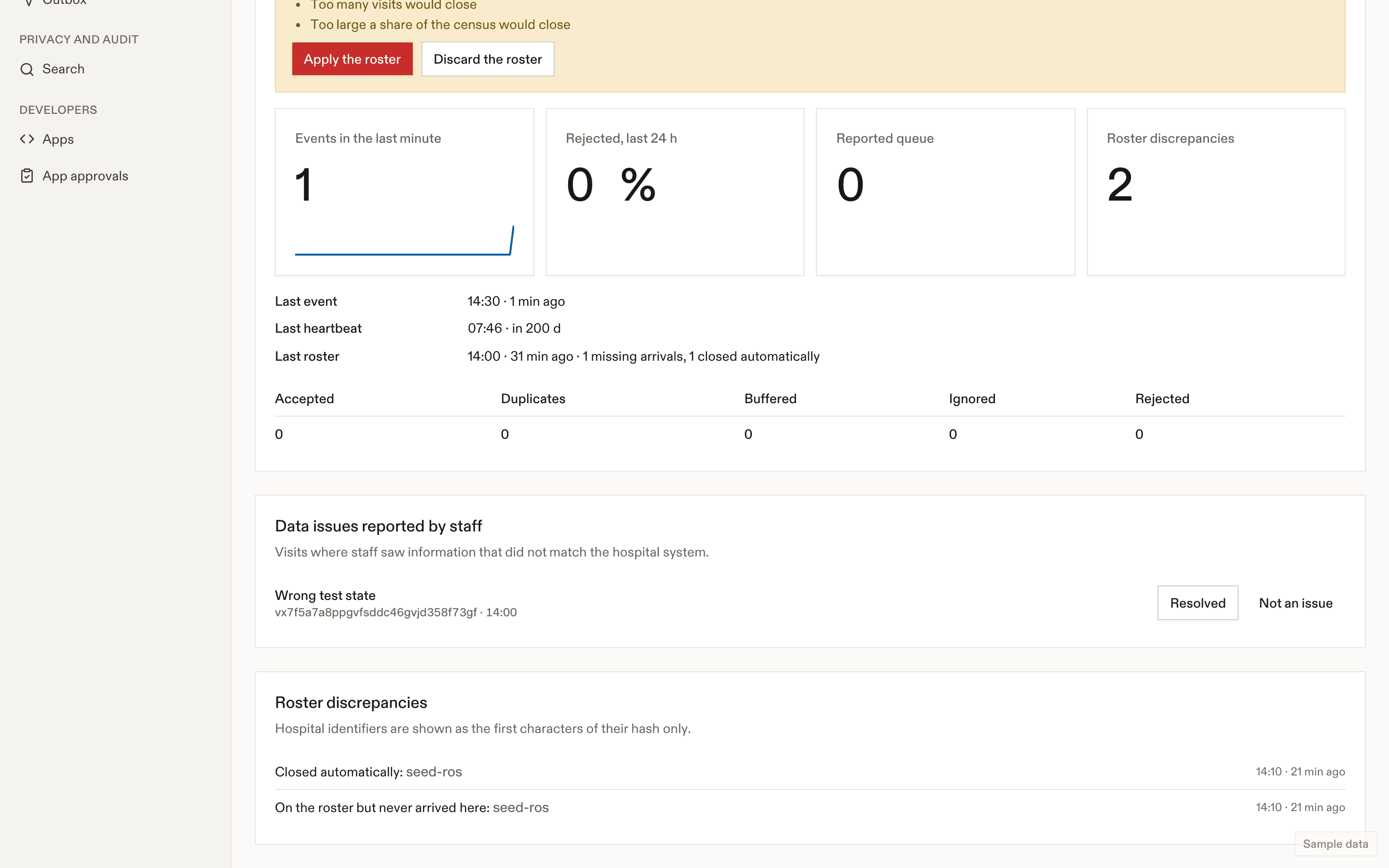
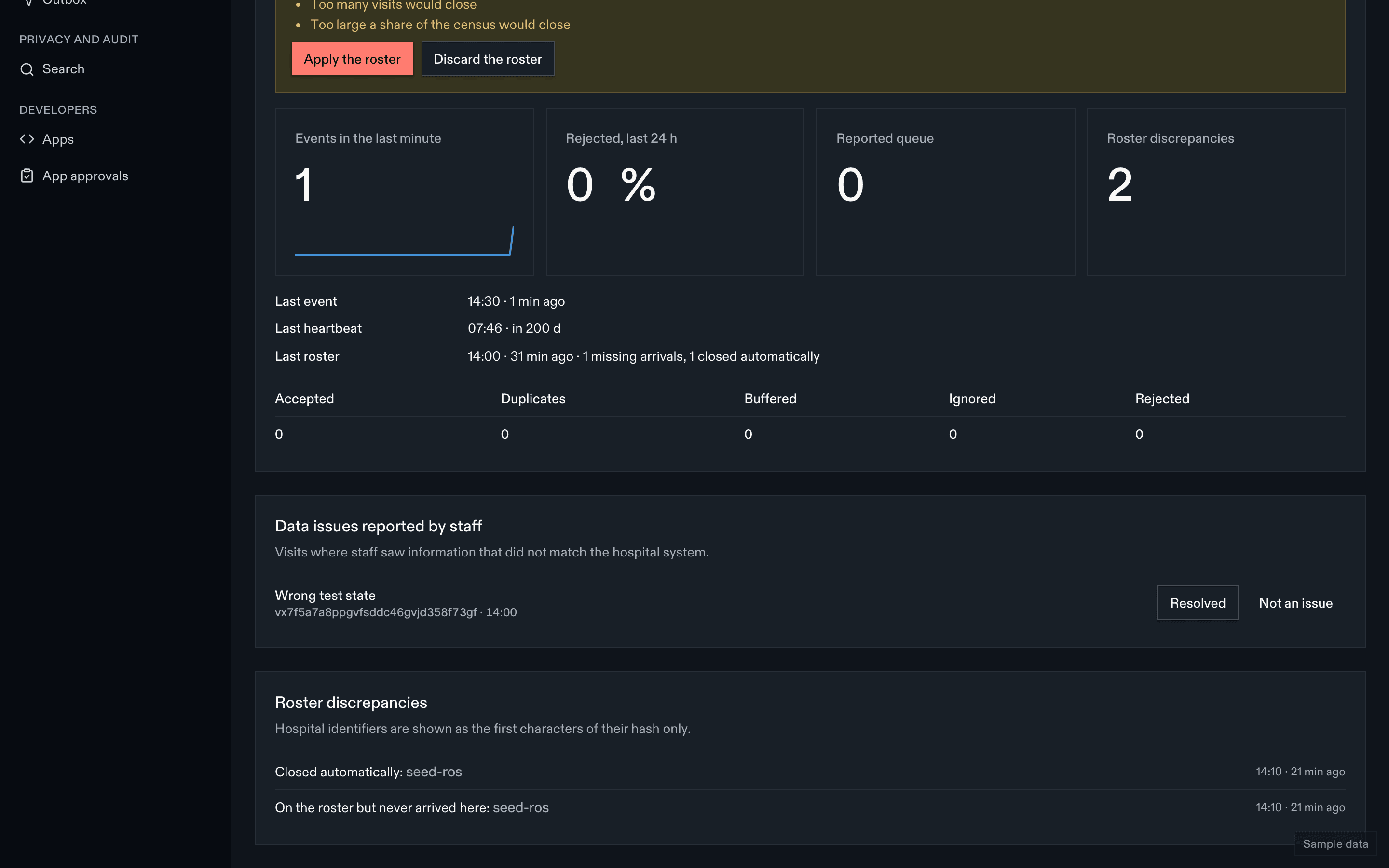
Staff report wrong information from the patient page with Report a data problem. The reports land on the integration health page.
What's in a report
The visit's EDFlow id, what is wrong (stage, test, care team, location, time), and when. No free text about the patient.
Working a report
- Open the event log for the visit's events around that time.
- Find the cause: a missing event, an unmapped code, a wrong mapping, an engine filter, or a staff override.
- Fix it (mapping profile, catalogue, engine routing) and replay dead letters if needed.
- Resolve, or Not an issue with a reason.
The agreement gate
Before go-live, a 14-day shadow run compares EDFlow's milestones with the site's audit sample; at least 98% must agree. Open data issues and their causes are the usual reasons for disagreement. After go-live, keep the queue near zero.
Related
Last updated on