What EDFlow is
EDFlow shows emergency department patients and their families where the visit is, who is caring for them and how long each step usually takes, and gives staff a live board, a request queue and flow analytics.
EDFlow is a live, plain-language companion to an emergency department (ED) visit. A patient scans the QR code on their wristband or visit card and sees, on one screen, where they are in the visit, what happens next and roughly how long that step usually takes at this hospital, on this day and at this hour. No install and no account are needed.
The problem it solves
In Ontario, ED patients wait on average close to two hours to be seen by a physician, and one in ten waits more than four hours. About one in twenty leaves before being seen. Most of that time is spent not knowing:
- where they are in the visit and what the next step is;
- who their doctor and nurse are;
- which tests are still pending and how long they usually take;
- why things slowed down.
Families call the desk for updates that staff cannot give over the phone, and nurses answer "how much longer?" many times a shift. Managers have no live view of where each visit is stalled. EDFlow answers those questions without adding work at the bedside.
What patients see
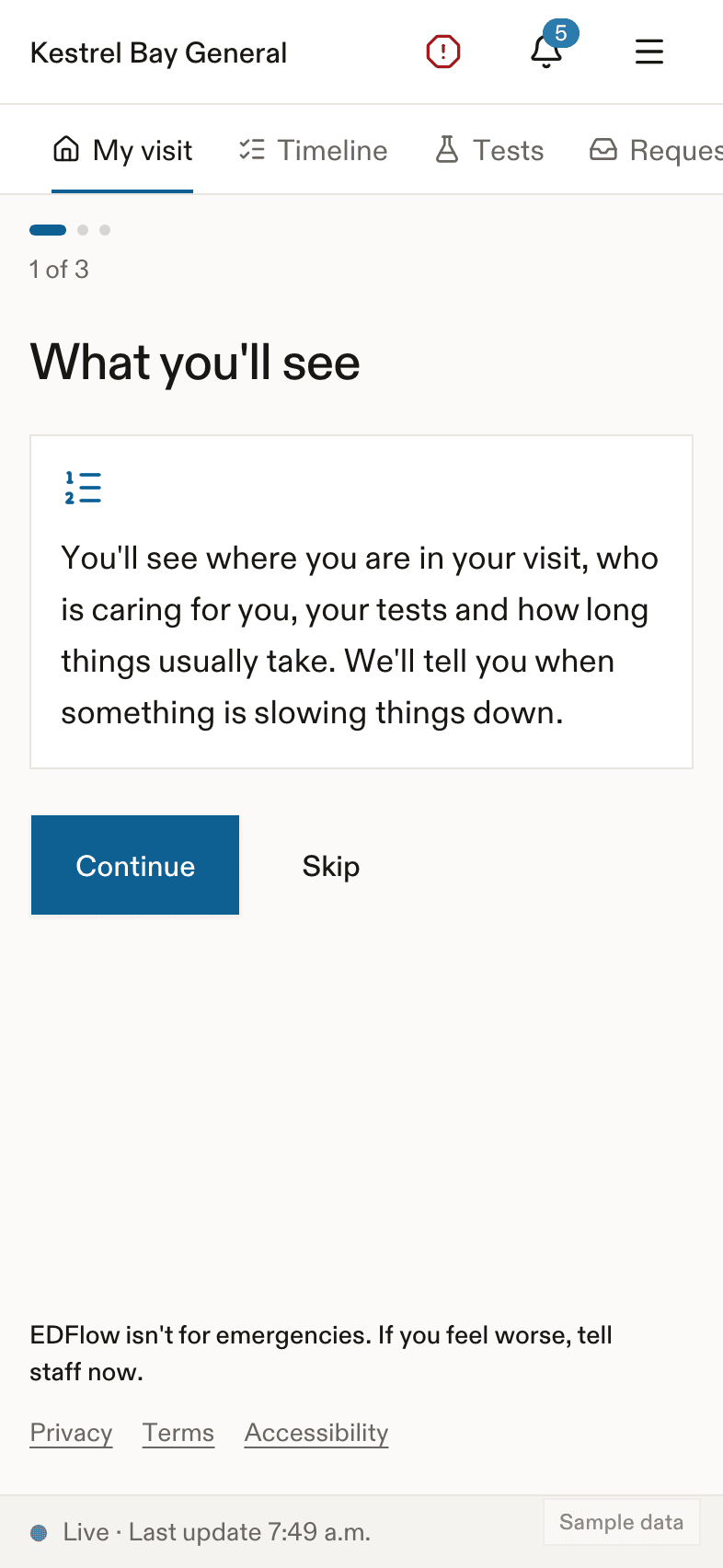
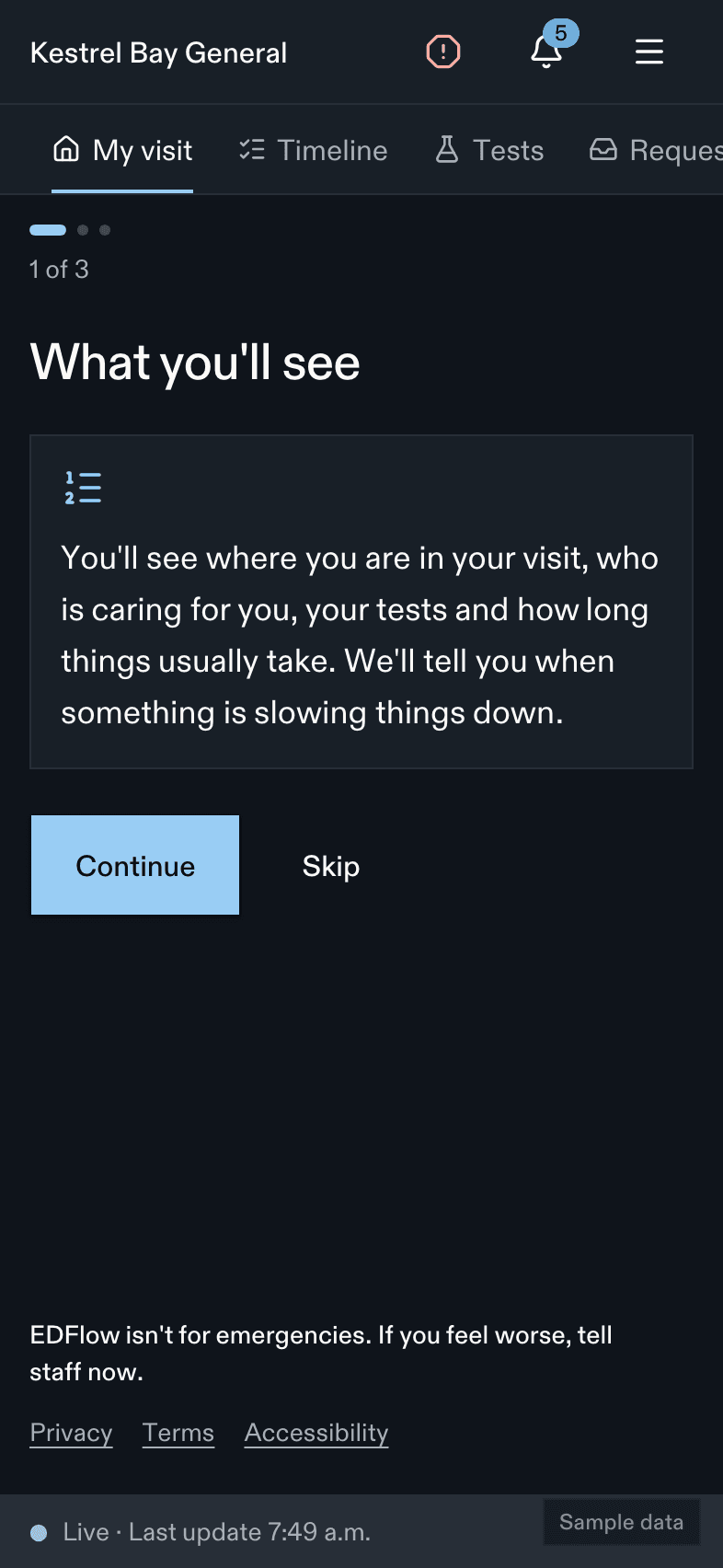
- Their stage in plain words, with what happens next. The stages are the same for every hospital; see How a visit works.
- Usual waits for the current step, as a range ("usually 30 to 55 minutes") and a ceiling most people finish within. There is never a countdown and never a place in line. See Wait estimates.
- Their care team by first name and role, as soon as the hospital assigns them.
- Their tests moving through their steps, and when results are back. Never the results themselves.
- Delay notices in calm, generic words when someone very unwell needs the team, or when the department is very busy.
- Requests to the care team (a blanket, water, "can I eat or drink?", an interpreter) that staff acknowledge by name.
- A family view they can share and stop sharing at any time.
What staff get
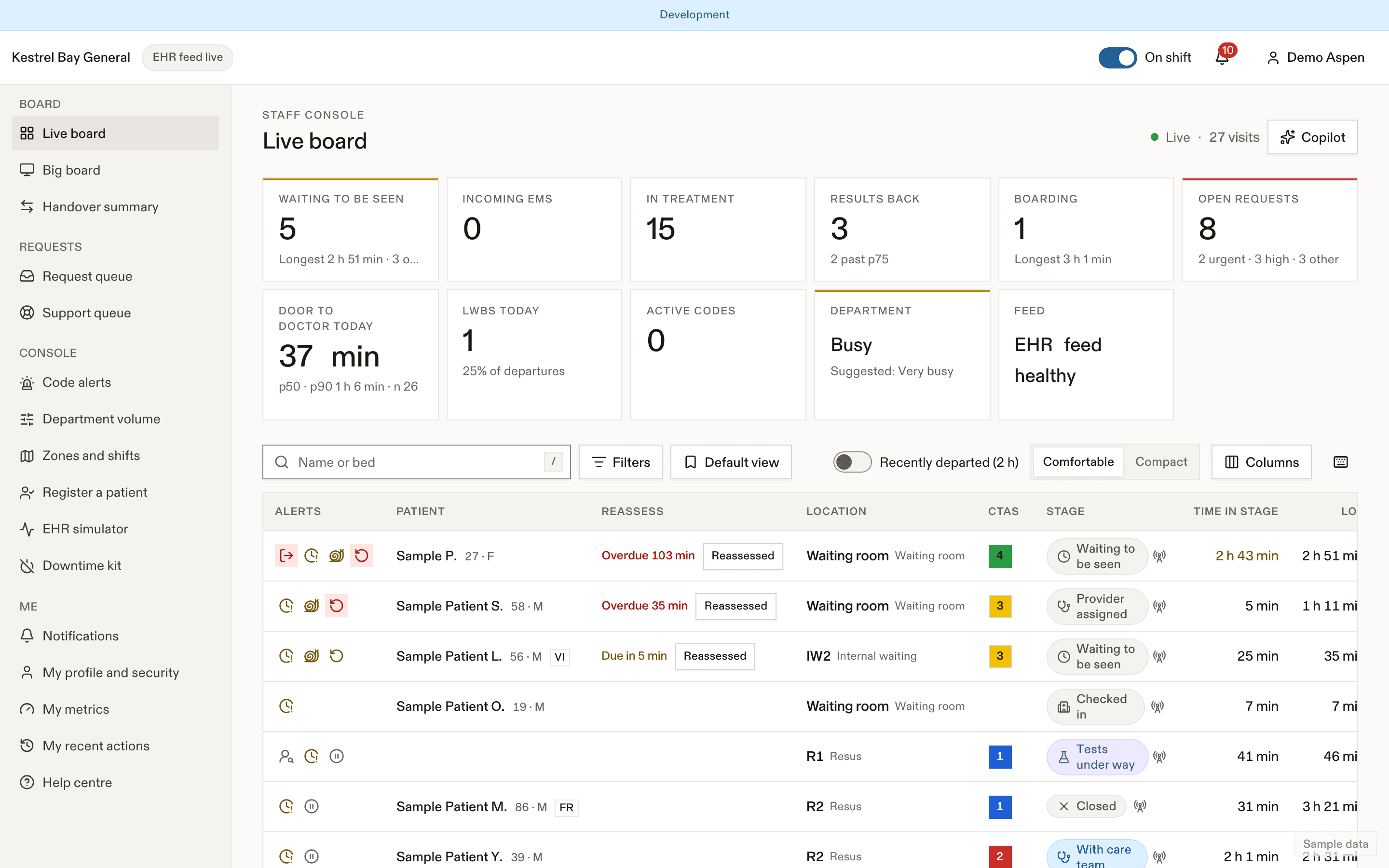
- Filters and saved views
- Bottleneck flag
- Open requests
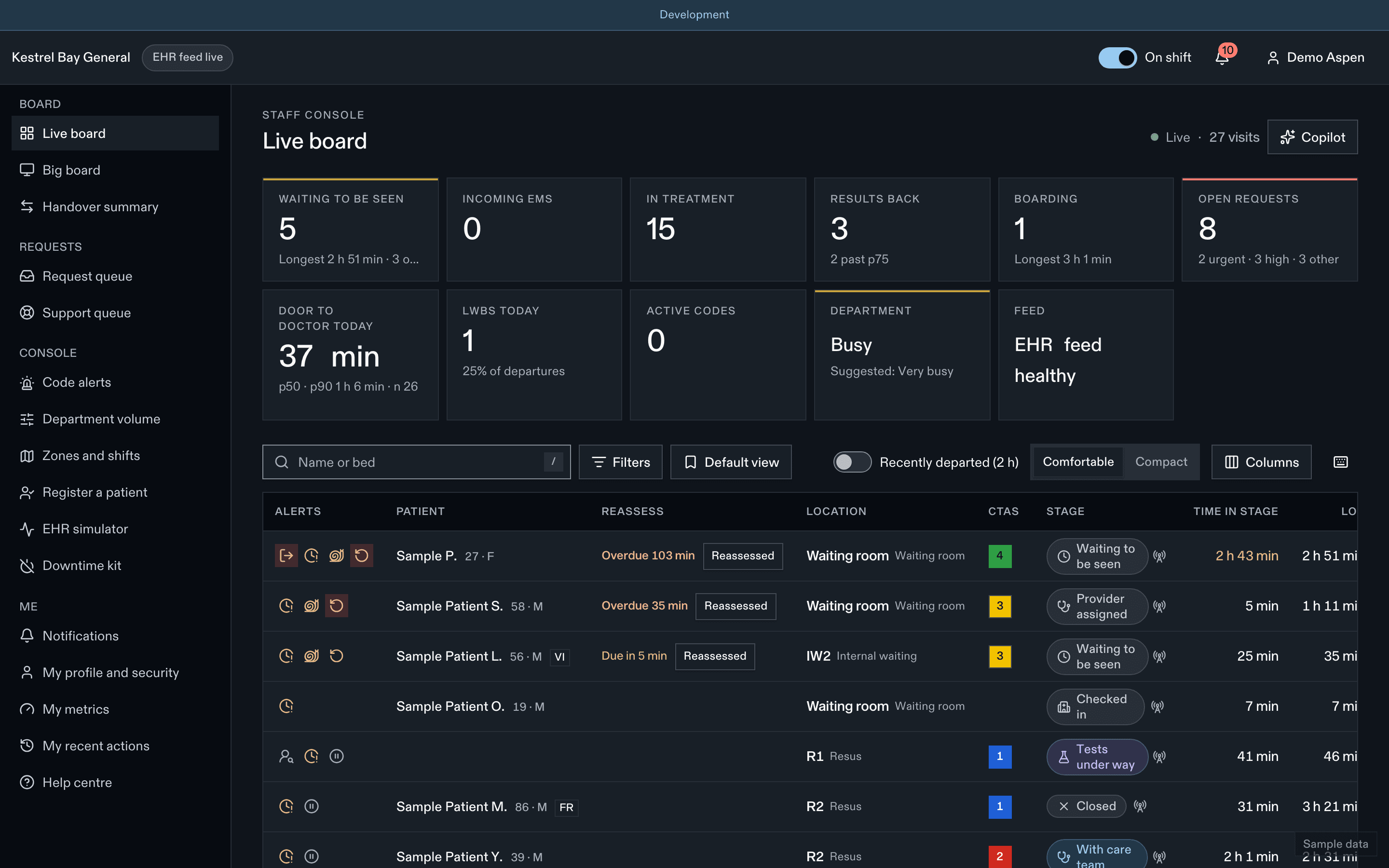
- A live board of every visit with its stage, time in stage, tests and open requests.
- A request queue routed to the right nurse, zone or support worker, with escalation when nobody responds.
- A manual console that runs the department's EDFlow states when the EHR feed is down or absent.
- Codes and department volume in two steps, with generic patient notices only for the codes the hospital allows.
- A companion app for hospital-managed phones: requests, my patients and the department at a glance.
What managers and IT get
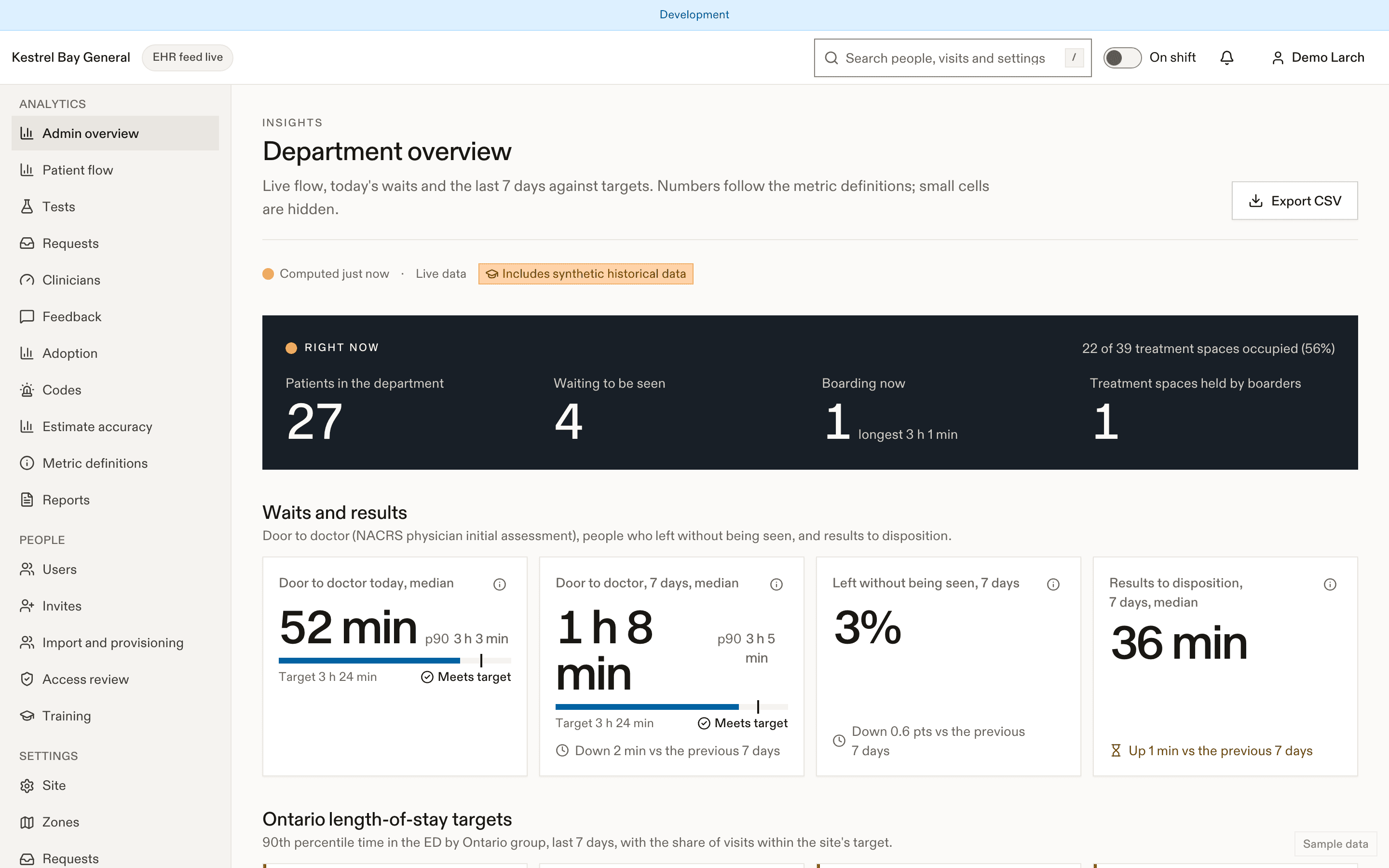
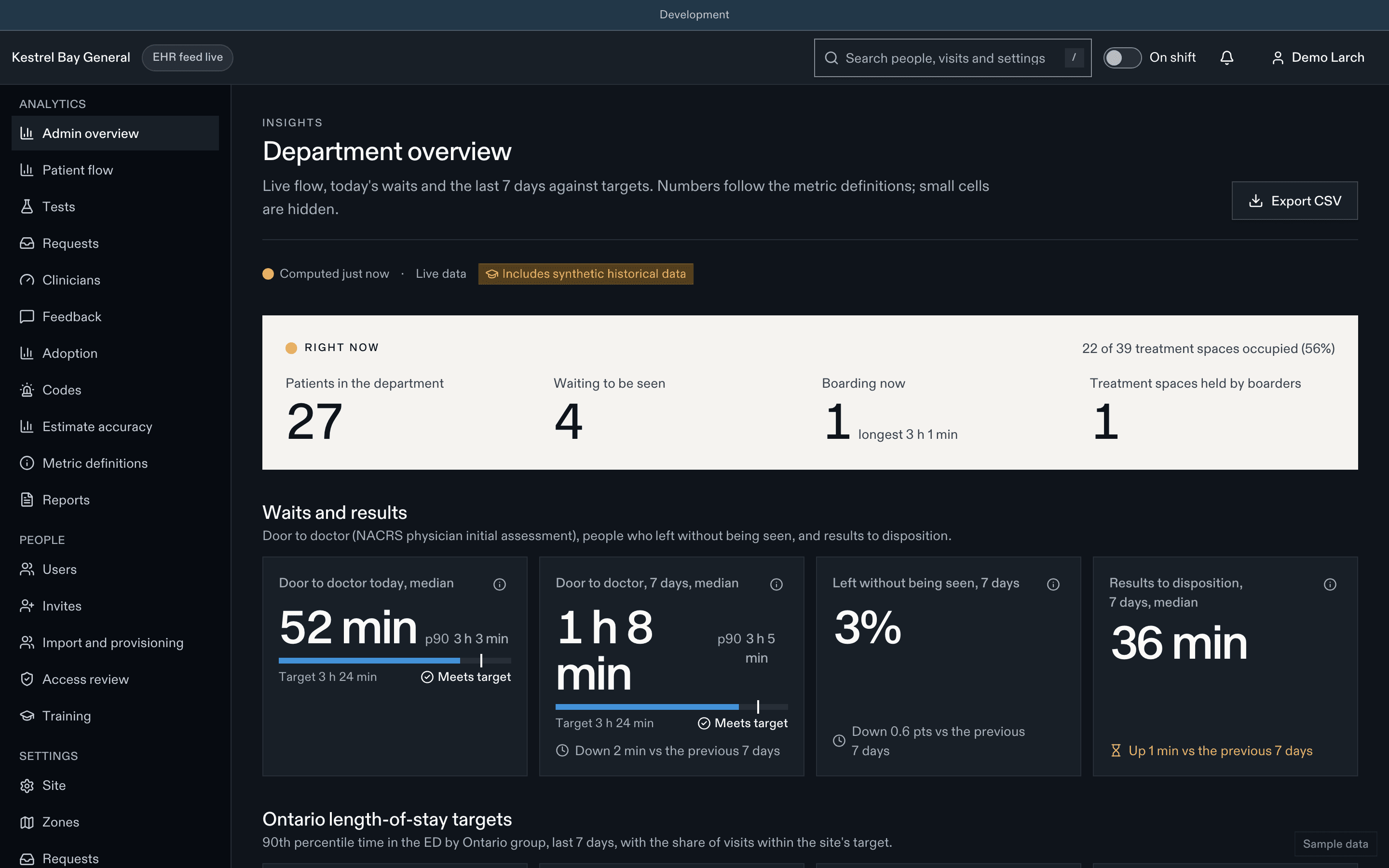
- Flow analytics built on Ontario definitions: door to doctor, results to decision, length of stay, boarding, request response times, with bottleneck flags.
- Settings with ranges, approvals and a full history, content governance for patient education, and an audit log of every access to patient data.
- An integration API, a sandbox with fictional hospitals, and adapters for normalized events, FHIR R4 and HL7 v2. See Developers.
What it never does
Tell a staff member now
Don't wait for a reply on your phone. Tell any nurse or staff member right away, or press your call bell. If you're in the waiting room, go to the triage desk.
If this is an emergency, call 911. For health advice, call Health811 at 811.
- It is not an emergency channel. "I feel worse" always tells the person to alert staff in person, right away, before anything else. See Safety.
- It never shows results, result values, flags or interpretations. Care teams talk with patients about results.
- It never diagnoses, triages or gives medical advice, and never shows a triage level, a place in line or a comparison with anyone else.
- It never puts health information in notifications, text messages, links or logs. Lock screens say only "You have a new update."
- It never replaces the EHR, the patient portal or the discharge papers.
Where to go next
How a visit works
The stages from arrival to going home.
Choose your guide
Reading lists for every role.
For hospitals
Evaluating a pilot, go-live gates and success metrics.
IT and security
Hosting, residency, controls and the security review pack.
Further reading on the product site: What patients want to know during an ED visit.
Last updated on