Event log
Read the EDFlow EHR event ledger: accepted, duplicate, buffered, ignored and rejected events, error codes, the allow-listed payload view, and validating a payload as a dry run.
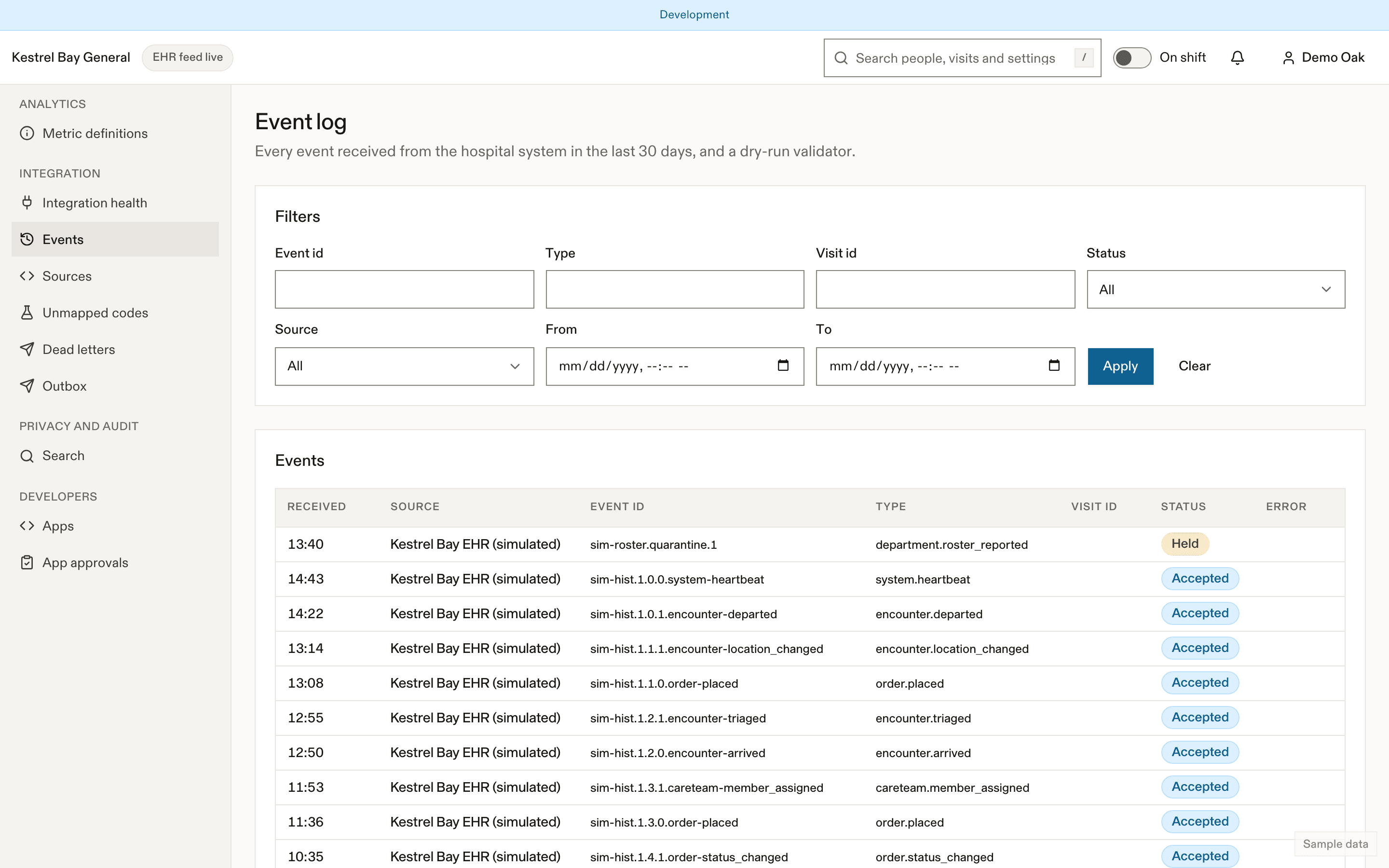
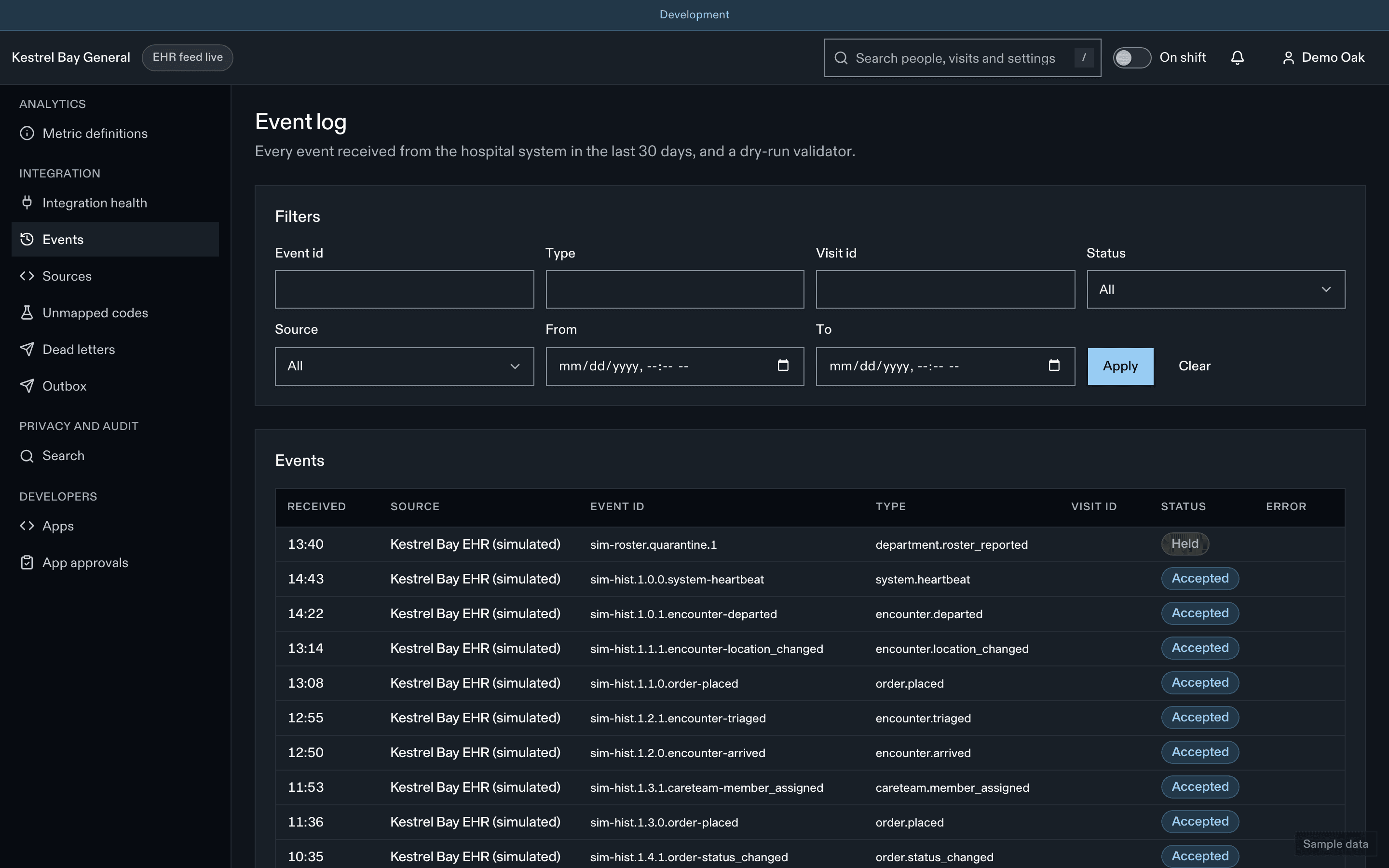
The event log is a searchable view of every event received in the last 30 days.
Columns
Received time, source, event id (exact search), type, EDFlow encounter id, status and error code.
Statuses
| Status | Meaning |
|---|---|
| Accepted | Applied to the visit |
| Duplicate | Same event id already accepted; nothing changed (safe retries) |
| Buffered | Arrived before its visit existed (for example an order before the arrival); held up to 6 hours, then applied or dead-lettered |
| Ignored | Valid but not applied, for example an event for an archived visit |
| Rejected | Refused with an error code. See Errors |
The payload view
The payload is shown through an allow-list: names, the family initial and the chief complaint appear only as [present]; dates of birth never appear. Your role sees EDFlow ids only and can't open patient pages.
Validate a payload
Paste normalized JSON, a FHIR Bundle or an HL7 v2 message and see the events it would produce and any errors, from the same validator as POST /ehr/v1/validate. Nothing is stored. Use only synthetic or test messages.
Common rejections
| Code | Usual cause |
|---|---|
| Signature invalid | Wrong key version, a body changed after signing, or the engine signed at queue time instead of send time |
| Clock skew | The engine's clock is more than 5 minutes off |
| Prohibited field | The event contains a field EDFlow never accepts (for example a result value). Nothing is stored beyond the rejection |
| Unknown site or type | The source isn't allowed to send for that site or event type |
Related
Last updated on