Sources and keys
Register an EHR source in EDFlow, edit its versioned mapping profile, reveal a signing key once, rotate with two active key versions, and disable a source in an emergency.
A source is one sender of EHR events for your site, usually one integration-engine channel. It signs every request to /ehr/v1/* with an HMAC key. (API clients for the REST API are managed in the developer portal; see Credentials.)
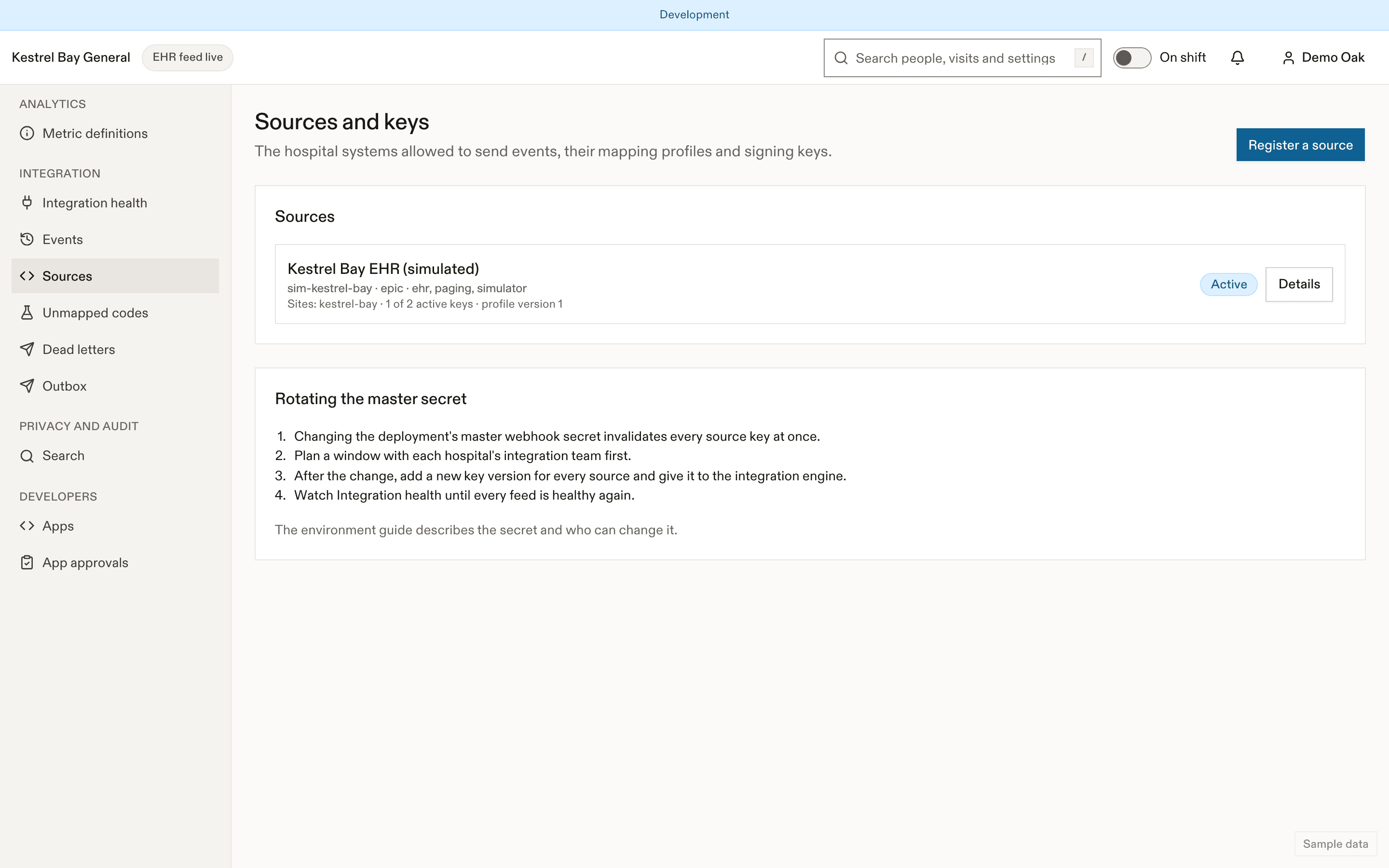
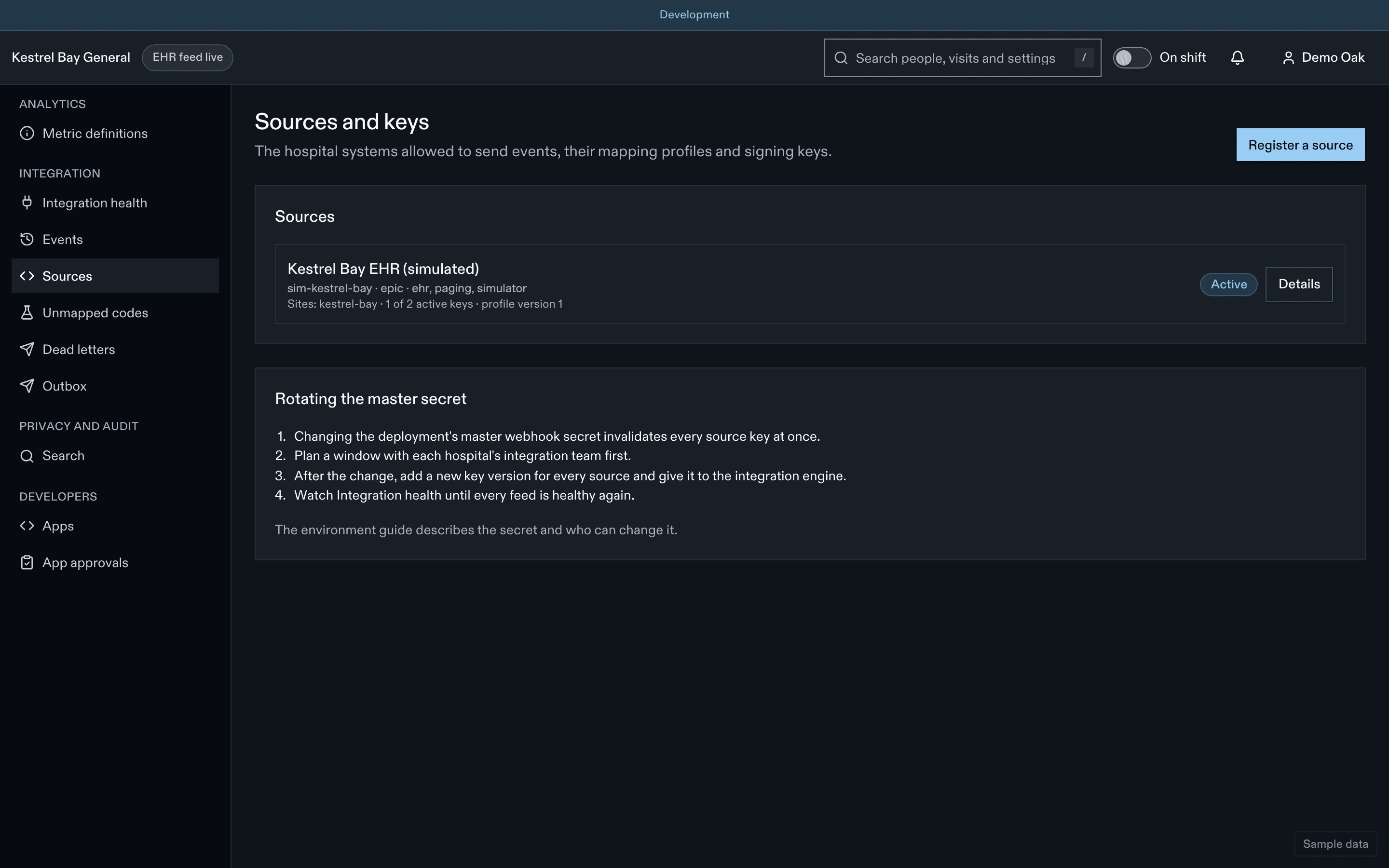
Register a source
Describe it
Id, kind, EHR system, the site codes and event types it may send, and the allowed source kinds.
Answer the mapping questionnaire
For example "Do ED physicians read their own X-rays?". The answers set result thresholds and other behaviour.
Add the mapping profile
A versioned JSON document (locations, test codes, practitioner ids, NPO diet codes, disposition codes, care-flag codes, consult services…), validated against its schema. Every edit creates a new version with a diff against any earlier one. See Mapping profiles.
Add a key version
Needs your password and code again. The key (64 hex characters) is revealed once with a Copy button, then never again. Give it to the engine team through your secure channel.
Rotate a key
A source has at most two active key versions. To rotate:
- Add key version (the new key is revealed once).
- The engine team switches to the new key; the engine signs at send time, so queued messages use the new key.
- Watch signature failures fall to zero on the new version, then Retire the old one.
A third version is refused until you retire one.
Emergency disable
Disable source makes every request from it fail at once with 403. Use it when a key may have leaked or the feed is sending wrong data. Re-enable after the problem is fixed and the key rotated.
The master secret
A runbook panel explains rotating the deployment's master webhook secret. It invalidates every source key, so every source must be re-issued. Plan it with every engine team.
Audit
Adding, revealing, retiring keys and disabling sources are audited and alert the integration analyst and the manager.
Related
Last updated on