Patient content
Govern patient-facing content in EDFlow: education sheets, going-home templates, task templates, FAQ and glossary; the draft, clinical review, approval and publish workflow; and AI drafting help.
Everything patients read beyond the product's own wording is hospital content, and it goes through clinical governance before any patient sees it.
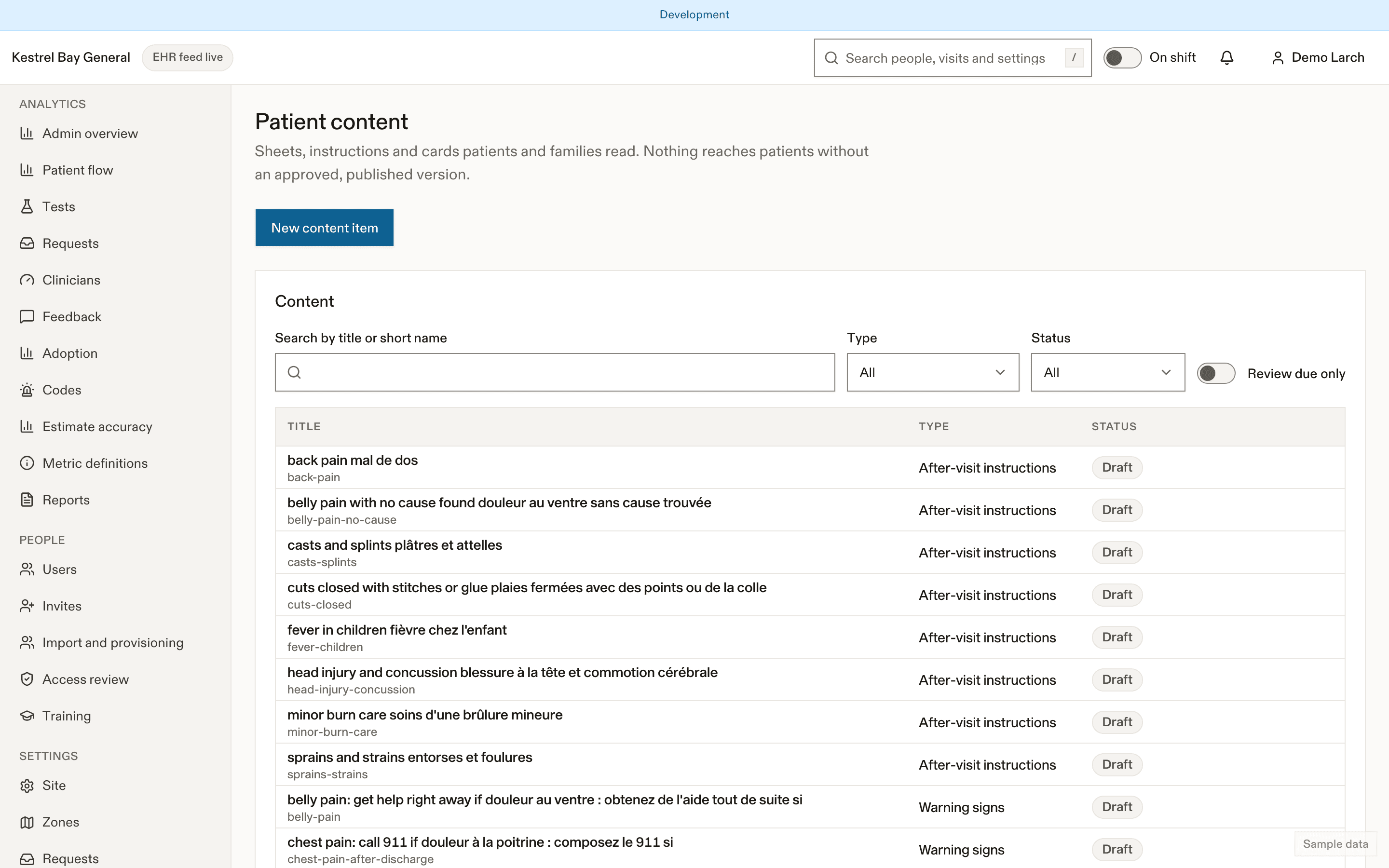
What counts as patient content
- Education sheets (for example what happens during a CT scan).
- Going-home templates: instruction sets, red flags, resources, and the pharmacist-approved medicine phrase library.
- Observation plan templates.
- FAQ entries, glossary terms, interpreter and accessibility information, "How the ED works" cards.
- Task templates (see below).
The workflow
Draft
Anyone with content.manage writes the English and French versions side by side. The editor shows a reading-level score, banned-word warnings and a patient preview.
In review
The draft goes to a clinical approver.
Approved and published
A clinical approver (a membership marked clinical approver, with content.approve) approves it; publishing makes it visible. The sheet shows "Reviewed by … on … · Version …".
Retired
Retired content disappears from patient screens. Every version is kept.
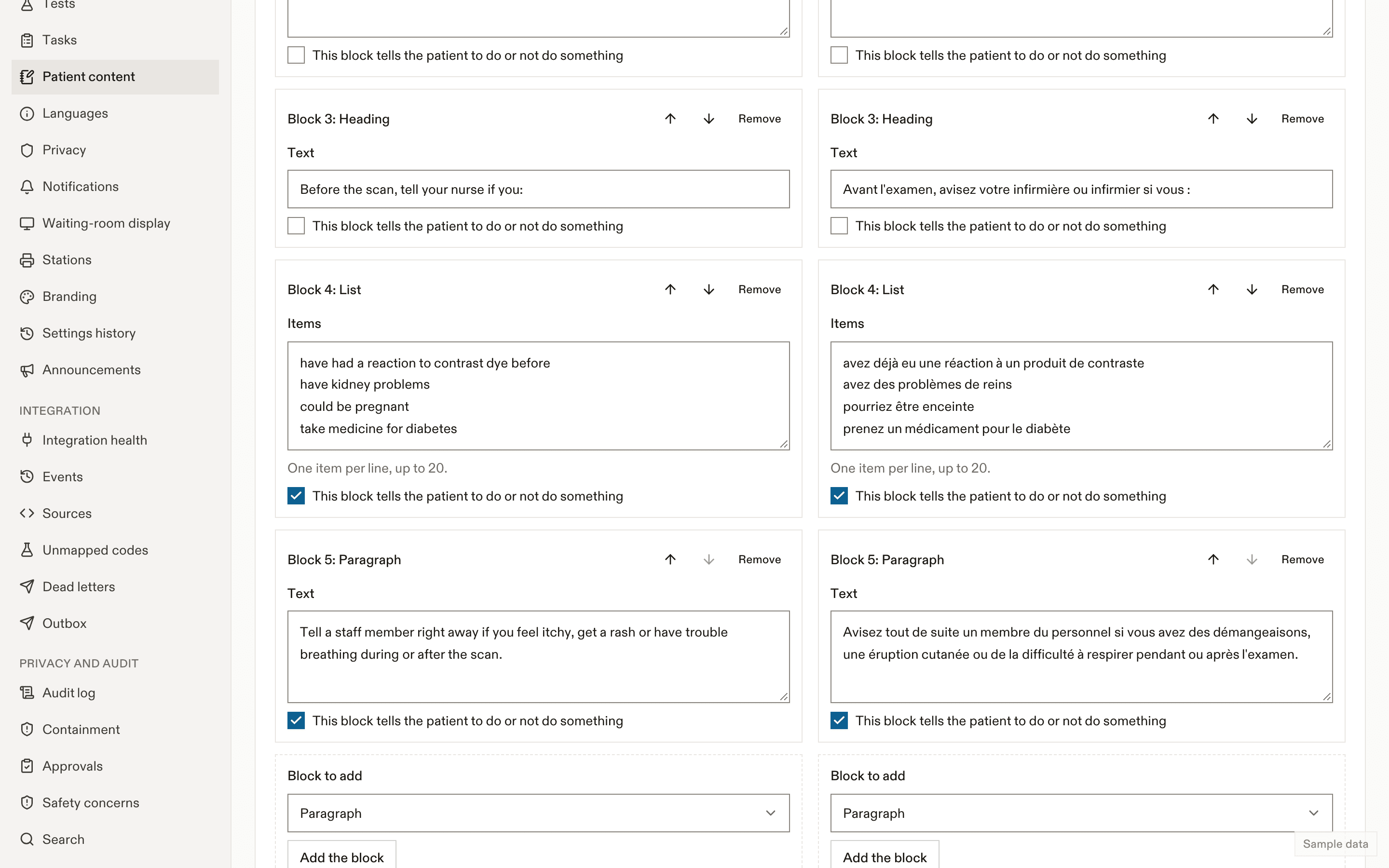
In production, nothing reaches patients without an approved, published version. Outside production, unapproved sheets show "Clinical review pending".
Task templates
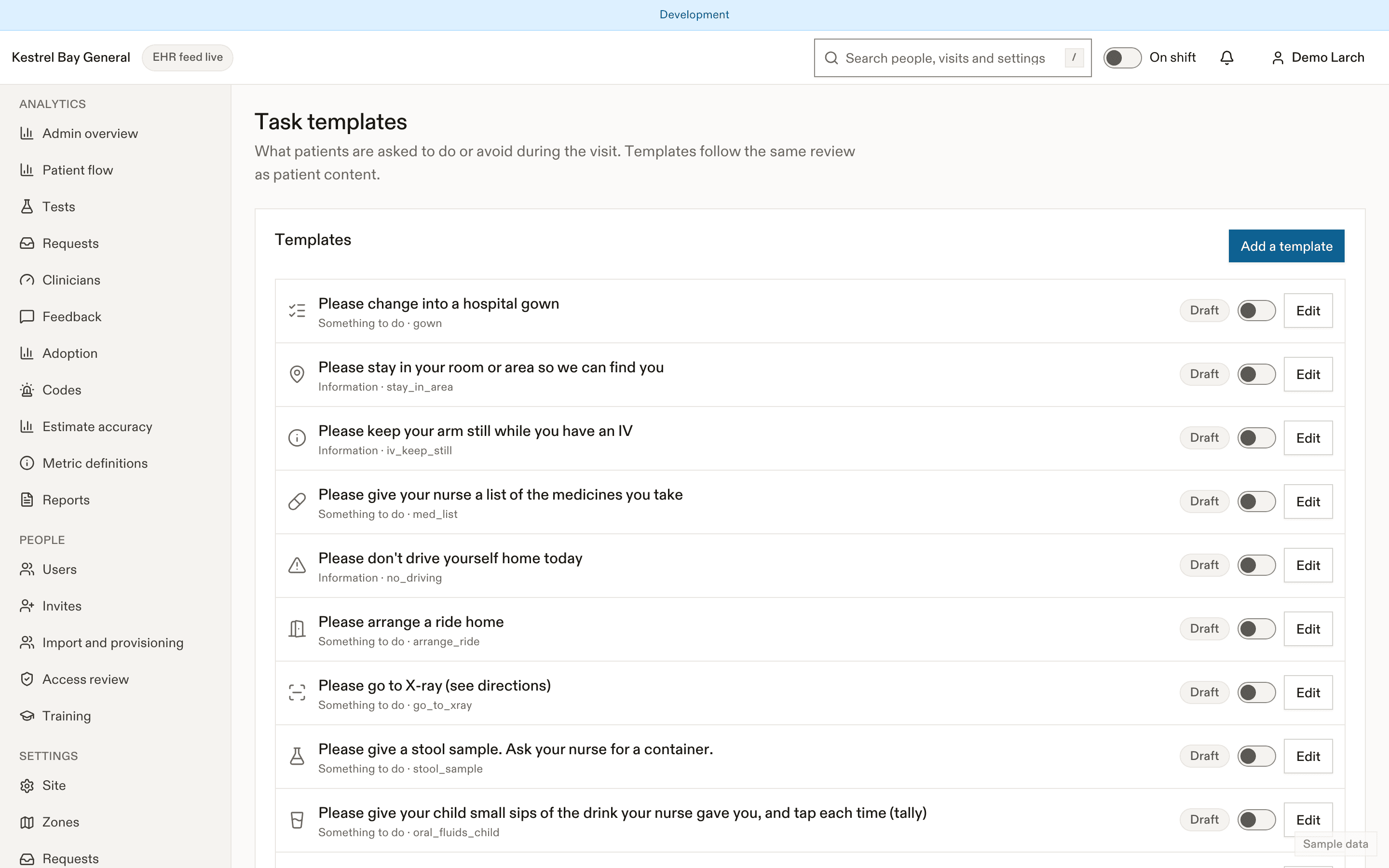
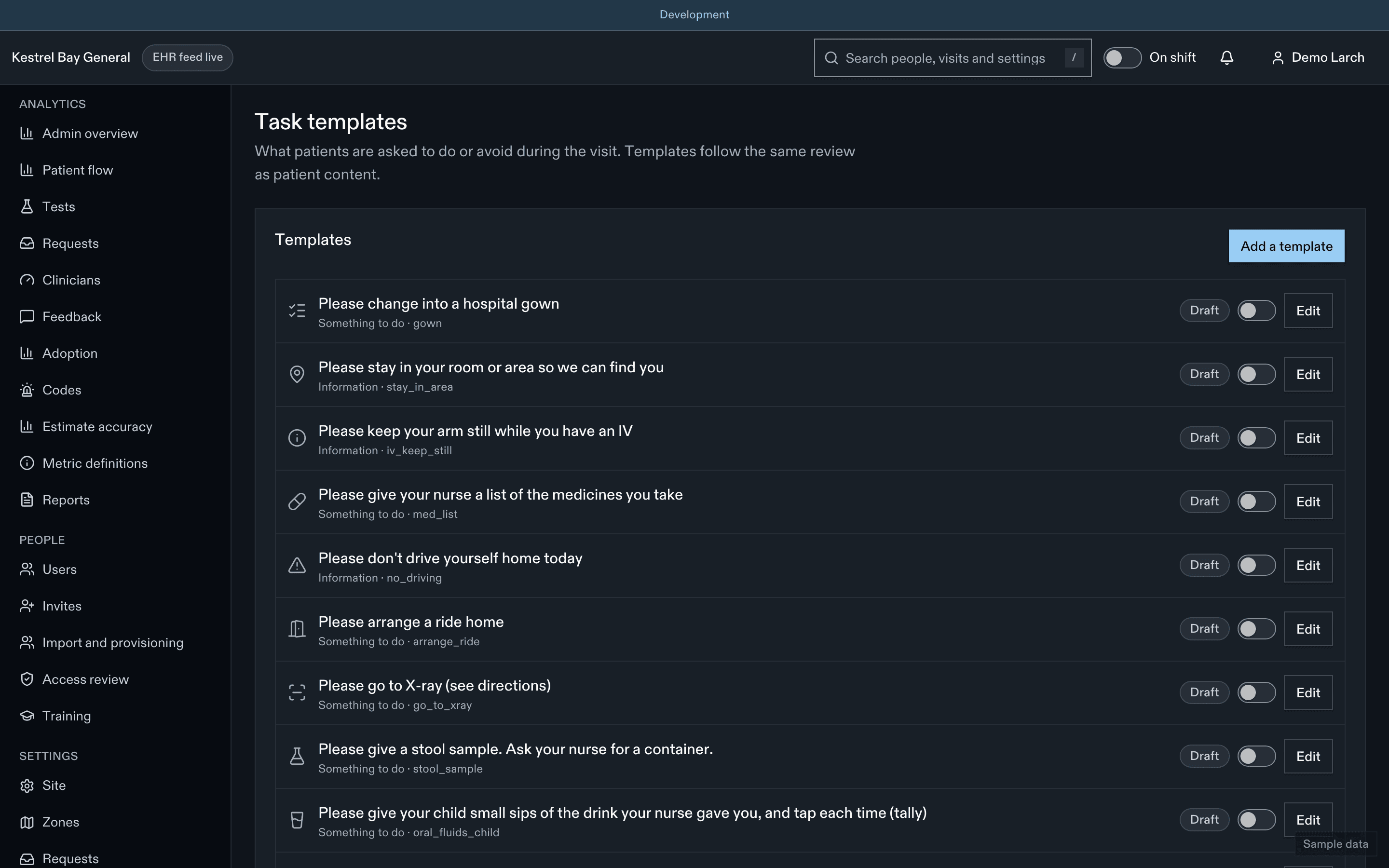
Each template has a key, kind (action, info, restriction), title and body in both languages, icon, and whether completion notifies the nurse. The tasks created from orders (urine samples, consent, check before eating, nothing by mouth, pregnancy check, MRI safety, full bladder, oral contrast) are listed read-only. See Tasks.
Writing help with AI
Where the site turns it on:
- Test explainers: a draft plain-language description of what a test is and what happens during it, the same for every patient. It goes through the same review; patients only ever see the approved version.
- Authoring help: rewrite a draft in plainer words or check it against the writing rules.
AI output is always a draft, labelled as AI-assisted, and never published without a clinical approver. Explainers never describe why a test was ordered for someone, reference ranges or risks.
Writing rules
| Setting | Default | Allowed values | What it does |
|---|---|---|---|
tasks.urineMinAge | 4 | 0–10 age_years | Minimum age for the urine task T-01 (D-44). |
tasks.derivedDelayMinutes | 3 | 0–10 minutes | Delay before derived tasks appear. |
tasks.consentStyle | written | written, verbal | Consent task wording (T-02). |
tasks.consentWho | {"en":"Your nurse","fr":"Votre infirmière ou infirmier"} | object | Who explains the test in the verbal consent task. |
tasks.pregnancyCheckAges.min | 12 | 10–60 age_years | Youngest age for the pregnancy check T-05. |
tasks.pregnancyCheckAges.max | 55 | 10–60 age_years | Oldest age for the pregnancy check T-05. |
Last updated on