Code types
Configure the EDFlow code-type catalogue: Ontario colour-code defaults, categories and patient notification rules, notice stages and scope, durations, optional templates and paging location filters.
The code catalogue lists the codes staff can record and which ones may let waiting patients know about a delay.
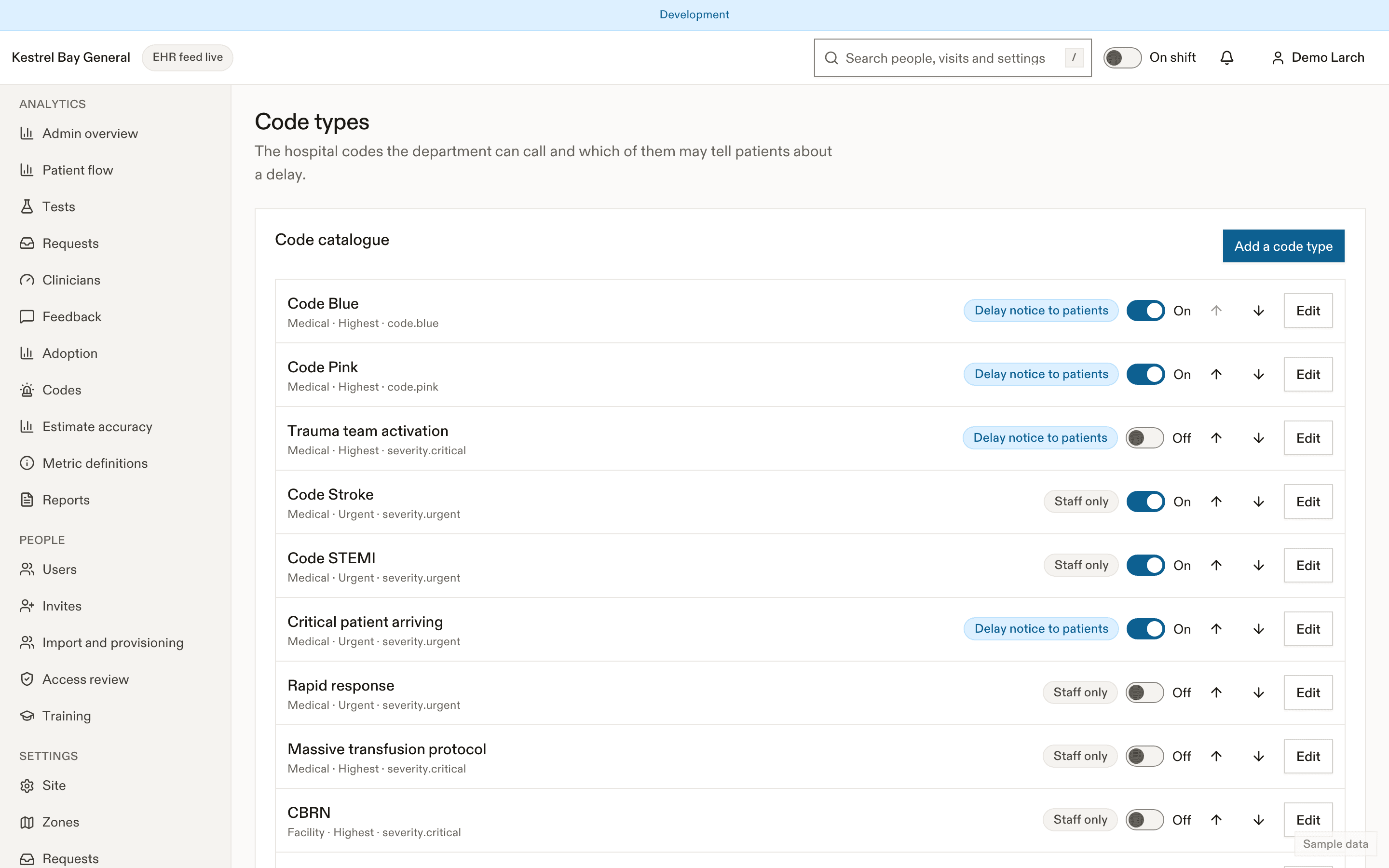
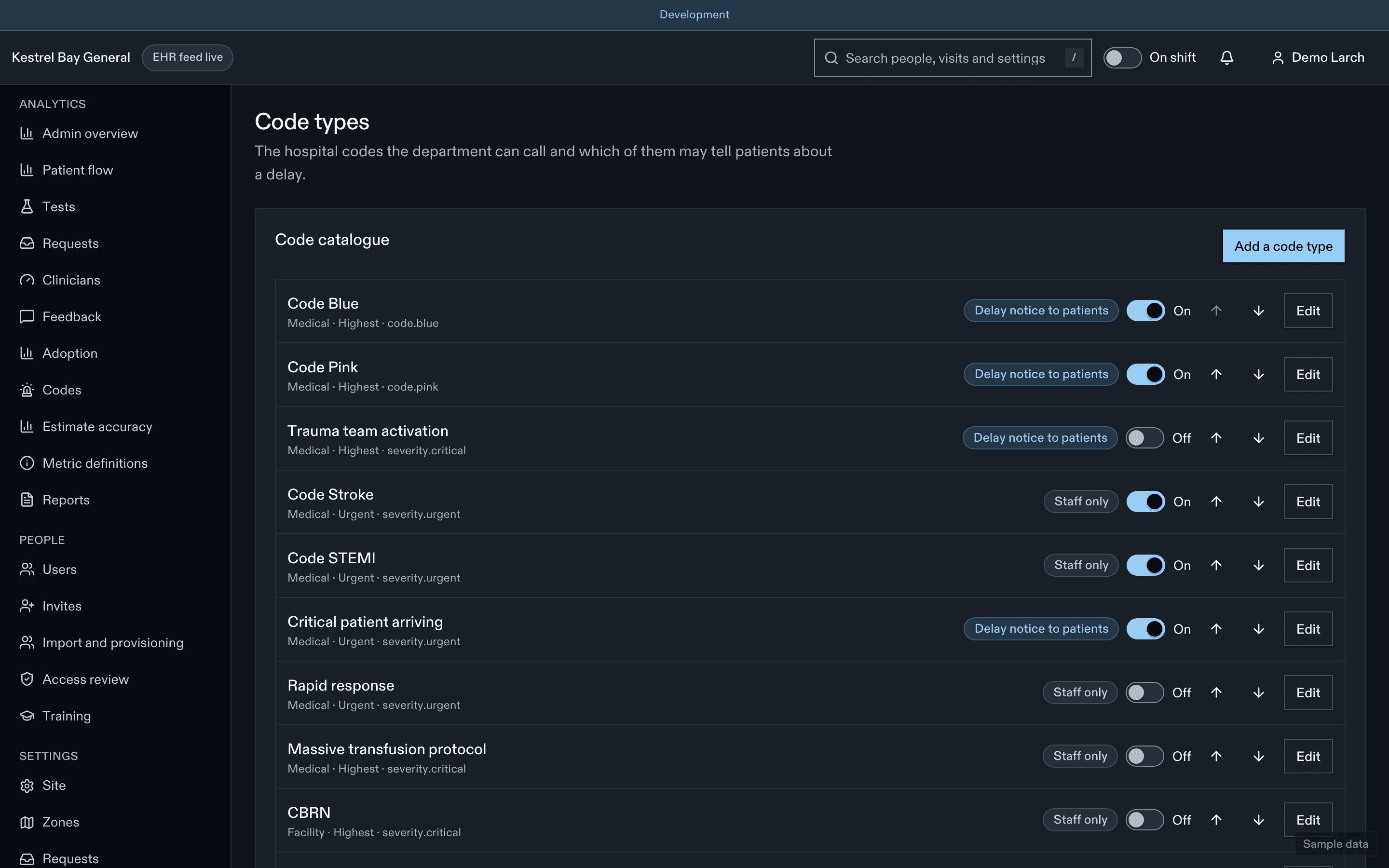
Fields
| Field | Notes |
|---|---|
| Key and staff name | For example blue, "Code Blue" / "Code bleu". Staff only |
| Staff colour, severity | Staff styling only |
| Category | Medical, security or facility |
| Notify patients | Allowed only for medical codes. Locked off for security and facility codes, in the UI and the API |
| Notice stages | Default: checked in, waiting to be seen, a doctor assigned, results back |
| Notice scope | Affected zones plus the waiting room (default), or the whole department |
| The ED team responds | Used by the paging filter |
| Default duration | 5 to 240 min |
| Suggested volume level | For example Code Orange suggests surge |
The patient wording is the same fixed, reviewed text for every code type. It can't be edited per type.
Defaults
Ontario hospital colour codes: medical (Blue, Pink, trauma team activation, stroke, STEMI, critical patient arriving), security (White, Purple, Silver, Yellow, Amber, Black) and facility (Red, Green, Grey, Brown, Orange). Stroke and STEMI are staff-only by default because those teams work largely outside the ED physician's workflow. Optional templates: rapid response, massive transfusion, CBRN.
Paging
| Setting | Default | Allowed values | What it does |
|---|---|---|---|
codes.notifyThrottleMinutes | 30 | 15–120 minutes | Delay-notice push throttle per patient. |
codes.autoNotifyFromFeed | false | boolean | Feed codes post the notice without a prompt (never skips the subject step). |
codes.edRespondsOutside | false | boolean | Prompt the charge nurse for codes outside the ED. |
codes.pagingEdLocations | [] | array | Paging locations inside the ED. |
- Paging ED locations decides which paged codes are inside the ED. Codes elsewhere are staff-only and prompt nobody.
- ED responds outside (small single-physician sites) prompts the charge nurse for codes outside the ED.
- Auto-notify from feed only skips the second confirmation once the charge nurse has named the patient; it never notifies before that.
Related
Last updated on