Calling a code
How to call a code in EDFlow in two steps: pick the type and the patient it's for, review who will be excluded and notified, then confirm. Code categories, who is notified, and the patient delay notice.
Calling a code in EDFlow records it and, for medical codes the hospital allows, lets waiting patients know their wait may be longer. It never replaces the overhead page or your hospital's emergency procedures: page first, then record.
Call a code
Open Call a code
From Codes in the console, the command palette (Cmd/Ctrl+K, "Call a code"), or Department in the companion app.
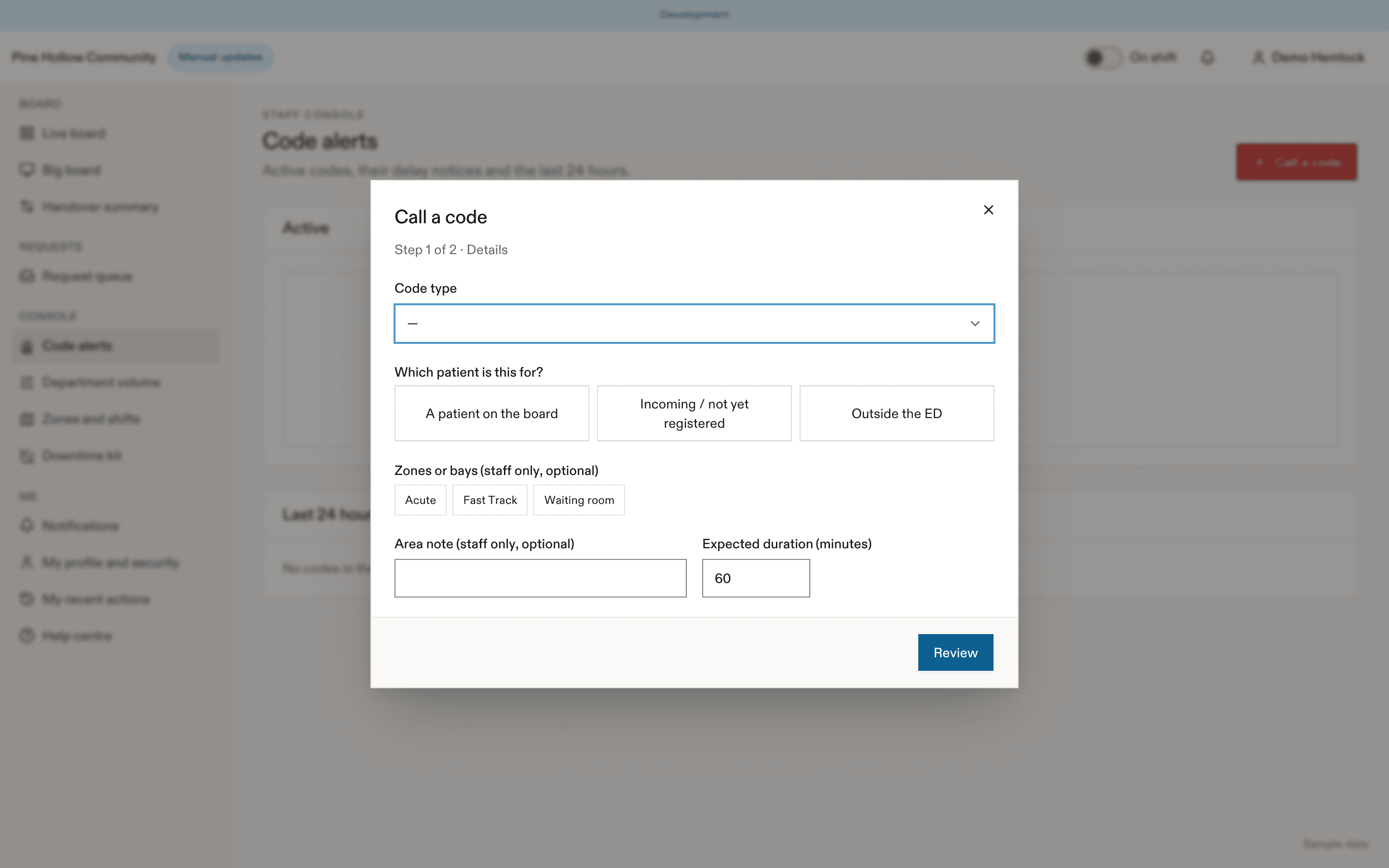
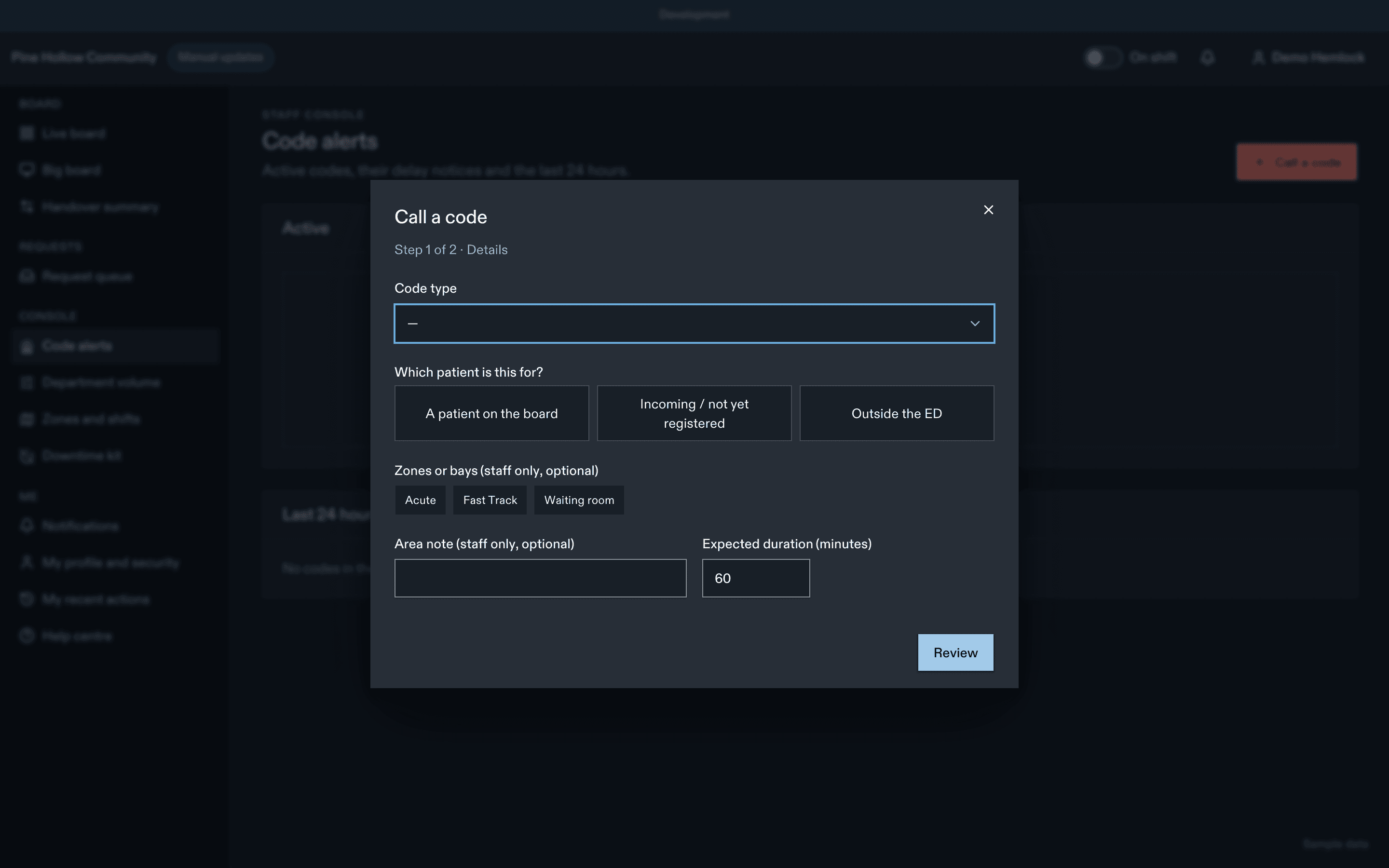
Step 1: details
- Code type, grouped by category. Each option says Can notify waiting patients or Staff only.
- Which patient is this for? (required): a patient on the board (search by bed or name), Incoming / not yet registered, or Outside the ED.
- Zones or bays (optional, pre-filled from the patient's location; staff only).
- Expected duration (5 to 240 min; default from the type).
- Also post the delay notice now (on by default only for types that can notify).
Step 2: review and confirm
You see the visits that will be excluded and paused, the exact patient, family and display wording in English and French, and the count ("12 waiting patients will see a notice. 8 will also get a push notification."). Confirm with Record code and notify 12 patients, or Record code for a staff-only code.
The receipt says, for example, "Notified 12 patients · 8 push · 4 in-app only".
On the companion app, step 2 is a separate sheet, so a code can never be recorded with one tap.
What happens to the patient the code is about
Choosing a board patient excludes them from the notice and pauses their updates: their phone and their family's screens freeze on "Updates are paused" with no notification. Everyone in the named zones or bays, and in resuscitation, is excluded too. Resume updates later from the patient's page.
Who is notified
Only visits in the notice stages (by default checked in, waiting to be seen, a doctor assigned, results back), in the affected zones plus the waiting room, with an active patient session. Patients in treatment, boarders and patients getting ready to go home don't get it. Family see a banner only; the display shows a generic message.
Default code types
| Category | Can notify patients | Examples |
|---|---|---|
| Medical | Only where enabled | Code Blue and Code Pink, trauma team activation, critical patient arriving (on by default); Code Stroke and STEMI (staff only by default) |
| Security | Never | Code White, Purple, Silver, Yellow, Amber, Black |
| Facility | Never | Code Red, Green, Grey, Brown, Orange, CBRN |
Your site edits its catalogue in Code types.
Codes from paging or the EHR
A code that arrives from a paging system or the EHR never notifies patients until a charge nurse answers "Which patient is this for?". Paging codes outside the ED are recorded as staff-only.
Related
- Codes: extend, clear, cancel, merge and throttle rules
- Codes and department status: what patients see
Last updated on