Press kit
EDFlow logos, a curated screenshot pack captured from fictional sample data, and boilerplate text for articles, hospital newsletters and announcements.
Logos
| File | Use |
|---|---|
| Lockup, light | On light backgrounds |
| Lockup, dark | On dark or mid-tone backgrounds |
More formats (PNG, the mark alone, the app icon) are in the brand book at https://edflow.space/brand.
Screenshots
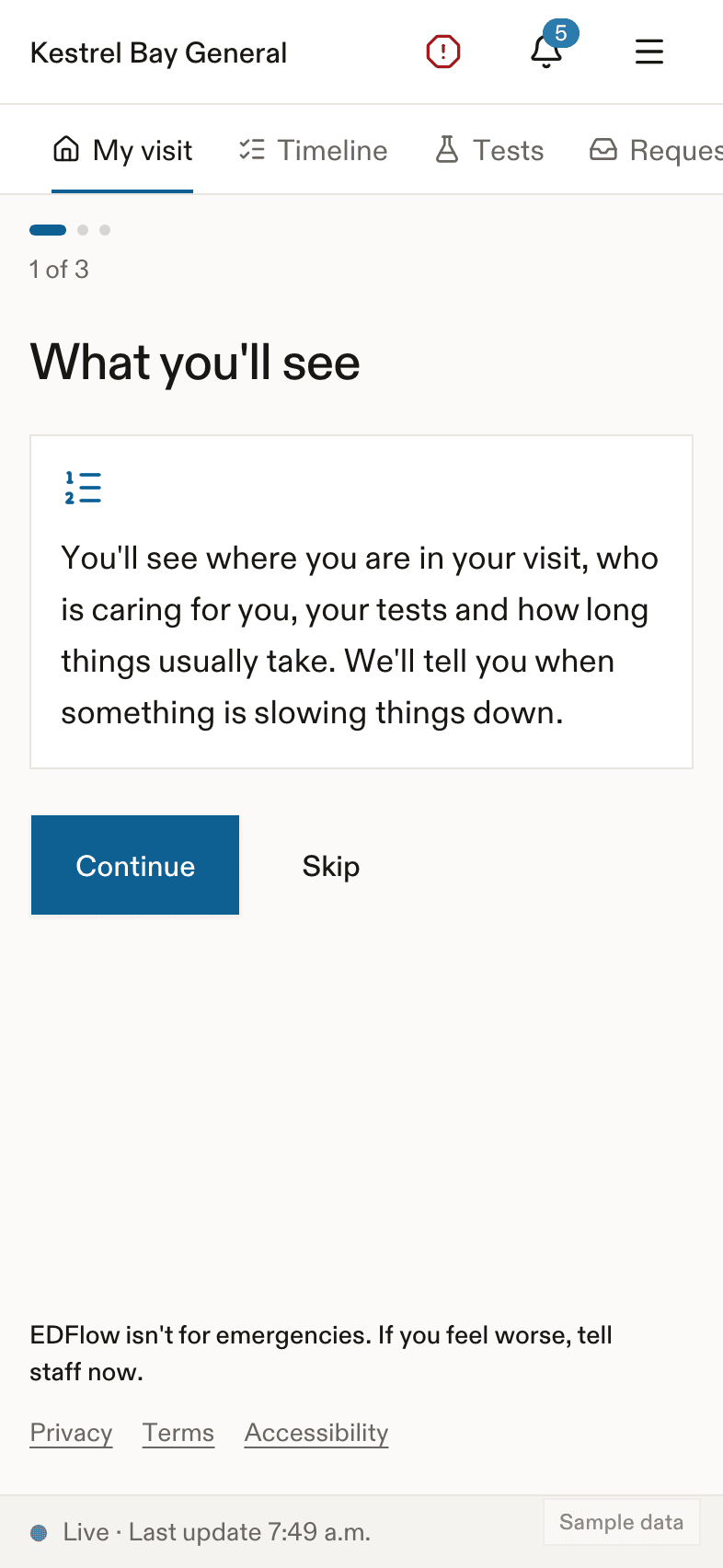
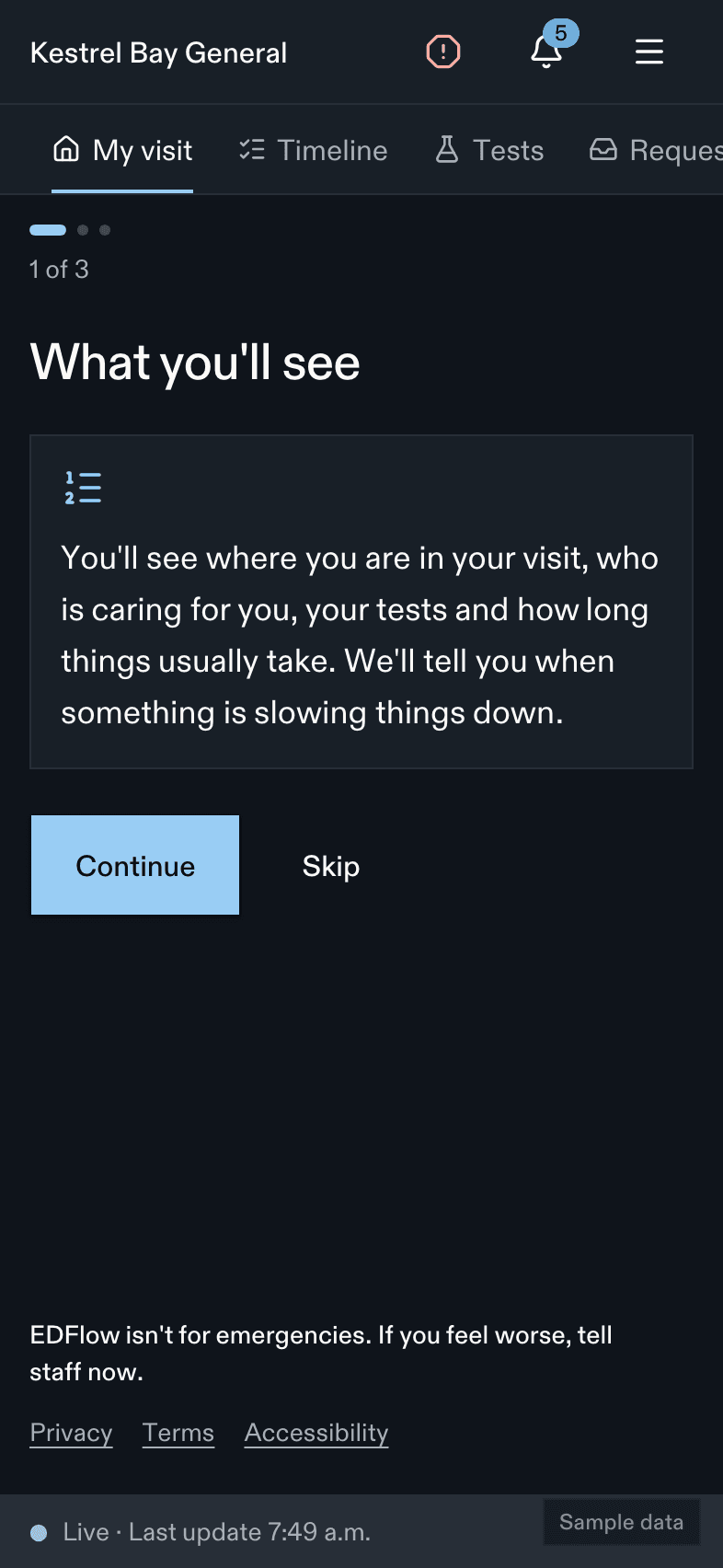
The screenshot pack is built from the entries marked for the press kit in the screenshot manifest: the patient's Visit screen, the family view, the staff board and the analytics overview, in light and dark. Every image comes from the fictional docs data set and carries a "Sample data" watermark. Don't crop the watermark, and never present a screenshot as a real patient's visit.
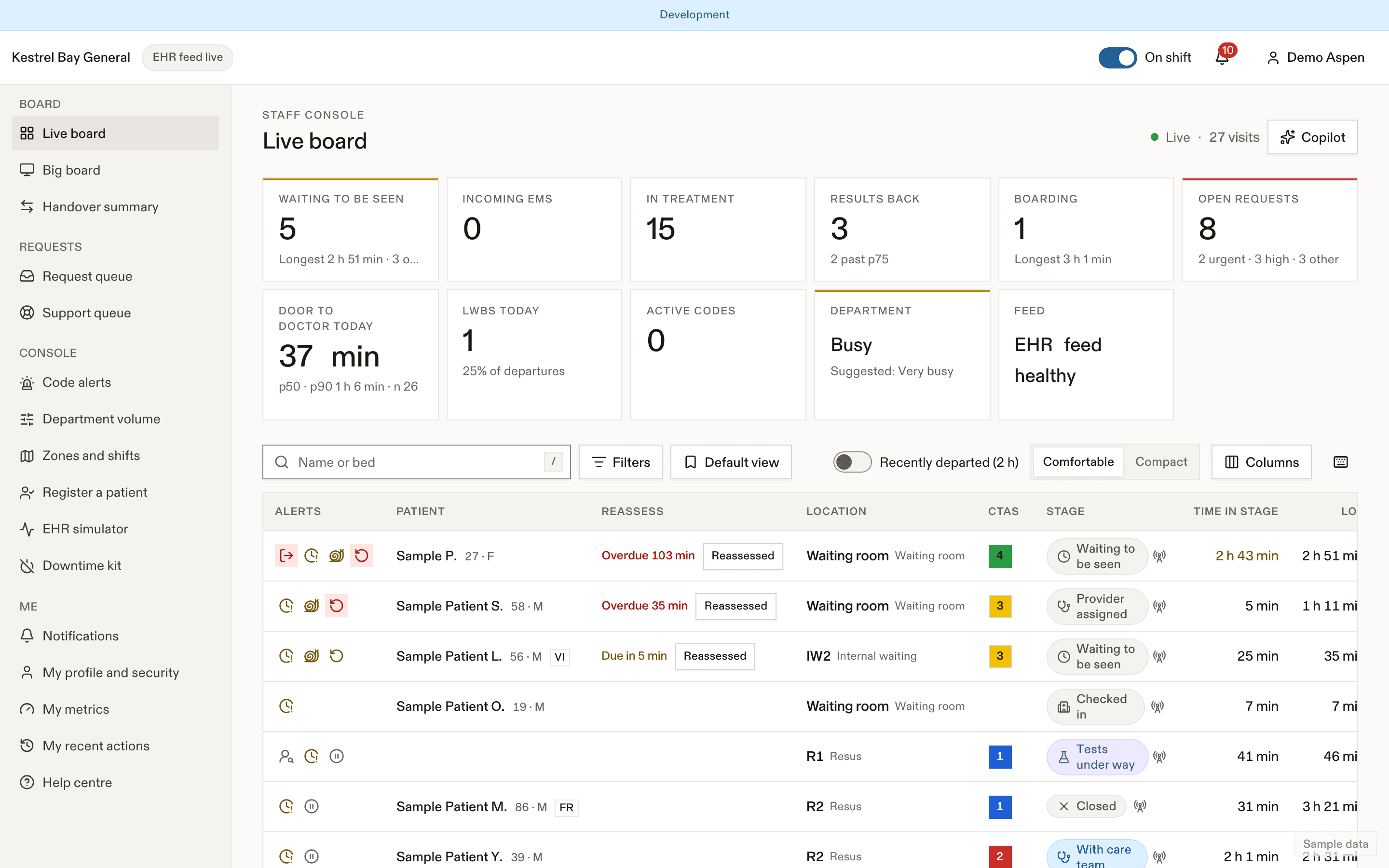
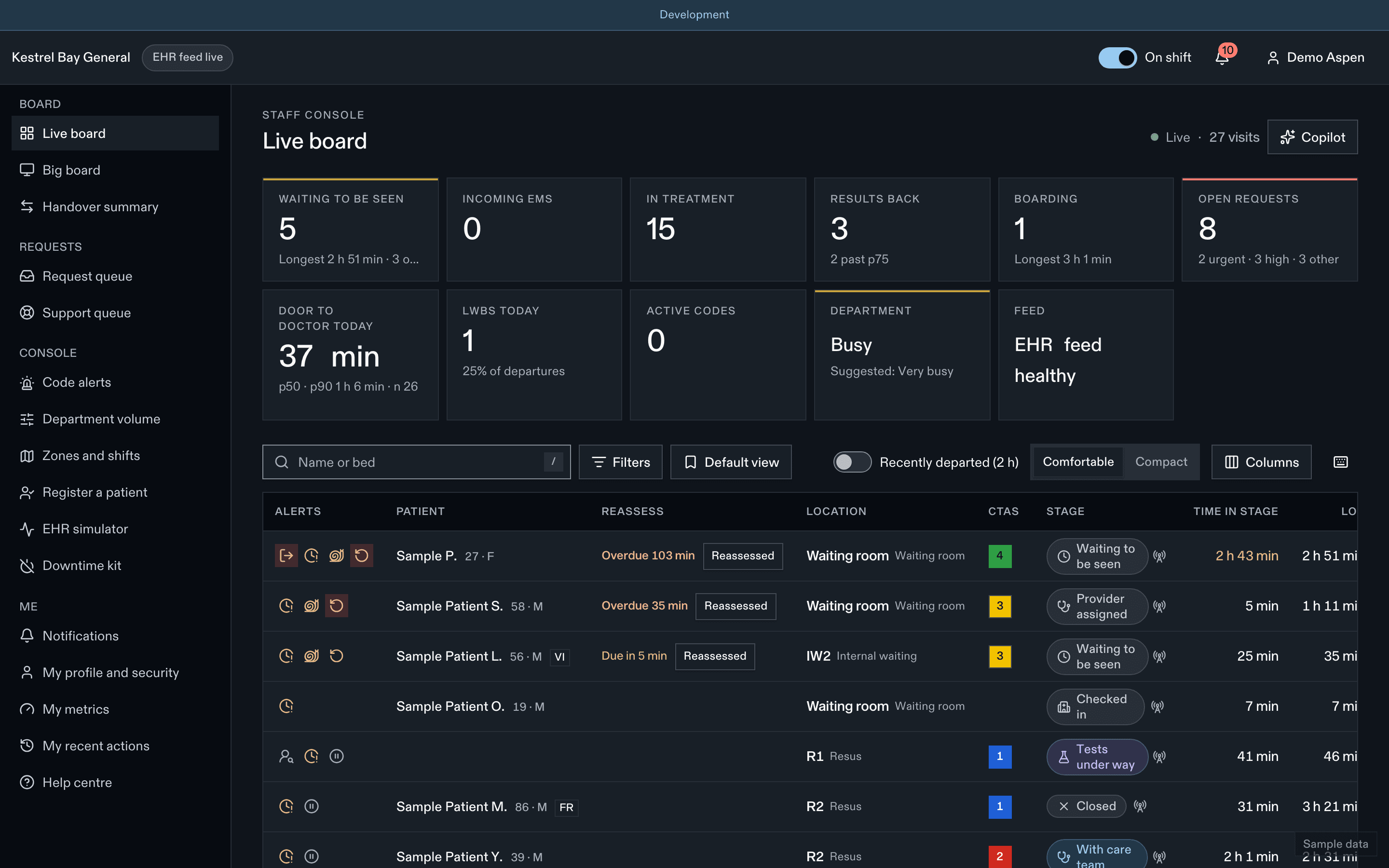
- Filters and saved views
- Bottleneck flag
- Open requests
Boilerplate
Short. EDFlow helps emergency department patients and their families follow the visit on their phone: where they are, who is caring for them, and how long each step usually takes. Every step of your ED visit, in view.
Long. EDFlow is a live, plain-language companion to an emergency department visit. Patients scan the QR code on their wristband or visit card to see their step in the visit, their care team, their tests and the usual waits for this day and hour, with no app and no account. They can ask their care team for things and share a short version of their visit with family. They never see results. Care teams get a live board, a request queue and flow analytics, and the product works with or without an EHR feed. Hospital data stays in Canada.
Rules for media use
- Use the supplied logos unchanged.
- Don't show a real patient's screen or a real hospital's staff board.
- Say that it isn't an emergency channel whenever you describe the "I feel worse" button.
Related
Last updated on