Ask the assistant
Ask EDFlow questions about your own visit, like how long a step usually takes, who your nurse is, or where the washroom is. What the assistant can and can't do, and how it handles your messages.
- Turned off by default
Tell a staff member now
Don't wait for a reply on your phone. Tell any nurse or staff member right away, or press your call bell. If you're in the waiting room, go to the triage desk.
If this is an emergency, call 911. For health advice, call Health811 at 811.
Some hospitals offer an assistant that uses AI to help you find information about your visit. It uses the same information you already see in EDFlow. Your hospital may have turned it off.
What you can ask
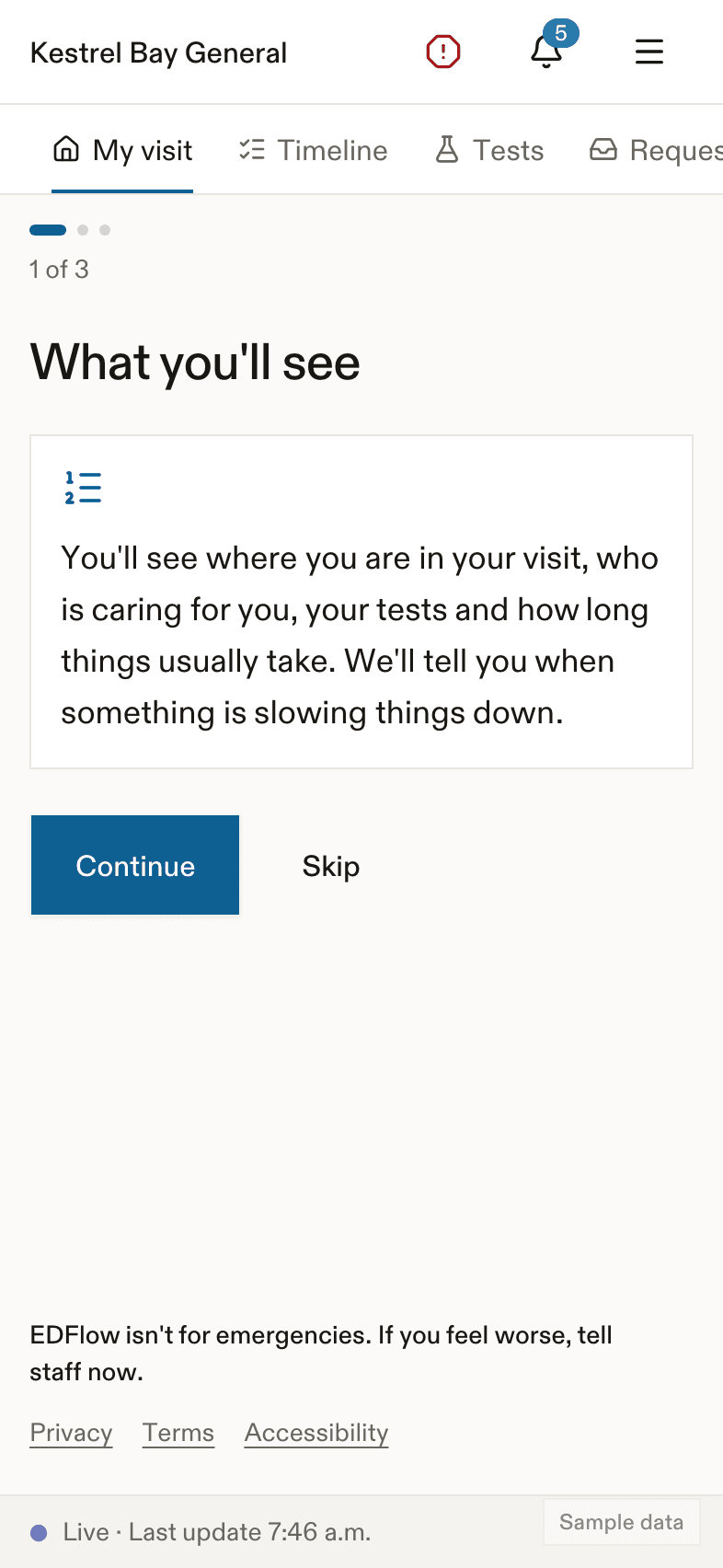
Tap Ask at the top of the Visit screen. You can type, tap a suggestion, or speak. For example:
- How long will this take?
- Are my tests back?
- Who is my nurse?
- Where is the washroom?
Answers come as cards from your own visit screens, with a few connecting words. If it would help, the assistant can offer to send a request to your care team. It never sends anything until you tap Send.
What it will never do
The assistant can't give medical advice. It won't:
- explain your results. It says: I can't see or explain test results. Your care team will talk with you about them.
- check symptoms. It says: I can't check symptoms or give medical advice. If you feel worse, tell a staff member now.
- give advice about medicines. It says: I can't give advice about medicines. Please ask your nurse or doctor.
- tell you whether you can eat or drink. It says: I can't answer that, but your nurse can. Please wait for their answer before you eat or drink.
- show your place in line: I can't show a place in line. The sickest people are always seen first, so the order can change.
If you feel worse
The I feel worse button stays on the screen. If you write that you feel much worse, the assistant shows what to do right away, even offline, and can alert your care team. If you write about hurting yourself, it alerts your care team at once and says: Please tell a staff member right now. You can also call or text 9-8-8 at any time to talk with someone.
Before you use it
The first time, you see Before you ask. It explains that:
- answers come from AI and can be wrong;
- your care team doesn't read the chat, but messages about feeling much worse or hurting yourself alert them;
- a small safety team may review some conversations;
- your message is processed in the United States by companies that keep nothing, and the hospital keeps the conversation for 7 days.
Please don't share details like your health card number. If you do, the assistant hides them.
Labels you may see
- Written with AI help and reviewed by your care team.
- Translated by machine from your care team's message.
Speaking instead of typing
Tap Speak. In the app, your phone turns speech into text on the phone itself. You always see the text first and tap to send it. Voice on the web is not available at every hospital.
Hiding the assistant
In Settings, tap Hide the assistant. To delete a conversation, tap Clear conversation.
Related
Last updated on