Updates and notifications
Your updates inbox, app notifications and text messages in EDFlow: what we send, what your lock screen shows (never health details), and how to change or stop them.
Tell a staff member now
Don't wait for a reply on your phone. Tell any nurse or staff member right away, or press your call bell. If you're in the waiting room, go to the triage desk.
If this is an emergency, call 911. For health advice, call Health811 at 811.
EDFlow tells you about the big steps in your visit. Everything we send is also in your Updates inbox. Tap the bell at the top of the Visit screen to open it.
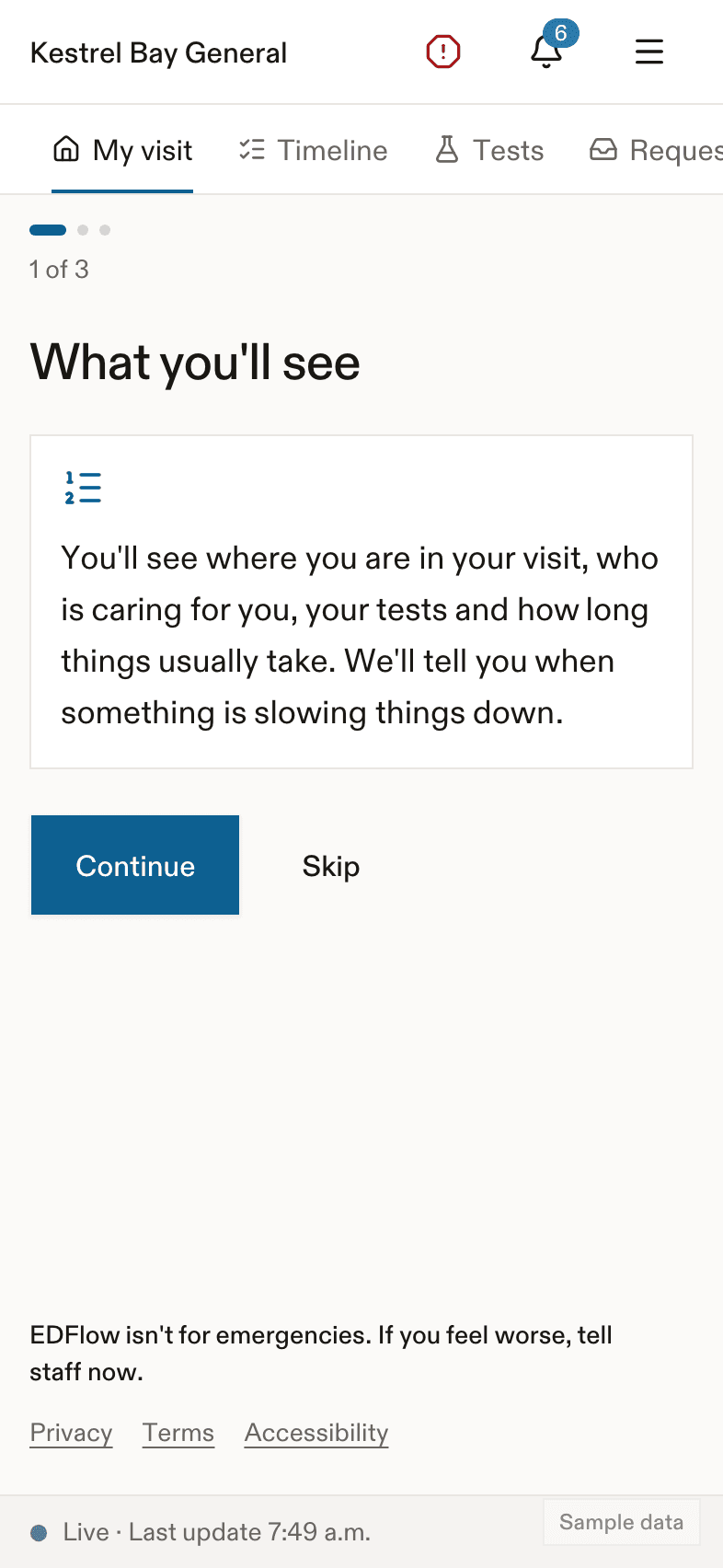
The updates inbox
- Updates are grouped by Today and Earlier.
- Tap an update to open the screen it's about.
- Tap Mark all as read to clear the dots.
- If a delay notice changes, the same update shows a new time instead of a new message.
What your lock screen shows
We never put your name, your tests or the hospital's name in a notification. By default, your lock screen only says:
You have a new update.
If you choose Detailed in Settings, notifications say a little more, but never health details. For example:
| Update | Detailed text |
|---|---|
| Seen by a doctor | An emergency care provider has seen you. |
| Some results back | Some of your results are back. |
| All results back | All your results are in. |
| Something to do | Your care team has something for you to do. |
| Request seen | Your care team has seen your request. |
| Going home | The plan is for you to go home. Please wait for your nurse before you leave. |
| Staying in the hospital | You'll be staying in the hospital. |
| Your bed is ready | Your bed upstairs is ready. |
| Your care team is calling you | Your care team is calling you. |
A delay notice always says: Your wait may be longer. Tap for an update.
Text messages
If you turn on text updates, you get a text for the big steps only. The text says only that you have a new update and has a link. It never has your name or health details. You can turn texts off in Settings.
- The number you give is checked with a 6-digit code first.
- It is stored encrypted and deleted when your access ends.
- We send at most a few texts a day.
Quiet notifications
In Settings, you can turn on Silent notifications. They arrive with no sound or vibration.
If a new phone opens your visit
You get an update that your visit was opened on another device. On your main phone, you can tap This wasn't me. This signs out every other phone and asks staff to give you a new card.
Nothing yet?
You see: Updates about your visit will show here.
Related
Last updated on