Big board and handover
Big-board mode for the staff station in EDFlow (initials only, auto-paging, no actions, big-board station credentials) and the per-nurse handover summary.
Big-board mode
A full-screen board for the staff station. Never put it where patients or visitors can see it.
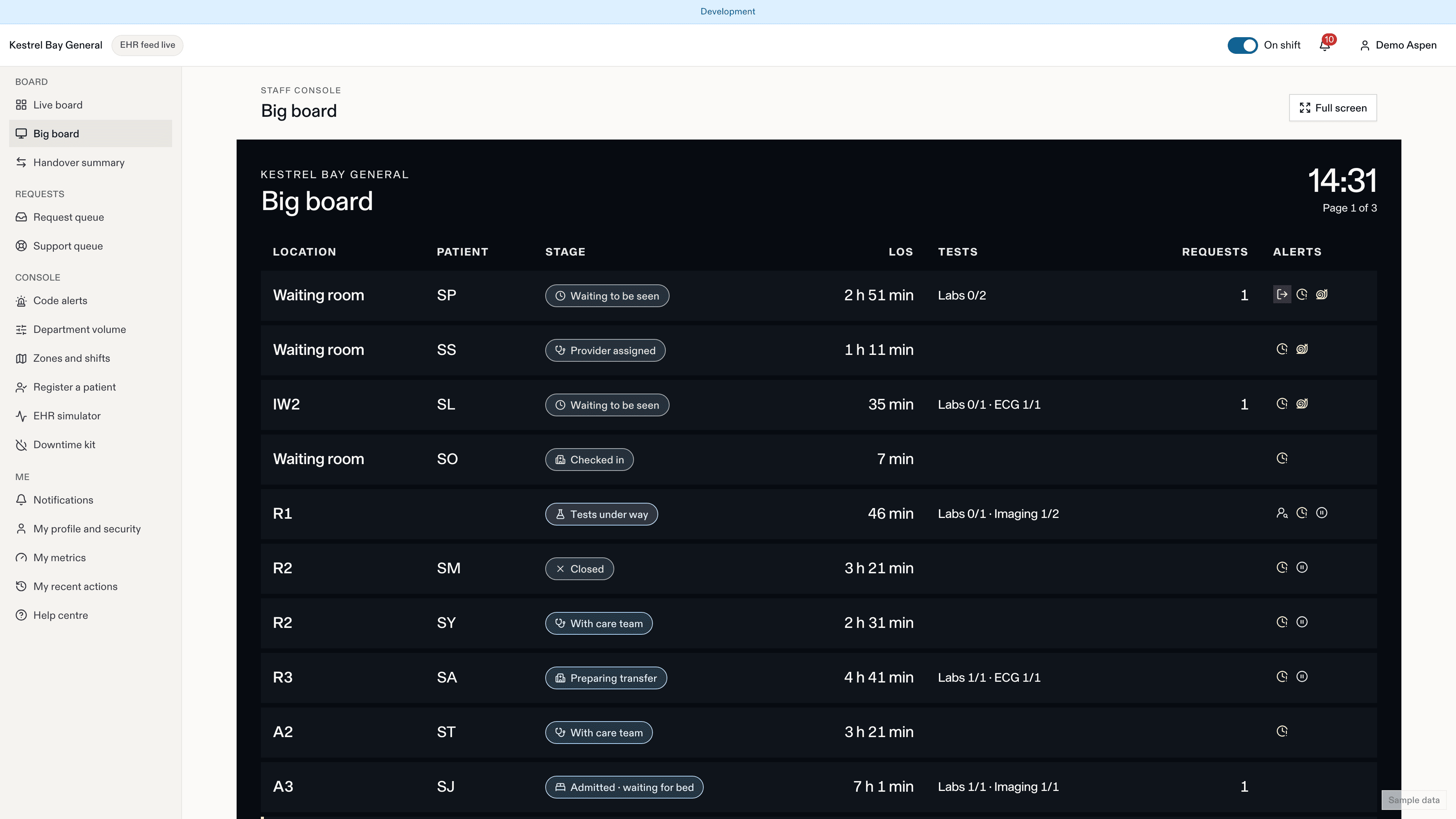
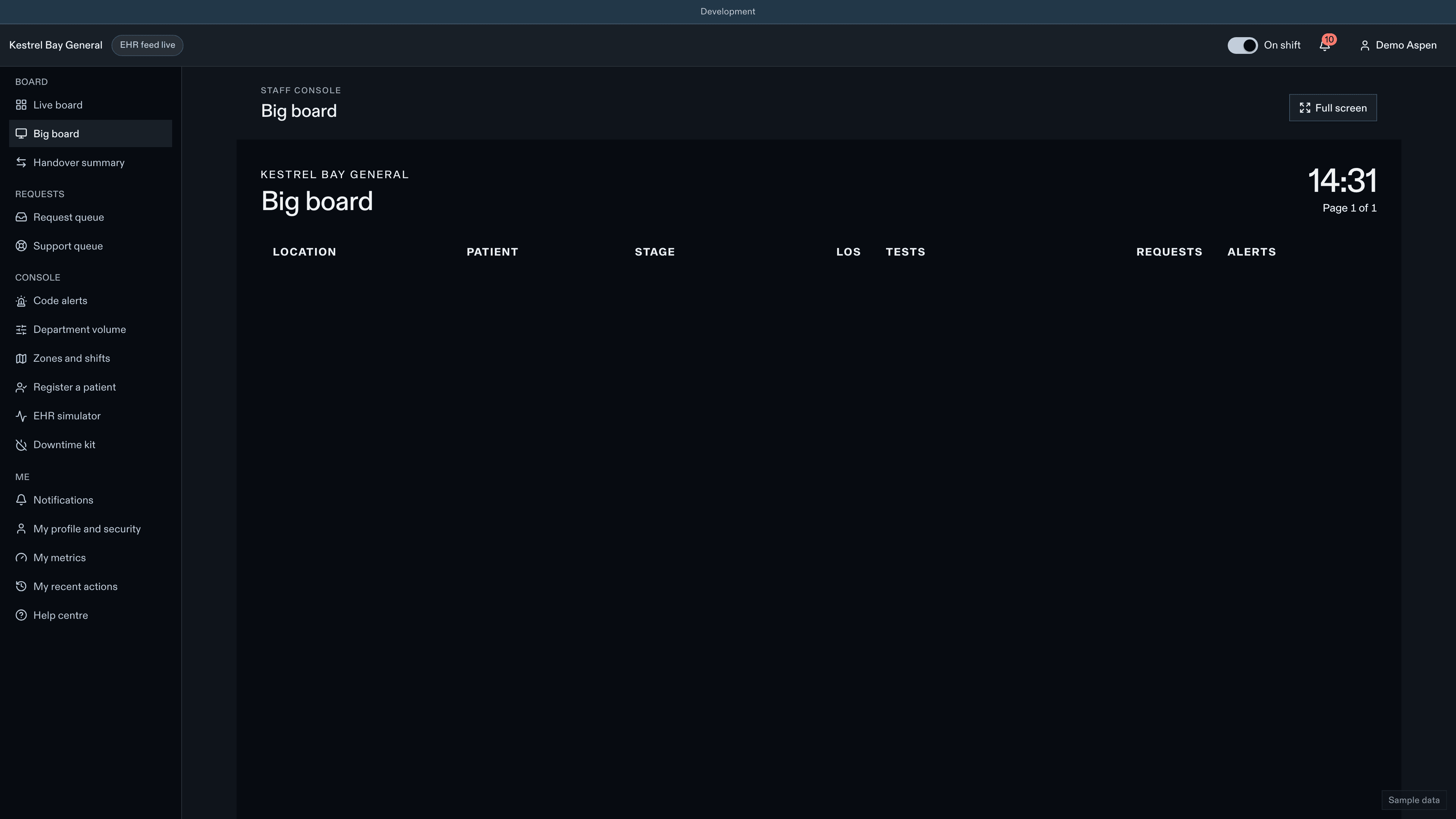
- Larger type, the display theme, a clock.
- Names as initials by default.
- Pages automatically every 15 s when rows overflow.
- No drawer and no actions.
- Reconnects on its own after a network drop.
Open it from the board's view menu, in your own session. For a wall screen, ask a manager to register a big-board station: it gets its own device credential that can only show the big board, has no idle lock and records one view in the audit log every 15 minutes. It never uses a person's session.
bigBoard.nameDisplay (default initials)
Handover summary
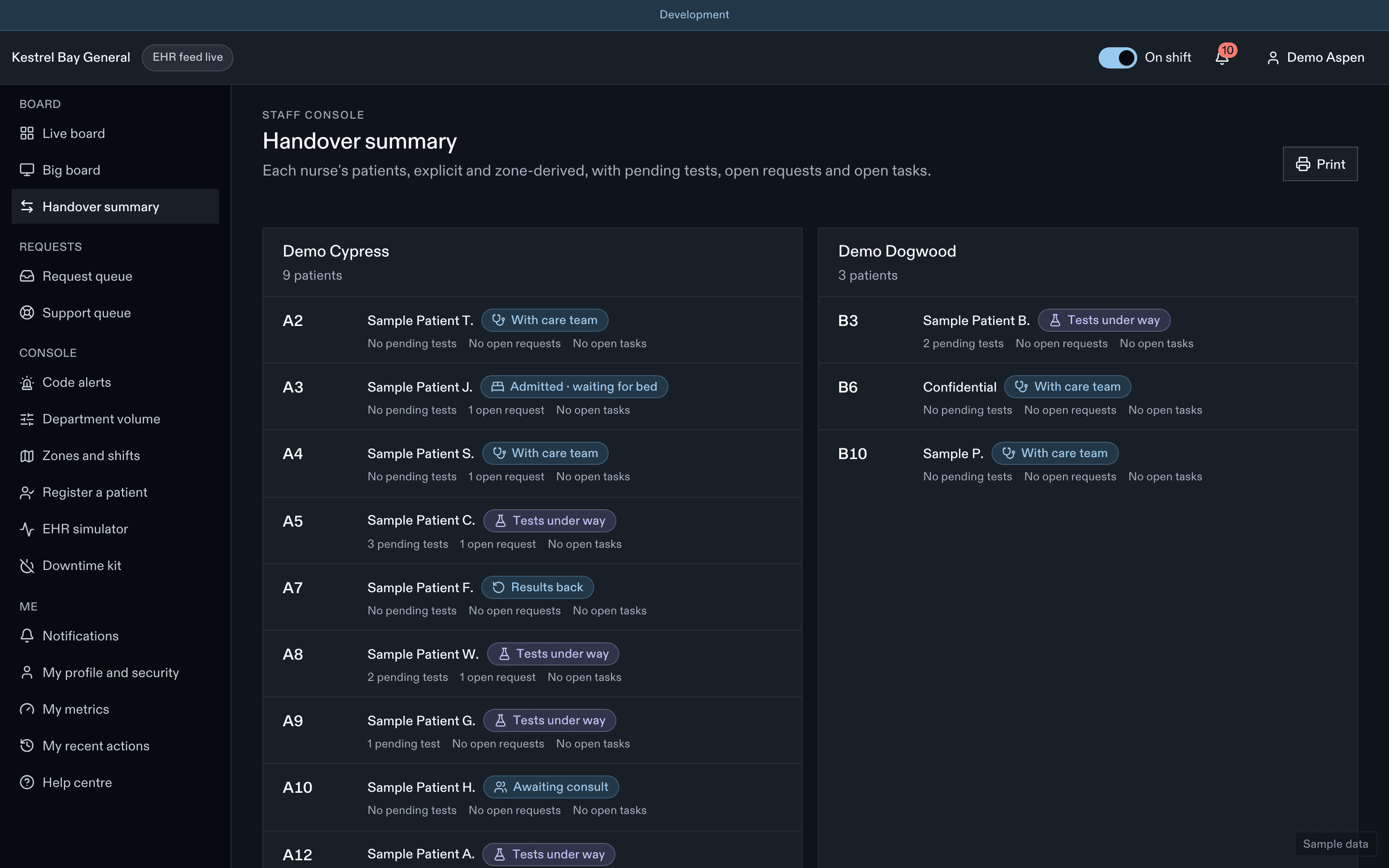
Handover lists, for each nurse (explicit or zone-derived), their patients with stage, pending tests, open requests and open tasks. It prints on one page per nurse.
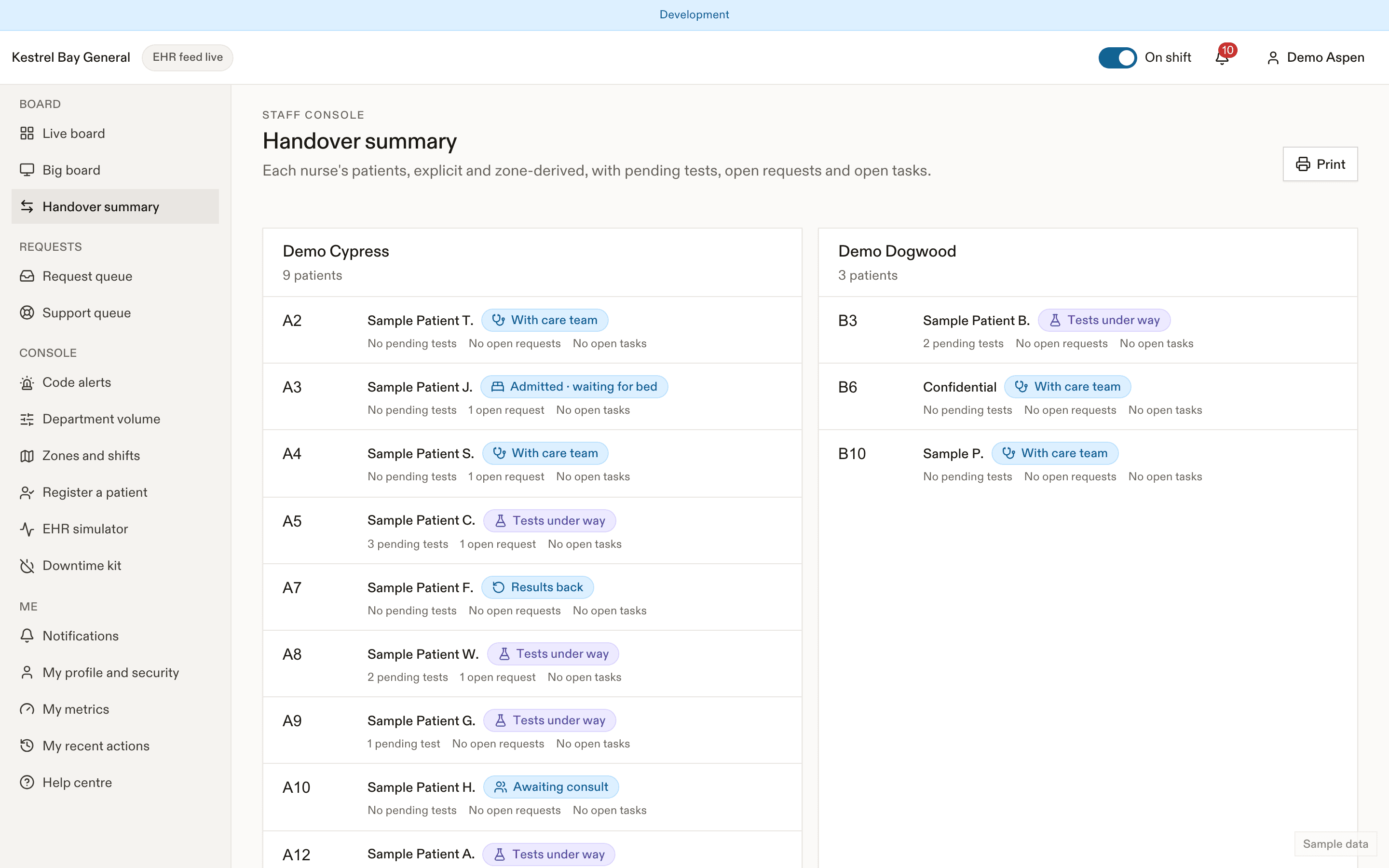
Where the site turns on staff AI, an attention summary can highlight what to look at first. See AI assistance.
Related
Last updated on