Codes and department status
See active codes and the department volume level in EDFlow, who can call, clear or post a delay notice for a code, and exactly what patients, family and the waiting-room display see.
EDFlow records codes and the department's volume level so patients hear, in calm and generic words, that their wait may be longer. It never replaces overhead paging or hospital emergency management.
Active codes
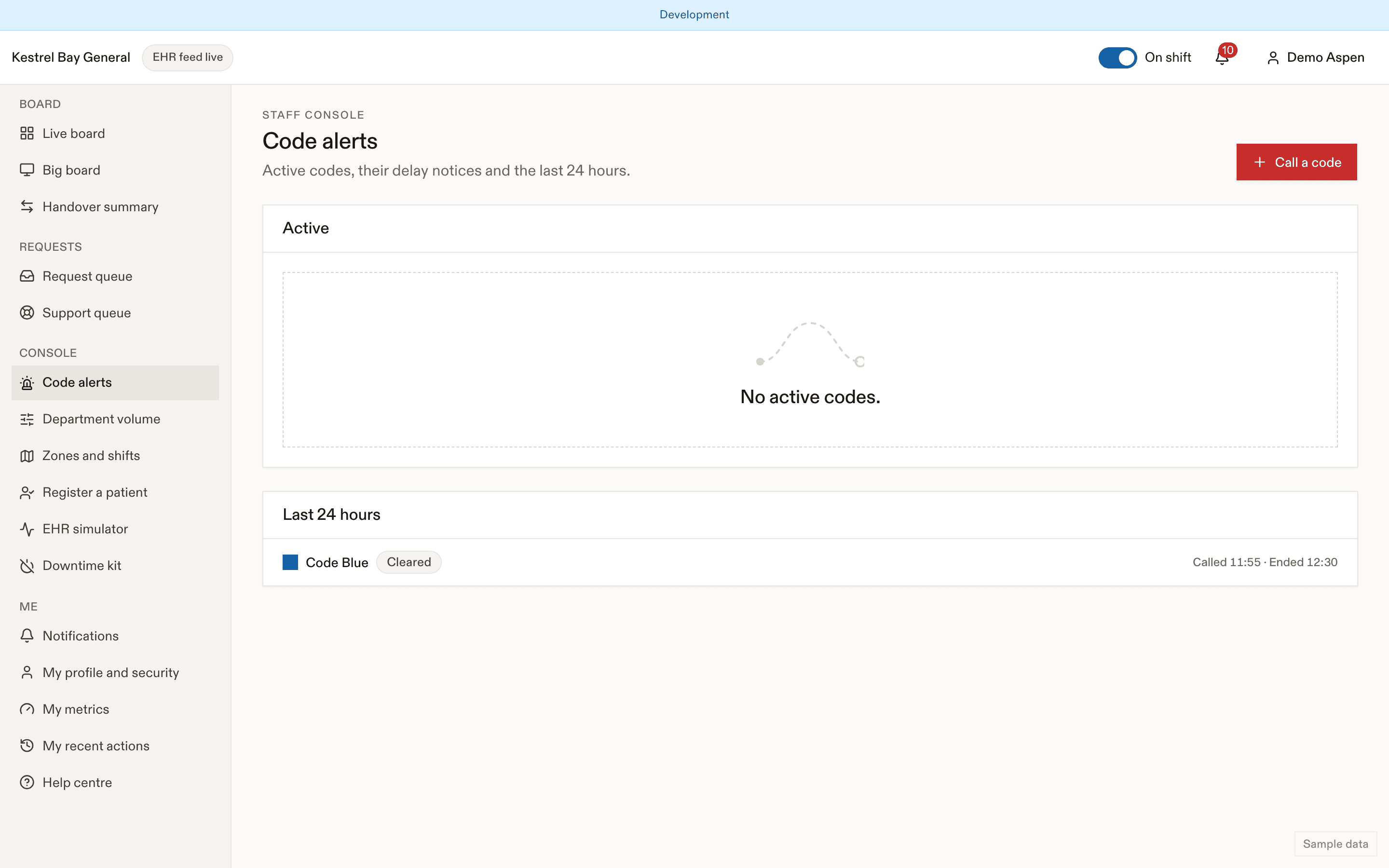
Every staff page shows an active-code strip: type with its staff colour, area, elapsed time, Post delay notice and Clear for those allowed. Codes in the header shows the details and the last 24 hours.
Who can do what
| Permission | R-TRIAGE | R-NURSE | R-PHYSICIAN | R-CHARGE | R-CLERK | R-SUPPORT | R-MANAGER | R-PRIVACY | R-INTEGRATION | R-INTEGRATION-DEVELOPER | R-SUPER |
|---|---|---|---|---|---|---|---|---|---|---|---|
code.call | Not granted | Not granted | Granted | Granted | Not granted | Not granted | Granted | Not granted | Not granted | Not granted | Not granted |
code.clear | Not granted | Not granted | Granted | Granted | Not granted | Not granted | Granted | Not granted | Not granted | Not granted | Not granted |
code.notice | Granted | Granted | Granted | Granted | Granted | Not granted | Granted | Not granted | Not granted | Not granted | Not granted |
- Call a code: two steps, see Calling a code.
- Post delay notice: one tap from the code strip, on the resuscitation team's behalf. Clerks can do this too.
- Extend (+15 or +30 min), Clear or Cancel (called in error).
What patients see
Only medical codes can notify patients, and only visits in the waiting and results-back stages that are outside the affected area. The person the code is about, and anyone in the same zone or bay or in resuscitation, never gets it.
| Audience | Text |
|---|---|
| Patient | Your wait may be longer. Someone in the emergency department needs urgent care right now, so part of our team is with them. This may add time to your wait. We haven't forgotten you, and we'll be with you as soon as we can. |
| Patient push | Your wait may be longer. Tap for an update. |
| Family | The care team is helping someone who is very unwell. Waits may be longer for a while. |
| Waiting-room display | Our team is caring for people who are very unwell. Waits may be longer. Thank you for your patience. |
No code name, colour, area, count or duration ever reaches a patient, family member or the display. No text or email is sent for codes. A second notifying code within 30 minutes updates the same notice.
Department volume
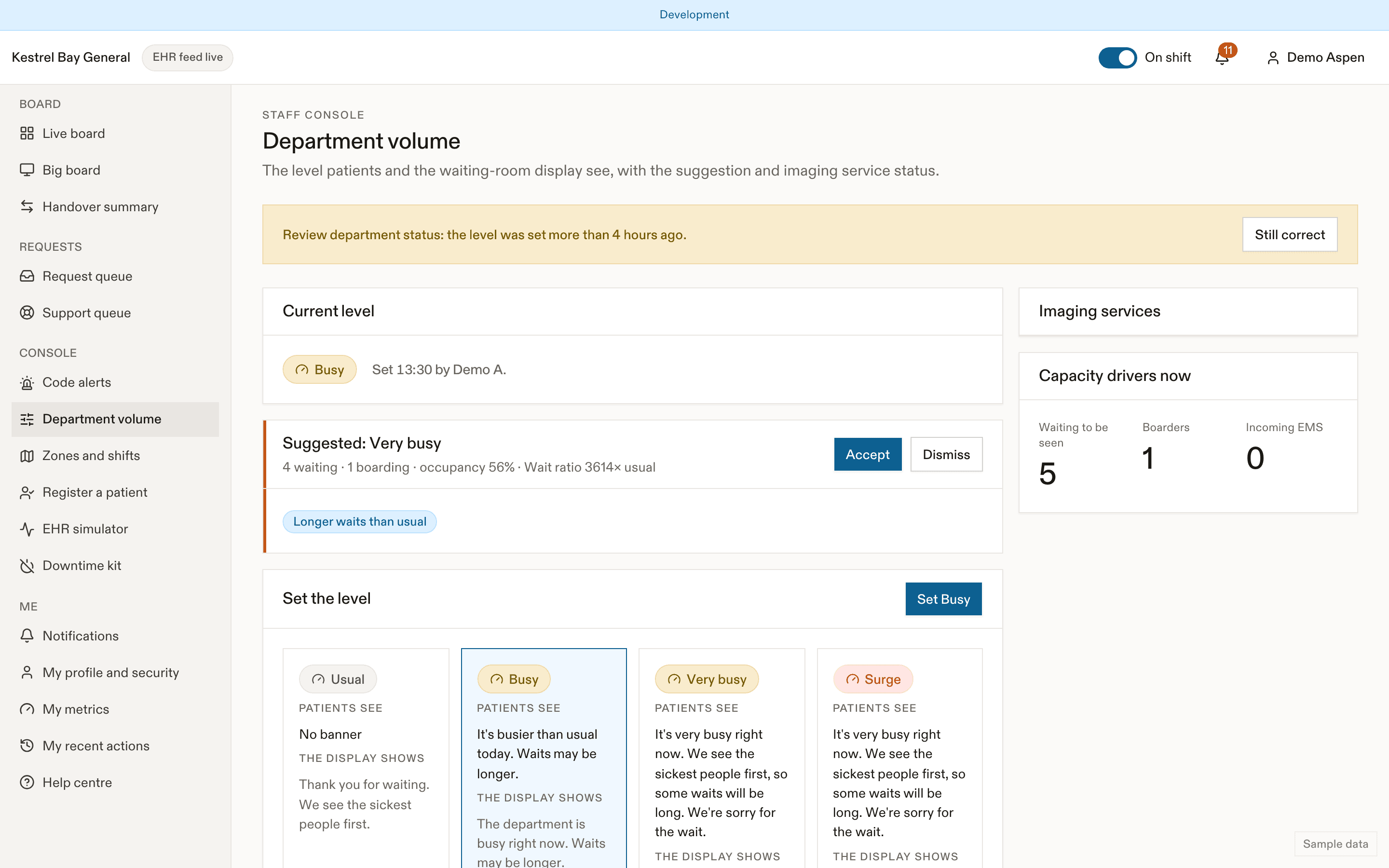
The level is Normal, Busy, Very busy or Surge. Charge nurses set it (volume.set); EDFlow suggests a level every 5 minutes from the live census, but a suggestion never changes anything until someone accepts it. See Department volume.
| Level | Patients and family | Display |
|---|---|---|
| Normal | Nothing | Thank you for waiting. We see the sickest people first. |
| Busy | It's busier than usual today. Waits may be longer. | The department is busy right now. Waits may be longer. |
| Very busy, Surge | It's very busy right now. We see the sickest people first, so some waits will be long. We're sorry for the wait. | The department is very busy right now. Some waits will be long. |
Volume changes never send push or text messages.
Related
- Codes for charge nurses
- Delays, the patient's page
- Communicating code-alert delays without alarming patients
Last updated on