Nurses
A nursing shift with EDFlow: going on shift, your zone and your patients, your request queue, tasks and family links, with a printable quick-reference card.
This page walks through a nursing shift with EDFlow. Patients follow their visit on their phones, so most "what's happening?" questions are answered before they reach you. What reaches you is structured and routed.
Start of shift
Sign in
On the workstation, and on the companion app if your unit uses hospital phones. See Sign-in and security.
Check your zone
The charge nurse assigns zones at the start of the shift. You are on shift once you are assigned (you can override it in the app's Me tab). Being on shift is what routes requests, sounds and push to you.
Filter the board to your patients
Use My patients, or your zone filter, and save it as a view.
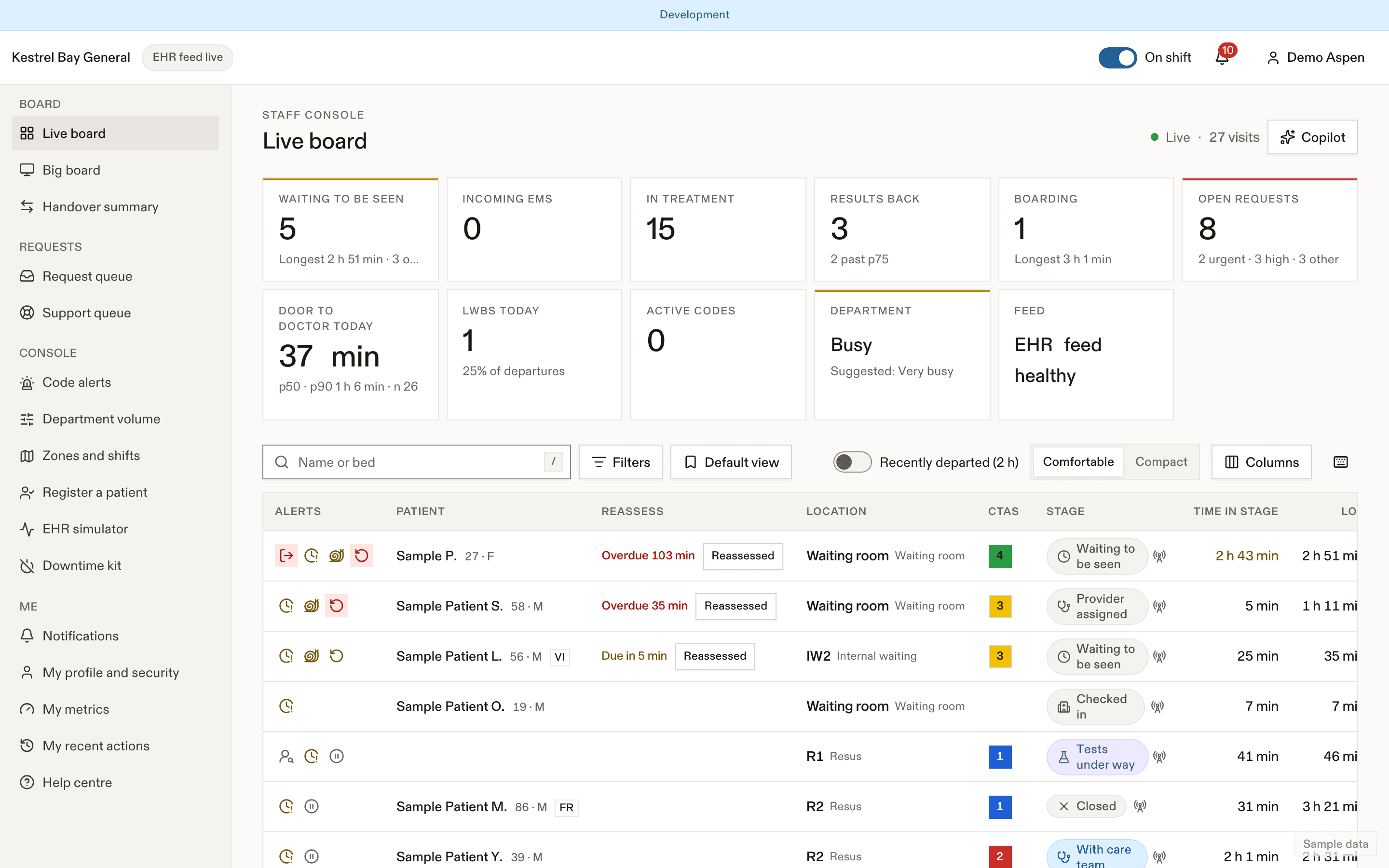
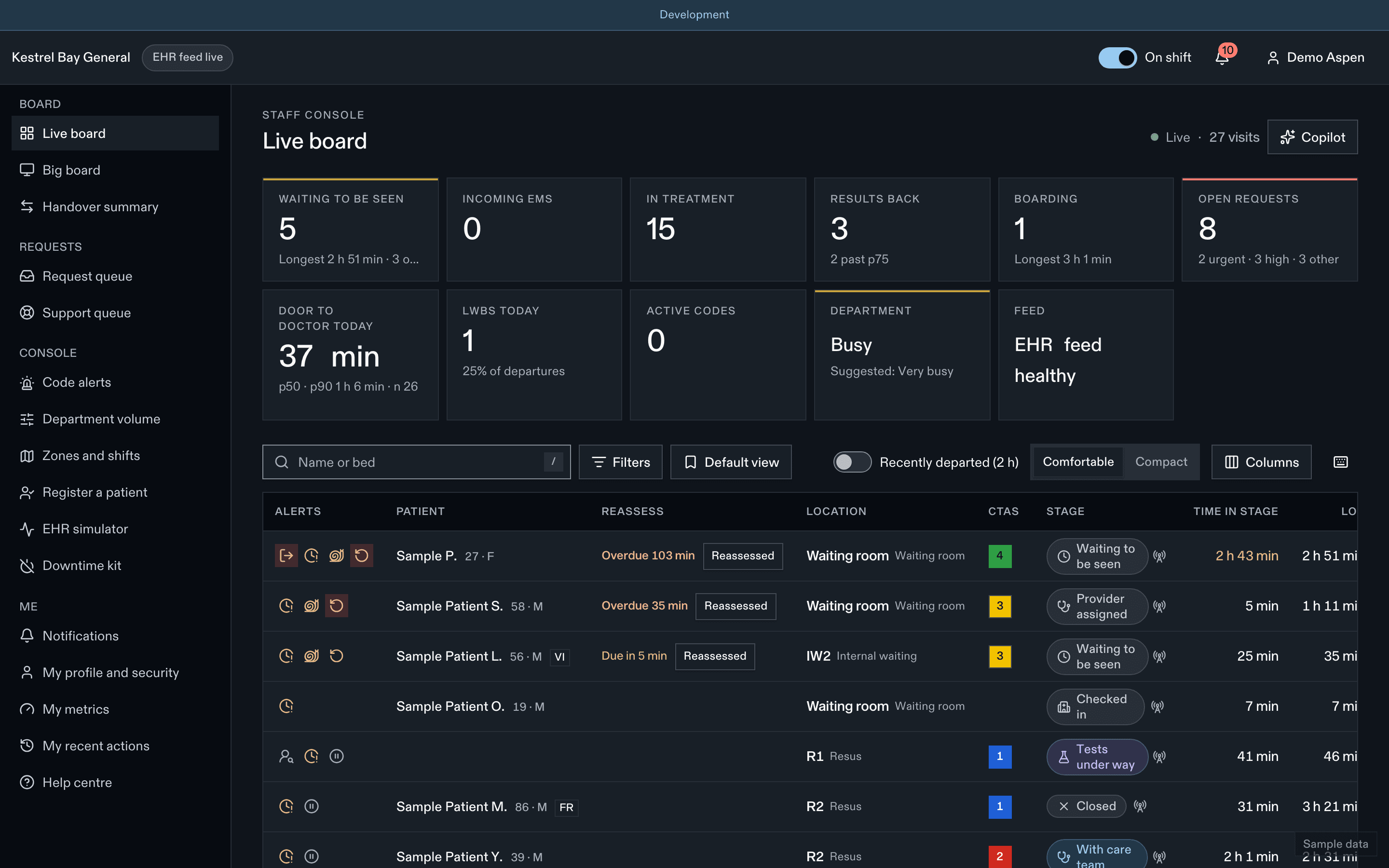
- Filters and saved views
- Bottleneck flag
- Open requests
How patients get to you
- If you are the patient's primary nurse, their requests come to you.
- Otherwise, the patient's nurse is derived from their bed's zone: every nurse assigned to that zone. Patients see up to two names ("Your nurses").
- In the waiting room, requests go to the triage pool. See Triage.
- When a patient moves beds, their open requests follow them.
During the shift
| You want to | Do this |
|---|---|
| Answer a request | Queue or app inbox: Acknowledge, then Resolve |
| Answer "I feel worse" | Going now, then Handled in person. Or Can't go to escalate |
| Confirm a patient finished a task | Queue → Patient updates → confirm |
| Add a task (gown, stay in your room, arrange a ride…) | Patient → Tasks → add from template. See Tasks |
| Tell the patient to come back | Call back |
| Mark "Cleared to leave" | Patient → Going home |
| Publish the going-home summary | See After-visit summary |
| Revoke a family link | See Family links |
| Pause updates (for example, to break news in person) | Pause updates; later Family has been informed |
End of shift
The charge nurse ends the shift assignments. Patients see a short note that their nurse changed, without a push notification.
Quick-reference card
| Urgent chime | Answer Going now or Can't go within 2 min |
| High request | First response within 5 min |
| Normal request | Within 15 min |
| Low request | Within 30 min |
| Keys (queue) | A acknowledge · R resolve · G going now · E can't go |
| Keys (board) | J/K move · Enter open · / search · Cmd/Ctrl+K palette |
| Never | Photograph the board. Tell a patient "someone is coming" through the app. |
Related
- Requests
- My metrics, where your site turns them on
Last updated on