Triage
Triage nurses in EDFlow: the waiting-room request pool, reassessment due and overdue, re-triage requests, cards after triage, staff-assisted sign-in, the busy banner, and answering how much longer.
At triage you start the patient's EDFlow visit, and you look after the waiting room's requests.
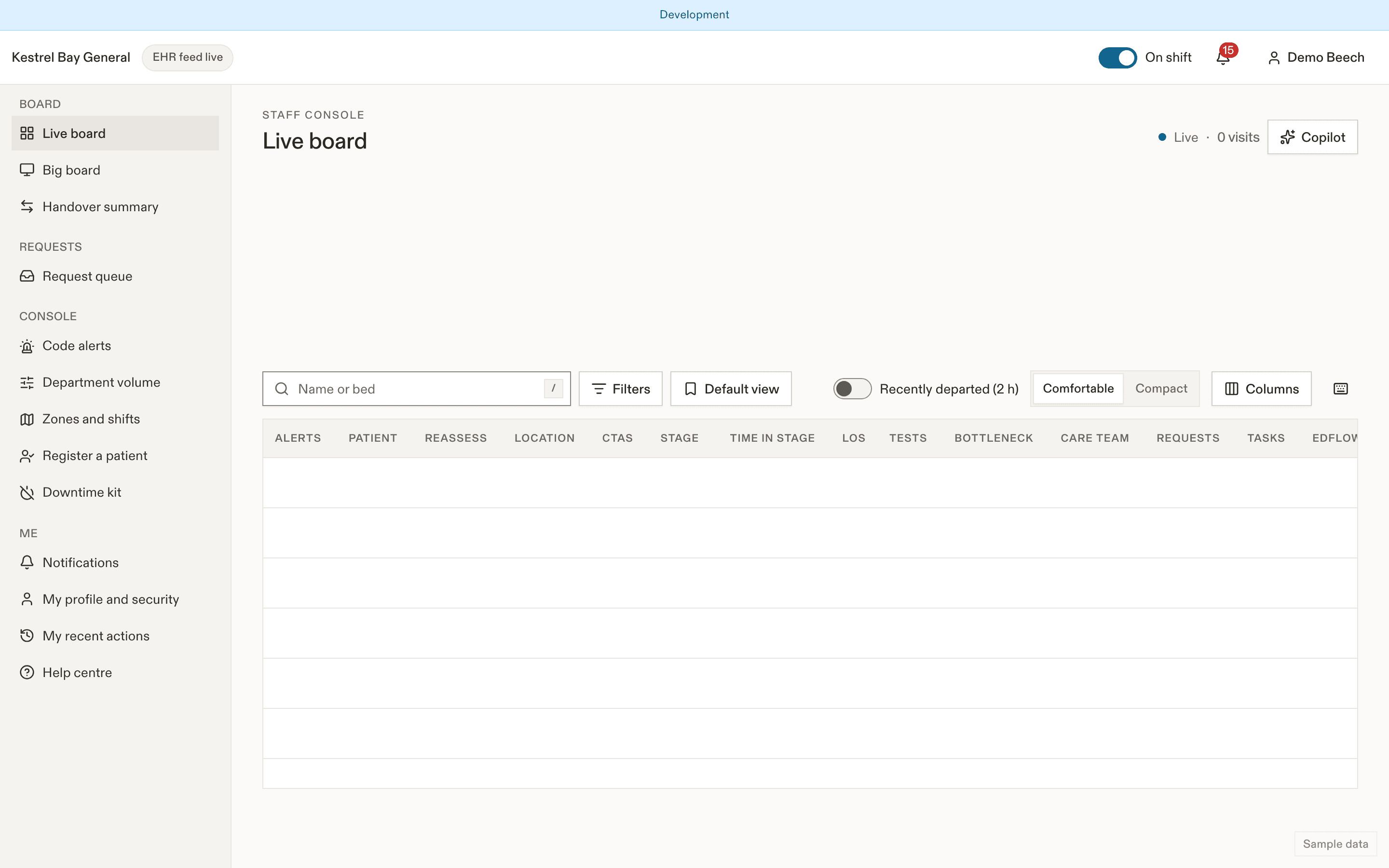
The waiting-room pool
While a patient is checked in or waiting to be seen (or located in the waiting room or triage), their requests go to the triage pool: every triage nurse on shift. Filter the queue by Waiting room.
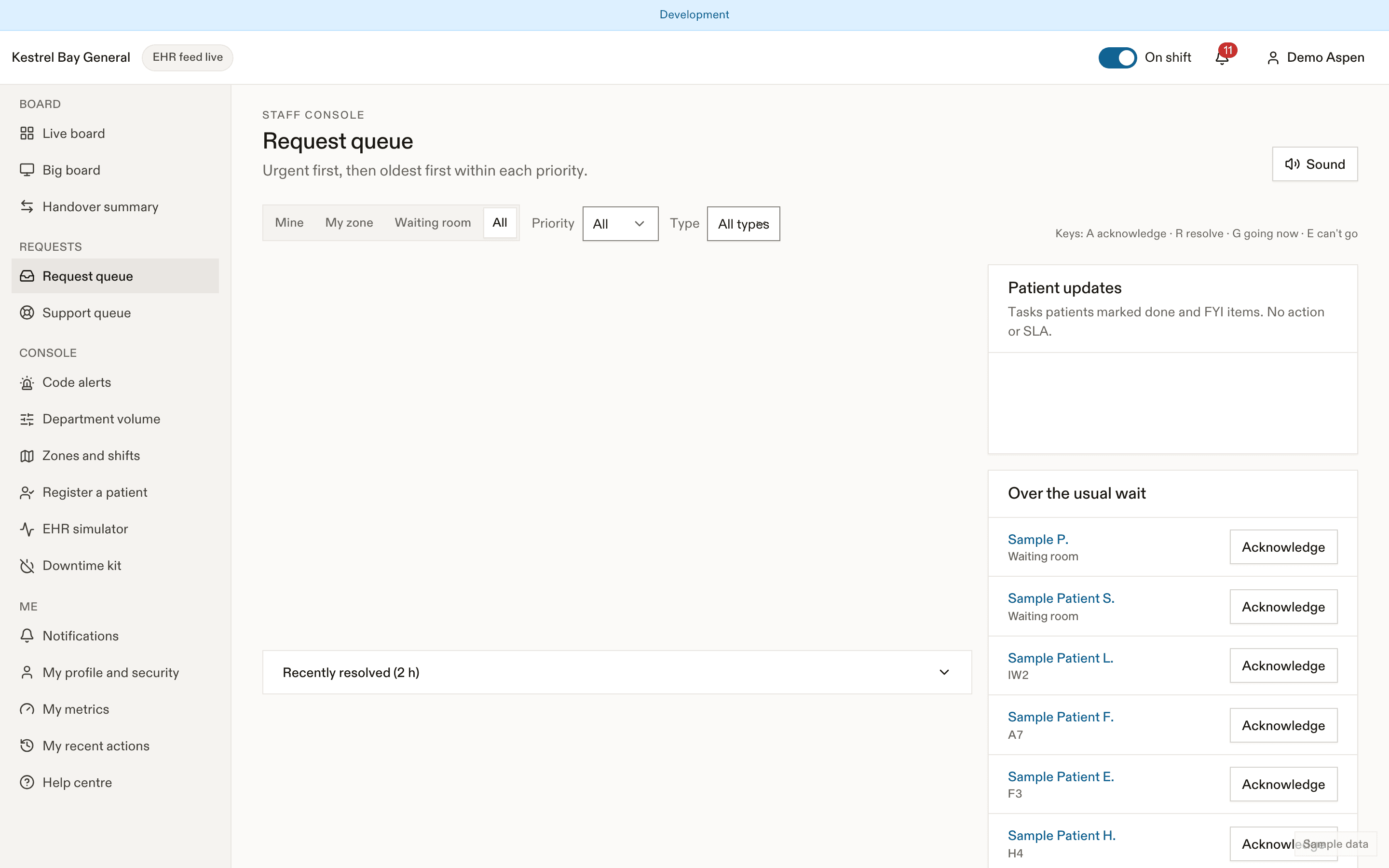
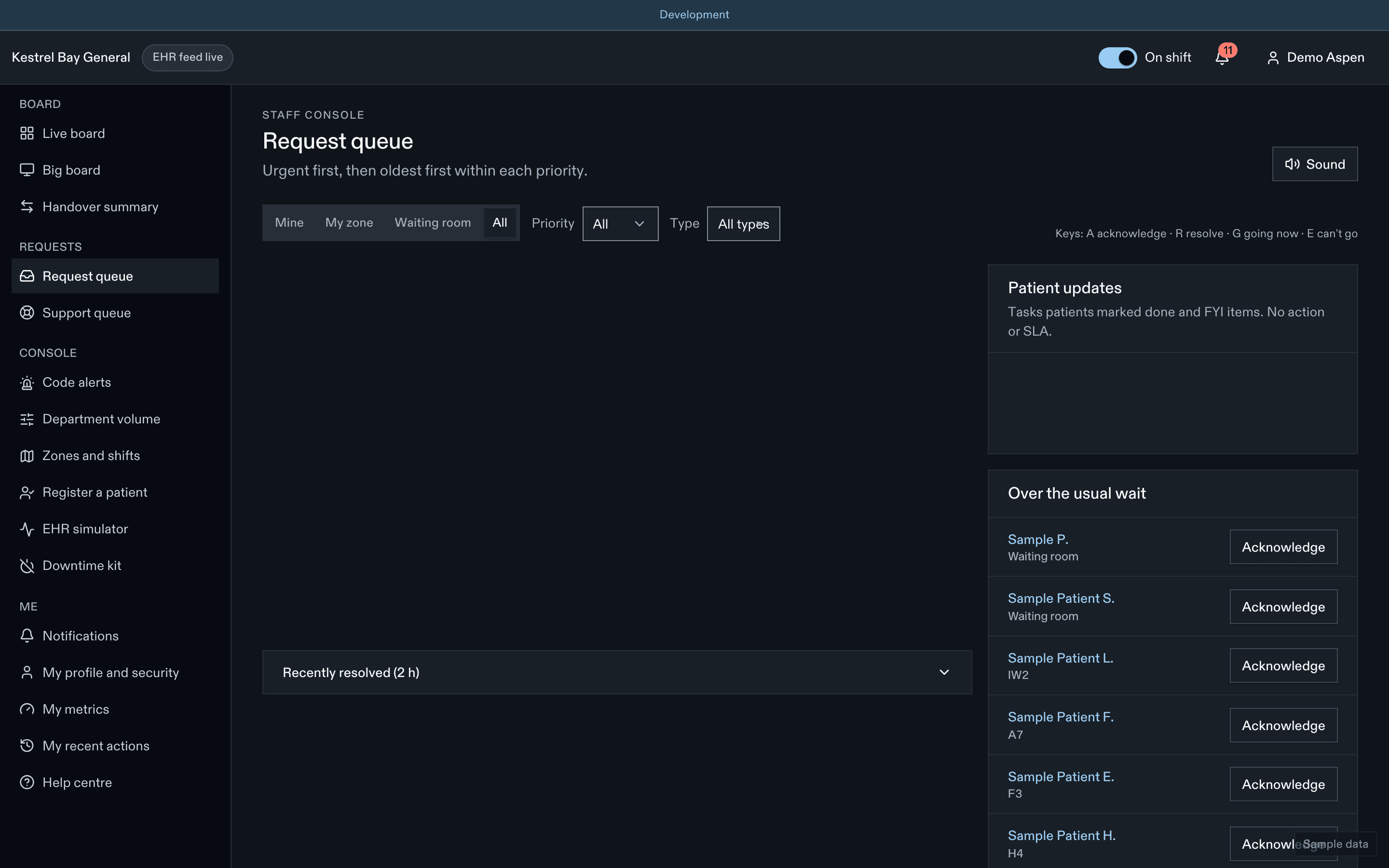
- "I feel worse" from a waiting patient reaches you as Re-triage requested, urgent.
- A pain check-in that gets much worse reaches you as a high request.
- "When will I see the doctor?" is answered on the patient's phone with the usual wait. It reaches you as an FYI only when the patient has waited past p90.
- Over the usual wait items list waiting patients past p90. Acknowledging tells them "Your care team knows you're waiting."
- Comfort requests (blanket, help to the washroom) go to the support pool first, where one is on shift.
Reassessment due and overdue
For waiting patients, the board's Reassess column counts down to the site's interval for their CTAS (by default CTAS 2 every 15 min, 3 every 30, 4 every 60, 5 every 120): "Due in 6 min", then "Overdue 4 min". Tap Reassessed once you've reassessed: it records a re-triage with the current CTAS and restarts the clock. The stats row shows how many are overdue.
Cards after triage
At most sites, the card prints automatically after triage at the triage or registration print station. Ask who should get it: the patient, a guardian, a substitute decision-maker, or youth-confidential. If EDFlow isn't appropriate for this visit, mark it so no card prints. See Visit cards and sign-in help.
Helping with sign-in
If a patient needs help, ask them to open Get help signing in on their phone and approve the code they show. You never hold their phone or their card code.
When it's busy
When the charge nurse sets Busy or Very busy, waiting patients see a banner that waits may be longer and that they should tell staff if they feel worse. The display and the hospital entry page show it too.
Answering "how much longer?"
Ask the patient to open their Visit screen with you. It shows the usual wait for their step at this hour and day. For CTAS 1 and 2 it shows no time. Then:
- "This is what usually happens here at this time. The sickest people are always seen first, so the order changes."
- "If you feel worse, come to the desk right away."
Related
Last updated on