Languages and accessibility
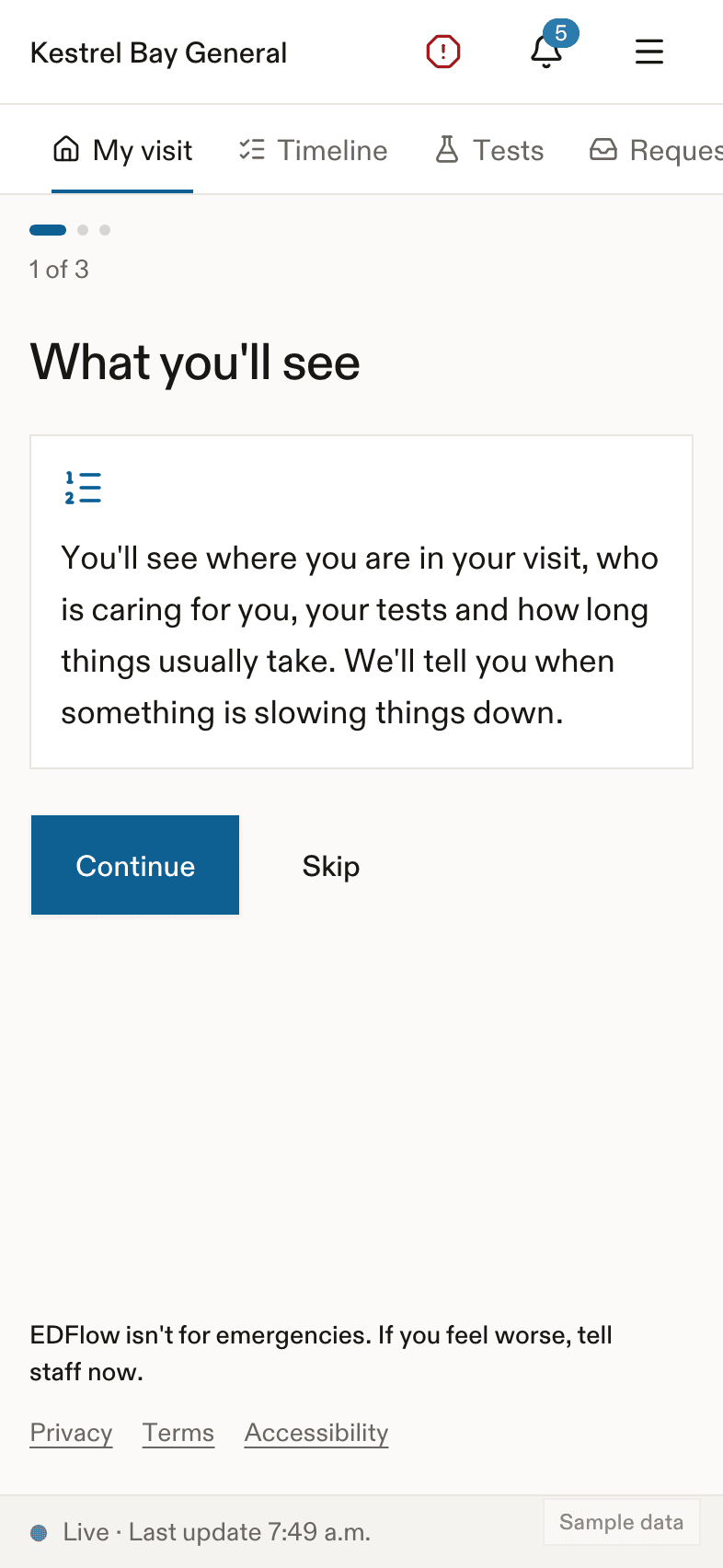
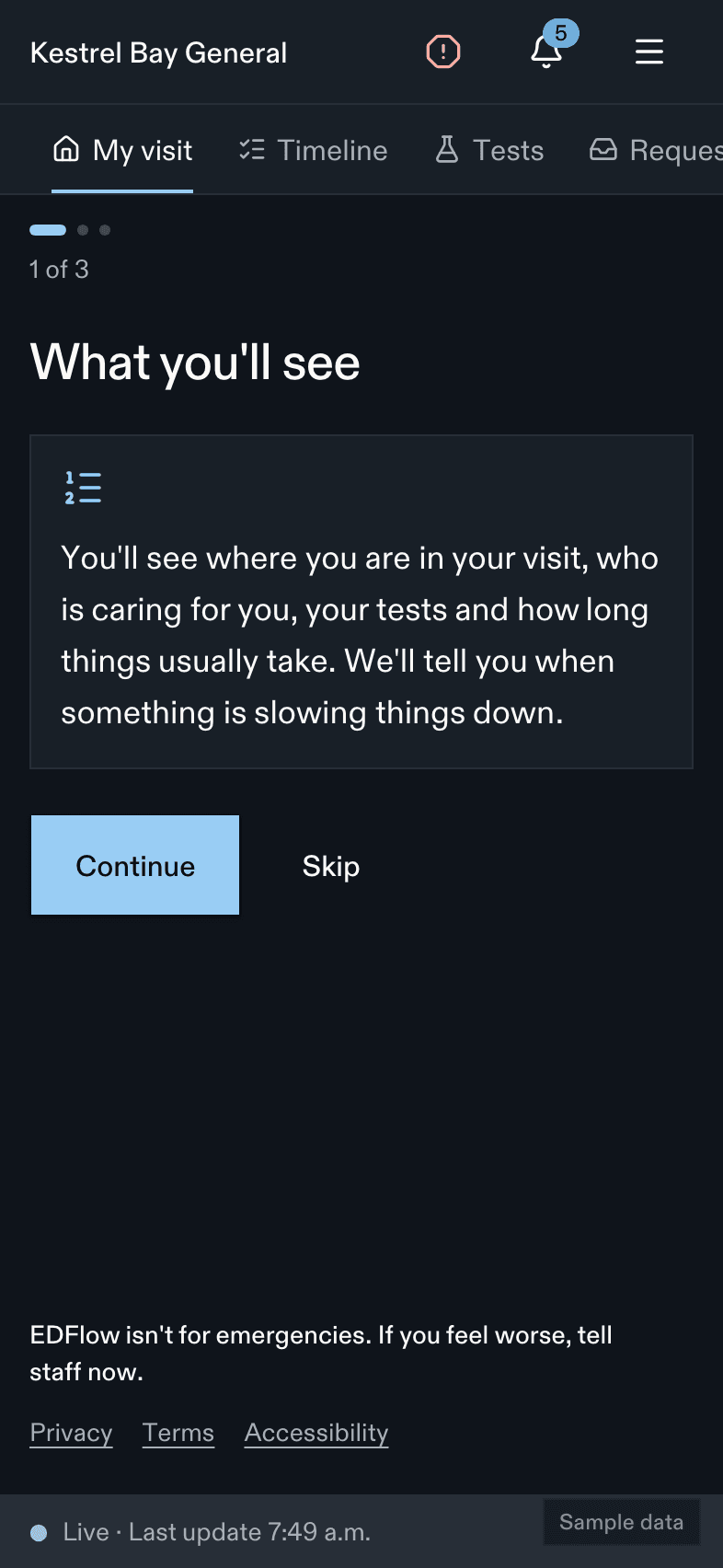
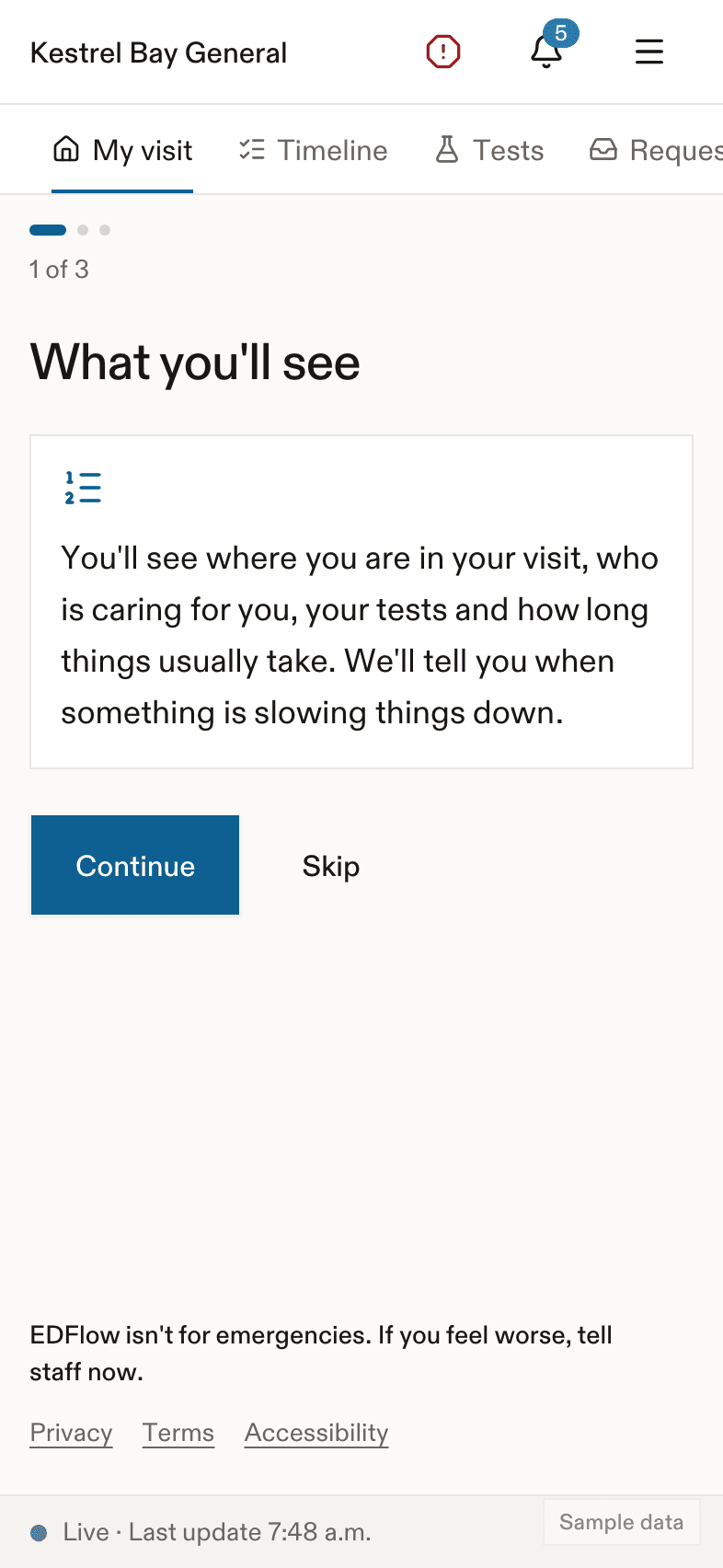
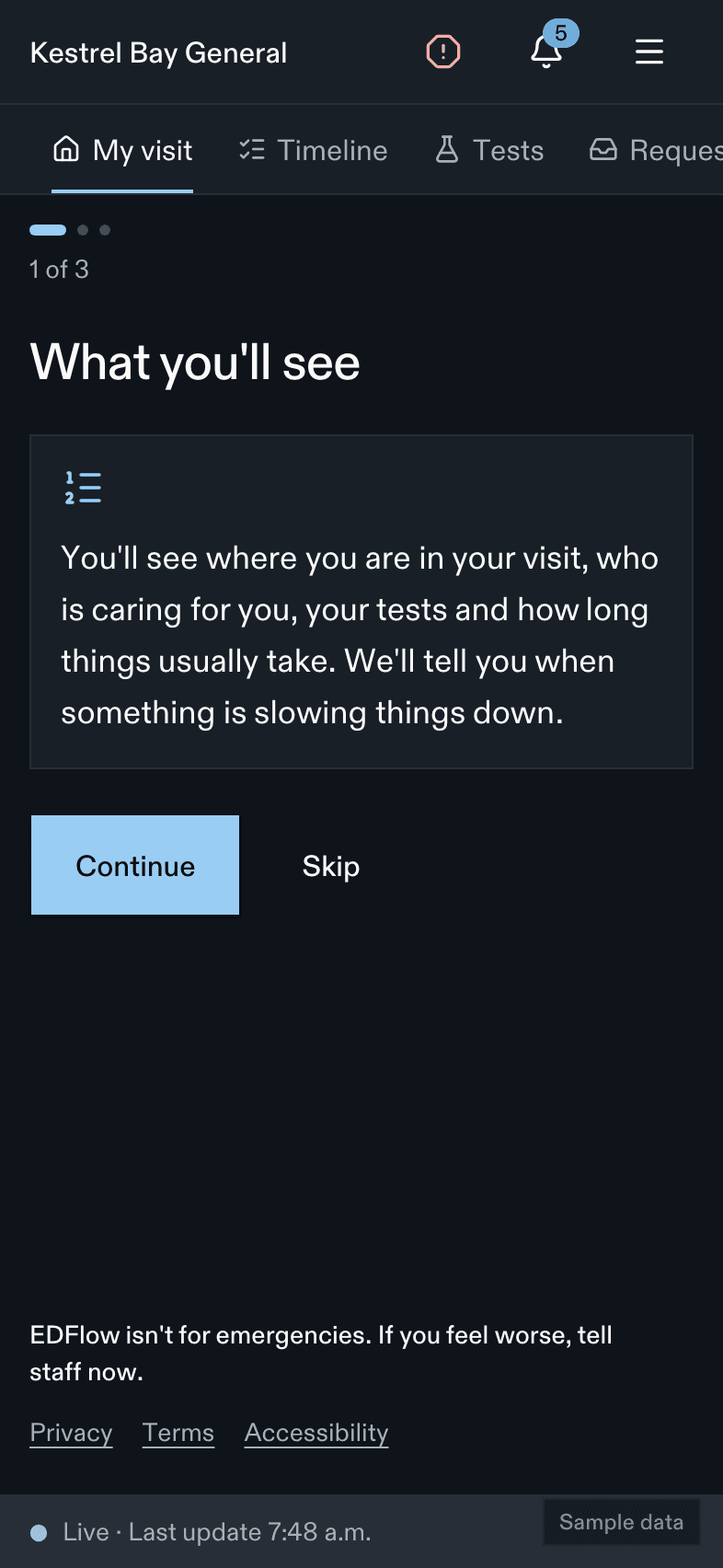
EDFlow in English and French, safety messages in each hospital's top languages, text up to 200%, screen readers, Dynamic Type and font scale, high contrast, reduced motion and colour-independent status.
EDFlow is built to be used by anyone in a waiting room: someone in pain, someone who reads another language first, someone using a screen reader, someone holding a phone at arm's length. Every patient, family, staff and admin screen meets WCAG 2.2 level AA.
Languages
- English and French everywhere. Patients, family members and staff each choose their own language. A family member can read in French while the patient reads in English.
- Safety messages in more languages. Each hospital can add up to five safety locales (for example the most common languages in its community). The safety panel, "I feel worse", delay notices and the not-an-emergency footer are translated into those languages and reviewed before use.
- Hospital content (education sheets, directions, FAQ) is written by the hospital in English and French. A missing French entry is shown in English, marked so screen readers switch voice.
- Interpreters. Patients can ask for a spoken-language interpreter or a sign-language interpreter (ASL or LSQ) from the requests screen. See Asking your care team.
Reading and text size
- Patient and family wording is written for a grade 6 to 8 reading level, with short sentences and no medical jargon. Tests show their plain name first ("Blood count") and the abbreviation after ("CBC").
- Web: text size from 100% to 200% in settings, with a live preview. Nothing scrolls sideways or gets cut off at 200% on a 360-pixel-wide phone.
- iPhone: Dynamic Type up to the largest accessibility sizes.
- Android: font scale up to 200%.
Screen readers and keyboards
- VoiceOver, TalkBack, NVDA and JAWS are tested on every release. Every control has a label, and every change of stage is announced politely without stealing focus.
- The "I feel worse" screen and delay notices take focus and announce their title.
- On the web, every action works with a keyboard, focus is always visible, and the staff console has keyboard shortcuts and a command palette.
- Swipe actions in the apps always have a visible button too.
Colour, contrast and motion
- Status is never shown by colour alone: every chip and step has text and a shape. Result steps use a neutral tone, never a "success" green.
- High contrast is available on the web and follows the system setting in the apps.
- Reduced motion follows the device, or can be set on the web. Notices fade in over at most 200 milliseconds and never flash or shake.
- Light and dark themes follow the device, or can be chosen.
Related
- Settings for patients
- Accessibility conformance for hospital reviewers
- Languages for administrators
Last updated on