When updates end
Why family updates in EDFlow stop: the person stopped sharing, the time they chose ran out, or they left the emergency department. What you see when updates end or are paused.
Tell a staff member now
Don't wait for a reply on your phone. Tell any nurse or staff member right away, or press your call bell. If you're in the waiting room, go to the triage desk.
If this is an emergency, call 911. For health advice, call Health811 at 811.
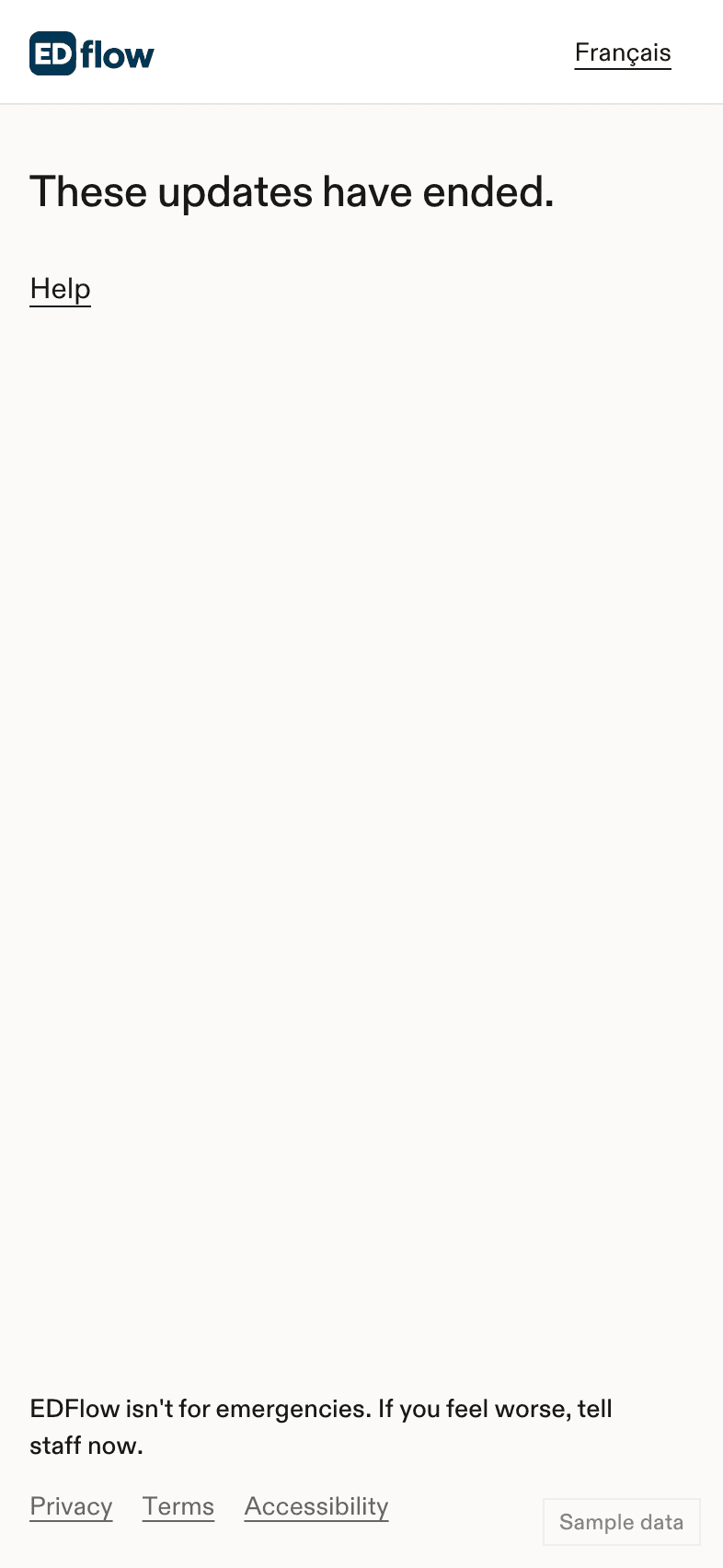
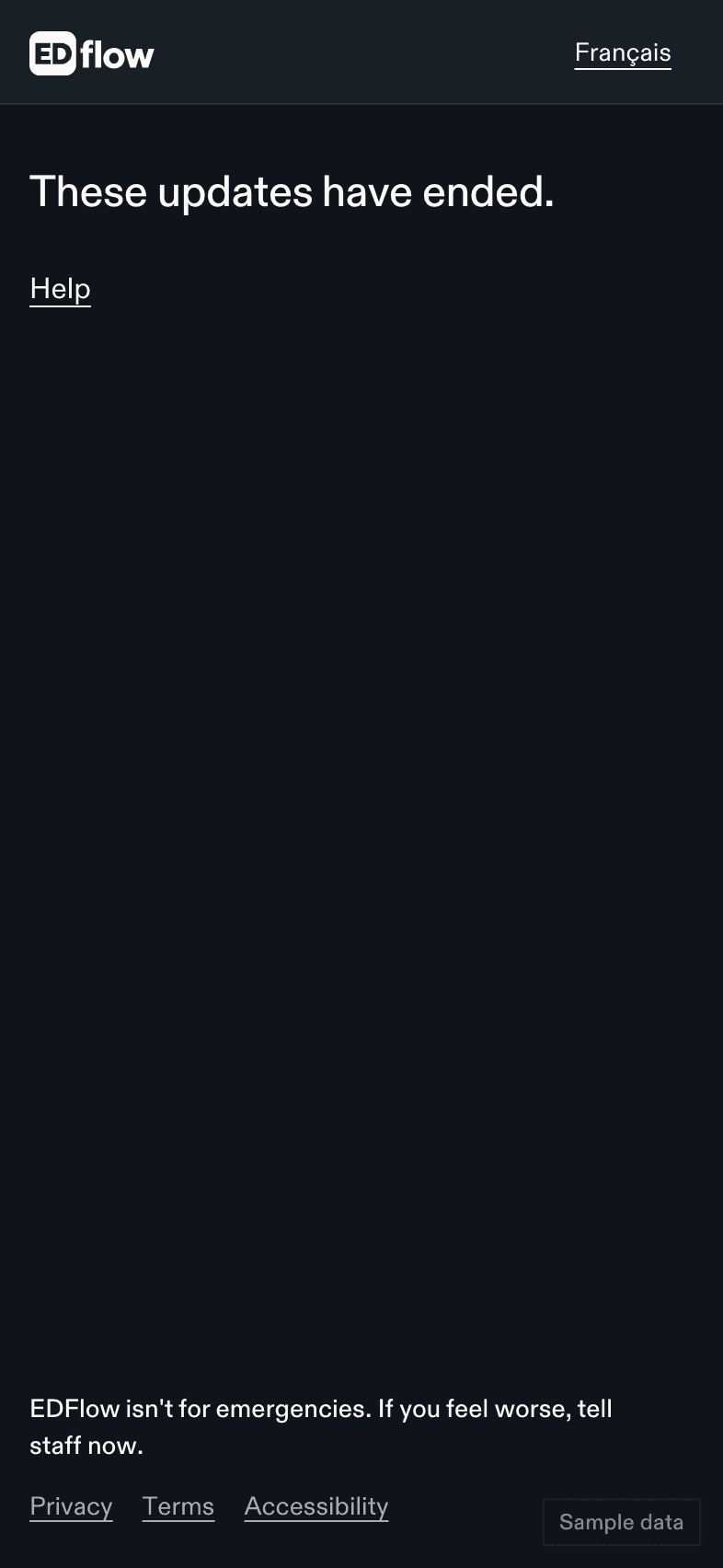
Family updates don't last forever. When they end, you see:
These updates have ended.
Why updates end
- The person who shared stopped sharing with you.
- The time they chose ran out: the end of the visit, 4 hours or 12 hours.
- They left the emergency department. Updates end a short time after they leave, 2 hours by default.
- You tapped Stop receiving updates on your phone.
We never show the reason, to protect their privacy.
When they leave the department
For a short time after they leave, you see one of these:
- {displayName} has left the emergency department.
- {displayName} is staying in the hospital.
- {displayName} is moving to another hospital for more care.
You won't see which unit or which hospital.
When updates are paused
Sometimes the care team pauses updates. You then see:
Updates are paused. Please call the hospital or speak with the care team.
Nothing else changes on your screen until they resume. A pause isn't the same as updates ending.
Want to keep following?
Ask the person who shared for a new link.
Related
Last updated on