Credentials
Manage EDFlow API credentials: self-serve in the developer portal or issued by the hospital or the vendor, shown once, rotation with overlap, expiry reminders, revocation, and what to do if a key leaks.
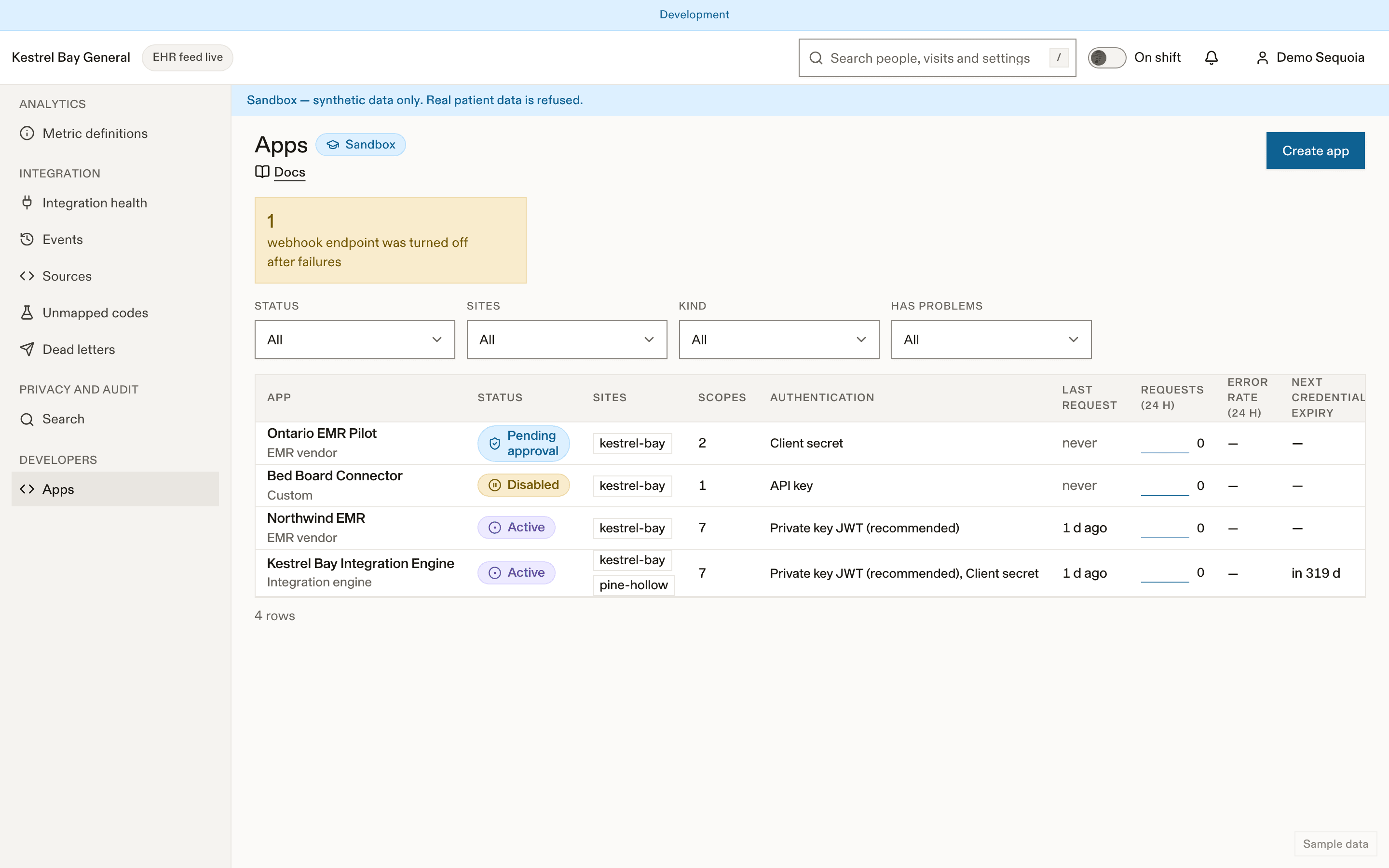
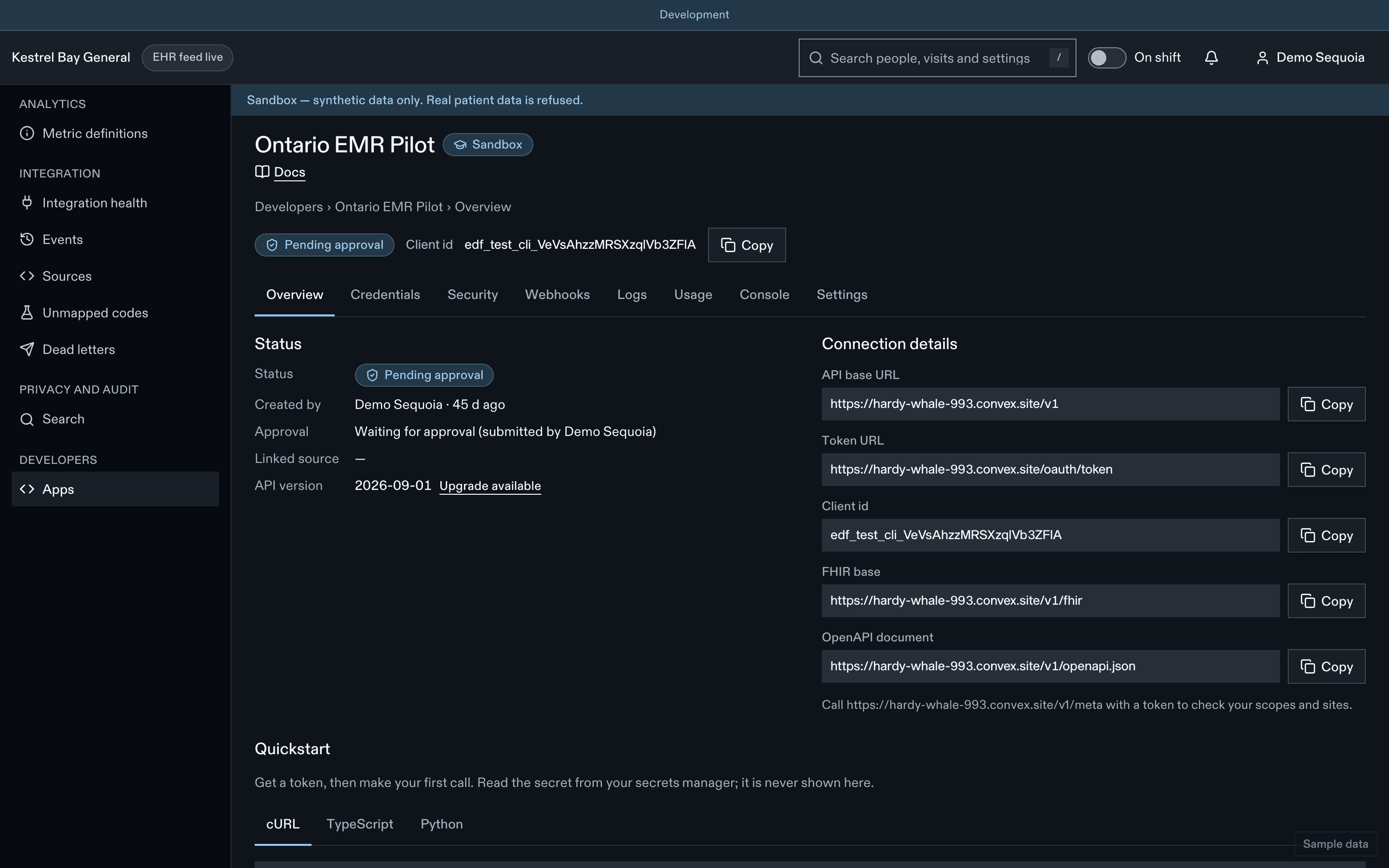
Where credentials come from
| Path | Who | Notes |
|---|---|---|
| Self-serve in the developer portal | Integration developers | Sandbox apps are active at once. Customer-test and live apps need approval by a different person first |
| Issued to an EMR team by the platform operator | Your EDFlow contact | Zero-knowledge: no secret exists until the recipient signs in and presses Reveal. Or the team registers a public key and no secret is ever created |
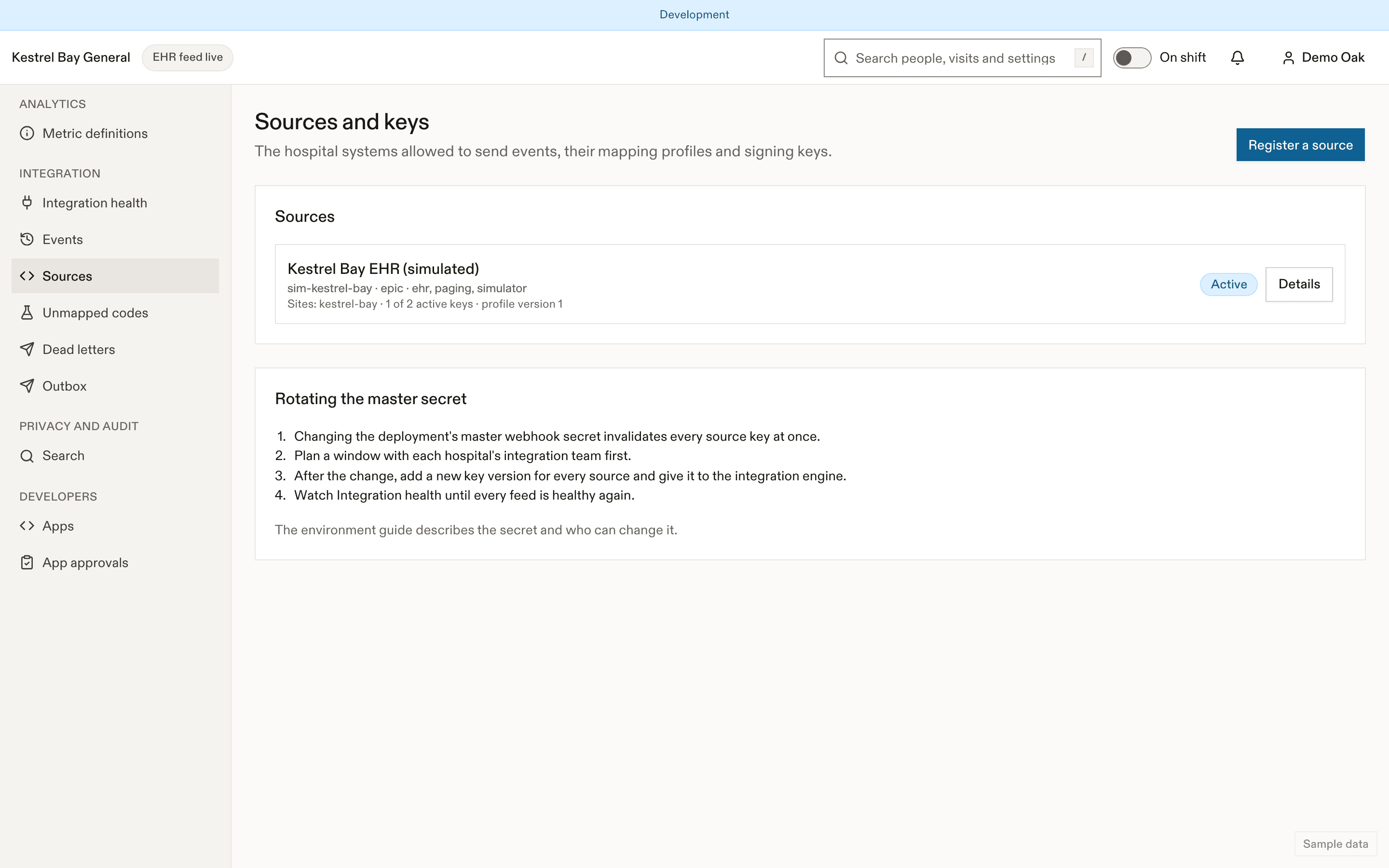
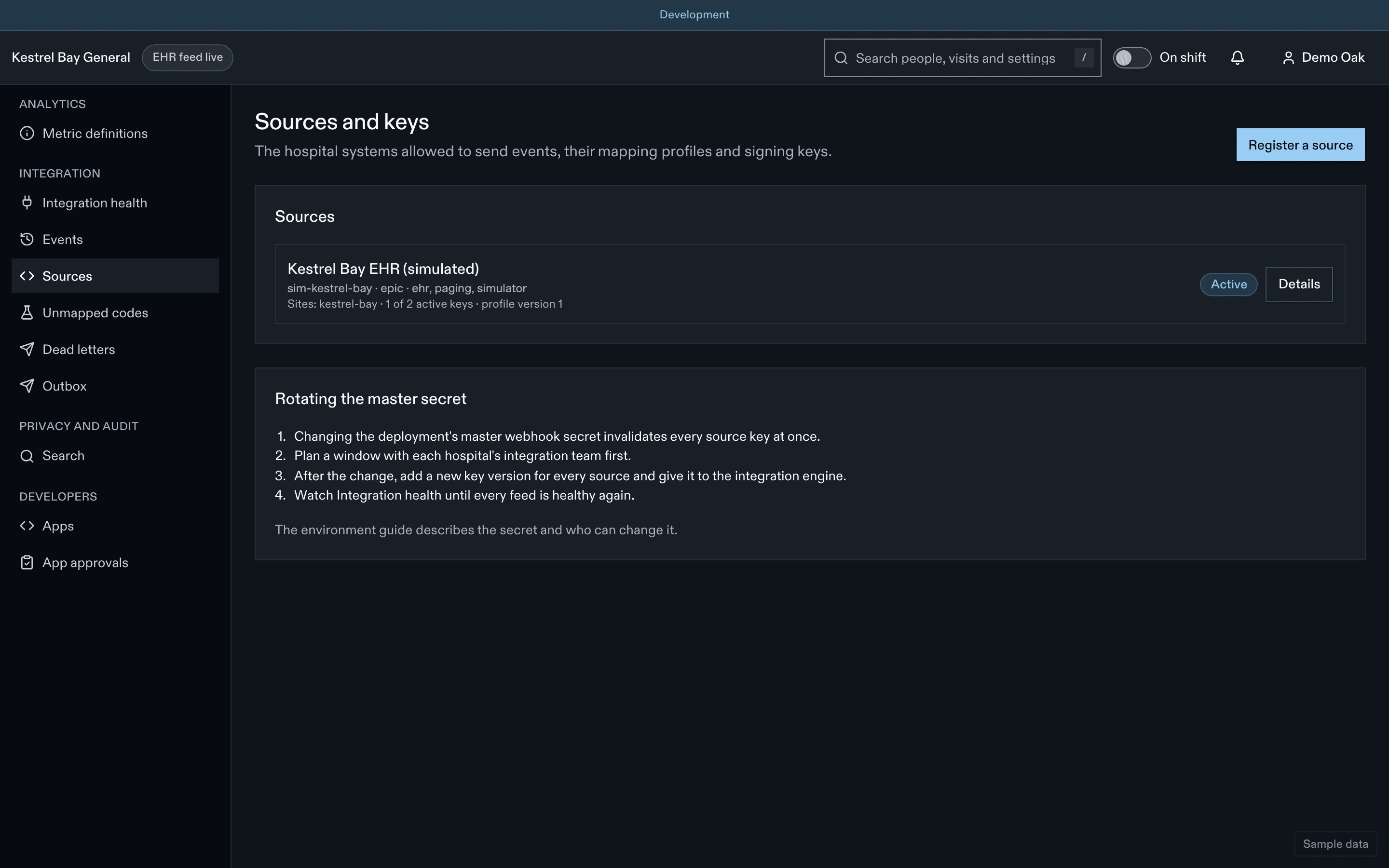
| HMAC source keys by the hospital's integration analyst | Integration analysts | For /ehr/v1/*. See Sources and keys |
Formats
| Credential | Format | Secret? |
|---|---|---|
| Client id | edf_{env}_cli_… | No, public |
| Client secret | edf_{env}_cs_… with a checksum | Yes, shown once |
| API key | edf_{env}_sk_… with a checksum | Yes, shown once |
| Webhook signing secret | whsec_… | Yes, shown once |
| Access token | JWT | Yes, 5 minutes |
{env} is test (sandbox), uat (customer test) or live. The prefix and checksum let secret scanners detect leaked credentials with almost no false positives.
Lifecycle
stateDiagram-v2
  [*] --> active: create (shown once)
  [*] --> pending_reveal: issued by the platform
  pending_reveal --> active: recipient reveals
  active --> expiring: rotate (overlap starts)
  expiring --> expired: overlap ends
  active --> expired: expiry date reached
  active --> revoked: revoke (immediate)
expiring --> revoked: revoke- Shown once. The reveal dialog offers Copy and Download .env and asks you to confirm you've stored it. Afterwards only the prefix and last 4 characters are visible, everywhere.
- Rotate with overlap: a new credential; the old one keeps working for the overlap you choose (1 hour, 24 hours, 7 days by default, or 30 days). Last used for each shows when the old one goes quiet, so you can end the overlap early.
- Expiry: live client secrets 365 days, API keys 90 days. Reminders by email and by the
integration.credential_expiringwebhook at 30, 7 and 1 days. - Revoke: immediate. Every token minted with it fails on its next use.
- Public keys: a JWKS URL (recommended) or up to 5 uploaded keys (RSA 2048+ or EC P-256/P-384).
- mTLS: up to 4 certificate thumbprints, or a subject DN with your organization's CA bundle.
Revealing and rotating in customer test and live needs a fresh sign-in check, an approved app, and a person who isn't the app's approver.
If a key leaks
Revoke
Revoke the credential in the portal (or ask the integration analyst to disable the source for an HMAC key). It stops working at once.
Rotate
Create a replacement and update your engine's secret store.
Review
Check the portal's request log for the credential's IP addresses and operations since the leak.
Notify
The hospital's privacy office has already received an automatic alert. Export the audit trail they ask for and follow their incident process.
Never paste a credential into a ticket, a chat or these docs' assistant.
Related
Dernière mise à jour le
Cette page vous a-t-elle été utile?
Authentication
Authenticate to the EDFlow Integration API: OAuth 2.0 client credentials with private_key_jwt, client secret or mTLS, short-lived JWT access tokens, scopes, network binding, HMAC source keys for the signed ingest profile, clock skew, lockouts and signing at send time.
API reference
The EDFlow Integration API reference: base URLs per environment, the pinned API version, conventions for ids, lists and incremental sync, errors, rate limits, the sandbox playground, and the OpenAPI and Postman downloads.