After your visit
Your going-home summary, follow-up dates you can add to your calendar, the summary link, the short survey, and when your access to EDFlow ends after you leave the emergency department.
Tell a staff member now
Don't wait for a reply on your phone. Tell any nurse or staff member right away, or press your call bell. If you're in the waiting room, go to the triage desk.
If this is an emergency, call 911. For health advice, call Health811 at 811.
When you're getting ready to go home, your care team may publish a going-home summary. You can read it on your phone and keep it for a while after you leave.
Your going-home summary
When it's ready, you see Your going-home information is ready. Tap Read your summary.
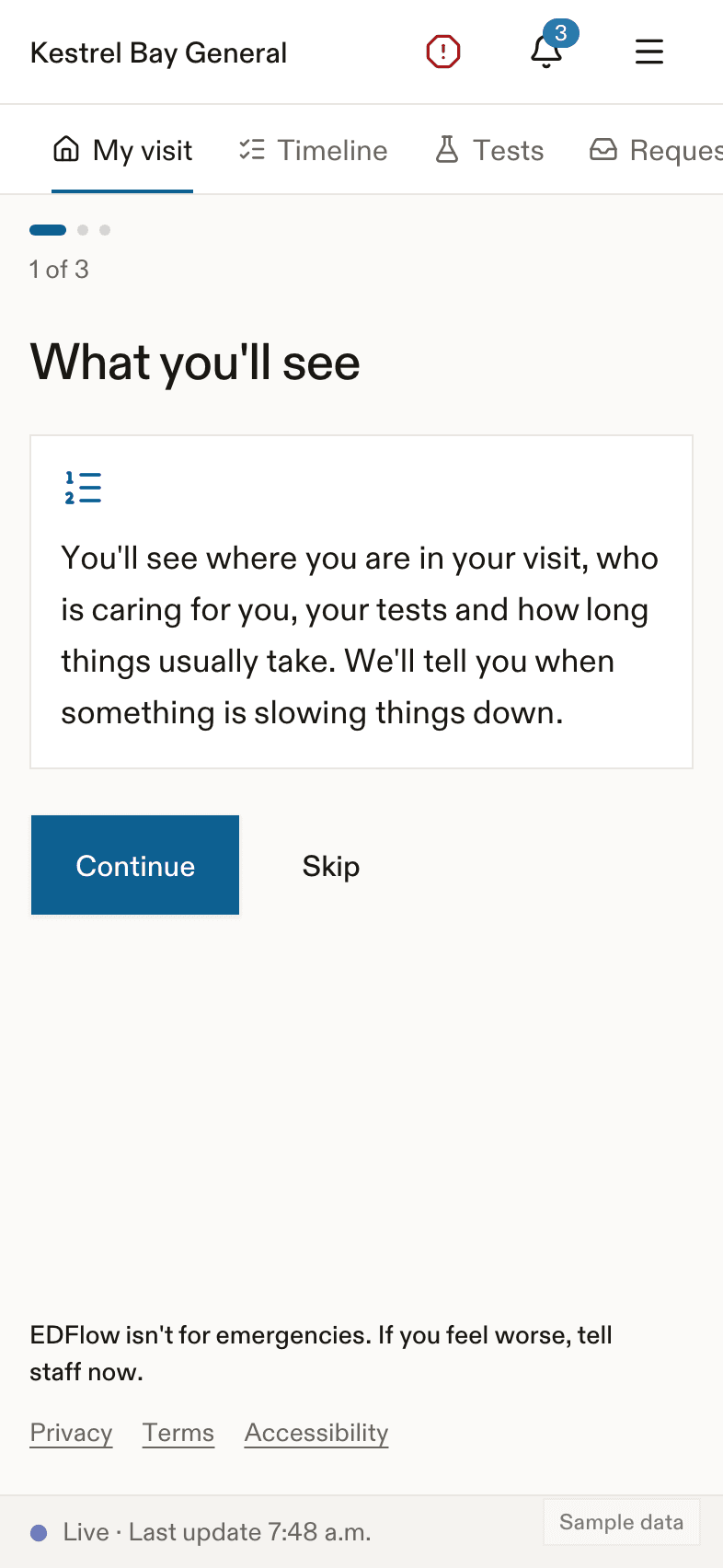
The summary has these parts:
- About your visit. A short note from your care team, if the hospital uses it.
- Your medicines. Only at some hospitals. Otherwise: Your printed instructions and your hospital record have your medicine list.
- Activity and eating.
- Follow-up. Who to see and when. Tap Add to calendar to save it.
- When to come back. Signs to watch for, and: Call 911 in an emergency. For health advice, call Health811 at 811.
- Helpful resources.
- Questions after you leave.
Before it's ready, you see: Your care team is preparing your going-home information.
Keep a copy
- Print it. The printed page uses large text.
- Share it with your phone's share button. This sends a special link, not the summary itself.
- Text me a link or Email me a link, from the main phone, where the hospital allows it. We check the number or address with a 6-digit code first.
The summary link
The link opens your summary on any phone or computer. It asks for your date of birth first. Some hospitals ask for your visit code instead.
- The link only shows your summary. Nothing else about your visit.
- After 5 wrong tries, it locks for 15 minutes. After 10 wrong tries, it stops working.
- It stops working when your access ends.
Tell us how it went
After you leave, we ask five short questions about your visit. It takes about 2 minutes. You can add a comment. Please don't include names or health details.
You can give feedback once per visit.
After you leave the department
Your visit stays on your phone, read-only, for a while. By default, that's 72 hours after you go home. You can still read your summary and give feedback. You can't send requests.
If you're staying in the hospital, the screen says you're now on your unit and your care continues there. If the hospital has a patient portal, there's a link to it.
When access ends
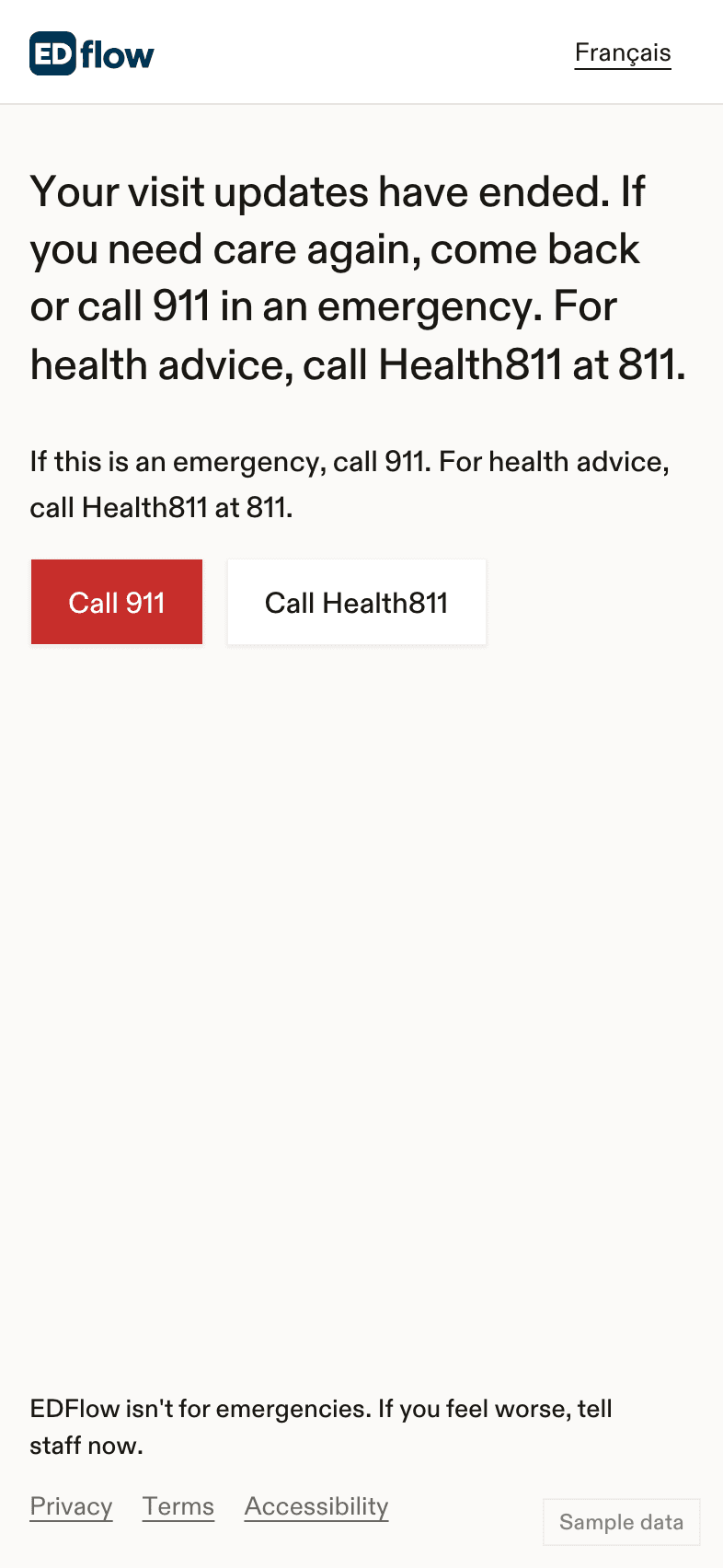
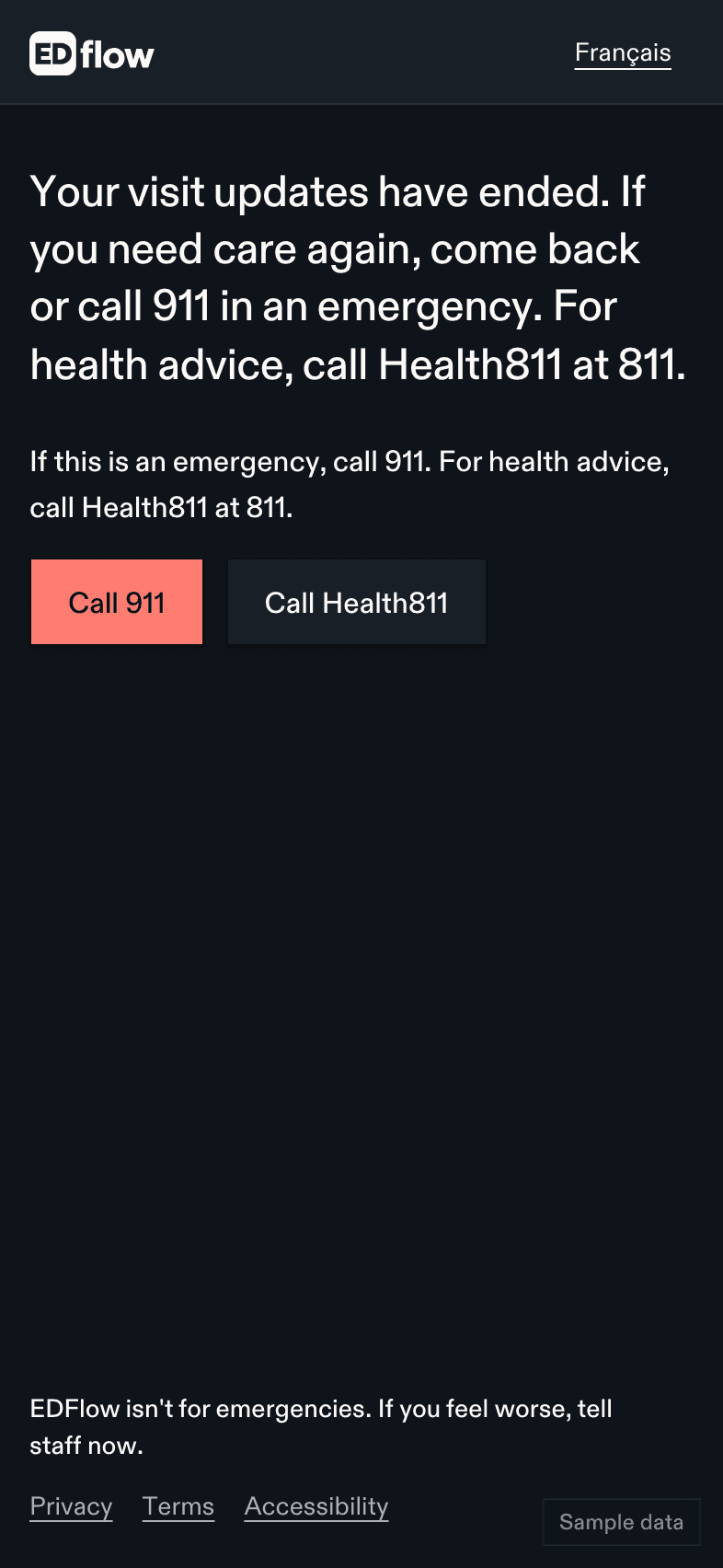
You see: Your visit updates have ended. If you need care again, come back or call 911 in an emergency. For health advice, call Health811 at 811. The app deletes your visit from your phone.
If you need care again
If this is an emergency, call 911. For health advice, call Health811 at 811.Related
Last updated on