Troubleshooting
Fix common problems with EDFlow during your emergency visit: no connection, information may be delayed, updates are paused, the code doesn't work, you're locked out, or too many devices.
Tell a staff member now
Don't wait for a reply on your phone. Tell any nurse or staff member right away, or press your call bell. If you're in the waiting room, go to the triage desk.
If this is an emergency, call 911. For health advice, call Health811 at 811.
If something doesn't work, you can always ask any nurse or the registration desk. Ask any nurse or the registration desk. They can help you use EDFlow.
"You're offline"
You're offline. We'll update this as soon as you reconnect.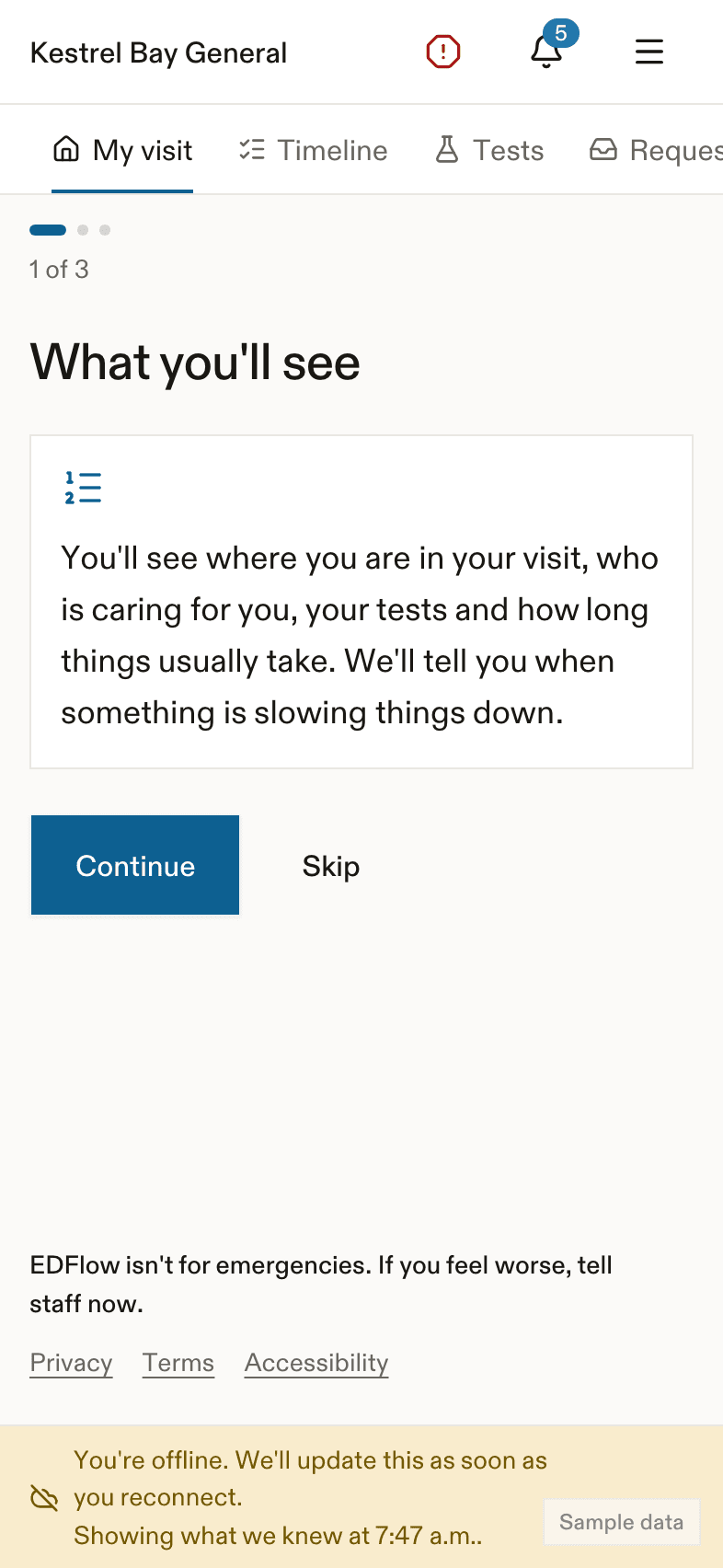
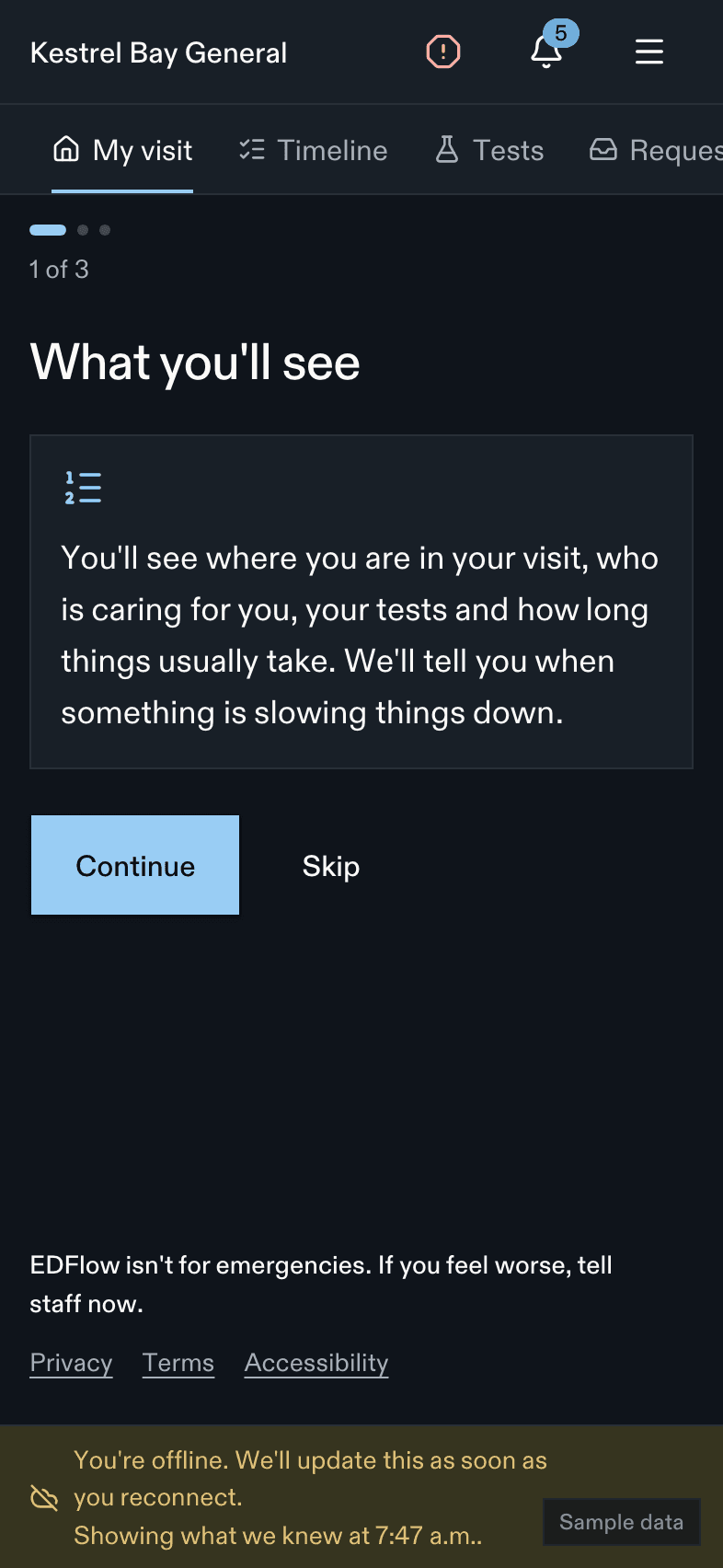
- The screen shows what we knew last, and when.
- You can't send requests while you're offline. Tell a staff member in person.
- The I feel worse button still shows what to do.
- Try the hospital Wi-Fi. The name and password are in Hospital info.
"Updates may be delayed"
Updates may be delayed. Last updated {time}. Your care continues as usual.The hospital's system is slow to send us news. Your care is not affected. Estimates may not be up to date.
"Updates are paused"
Updates are paused. Please speak with the care team or call the hospital.Your care team paused updates for now. Nothing else on the screen changes until they turn updates back on.
The code doesn't work
| What you see | What to do |
|---|---|
| We couldn't find a visit with those details. Check them and try again, or ask a staff member. | Check your last name, date of birth and visit code. The code has letters and numbers. You can type it with or without the dash. |
| This code doesn't work anymore. Ask a nurse or the registration desk for a new card. | Your card no longer works. Ask for a new one. |
| This isn't a EDFlow code. | This QR code isn't for this app. Scan the code on your visit card. |
| Your visit isn't ready for EDFlow yet. Staff will give you a card when it is. | Staff are still setting up your visit. |
You're locked out
Too many tries. Please wait 15 minutes, or ask a staff member.To keep your visit safe, we stop sign-in for 15 minutes after too many wrong tries. A staff member can help you sign in on your own phone.
Too many phones
This visit is already open on the most devices allowed. Sign out on another device, or ask a staff member.A visit can be open on up to 5 phones at once. On your main phone, open Devices on my visit in Settings and sign out a phone you don't use.
Another visit on this phone
You're signed in to another visit on this device. Switch to this visit? Switching signs out the other visit on this phone.
The information looks wrong
Tell your nurse. Staff can report a data problem so the hospital can fix it. You can also use Report a problem with the app in Help. Please don't include names or health details.
Related
Last updated on