Department analytics for the charge nurse
Department analytics a charge nurse can open in EDFlow: today's flow and bottlenecks, and Ask your data where the site has turned it on, with what it can and can't answer.
Charge nurses can open department analytics (not clinician-level metrics). Use them at huddles and handover to see where today's flow is stuck.
Flow and bottlenecks
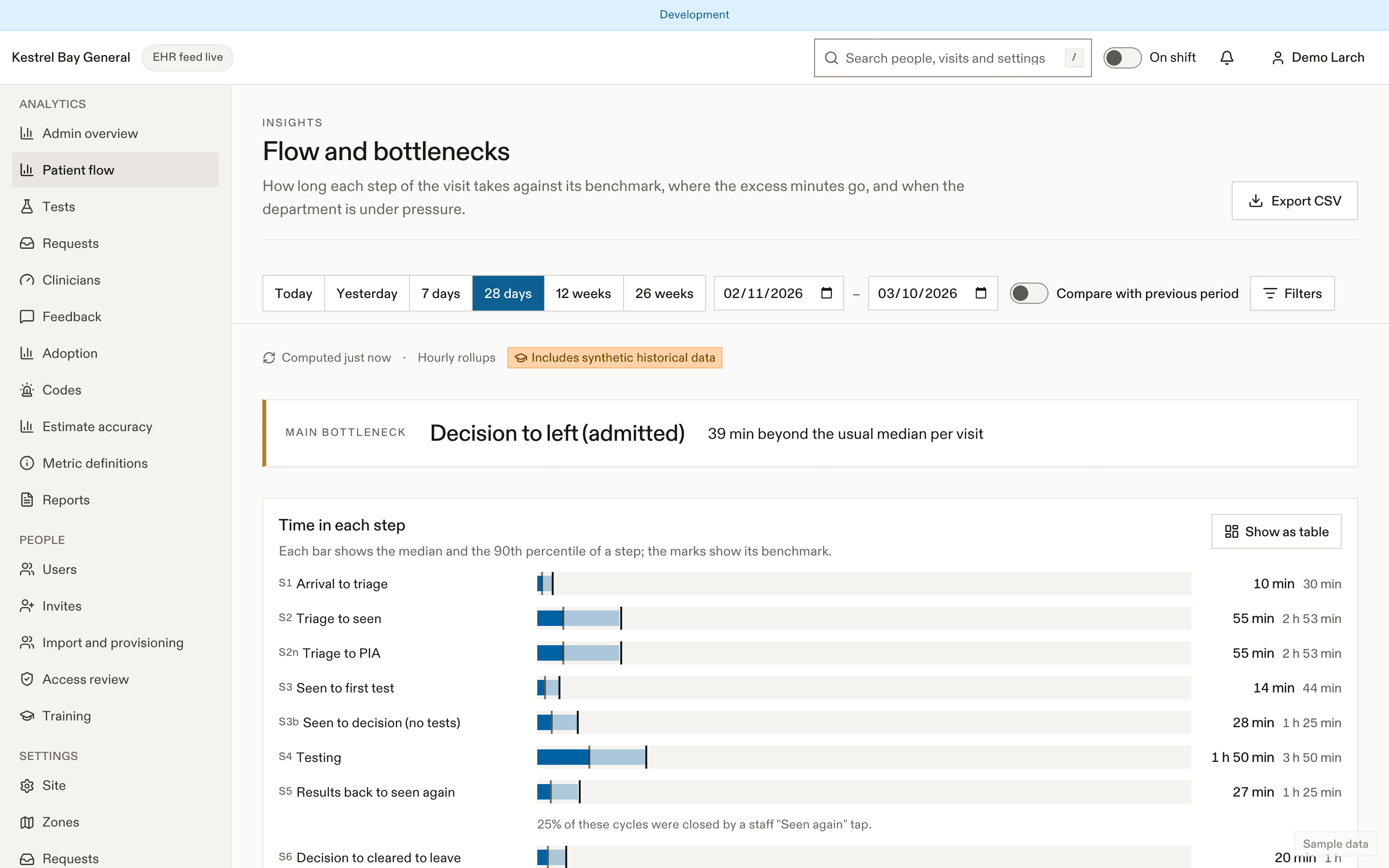
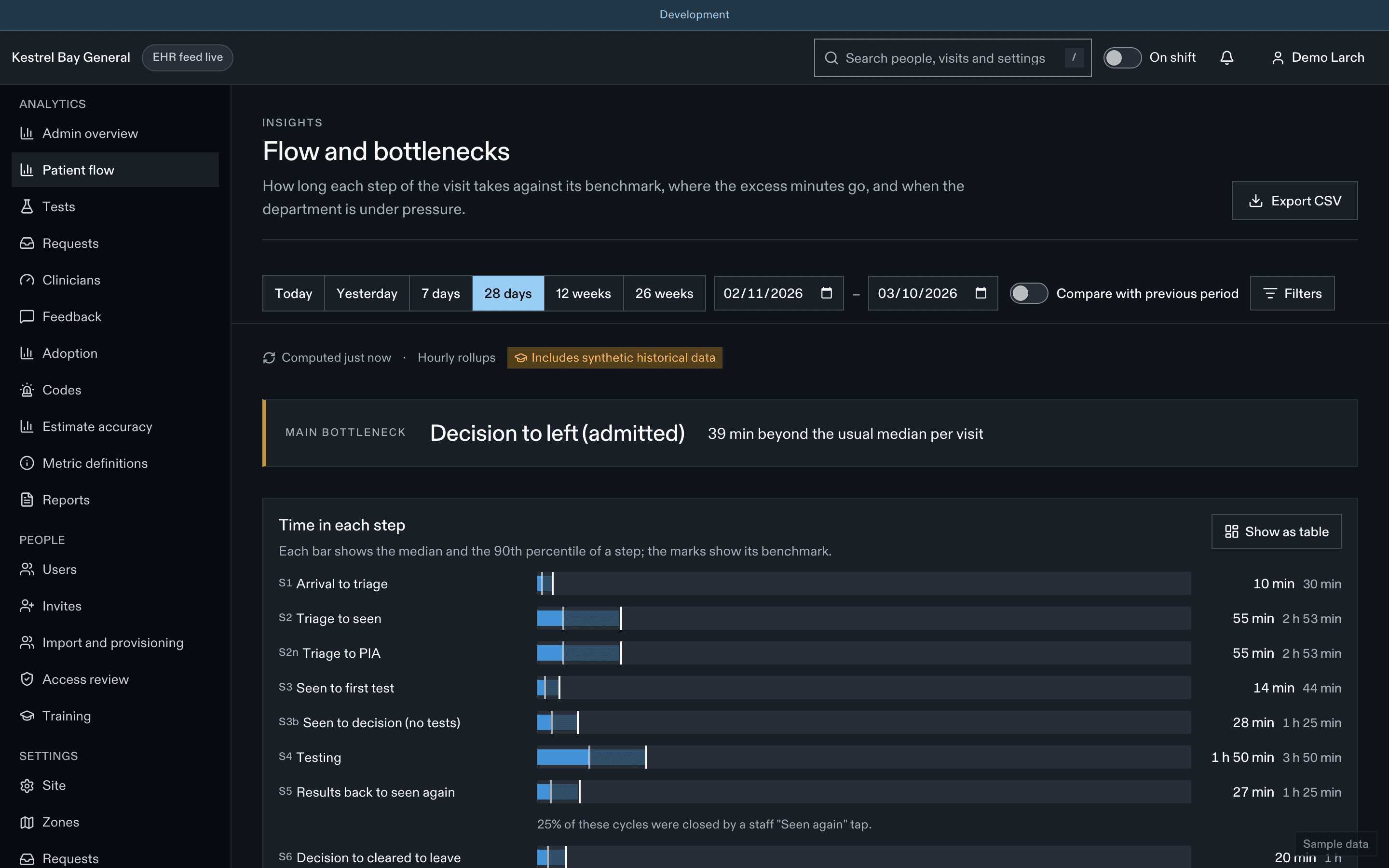
The flow page splits every visit into segments (arrival to the first nursing check, then to being seen, to the first test, from results to being seen again, from the decision to departure…) and flags the segments running beyond p90 for this site, weekday and hour. The board's Bottleneck column uses the same flags. See Flow and bottlenecks for definitions.
Useful views for a charge nurse:
- Today against the same weekday in recent weeks.
- Results to seen again: patients waiting for reassessment are often the quickest win.
- Boarding: boarder-hours today, for bed meetings.
- Requests: response times by zone and type, to rebalance zones or call in support.
Ask your data
Where the site has turned it on, Ask your data answers questions about department operations in plain language, with a chart and the numbers behind it. For example: "How did door-to-doctor compare with last Tuesday?" or "Which hours had the longest results-to-seen-again times this week?"
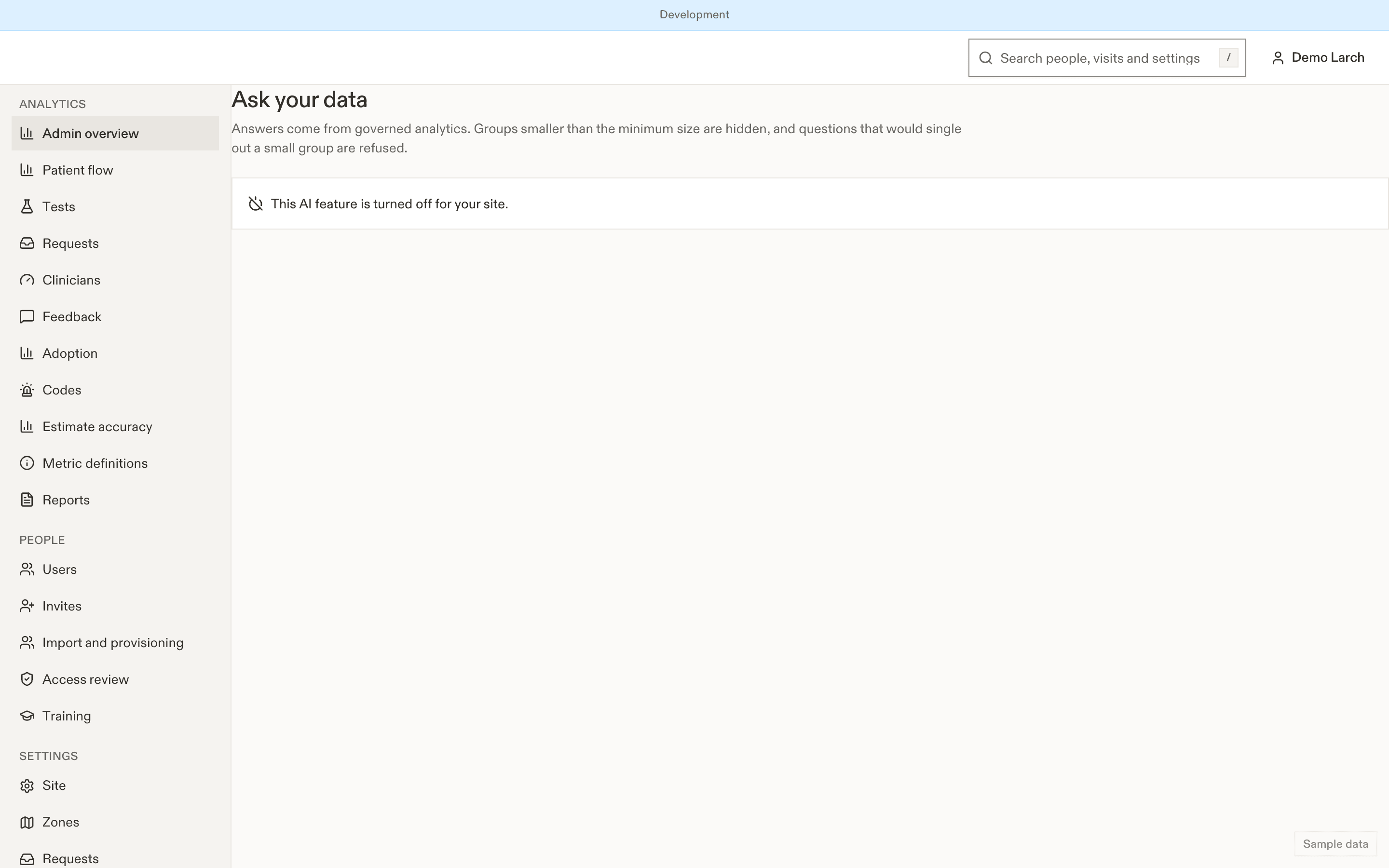
- It reads de-identified, aggregate analytics only, never a patient's record.
- It shows the query and definitions it used, so you can check them.
- It won't answer questions about individual patients or rank clinicians.
- Review a chart before you share it. AI can be wrong.
Related
Last updated on