Demo
Try EDFlow with two fictional Ontario hospitals: what each sample visit shows, how to open the demo launcher with an invite code, and what the demo will never contain.
- Sandbox and demo only
The showcase is a complete EDFlow deployment filled with made-up hospitals, visits and staff. Nothing in it is real, and it refuses real data: it runs only on deployments marked as synthetic, and every screen carries a "Demo" chip for patients and an environment banner for staff.
The fictional hospitals
| Kestrel Bay General Hospital | Pine Hollow Community Hospital | |
|---|---|---|
| Setting | A large emergency department with 39 treatment spaces in resuscitation, two acute zones, fast track, internal waiting and hallway spaces | A small community emergency department with 10 spaces |
| EHR | A simulated Epic feed, healthy, with heartbeats every minute | None: runs in manual mode from the staff console |
| Languages | English by default, French available | French by default, English available |
| Data profile | Standard: patients sign in with last name, date of birth and visit code | Minimal: patients sign in with a 10-character visit code and type the first name they want to be called |
| History | Ten weeks of visits, so every estimate and every analytics page is populated | Ten weeks at a smaller volume |
What the sample visits show
About thirty live visits cover every stage and the situations that are hardest to explain in words:
- Waiting to be seen, with a busy-department banner, an estimate in French, a patient who stepped out for food and was called back, and a patient past the usual wait who is thinking of leaving.
- Tests under way, with a CT scan that needs consent and a "check before eating" instruction, a troponin that needs a repeat, a blood culture whose results come later, a child's urine sample, and results held by a physician.
- Results back, one within the usual wait and one well past it, with the staff alert acknowledged.
- Waiting for a specialist, treatment and monitoring, getting ready to go home with a published going-home summary, staying in hospital waiting for a bed with a substitute decision-maker signed in by staff-assisted pairing, and moving to another hospital.
- Privacy situations: a confidential patient masked on the board with sharing unavailable, a youth-confidential card, a patient with an unknown identity who cannot sign in, a visit whose updates are paused, and a "must not leave" care flag.
- After the visit: a read-only visit with its summary, an admitted patient whose access moved to the inpatient unit, and a patient who left without being seen.
- Staff side: an urgent "I feel worse" request being answered, an escalated request, a code cleared two hours ago with its delay-notice history, volume set to busy, and ten weeks of audit, outbox, integration and analytics history.
The Pine Hollow visits show the manual-only experience: "Your tests are under way" instead of a row per test, and a visit code sign-in.
Opening the demo
Get a demo invite code
Ask your EDFlow contact for a demo invite code. Codes are personal, expire, and are rotated before every presentation. The sample visits are re-created every four hours, so their waits and timestamps always read relative to now.
Open the launcher
On the web, open the demo launcher from the product site and enter your invite code. On the showcase build of the app, open Showcase from the sign-in screen.
Pick a visit or a role
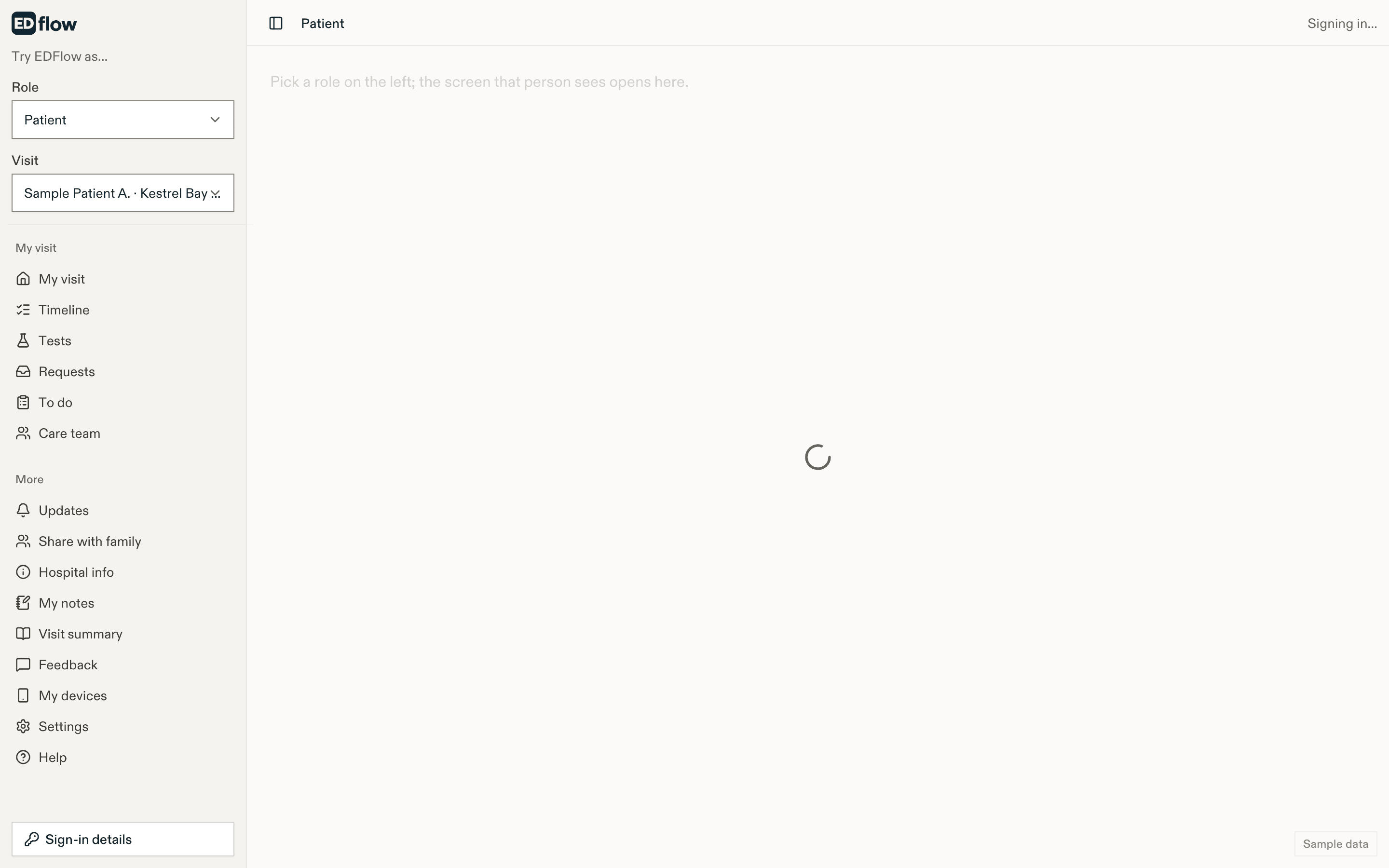
Each card opens the matching screen as that patient, family member or staff role, in the right language.
What the docs never show
This page and every screenshot in these docs are captured from a separate docs profile of the same seed, where every person has an obviously made-up name built from a tree, such as Sample Patient Birch, Demo Cedar or Dr. Demo Elm, and every date of birth is January 1. The docs never list passwords, visit codes, last names with dates of birth, or working QR codes. Every QR code in a screenshot is a non-functional sample.
The demo resets every night. Changes you make disappear at the next reset, and demo staff accounts cannot change passwords, invitations or settings.
Related
- How a visit works
- For hospitals
- Sandbox for developers, which uses the same fictional hospitals
Last updated on