For hospitals
Evaluating EDFlow for your emergency department: the pilot model, EHR options (Epic, Oracle Health, MEDITECH or manual), what IT provides, the go-live gates and the success metrics.
This page is for ED leaders, clinical informatics, privacy and IT teams deciding whether to run a EDFlow pilot. It explains what a pilot looks like, what your teams provide, how go-live is decided, and how success is measured.
How a pilot runs
Baseline (4 to 6 weeks before go-live)
Measure the success metrics below without EDFlow: patient-experience survey answers, door-to-doctor and results-to-decision times, family calls to the desk, left-without-being-seen rate. The same definitions are used after go-live.
Integration and shadow run
Your integration team connects the EHR feed in the customer-test environment, runs the conformance fixtures, then runs a 14-day shadow run where EDFlow derives stages without showing them to patients.
Configuration, content and training
Managers set up zones, request types, codes, tests and hospital information. A clinical approver signs off patient education and going-home templates. Staff in the pilot zones complete training in training mode.
Go-live and weekly review
Visit cards start printing after triage. A weekly review looks at activation, requests, response times and any hazard reports. See the pilot playbook.
EHR options
| Your EHR | How it connects | Notes |
|---|---|---|
| Epic | HL7 v2 ADT and ORM/ORU through your integration engine, or FHIR R4 notifications | See HL7 v2 and FHIR R4 |
| Oracle Health Millennium | HL7 v2 through the engine, or FHIR R4 | Same adapters, with vendor notes |
| MEDITECH and others | HL7 v2 through the integration engine | The support matrix per vendor is on the HL7 v2 page |
| No feed yet | The staff console runs every state by hand | A first-class mode, not a demo: see Manual console |
Your engine sends EDFlow a narrow set of events (arrivals, triage, assignments, orders and their status, dispositions, departures). EDFlow never receives result values, diagnoses or clinical notes, and never writes back to the EHR during the pilot. See Concepts.
What your teams provide
| Team | What they provide |
|---|---|
| ED leadership | A pilot sponsor, a charge-nurse champion per shift, a clinical approver for patient content |
| Integration | An outbound feed from the engine (store and forward), test messages, mapping of test and location codes |
| Privacy | The PIA and the agent agreement; review of the security package; a privacy officer account |
| IT and security | The TRA, network allow-list for staff workstations and the display, MDM for staff phones, Microsoft Entra ID sign-in if used |
| Communications | Posters, QR signage and visit-card stock, using the hospital communications kit |
Go-live gates
A site moves from pilot preparation to live only when every gate is met. EDFlow shows the state of each gate on the platform page, and no one can override them:
- a conformance run with every fixture passing;
- a 14-day shadow run with at least 98% milestone agreement against the site's audit sample;
- 95th-percentile EHR-to-screen time of 60 seconds or less;
- rejected events below 0.5%, and no unmapped codes in the last 30 days;
- roster reconciliation closing every test discharge;
- the clinical safety case signed off for the site's configuration;
- the PIA and TRA recorded as approved;
- staff training completed for the pilot zones.
Integration API traffic and AI features have their own gates, described in Go live and AI.
Success metrics
Targets are pilot targets against the pre-pilot baseline at the same site. "Not worse" means the 95% confidence interval excludes a relative worsening of more than 10%.
| Id | What we measure | Pilot target | Measured by |
|---|---|---|---|
M-01 | Told why about a long wait (Ontario ED short form Q1) | +15 percentage points | K-20 |
M-02 | The app helped a lot to know what was happening | ≥ 70% | K-22 |
M-03 | Overall rating 9–10 (top box) | +10 points | K-23 |
M-04 | Enough information about what to do after leaving | +10 points | K-24 |
M-05 | Door-to-doctor (PIA wait) p50 and p90 | Not worse; p90 ≤ 3.4 h | K-03 |
M-06 | Results-to-disposition p50 and p90 | −15% | K-09 |
M-07 | ED length of stay p50 and p90 by disposition | Not worse | K-04 |
M-08 | Boarding time p50 and p90 | Measured, no target | K-07 |
M-09 | Request time to acknowledge p50 / p90 | ≤ 3 min / ≤ 12 min | K-12 |
M-10 | Urgent request time to an in-person response p90 | ≤ 5 min; first response ≤ 2 min | K-12 |
M-11 | Request SLA compliance | ≥ 90% | K-14 |
M-12 | Family status calls to the desk (sampled tally) | −30% | — |
M-13 | Left without being seen rate | Not worse | K-05 |
M-14 | Unplanned 72-hour return rate | Not worse | K-25 |
M-15 | Wrong-patient access events | 0 | — |
M-16 | PHI found in any push, SMS, email, URL or log sample | 0 | — |
M-17 | Activation rate | ≥ 40% by pilot month 2 | K-16 |
M-18 | Family share rate among activated visits | ≥ 20% | K-18 |
M-19 | Activation-rate gap across preferred languages and age bands | ≤ 10 points | K-16 |
M-20 | Share of intervals within the “9 in 10” ceiling | ≥ 88% | K-26 |
M-21 | Patient-visible state lag p95 | ≤ 5 s ingest to screen; ≤ 60 s EHR action to screen | — |
M-22 | Availability of patient and staff surfaces (monthly) | ≥ 99.9% | — |
M-23 | Alerts per nurse per hour by role and shift | Reported; reviewed monthly | K-34 |
M-24 | Ambulance offload time p90 and share within target | Measured; not worse | K-32 |
M-25 | Clinical incidents attributed to the app | 0 severe; every incident reviewed within 10 business days | — |
Analytics definitions follow the Ontario QIP and NACRS conventions. See Analytics.
Privacy, residency and security
Hospital production runs in Canada (AWS ca-central-1, with disaster recovery in ca-west-1). EDFlow acts as your agent and electronic service provider under PHIPA. Start with the trust overview and request the confidential security package from compliance documents.
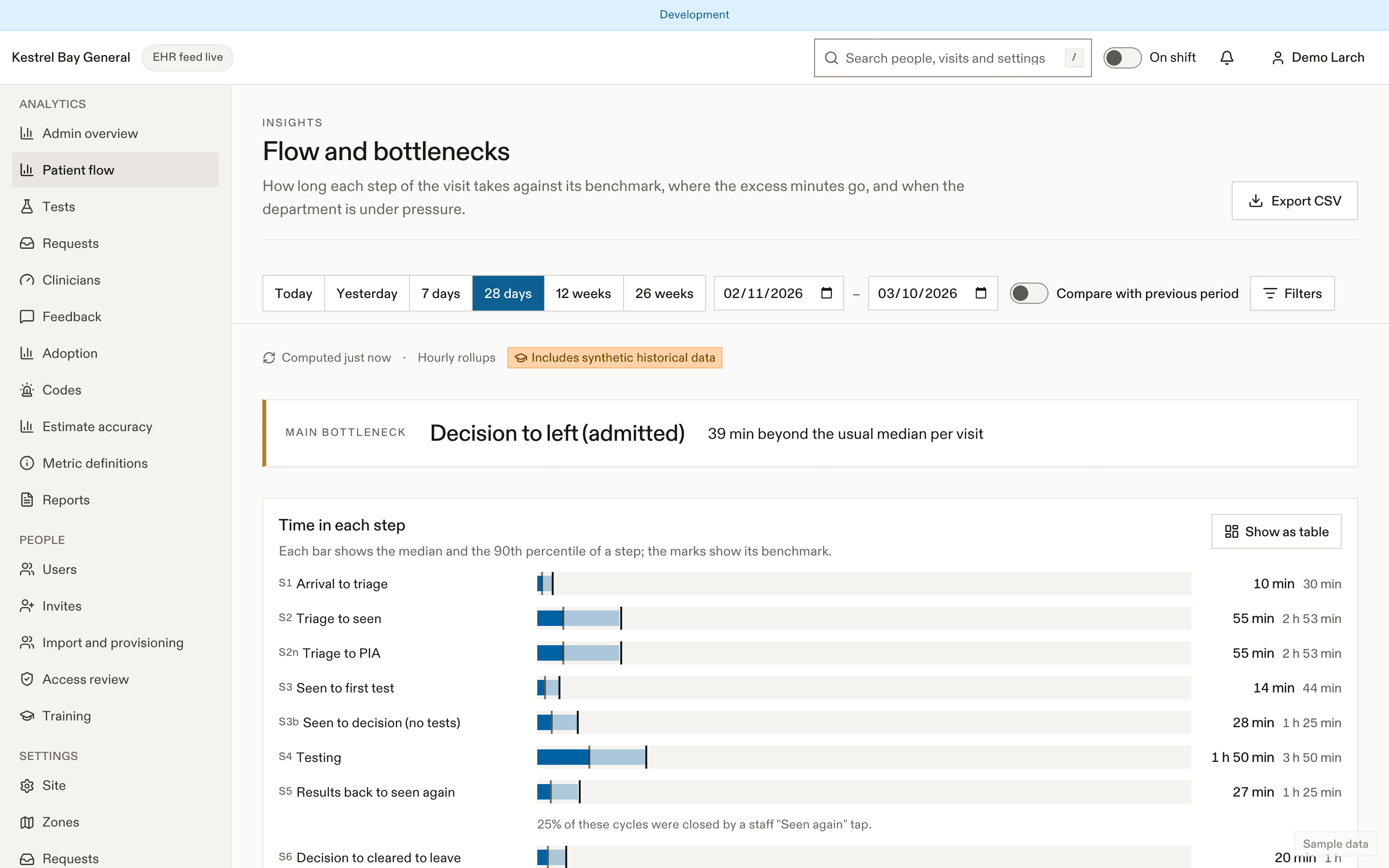
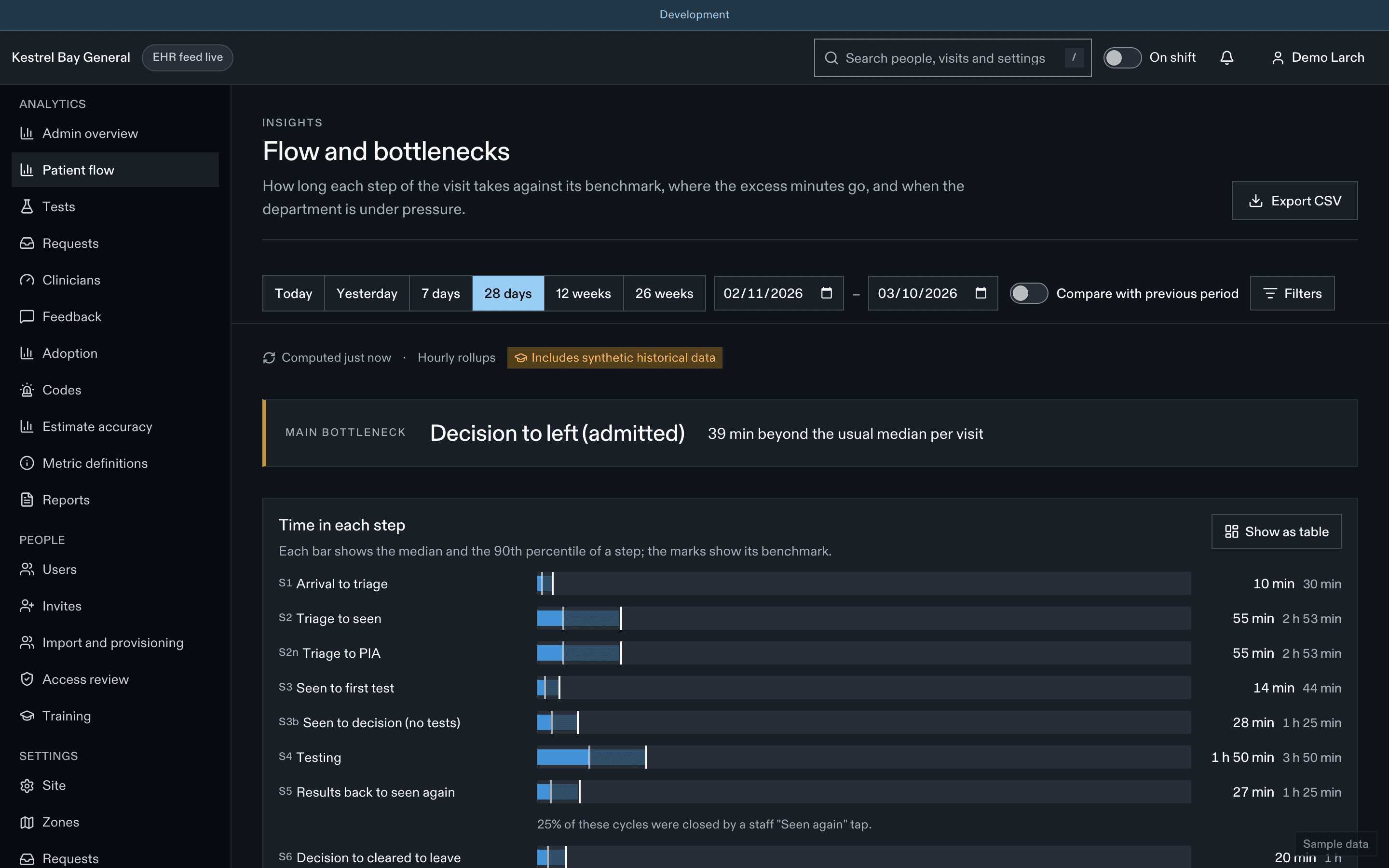
What patients and staff will see
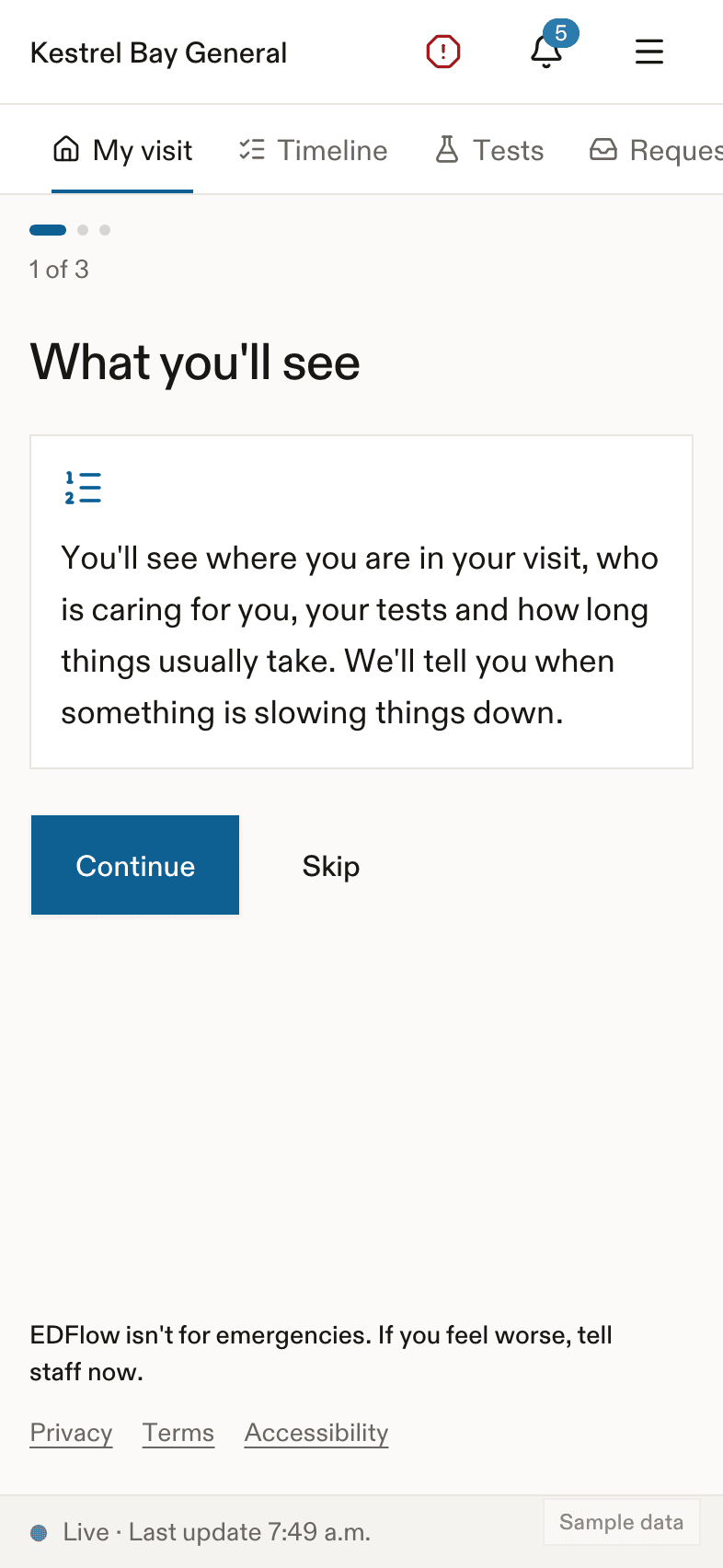
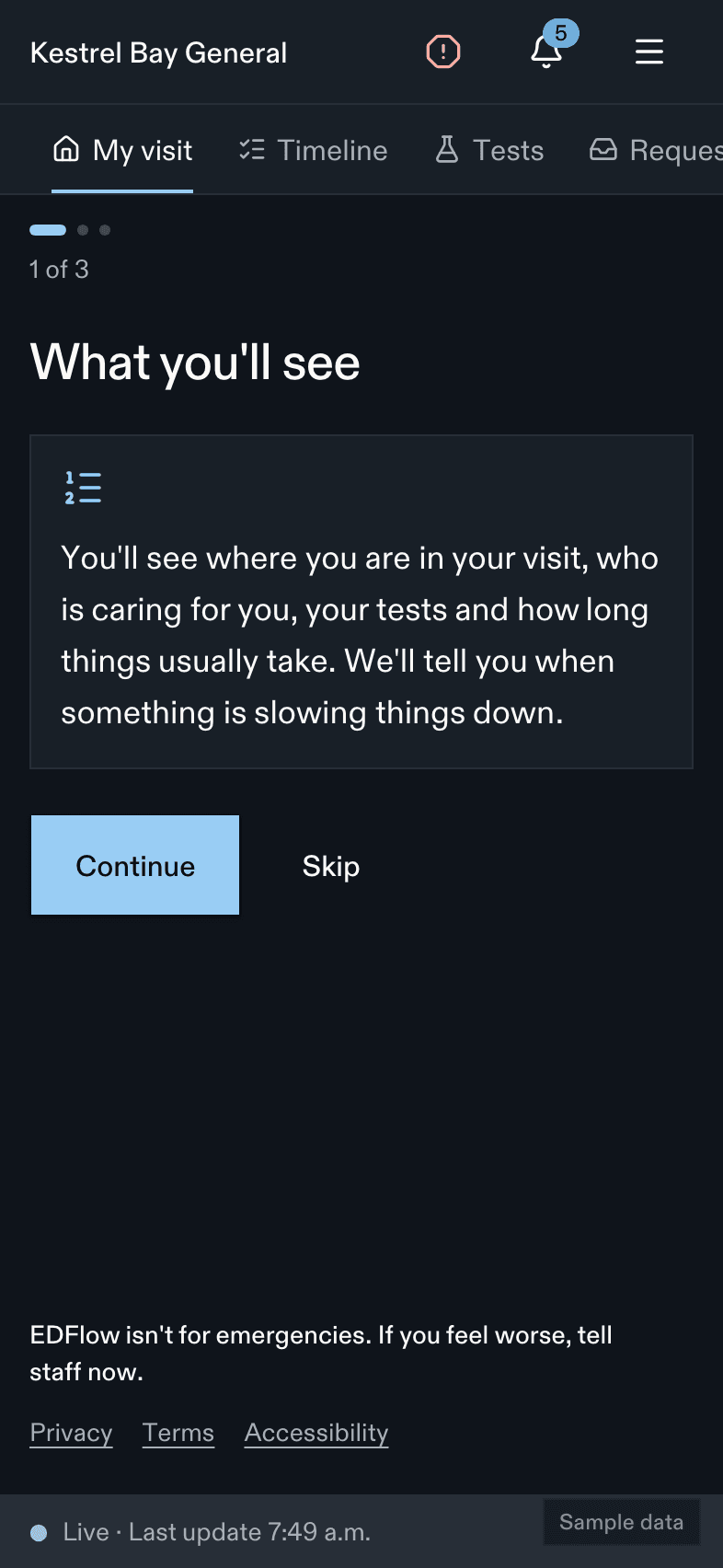
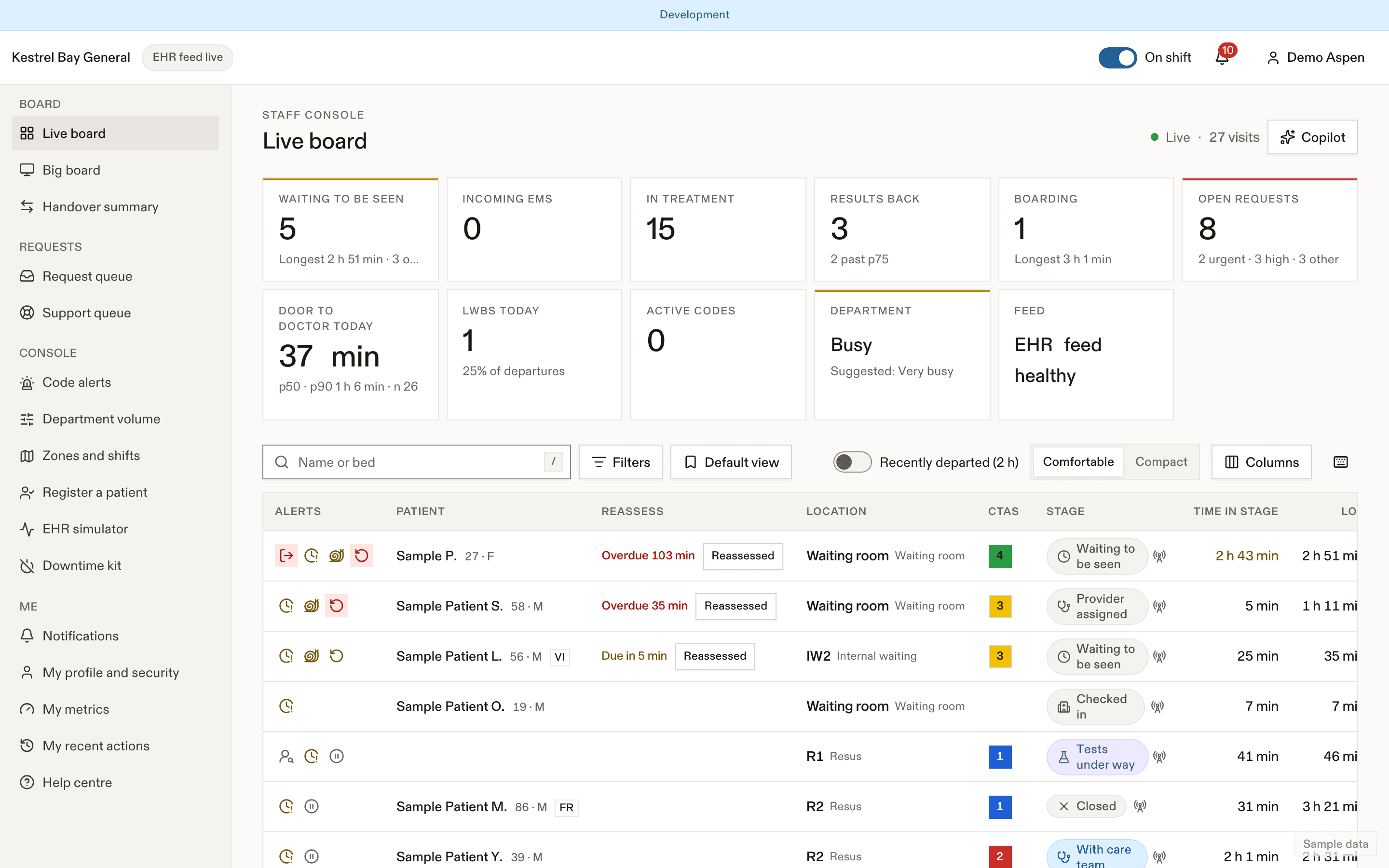
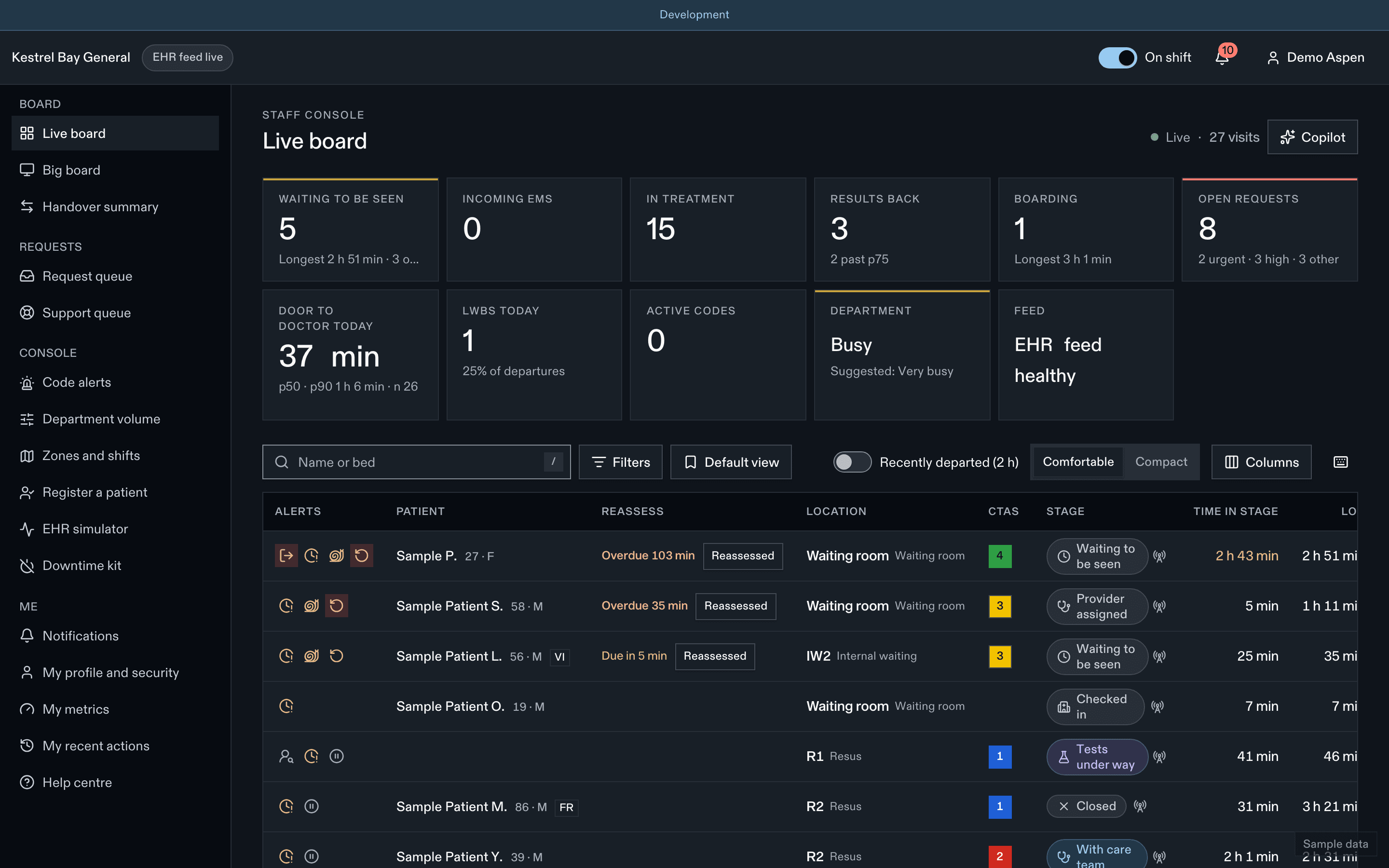
- Filters and saved views
- Bottleneck flag
- Open requests
Related
- Demo with the fictional hospitals
- Pilot playbook
- Integrating Epic and Oracle Health and Measuring ED flow on the product site
Last updated on