Devices
Which phones, browsers and screens EDFlow supports: iOS 17 and later (designed for iOS 26), Android 8 and later, current browsers with no install, and the waiting-room display.
Patients and family never need to install anything: the web version is complete on its own. The app is there for people who prefer it.
Supported versions
The table is generated from the same configuration the apps are built with.
| Platform | Minimum | |
|---|---|---|
iOS, iPadOS | 17.0 | Designed for iOS 26 |
Android | 8.0 (API 26) | Target: the current Android API level |
Chrome | 111 | No installation needed |
Edge | 111 | |
Firefox | 111 | |
Safari (macOS, iOS) | 16.4 | |
Waiting-room display (browser in kiosk mode) | 1920 × 1080 | Any current browser in kiosk mode |
Web or app?
| Web (no install) | App (iPhone, Android) | |
|---|---|---|
| How to start | Scan the QR code with the phone's camera | Download the app, then scan inside it |
| Everything a patient needs | Yes | Yes |
| Notifications | Text messages if the patient turns them on | Push notifications, and text messages if preferred |
| Works offline | Shows the last known view | Shows the last known view, stored encrypted on the phone |
| Lock with Face ID or fingerprint | — | Yes |
| Stays after the visit | Cleared when access ends | Cleared when access ends, even with no network |
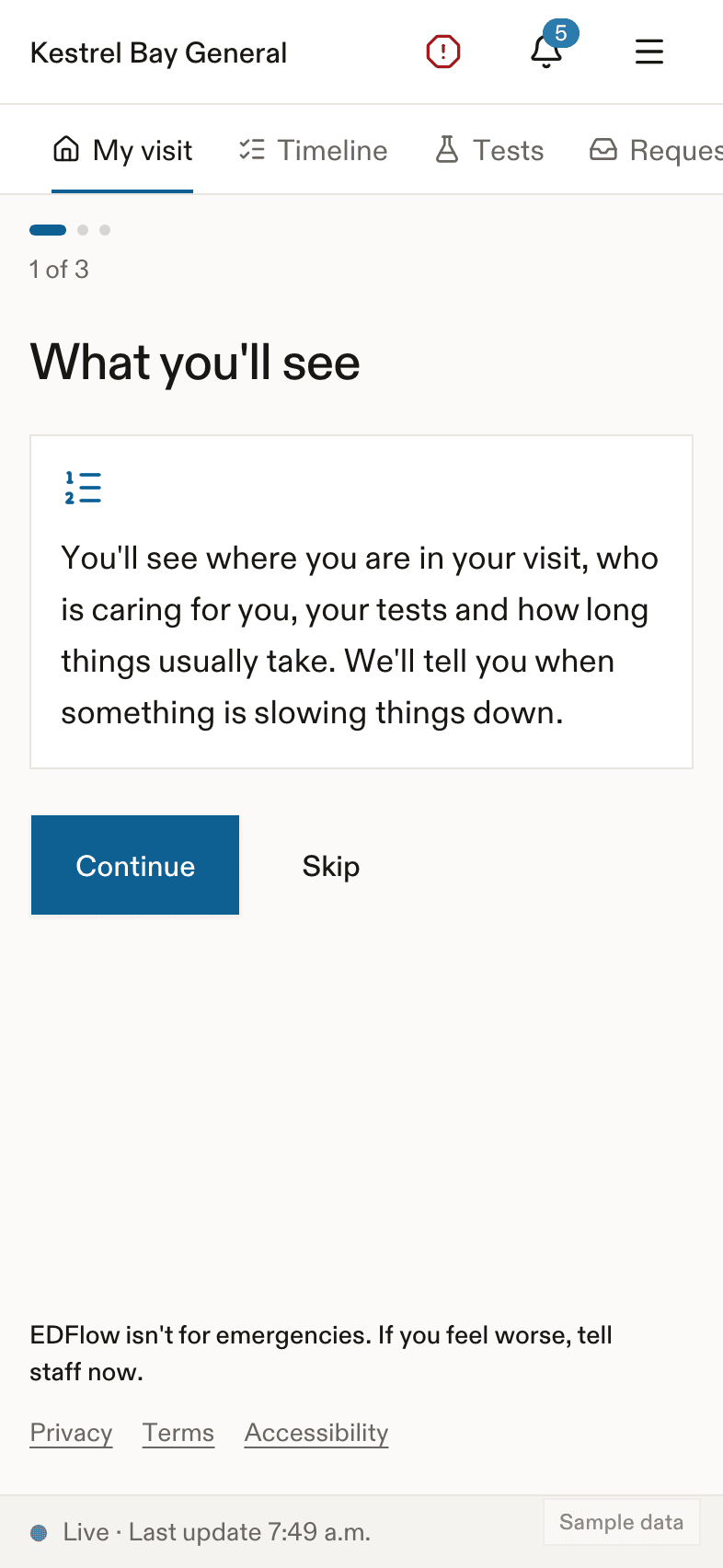
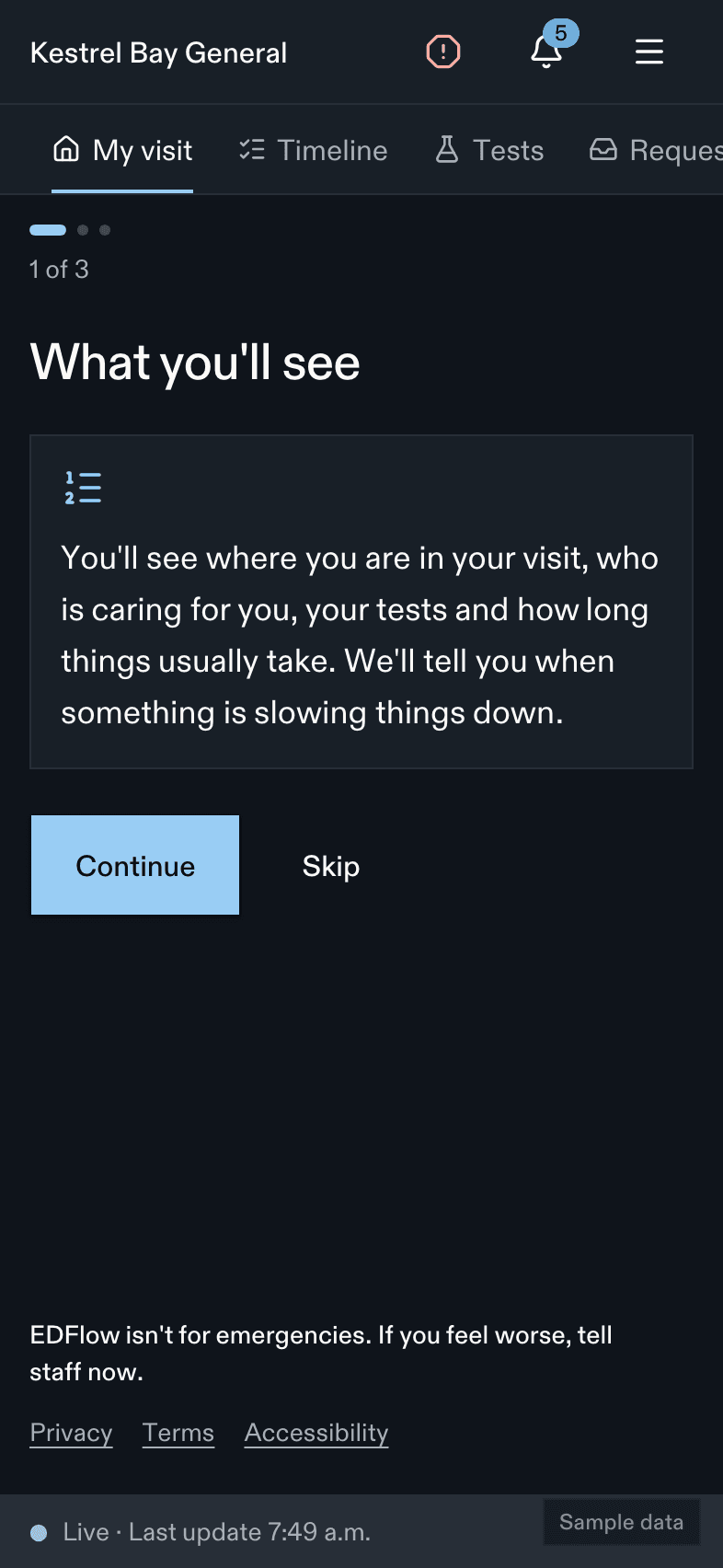
See App or browser for the patient's point of view.
Staff devices
- Staff console: any supported desktop browser on a hospital workstation. Shared workstations are fine: the console locks after 15 minutes of inactivity by default and every session ends after 12 hours.
- Companion app: hospital-managed phones only (MDM). The app refuses staff mode on a phone with no passcode and asks for Face ID, fingerprint or the passcode after 5 minutes in the background. See Companion app and Devices for IT.
- Print stations for visit cards and big-board stations are registered by a manager and have their own device credential, never a person's session.
Waiting-room display
A television at 1920 × 1080 or larger, running a current browser in kiosk mode, pointed at the hospital's display page. It shows only department-level information: how busy it is, how a visit works, how to join, and the check-in-first message. See Waiting-room display and Network requirements.
Last updated on