App or browser
Follow your visit in your phone's browser with nothing to install, or use the EDFlow app. What the first screens say, how notifications work, and what your lock screen shows.
Tell a staff member now
Don't wait for a reply on your phone. Tell any nurse or staff member right away, or press your call bell. If you're in the waiting room, go to the triage desk.
If this is an emergency, call 911. For health advice, call Health811 at 811.
You can follow your visit in your phone's web browser. You don't have to install anything. The app does the same things, and adds a few extras.
Which one should I use?
| Browser | App | |
|---|---|---|
| To start | Scan the QR code with your camera | Install the app, then scan inside it |
| See your visit, tests and care team | Yes | Yes |
| Ask your care team | Yes | Yes |
| Share with family | Yes | Yes, with your phone's share sheet |
| Updates when the screen is off | Text messages, if you turn them on | Notifications, or text messages if you prefer |
| Lock with Face ID or fingerprint | No | Yes |
Both clear your visit from the phone when your access ends.
The first screens
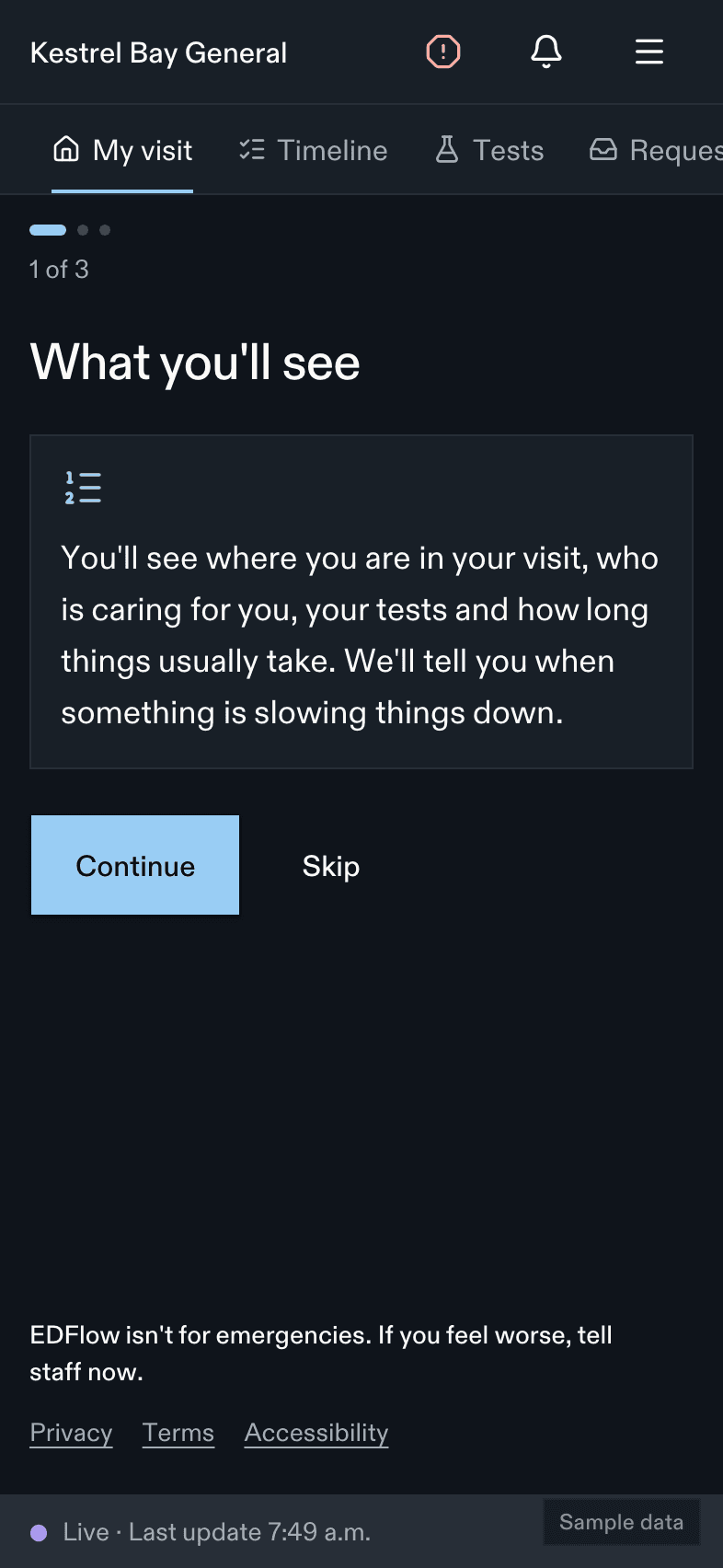
The first time you sign in on a phone, you see three short screens.
What you'll see
Your step in the visit, your care team, your tests and the usual waits, and notices when things slow down.
What you won't see
You won't see your results or your place in line. You'll hear about your results from your care team, not in this app.Safety
EDFlow isn't for emergencies. If you feel worse, tell a staff member right away. Don't wait for this app. You can't skip this screen.
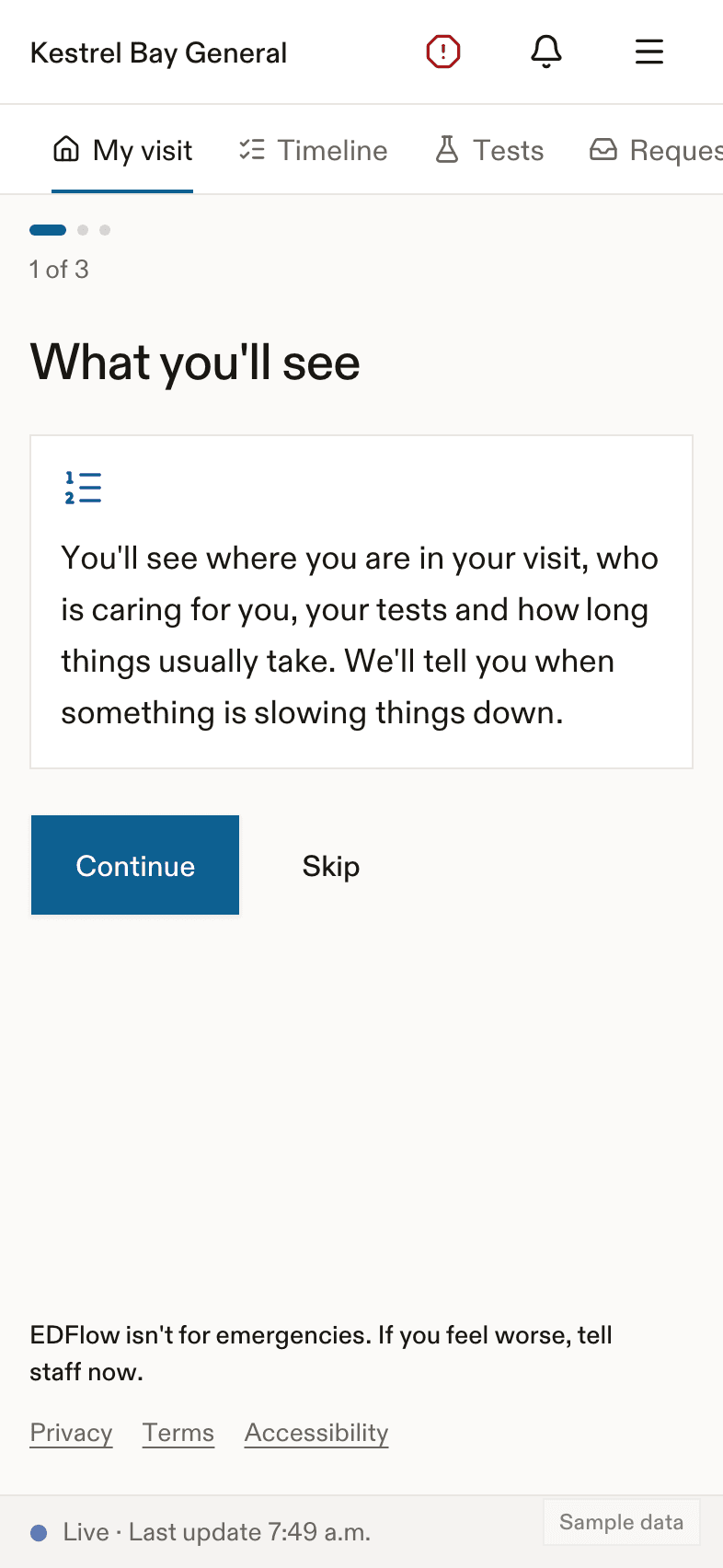
On the web, the main phone can then choose to get text updates. You type your phone number, then a 6-digit code we text you. You can say Not now.
Notifications in the app
Before your phone asks for permission, the app explains what we will send:
We'll let you know about the big steps in your visit. The lock screen only says: "You have a new update."
Your lock screen never shows your name, your tests or the hospital. It only says You have a new update. You can choose a more detailed message in Settings.
Installing the app
Search for EDFlow in the App Store or Google Play. You need iOS 17 or later, or Android 8 or later. See Devices.
Related
Last updated on