Charge nurses
Running the emergency department with EDFlow as charge nurse: zones and shifts, codes, department volume, escalations, overrides, feed downtime, analytics and a quick-reference card.
As charge nurse you set up the shift in EDFlow, keep the department's status honest for patients, and catch what escalates. Everything else runs from the EHR feed and your team's taps.
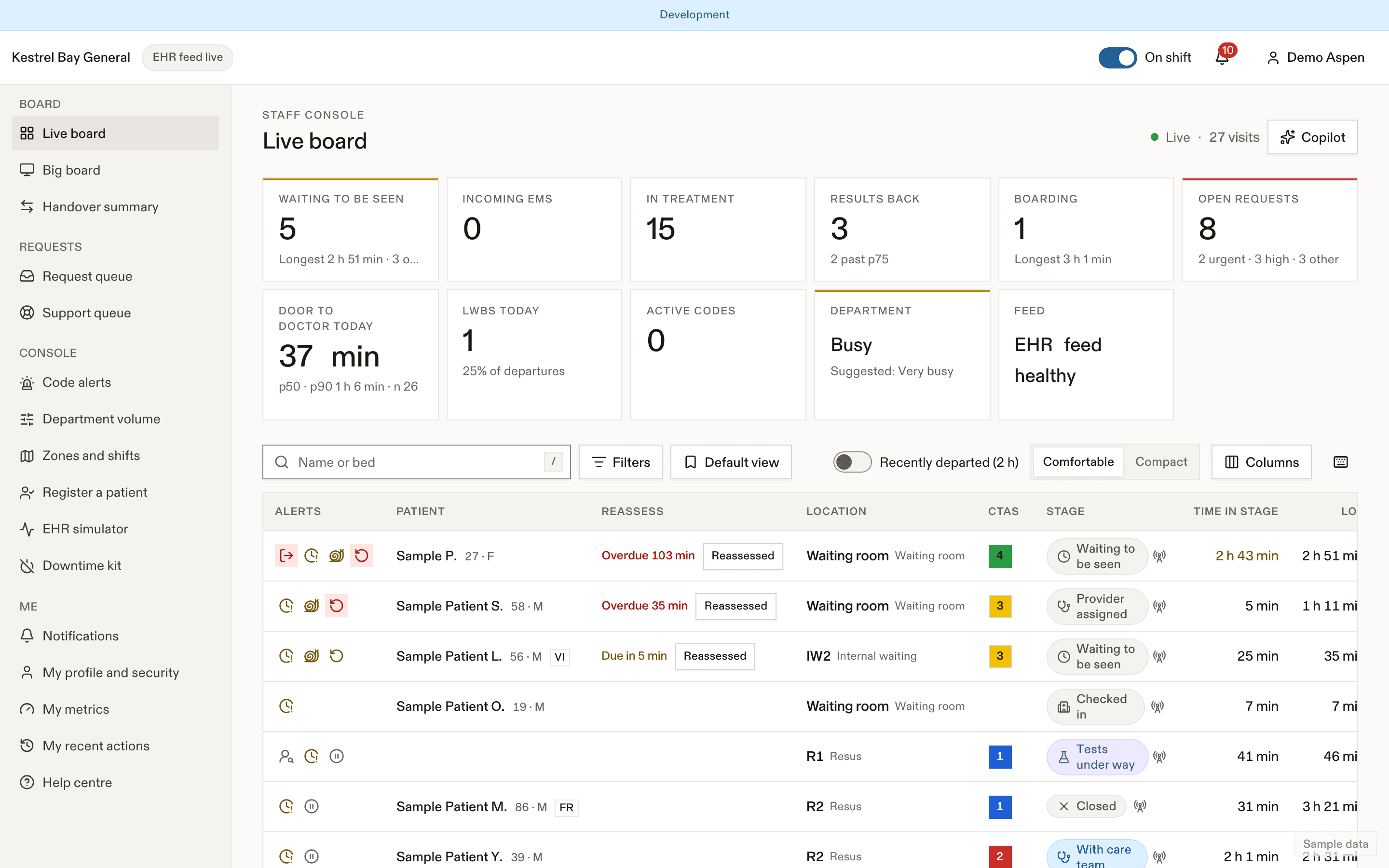
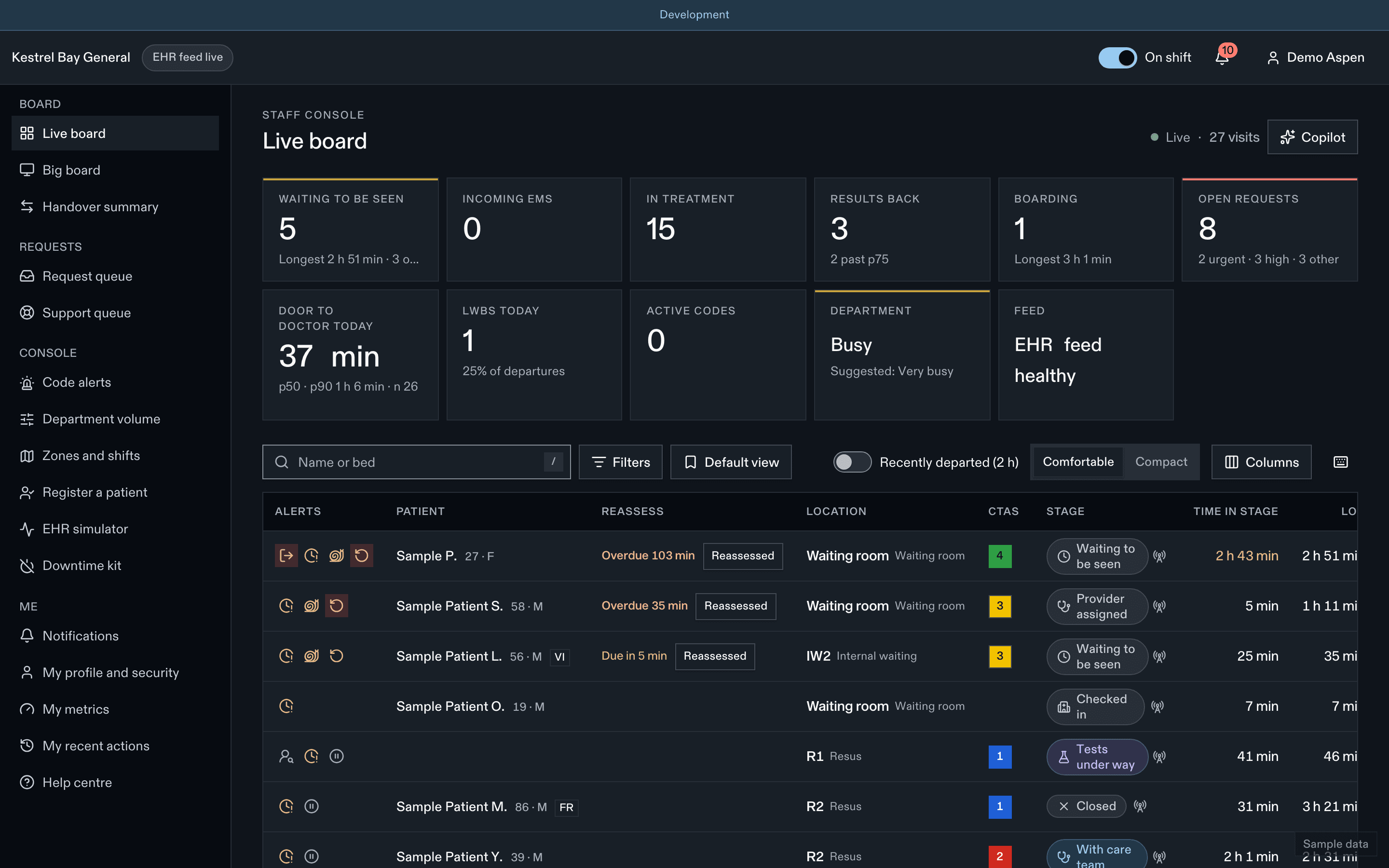
- Filters and saved views
- Bottleneck flag
- Open requests
Your shift in EDFlow
| When | What | Guide |
|---|---|---|
| Start of shift | Assign zones, the triage pool, the support pool, charge and the physician in charge; Copy from last shift | Zones and shifts |
| When it gets busy | Accept or set Busy, Very busy or Surge; review it every 4 hours | Department volume |
| When a code is called | Record it in two steps, answer "Which patient is this for?" for paged codes, post the delay notice | Codes |
| When something escalates | Urgent requests without a response, thinking of leaving, over-the-usual-wait | Escalations |
| When the feed is wrong | Override a fact, correct a time, reopen a visit | Overrides and corrections |
| When the feed is down | Run the downtime procedure and the manual console | When the feed is down |
| Any time | Department analytics and "Ask your data" where enabled | Analytics |
| At the station | Big-board mode, handover summary | Big board and handover |
| End of shift | End shift releases the assignments | Zones and shifts |
What only you can do
| Permission | R-CHARGE | R-NURSE |
|---|---|---|
patient.override | Granted | Not granted |
patient.lifecycle | Granted | Not granted |
zones.assign | Granted | Not granted |
request.bulk | Granted | Granted |
code.call | Granted | Not granted |
code.clear | Granted | Not granted |
code.notice | Granted | Granted |
volume.set | Granted | Not granted |
Quick-reference card
| Urgent request, no response in 2 min | You and the triage pool are pushed. At 5 min without an in-person resolution, you and the physician in charge |
| Code from paging | Answer "Which patient is this for?" before anyone is notified |
| Volume | Suggestions never apply themselves. Review the level every 4 h |
| Feed down | Banner with links to the manual console and the downtime kit |
| Override | Wins over the EHR until cleared. Always audited |
| Reopen a departed visit | Patient → Update status → Reopen |
| Never | Put a code name, area or count in anything patients see |
Last updated on