Physicians
Physicians, residents, nurse practitioners and physician assistants in EDFlow: Assign me, Seen and Seen again, why the seen time matters to the patient's screen, NACRS PIA, and a quick-reference card.
EDFlow needs very little from physicians: usually the EHR already records your assignment, orders and disposition. This page explains the few taps that make the patient's screen accurate, and what the patient sees about you.
Assigned, seen and PIA are three different facts
| Fact | How it's set | Patient sees |
|---|---|---|
| Assigned | Your first assignment, from the EHR or Assign me | "A doctor has been assigned to you. They'll see you as soon as they can." (after a short hold, in case you release it) |
| Seen | An initial assessment in the EHR, Seen in the console, or, where the site allows, your first non-directive order, a consult request or a disposition | "Seen by a doctor" (or nurse practitioner, physician assistant, specialist) |
| PIA (NACRS) | The site's NACRS rule: at assignment, or at the first explicit assessment | Nothing. Used for analytics only |
Patients are never told they've been seen before they have been. If you Assign me and then release within the hold, the patient never hears about it.
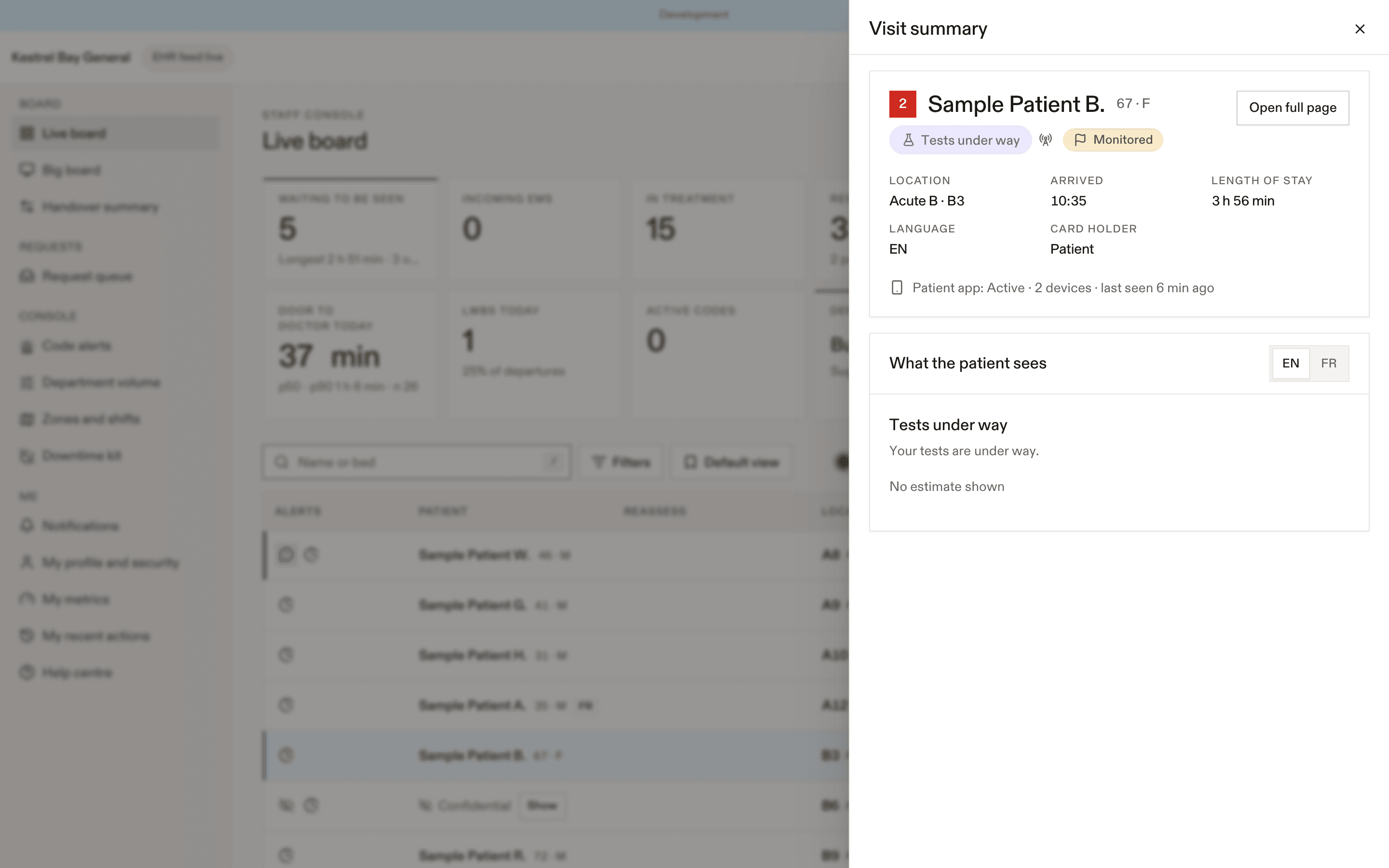
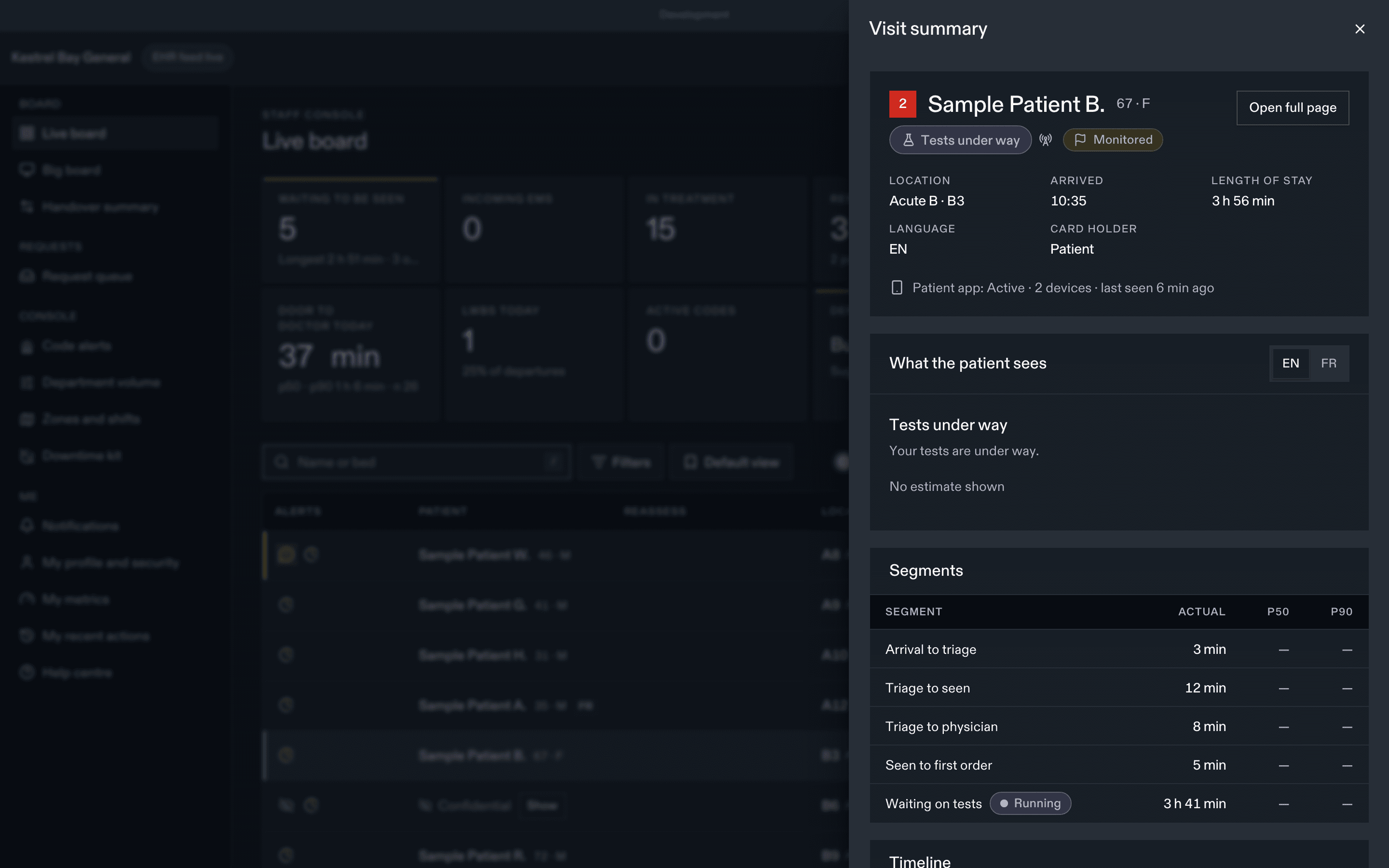
The taps that matter
- Assign me when you pick up a patient, if your EHR doesn't send it.
- Seen when you first see them, if your EHR doesn't record the initial assessment.
- Seen again after results are back and you've spoken with the patient. It ends "Results back: waiting to see your care team again" and feeds the results-to-decision measure. It is one tap on the board row and the companion app.
What patients see about you
- Physicians: "Dr." and your full name. NPs and PAs: full name. Your site's policy applies to others.
- Residents appear as Doctor in training, never "Resident".
- Your photo only if you opt in and the site allows photos.
- You can be hidden from patients entirely for your safety. See Your profile.
- Family see your first name and "Doctor".
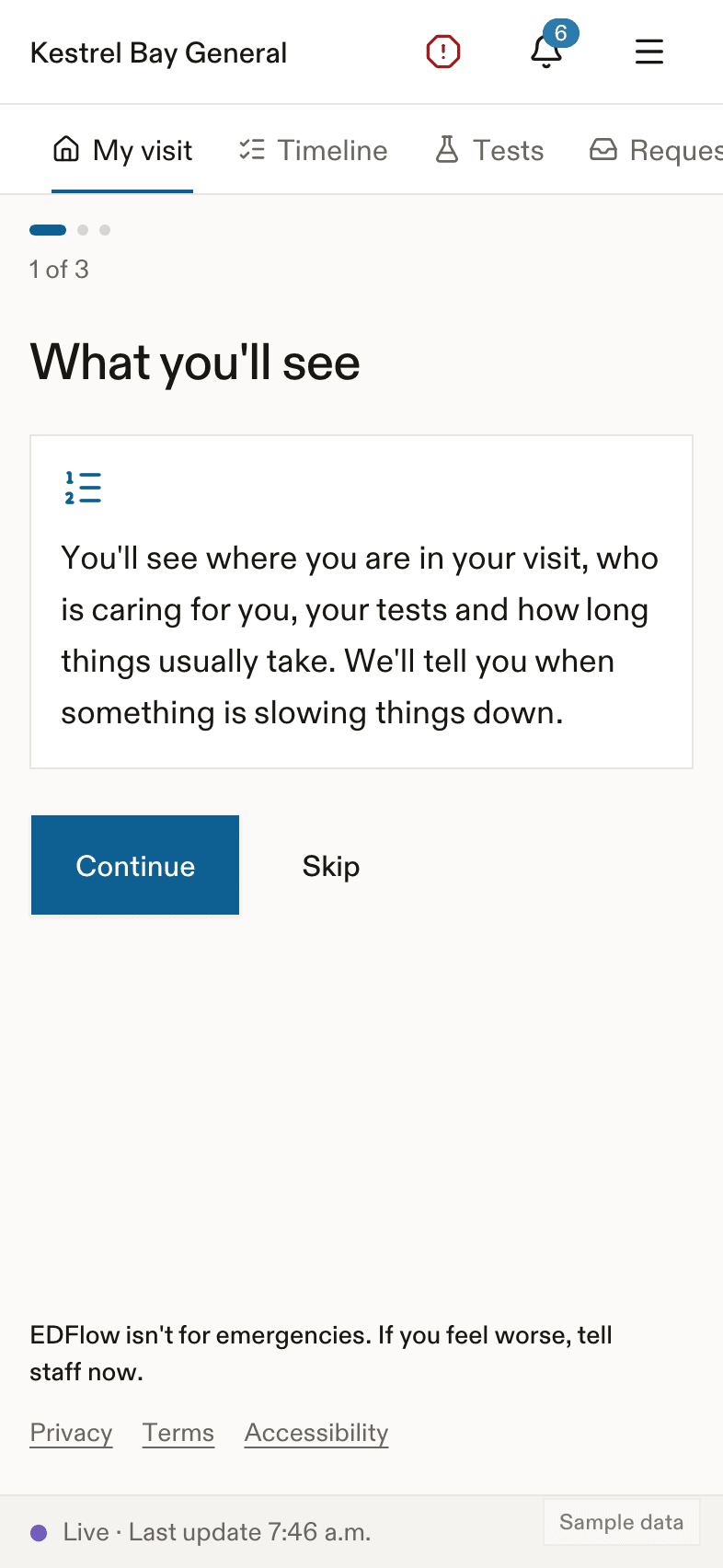
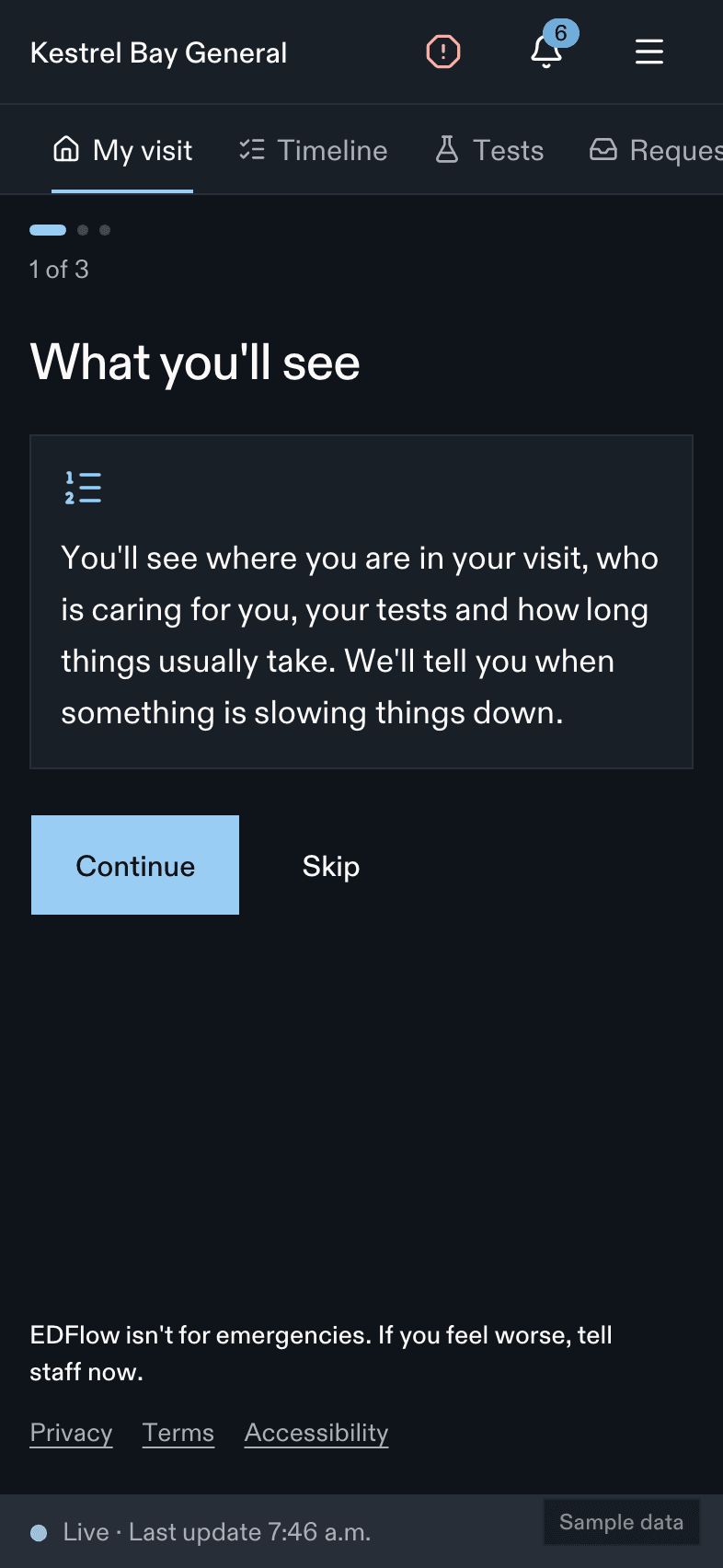
Handover
Release with the reason Handover and assign the incoming physician. The seen and PIA times don't change, and the patient gets a quiet note that their doctor changed.
Quick-reference card
| Pick up a patient | Assign me |
| First assessment | Seen (if the EHR doesn't send it) |
| After results | Seen again |
| Results reviewed before patients see "back" | Hold results status, then Release results now |
| Going home | Disposition, then the AVS. See After-visit summary |
| Code | Two steps. See Calling a code |
| Never | Put diagnosis text in the summary's free text. Tell a patient results through the app. |
Related
Last updated on