Administrators
The EDFlow admin overview for ED managers, and the go-live checklist: EHR gates, content approval, staff training, signage and the AI gates.
The admin area is for ED managers, privacy officers and integration analysts. Each role sees only its own pages. This section starts with the manager's view.
The overview
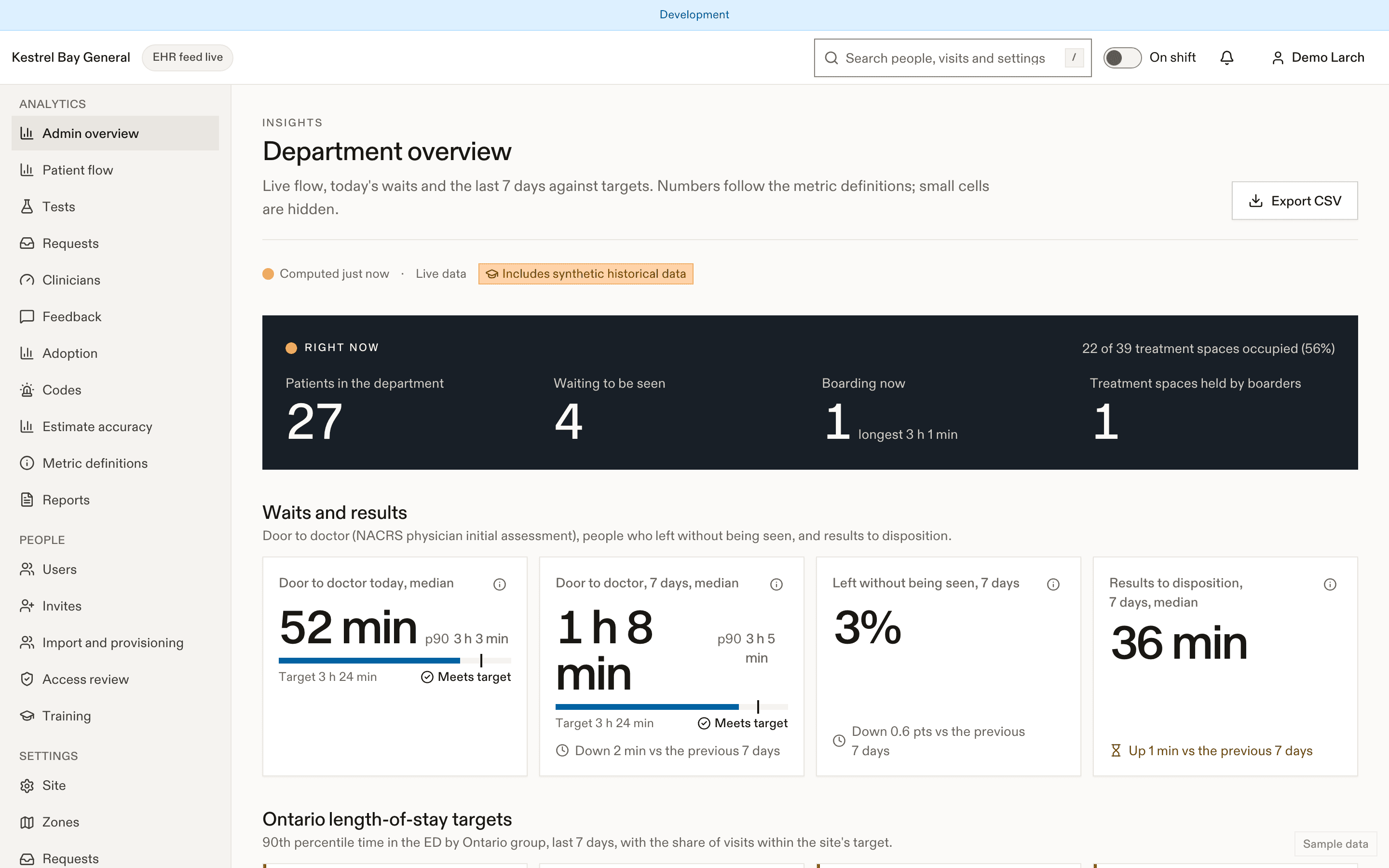
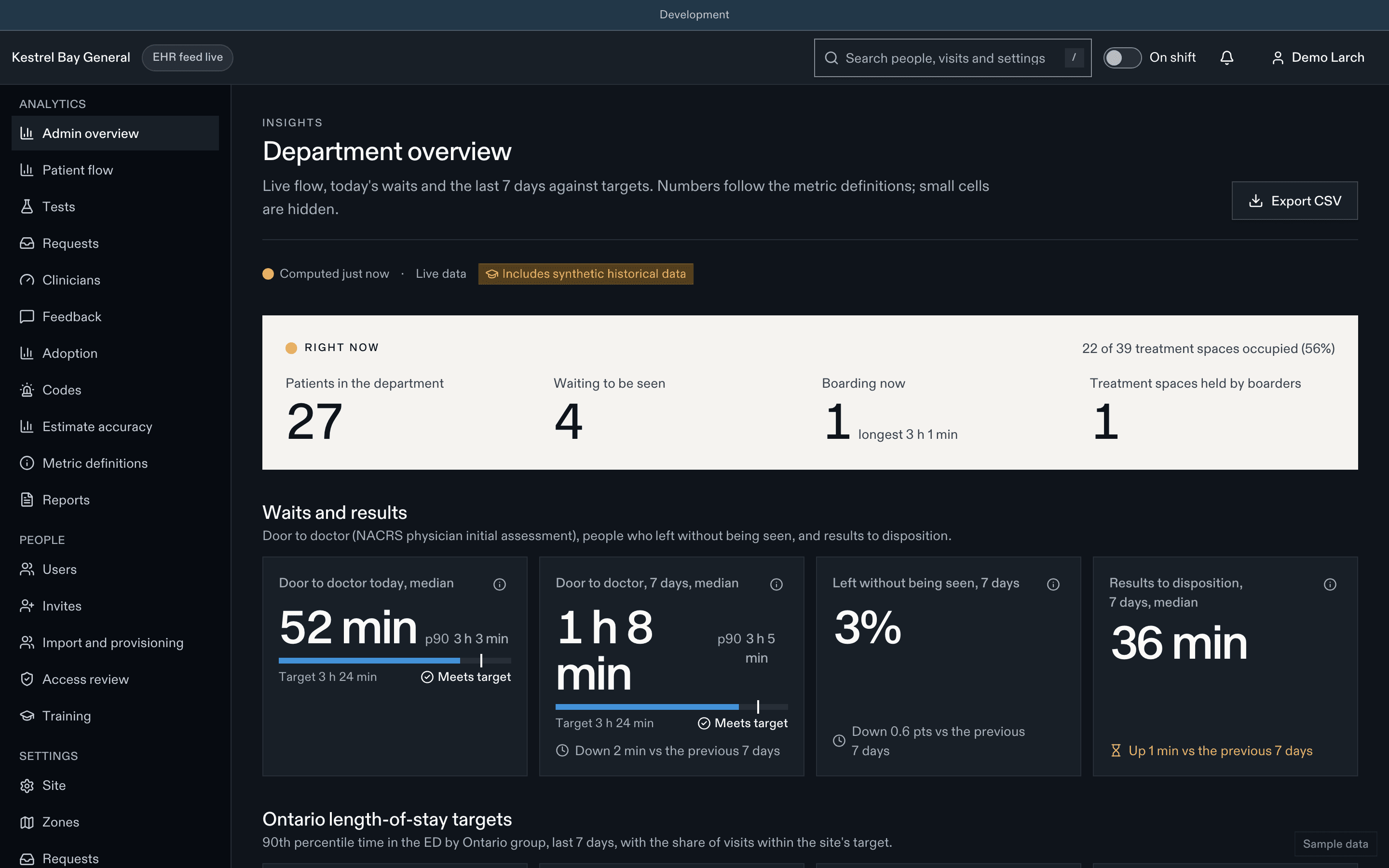
The overview shows, for today and the last 7 days, with the change against the previous period:
- census now, waiting to be seen now, door-to-doctor p50 and p90 against the site target;
- LOS p90 by Ontario group with the share meeting target, ambulance offload p90, LWBS rate;
- boarding count, boarder-hours, median time to an inpatient bed, stretchers occupied by boarders;
- results to disposition, open requests and first-response time, SLA compliance;
- active codes, activation rate, feedback top box, feed state.
Live bottlenecks list active visits past p90 in their current segment, next to capacity drivers (boarders, occupancy, physicians on shift), so access block isn't mistaken for an ED problem. Arrivals today by hour compare with the same weekday over the last 8 weeks.
Your pages
| Area | Pages |
|---|---|
| People | Users and access |
| Configuration | Settings, Announcements, AI, EDFlow Mail (platform) |
| Measurement | Analytics, Reports and exports |
| Running a pilot | Pilot playbook |
| Privacy officers | Audit and access reports |
| Integration analysts | Feed health |
Go-live checklist
Before a site goes live, every item below is complete. The EHR gates are enforced by the platform: nobody can override them.
EHR and integration
- Conformance run with every fixture passing.
- 14-day shadow run with at least 98% milestone agreement against the site's audit sample.
- 95th-percentile EHR-to-screen time of 60 s or less; rejected events below 0.5%.
- No unmapped codes in the last 30 days; roster reconciliation closing every test discharge.
- Or, for a manual site: the manual console process agreed with the charge nurses.
Safety and privacy
- Clinical safety case signed off for the site's configuration.
- PIA and TRA recorded as approved.
- Privacy officer accounts in place, with the second approver for exports.
Content
- Hospital information complete in English and French.
- Education sheets, going-home templates, task templates and FAQ approved by a clinical approver and published. See Patient content.
- Safety locales translated and reviewed.
People
- Staff invited, roles assigned, privileged roles approved.
- Staff in the pilot zones trained in training mode.
- Zones, pools and the physician in charge assigned for the first shift.
Places
- Print stations registered and tested at triage and registration.
- Posters and QR signage up; the waiting-room display running. See Hospital communications.
AI (only if the site will use AI features)
Each AI feature passes its gates G-AI-1 to G-AI-6 before it's turned on. See AI.
Frequently asked questions
Some settings are locked in production, and changes that reduce privacy need a second approver. Every change is kept in the history and can be reverted. See Site settings.
Per-clinician step metrics are a private self view for the clinician, shown against blinded peer ranges and never as ranks. See Analytics.
Every AI feature is off by default and must pass its governance gates before a site can enable it, with a kill switch per site. See AI.
The feed health page shows the delay, patients see that updates may be delayed, and staff keep visits current from the manual console. See Feed health.
The privacy officer runs an access report for the visit and follows the access-request workflow. See Access requests and retention.
When every go-live gate on the checklist above is met. Nobody can override them. See the pilot playbook.
Background reading on the product site: Measuring ED flow.
Related
- For hospitals
- Go live for integration teams
Dernière mise à jour le