For patients
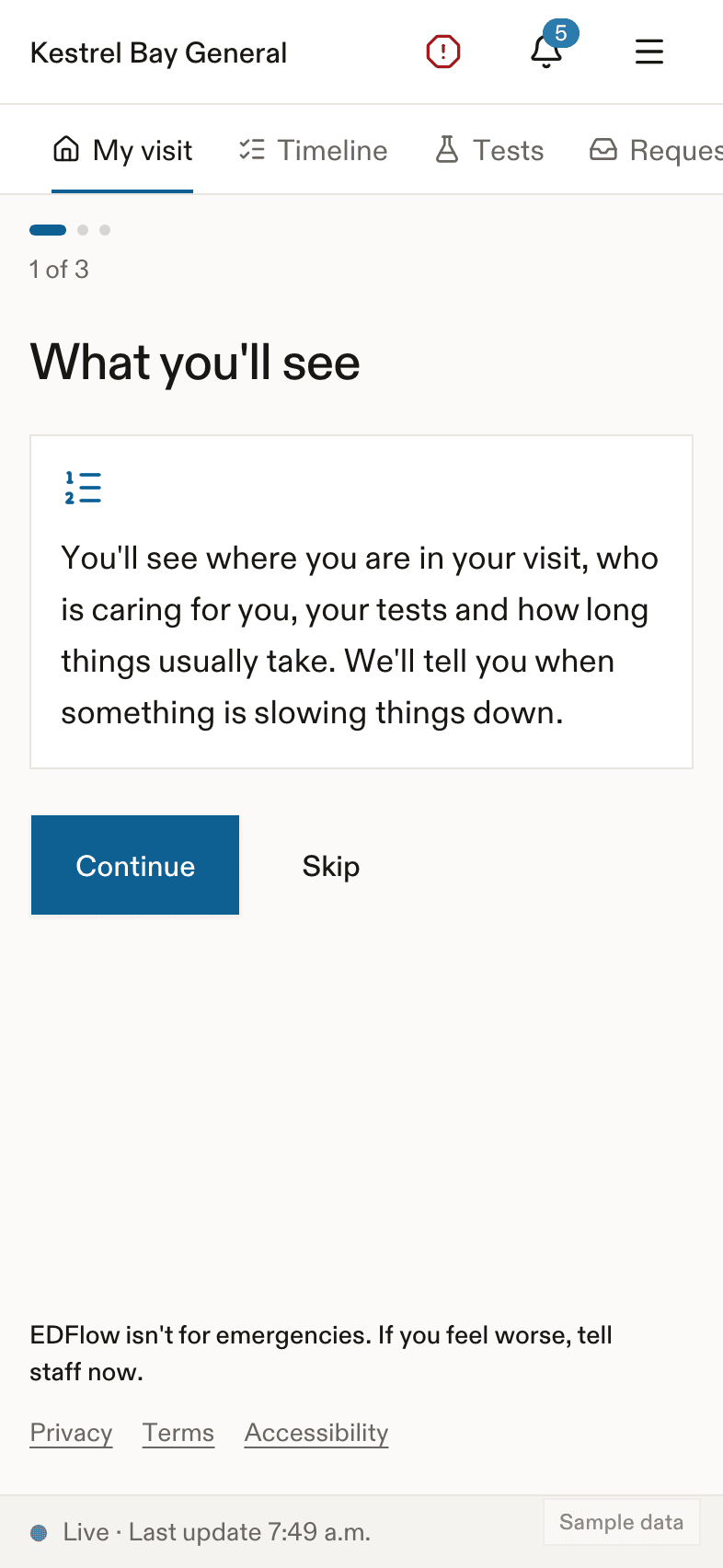
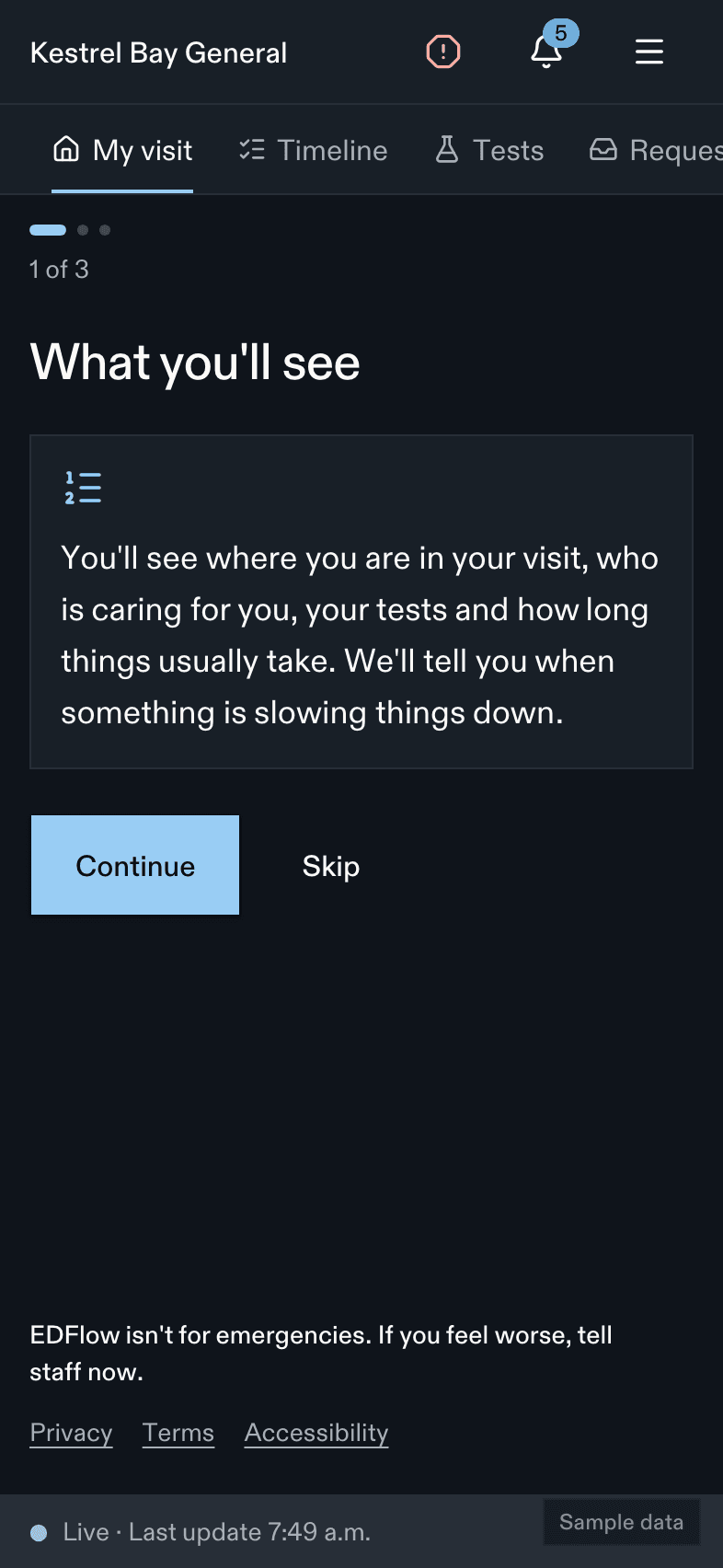
Follow your emergency department visit on your phone with EDFlow: see where you are, who is caring for you, your tests and usual waits, ask your care team for things, and share updates with family.
Tell a staff member now
Don't wait for a reply on your phone. Tell any nurse or staff member right away, or press your call bell. If you're in the waiting room, go to the triage desk.
If this is an emergency, call 911. For health advice, call Health811 at 811.
EDFlow helps you follow your visit to the emergency department. You don't need an account. You don't need to install anything. Scan the QR code on your wristband or visit card with your phone's camera.
What you can do
See where you are
Your step in the visit, what happens next, and how long this step usually takes here.
See your care team and tests
Who is looking after you, and where each test is. You see when results are back, not what they are.
Ask for something
A blanket, water, an interpreter, or a question. Your care team sees who asked and when.
Share with family
Send a link so family can follow a short version of your visit. Stop at any time.
After you leave
Your going-home summary, follow-up dates and a short survey.
Before you start
- Check in with the triage nurse first. EDFlow starts after you are registered. Staff give you a card or a wristband with a QR code.
- If you feel worse, tell a staff member in person. Don't wait for your phone. See If you feel worse.
Where to begin
- Sign in with your card or wristband.
- Read Your visit to learn what each part of the screen means.
- Look at Wait estimates to understand the times you see.
What you won't see
- Your test results. Your care team will talk with you about them.
- Your place in line. The sickest people are always seen first, so the order changes.
- Anything about other patients.
Need help?
Ask any nurse or the registration desk. They can help you sign in on your own phone. You can also read Troubleshooting or Questions and answers.
Last updated on