Your visit
What the Visit screen in EDFlow shows: your current step, what happens next, the usual wait for this step, your care team, your tests, quick requests and the latest updates.
Tell a staff member now
Don't wait for a reply on your phone. Tell any nurse or staff member right away, or press your call bell. If you're in the waiting room, go to the triage desk.
If this is an emergency, call 911. For health advice, call Health811 at 811.
The Visit screen answers three questions: where am I, what happens next, and how long this step usually takes. It updates by itself. You don't need to refresh it.
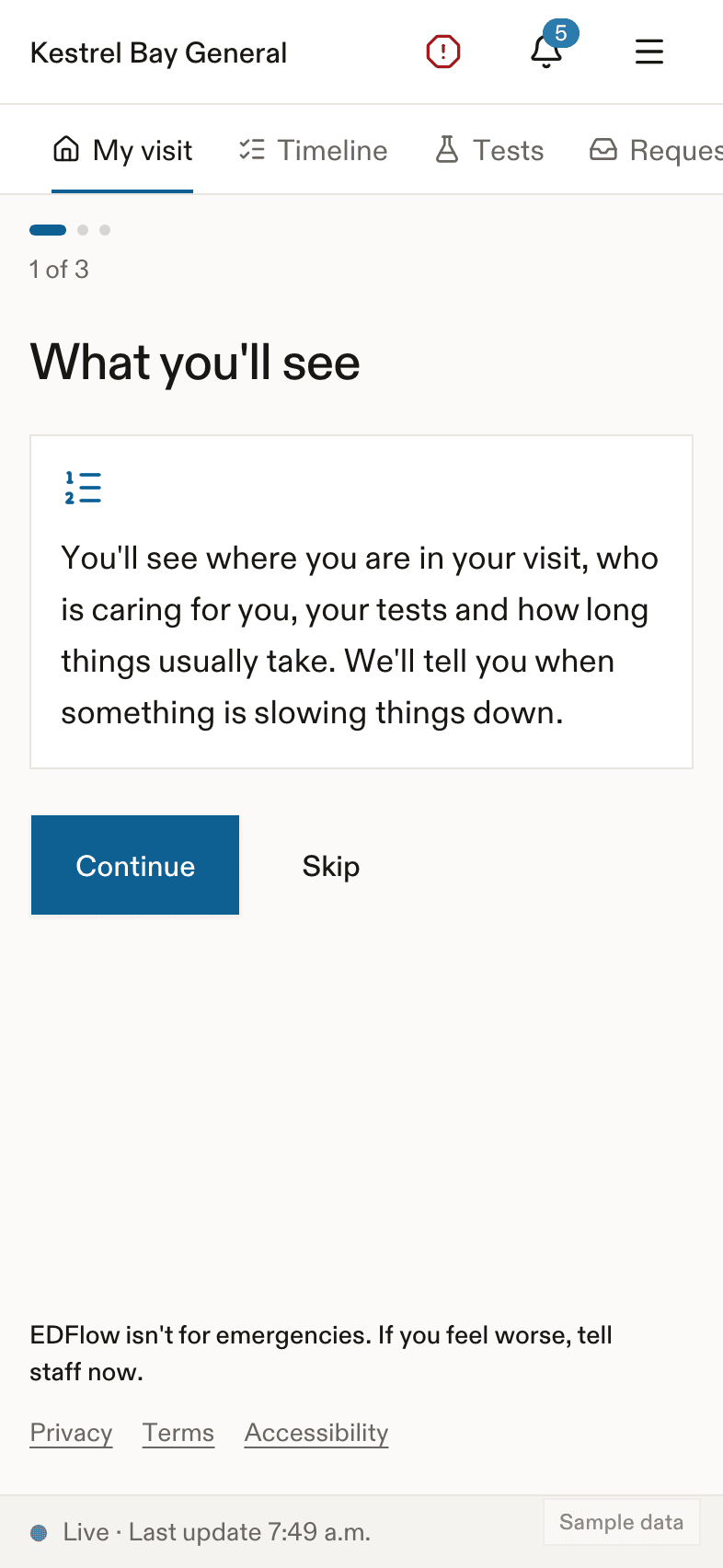
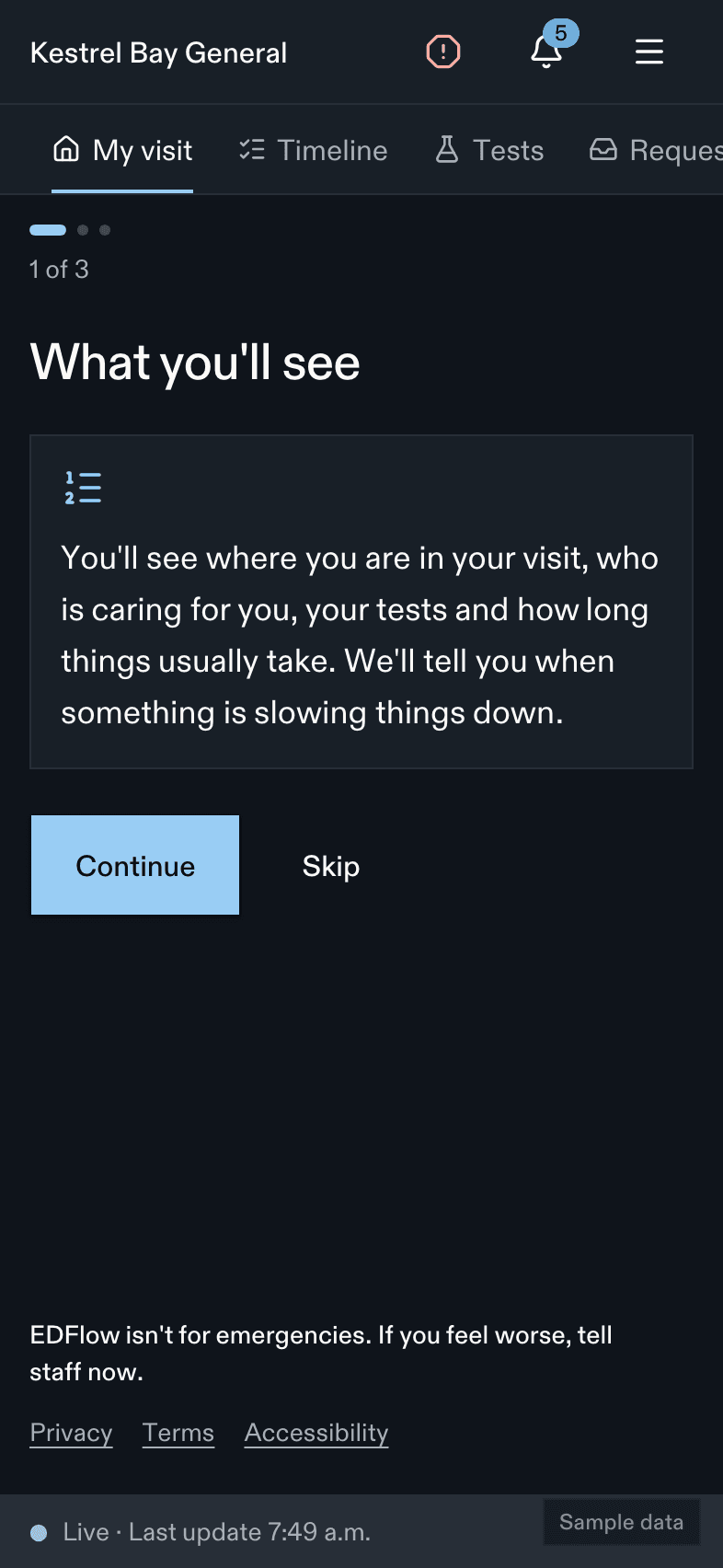
What's on the screen
From top to bottom:
- Notices. For example, when the department is very busy or when your wait may be longer. See Delays.
- Your step. The name of your step and one sentence about it.
- How long it usually takes. A range, and the time most people are done within. See Wait estimates.
- What's next. One to three sentences about the next step. This is what usually happens. It is not a promise.
- To do. Things your care team needs from you, if there are any. See To do.
- Your care team. Your doctor and your nurse. See Care team.
- Tests. How many of your tests are back. See Tests.
- Quick requests. The four requests people ask for most at your step. See Asking your care team.
- Recent updates. Your last three steps. Tap See full timeline for the rest. See Timeline.
- Share your updates. If you haven't shared with family yet. See Share with family.
At the bottom, the status line shows when the screen last changed. The I feel worse button is always there.
Right after you check in
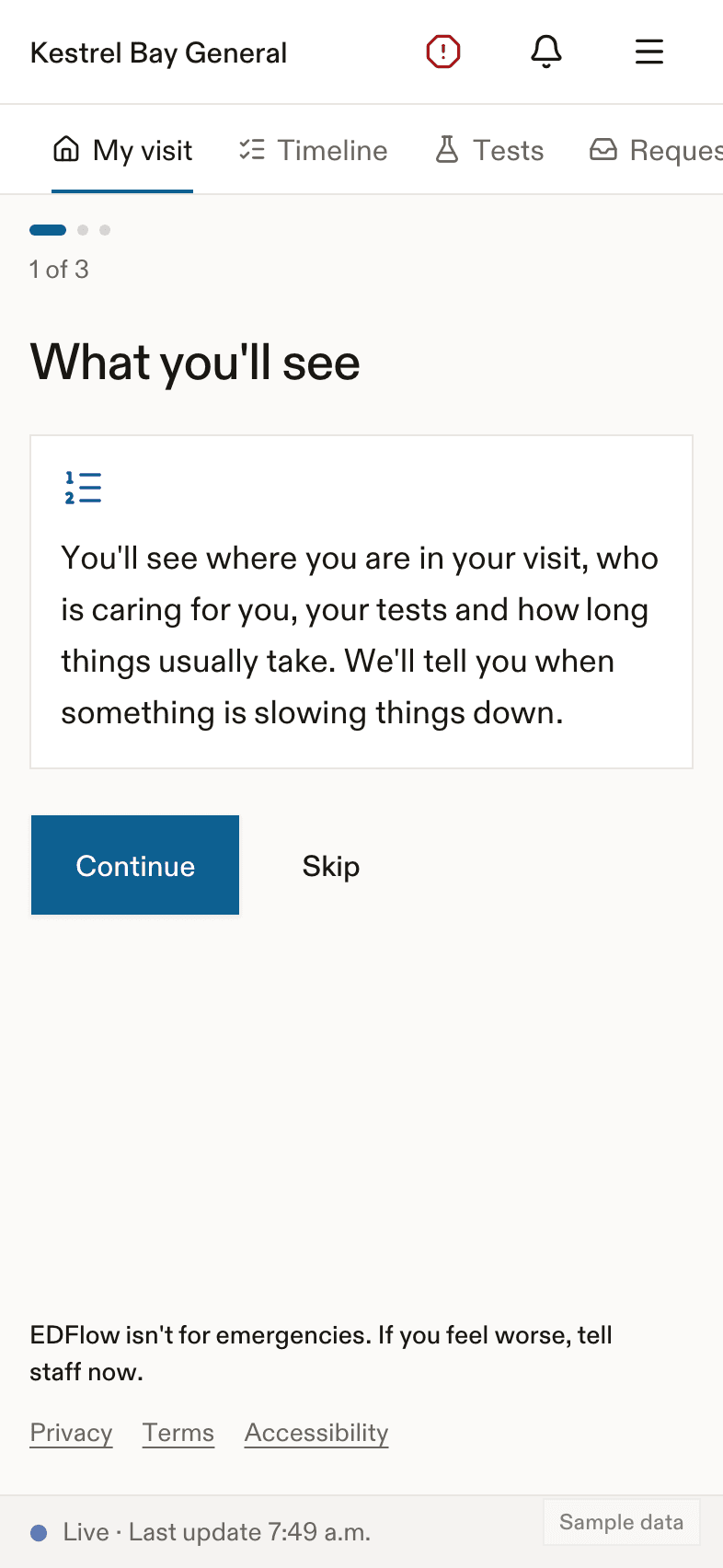
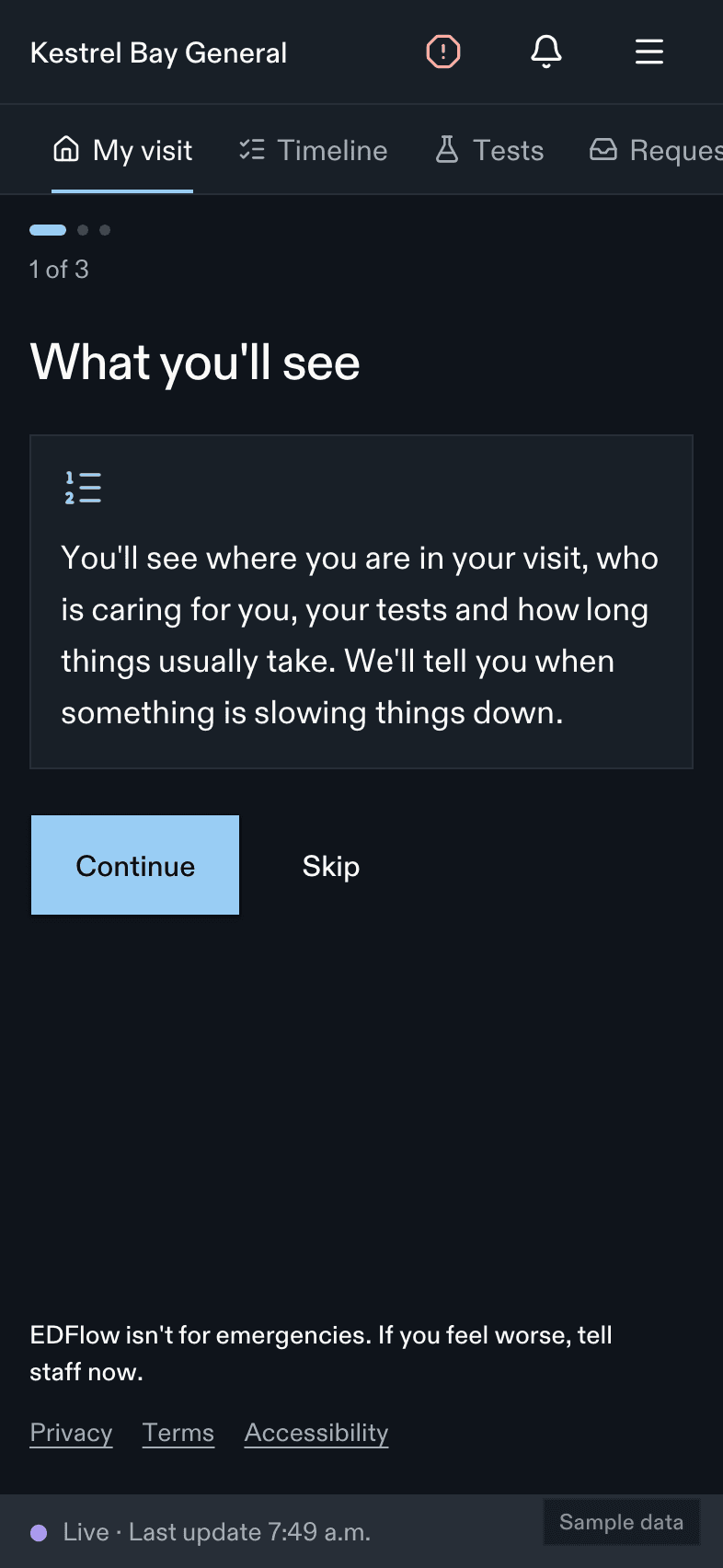
A nurse will check you as soon as they can. If this hospital has enough past visits, you see how long that usually takes.
While you wait to be seen
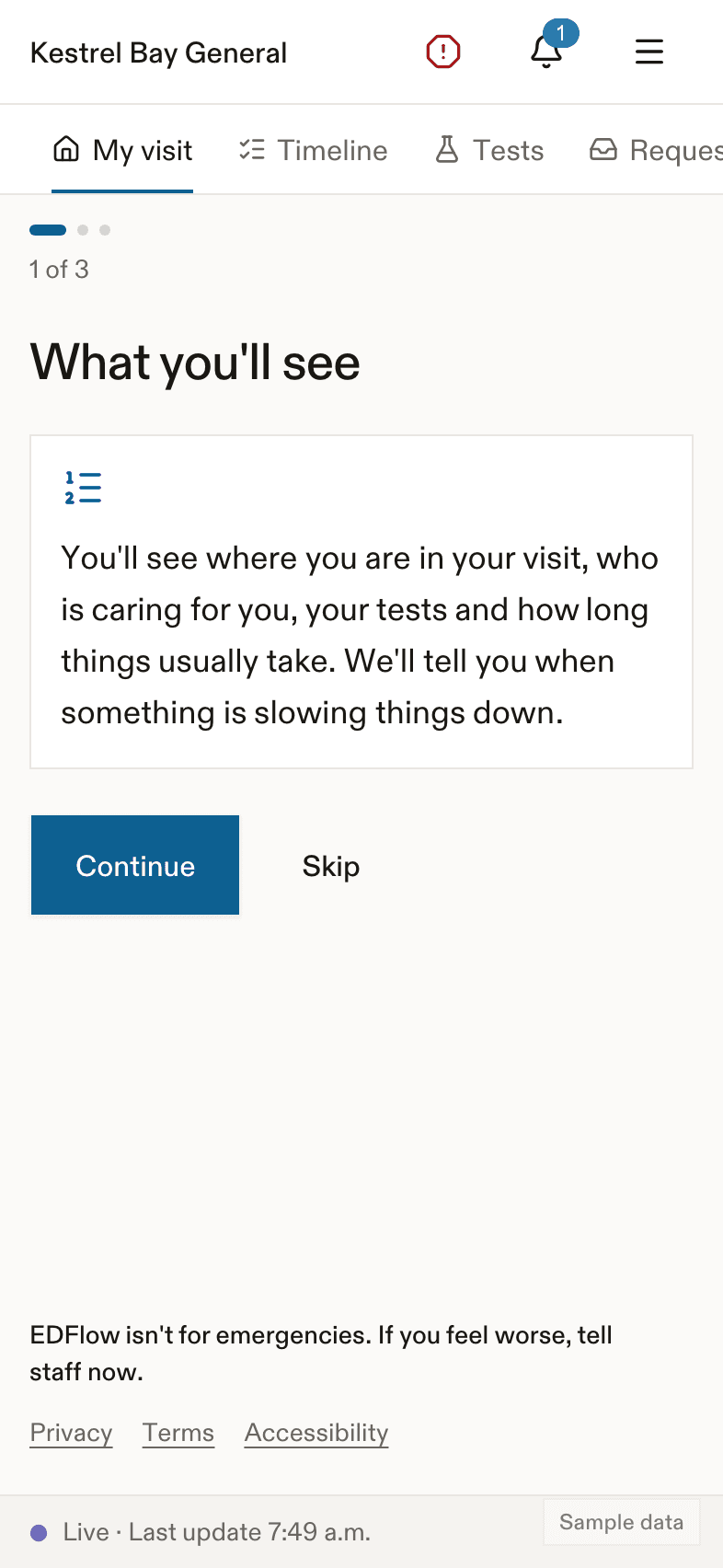
You see how long people usually wait to be seen at this hospital, on this day and at this hour. The sickest people are always seen first, so the order can change. If your condition means you'll be seen as soon as possible, you won't see a time. You'll see: We'll see you as soon as we can. The sickest people are always seen first.
Some tests may start before a doctor sees you. The screen then says some tests have started while you wait.
Other steps you may see
- A doctor has been assigned. Someone is taking care of you. They'll see you as soon as they can. There is no time.
- Tests under way. Your tests are shown at the top.
- Results back. You're waiting to see your care team again.
- Waiting for a specialist. The screen names the kind of specialist, unless the hospital keeps it private.
- Treatment and monitoring. How long your team would like to watch you.
- Getting ready to go home. The plan is for you to go home. Please wait for your nurse to go over your instructions and take out your IV before you leave.
- Staying in the hospital. You're waiting for a bed upstairs. This depends on beds upstairs.
How long you've been here
Under your step, a quiet line says when you checked in and how long ago. It is only about you. It is never compared with anyone else.
Related
- How a visit works
- Timeline
- Troubleshooting, if the screen says updates may be delayed
Last updated on