Adoption and equity
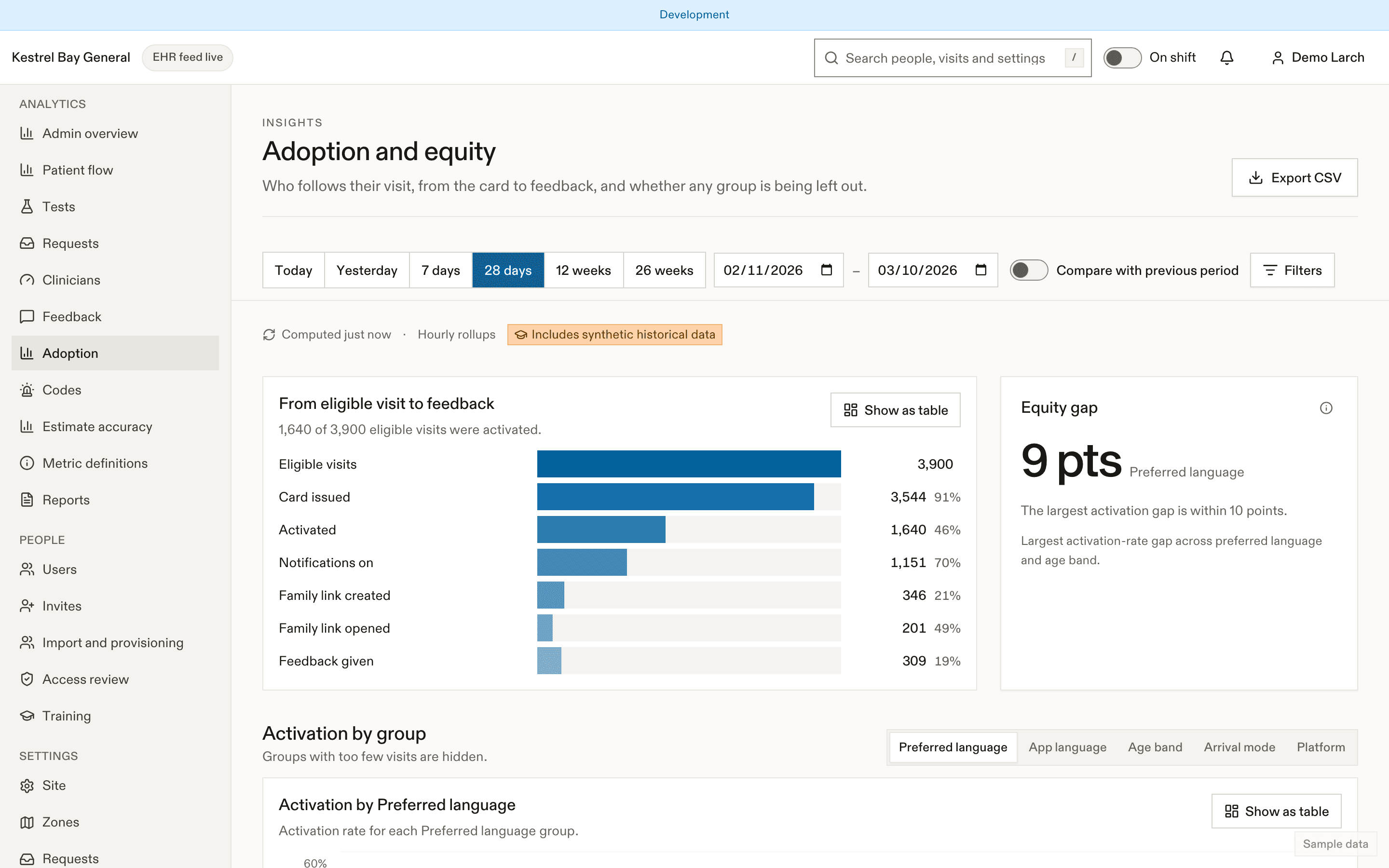
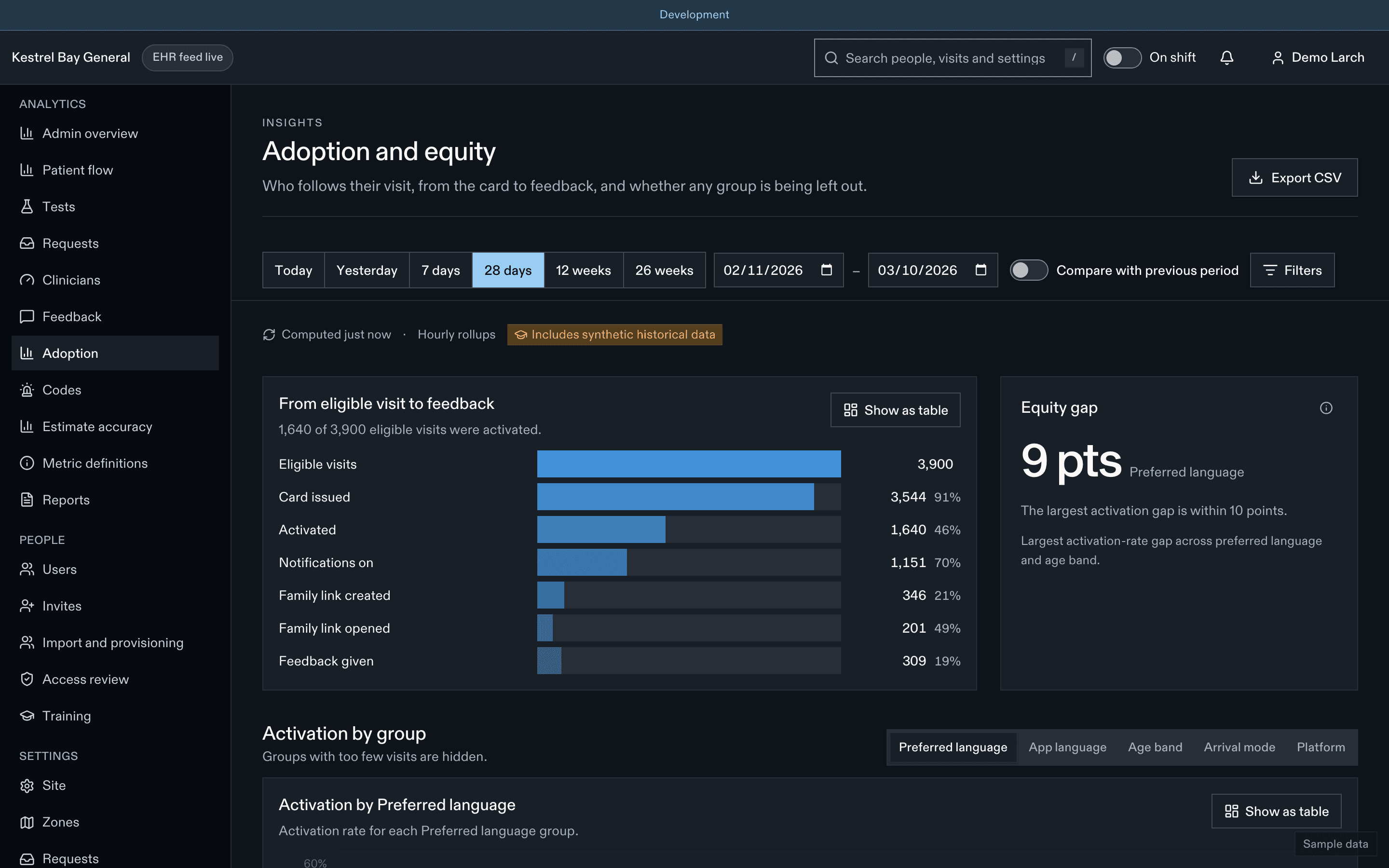
Who uses EDFlow in your ED: the activation funnel from card to feedback, broken down by preferred language, age band, arrival mode and platform, and the equity panel that flags gaps over 10 points.
The funnel
Eligible visits → card issued → activated → notifications on (push or text) → family link created → family link opened → feedback given, with the rate between each step.
Pilot targets: activation 40% or more by month 2 (M-17), family sharing 20% or more of activated visits (M-18).
Breakdowns
The same funnel by EHR preferred language (every language, not only English and French), app language, age band, arrival mode and platform (web, iPhone, Android).
Equity panel
Shows the largest activation-rate gap across preferred language and age band, and flags gaps over 10 points (M-19).
Closing gaps
| Gap | Things that help |
|---|---|
| Language | Add a safety locale for the language; posters and cards in that language; interpreter requests promoted |
| Older patients | Staff-assisted sign-in with larger text; the guardian or substitute decision-maker card |
| Ambulance arrivals | Make sure cards print after triage for stretcher patients too |
| No phone | The waiting-room display explains the visit; family can follow for the patient |
Related
Dernière mise à jour le
Cette page vous a-t-elle été utile?
Feedback
Patient feedback analytics in EDFlow: the five-question post-visit survey, the in-visit pulse, response rates, top-box shares, comments hidden when they may contain personal information, and family feedback.
Codes and delays
Code and volume analytics in EDFlow: the code log, frequency by type and hour, patients notified, the descriptive code impact on waits, and time in each volume level.