Languages
Configure languages in EDFlow: English and French, the site default and active offer of French, up to five safety locales for the safety-critical messages, and translation completeness.
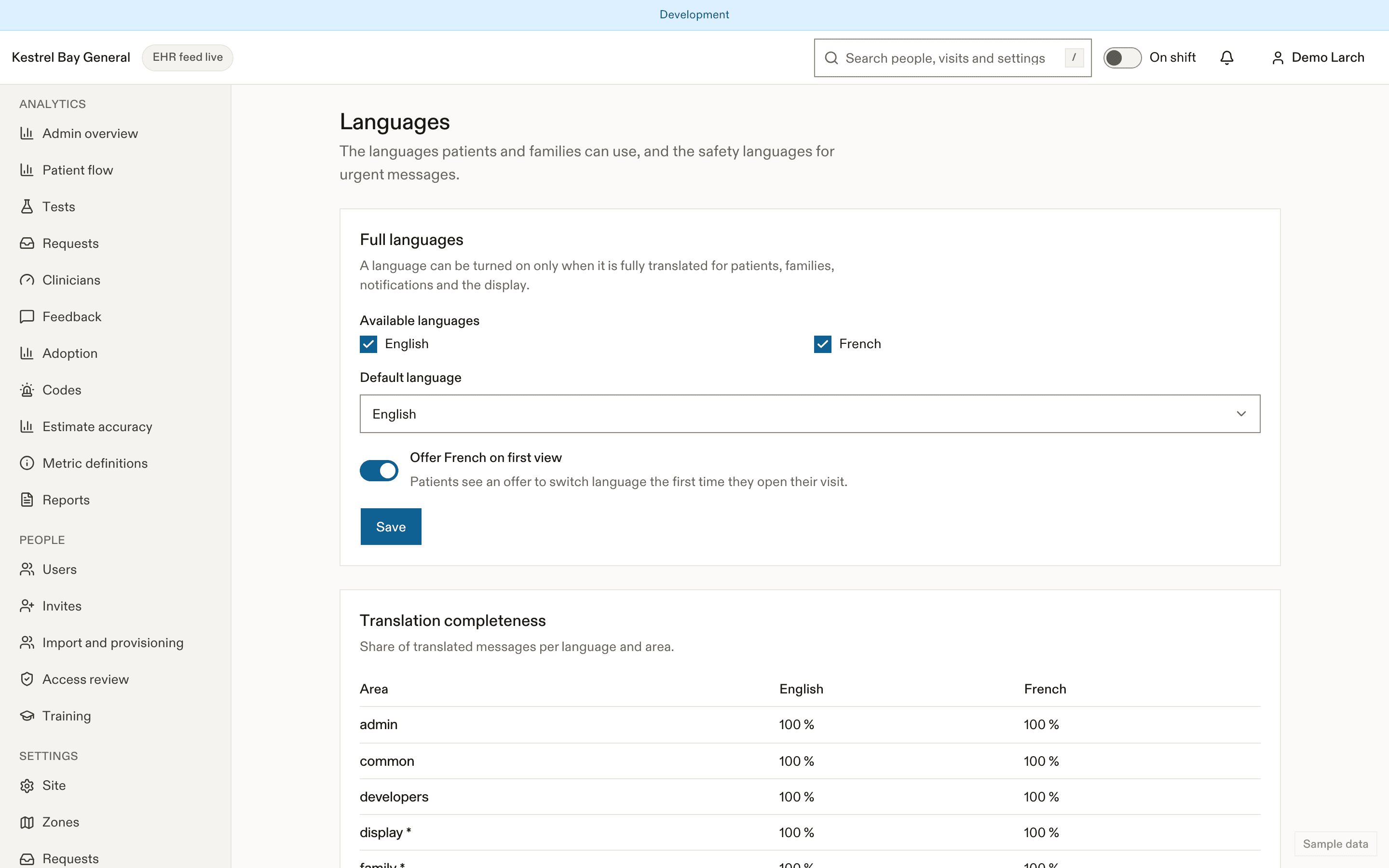
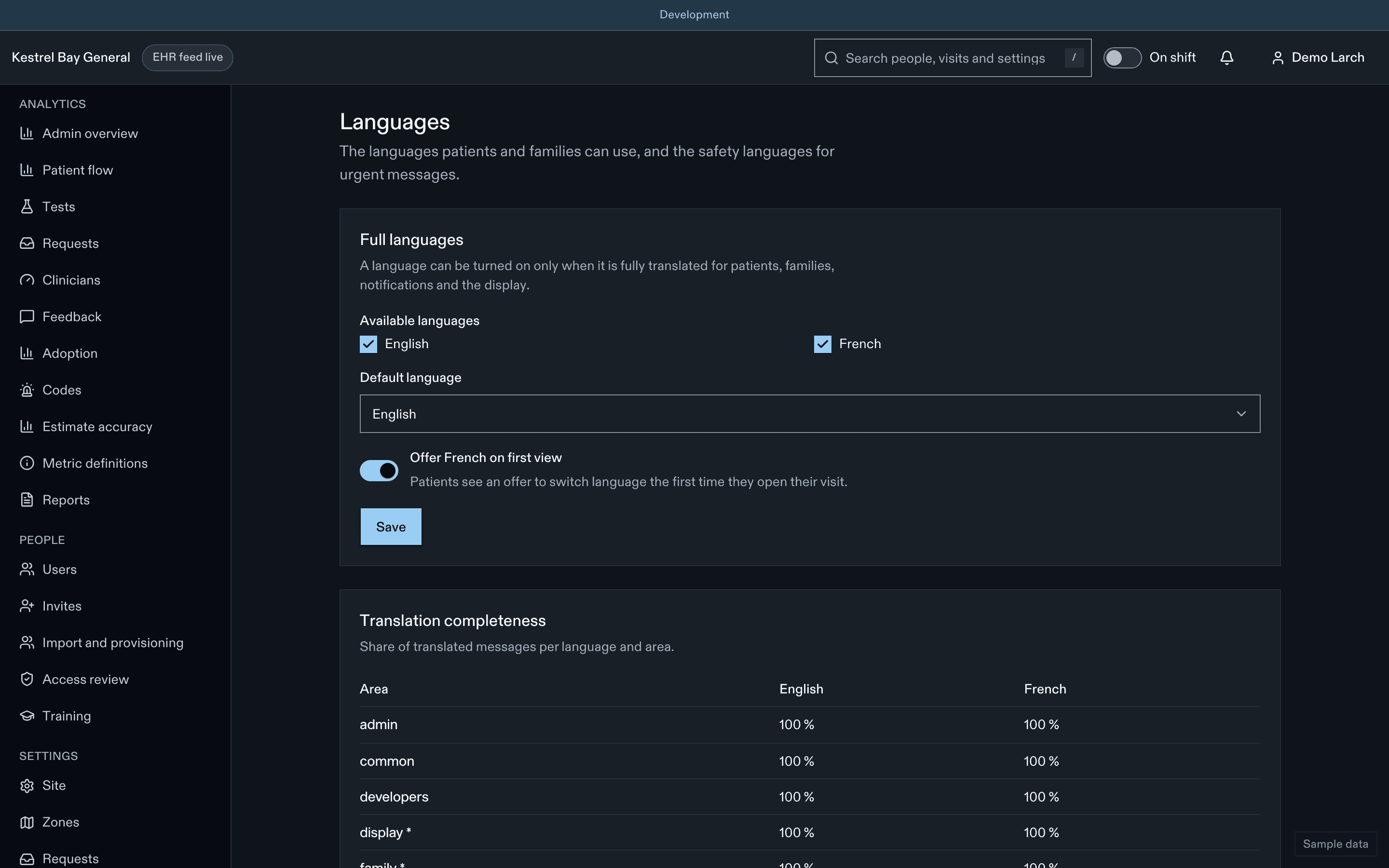
Full languages
English and French are available at launch. Choose the site default and whether to actively offer French on first view. A full language can only be enabled when the patient, family, notification and display text is 100% translated.
Safety locales
Add up to five languages for the safety-critical messages: the safety panel, "I feel worse", delay notices and the not-an-emergency line. A safety locale can be enabled only when that text is 100% professionally translated and reviewed. Choose the languages most spoken by your community, using the adoption page's language breakdown.
| Paramètre | Par défaut | Valeurs permises | Effet |
|---|---|---|---|
languages.safetyLocales | [] | array | Up to five safety locales (D-52). |
Hospital content
Hospital information and patient content are written per language. A missing French entry falls back to English on the patient screen.
Machine translation
Where the site turns on AI translation for a language, it translates only reviewed text and shows a translation badge. Safety text in a new language always goes through human review first. See AI.
Related
Dernière mise à jour le
Cette page vous a-t-elle été utile?
Patient content
Govern patient-facing content in EDFlow: education sheets, going-home templates, task templates, FAQ and glossary; the draft, clinical review, approval and publish workflow; and AI drafting help.
Privacy and retention
Configure EDFlow privacy and access settings: patient and family access windows, sharing limits, the data profile, youth-confidential ages, results display delay, retention periods and de-identification.