Hospital information
Set the hospital information patients and family see in EDFlow: names, address and entrance, phones, Wi-Fi, parking, visitor policies, wayfinding points with maps, the patient portal and co-branding.
Hospital information feeds the hospital entry page, the patient and family Hospital info screens and the waiting-room display. Write it in English and French.
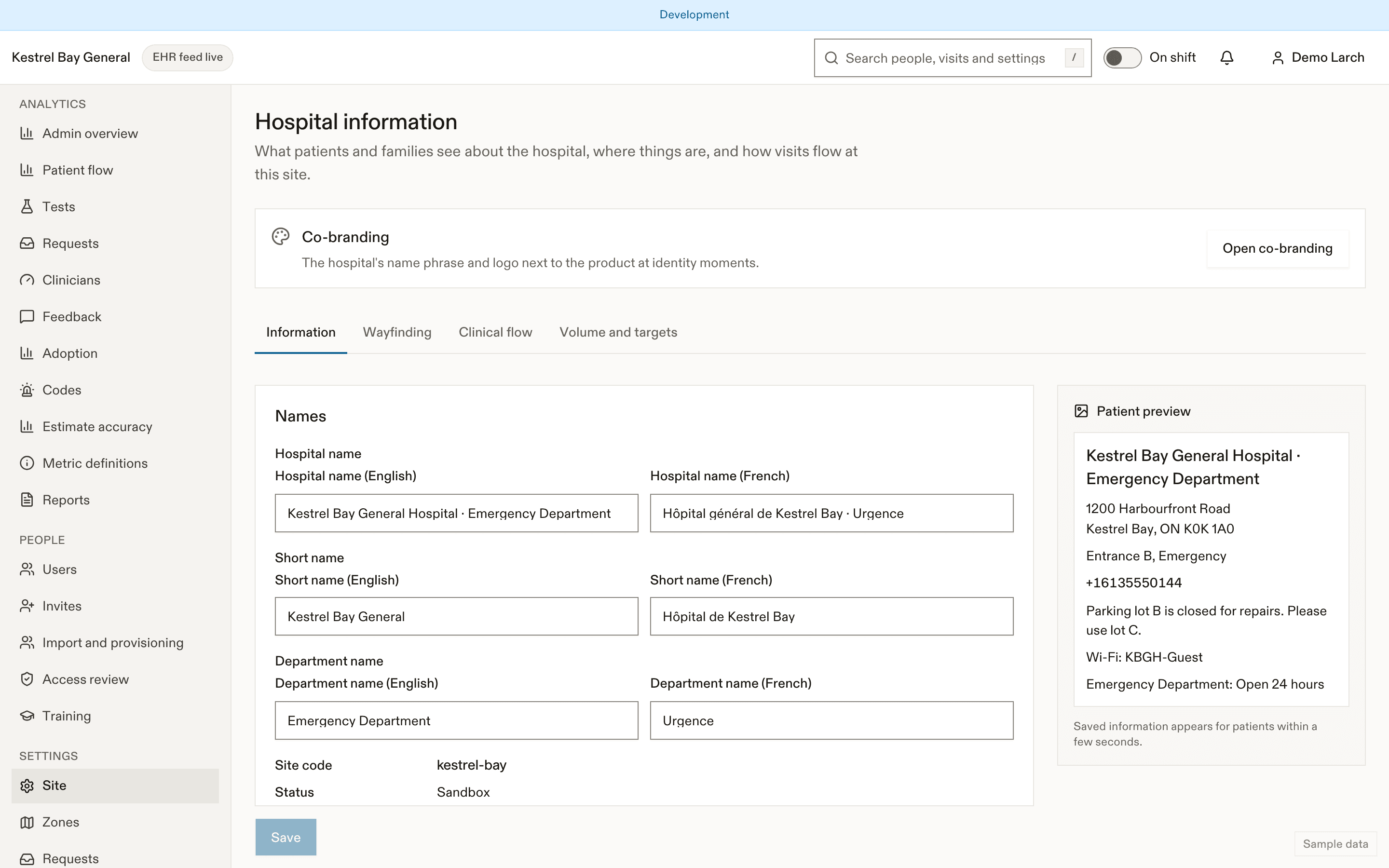
Fields
| Field | Where patients see it |
|---|---|
| Names (EN, FR) and short name | Everywhere |
| Address, entrance, Maps link | Entry page, family info ("Open in Maps") |
| Main phone | Contact section |
| Wi-Fi network and password | Wi-Fi section, with copy buttons |
| Parking and payment | Parking section |
| Visitor policy and caregiver policy | Visitors and caregivers |
| Hours (food, pharmacy…) | Around the department |
| Patient relations and privacy office | Contact, and patient Settings → Privacy |
| Patient portal name and URL | Going-home summary, the admitted screen, read-only banner |
| Official wait-times URL | Entry page |
| Interpreter and accessibility services | Interpreters and accessibility |
| Time zone | All times (family see "Times are shown in … time") |
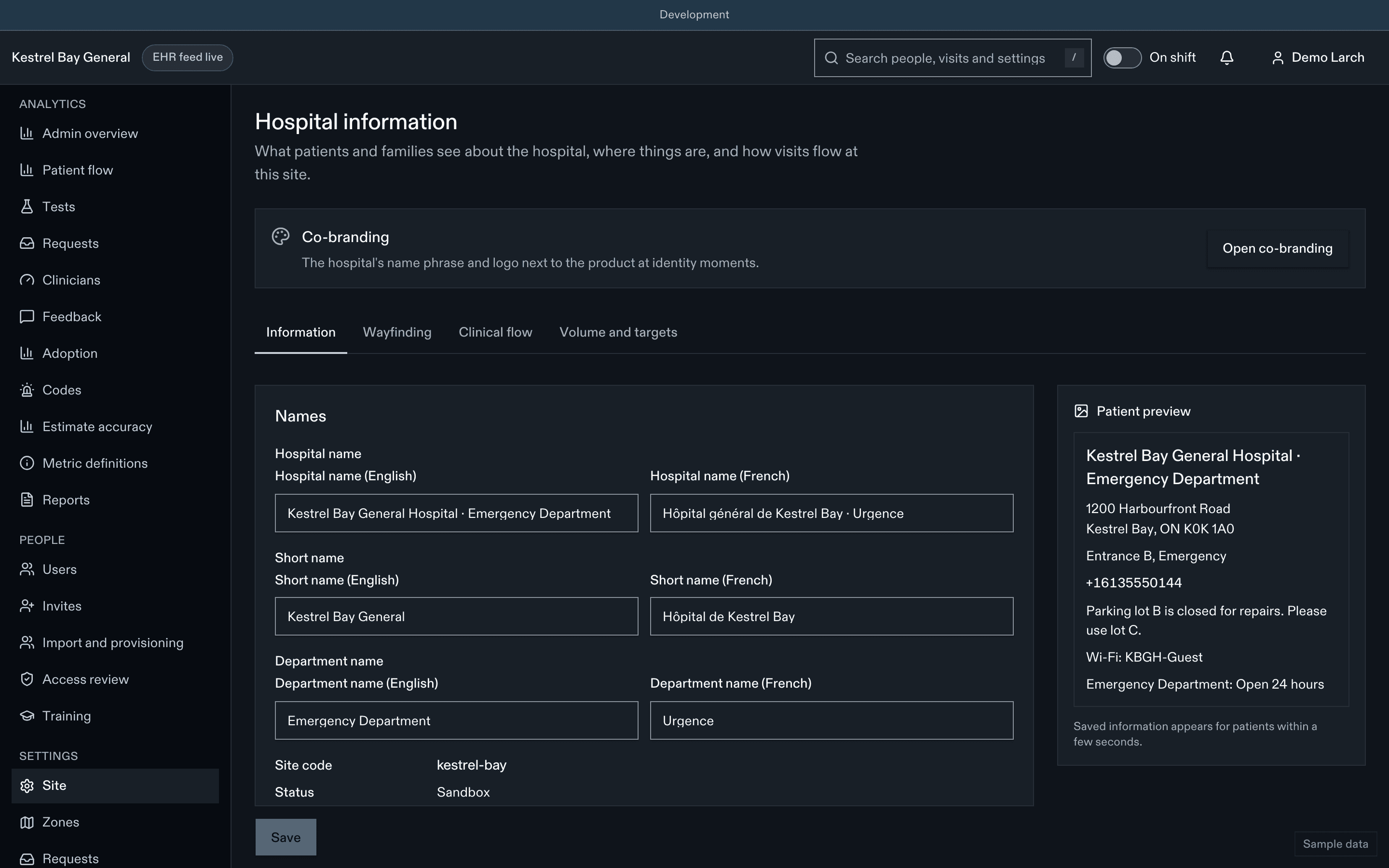
A live preview shows the entry page and the patient screen as you type.
Wayfinding points
Each point has a category (washroom, water, food, charging, pharmacy, quiet room, exit, parking pay station), a name, text directions, hours, and optionally a floor-map image. A map image can't be saved without alt text.
Trust anchors
The main phone, patient portal URL, Maps link, patient-relations and privacy-office contacts are trust anchors: patients act on them. Changing one needs a fresh sign-in check and a second approver, and alerts the privacy officer. A portal URL must be on the site's trusted domains.
Co-branding
In production, the site's logo can appear next to the product mark on patient screens, cards and the display, following the co-branding rules in Hospital communications. Logos are sanitised on upload.
Related
- Hospital info, the patient's view
- Waiting-room display
Dernière mise à jour le
Cette page vous a-t-elle été utile?
Site settings
How EDFlow site settings work: allowed ranges, settings locked in production, privacy-reducing changes, approvals, history and revert, configuration transfer, and the full settings reference.
Zones, beds and shifts
Define EDFlow zones with their streams, beds and EHR location codes, treatment-space capacity, shift times and the CTAS reassessment intervals for the waiting room.