Privacy at work
PHIPA duties in plain words for EDFlow users: what is audited, confidential patients, never photographing the board, your recent actions, and how to talk to patients about the app.
You already follow your hospital's privacy policy. EDFlow doesn't change it. This page explains how the policy applies in EDFlow.
Your duties in plain words
- Look only at patients you are caring for, or whose visit you need to act on for your job.
- Share only what's needed. Don't read out a patient's name, stage or tests where others can hear.
- Keep screens private. Lock the console (or let it lock) when you step away. Never take photos or screenshots of the board or a patient page.
- Don't use EDFlow to message patients about clinical matters. Talk to them in person.
- Report a concern. If you think someone looked at a visit without a reason, tell your privacy office.
What is recorded
| Action | Recorded |
|---|---|
| Opening the board | Once per session every 15 minutes |
| Opening a patient | Every time, with the tab |
| Showing a confidential name | Every time, with your reason |
| Every action on a visit | Every time, with the before and after |
| Exports | Every time, with a second person's approval |
The privacy office reviews these records, and automatic rules flag unusual patterns, such as opening many patients you aren't assigned to.
Confidential patients
A confidential patient shows as Confidential everywhere. Show asks for a reason: Providing care, Registration or Other. Sharing is unavailable for confidential visits, and their family links stop.
Your recent actions
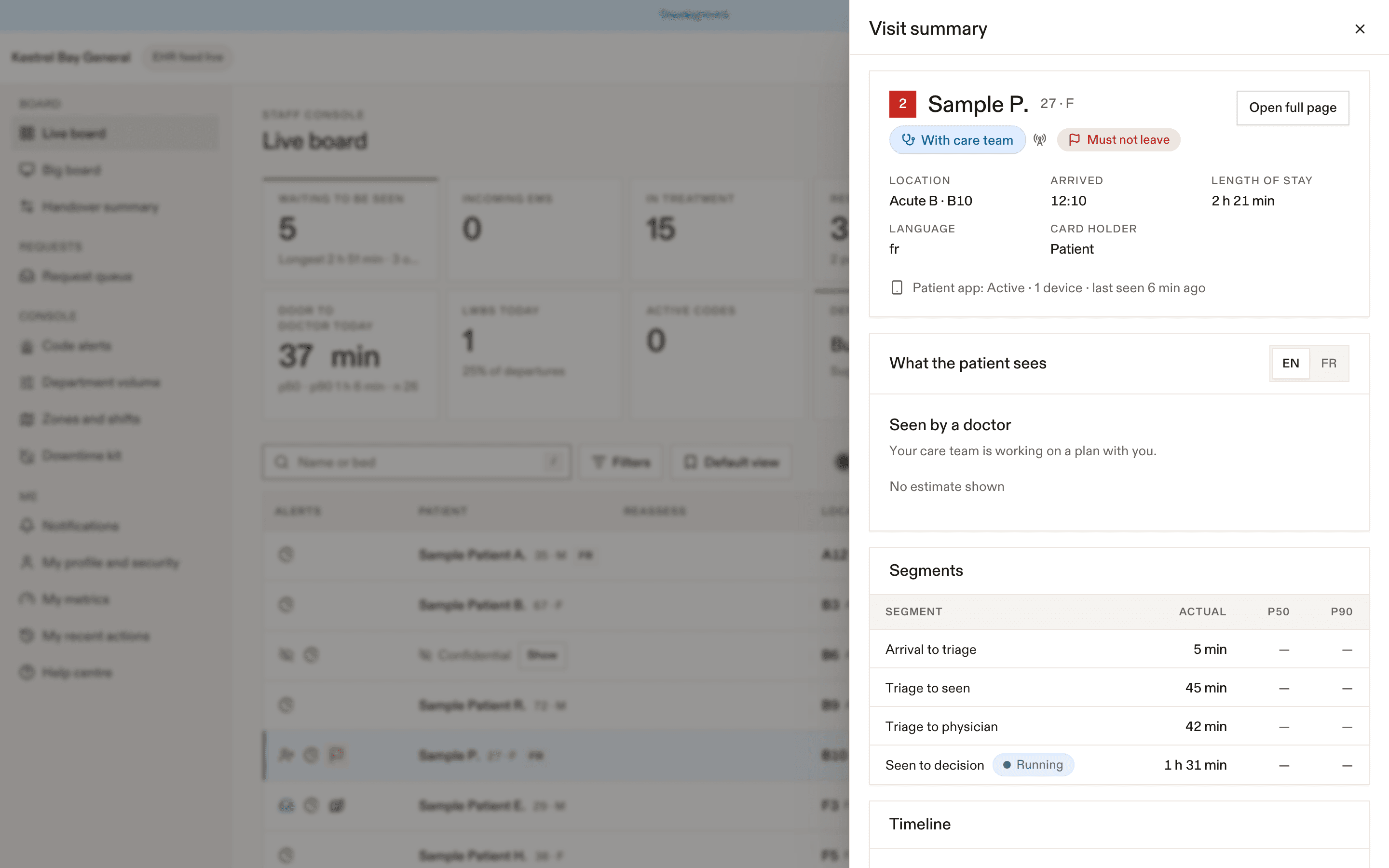
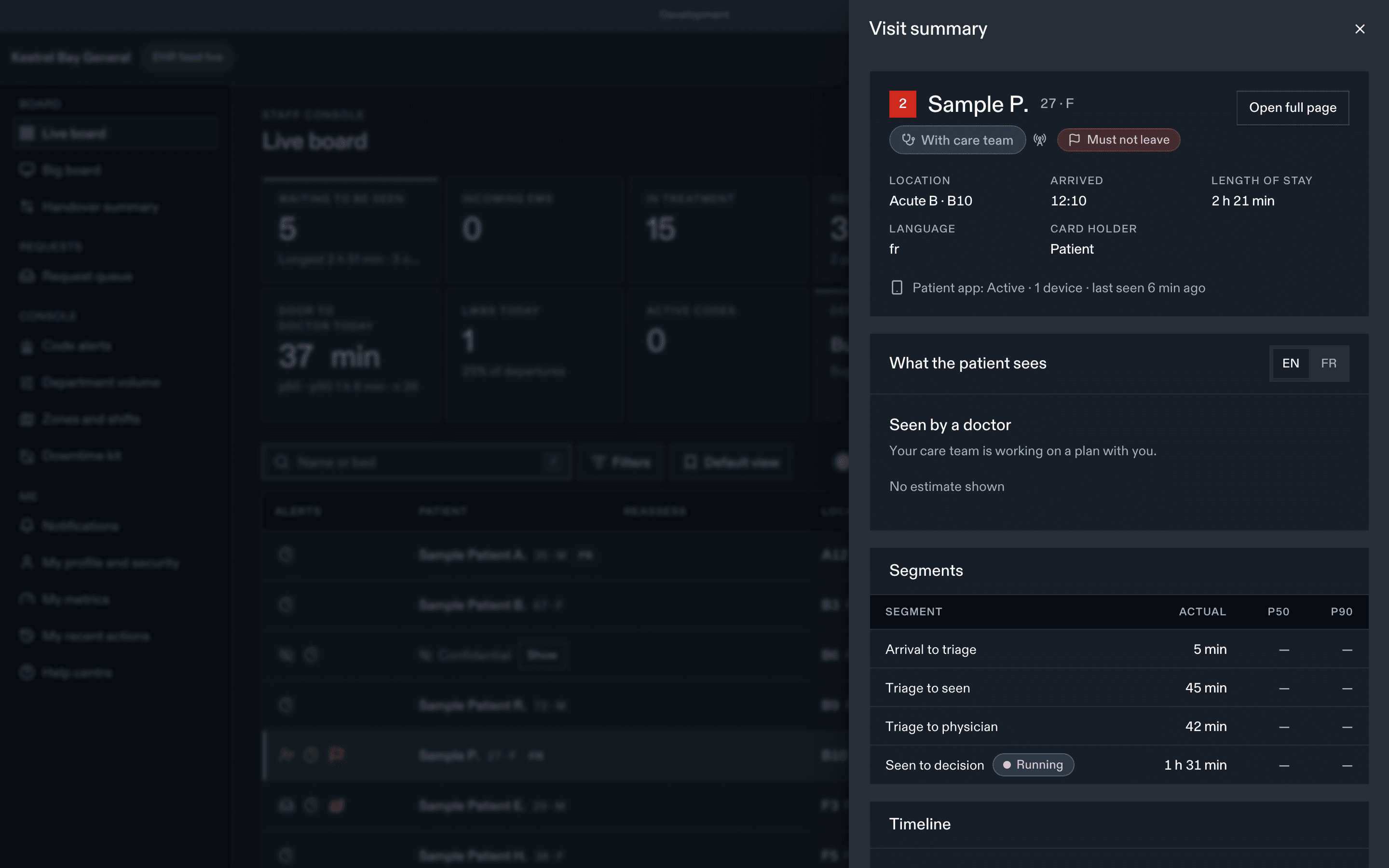
My profile → My recent actions lists your own actions for the last 7 days, so you can check what you did.
Talking with patients about EDFlow
- "You can follow your visit on your phone. Scan this code on your card."
- "It shows where you are, who's looking after you and how long things usually take here. It doesn't show results."
- "If you feel worse, tell me or any staff member right away. Don't wait for the app."
- "You can share a short version with family. They won't see your tests."
- "Your notes stay on your phone. We can't read them."
What EDFlow does for privacy
- It never stores a patient's last name or date of birth.
- Notifications, texts and links never contain health information.
- Family never see tests, results or location.
- Staff never see a usable patient card code.
Related
Dernière mise à jour le
Cette page vous a-t-elle été utile?
Companion app
The EDFlow staff companion app on hospital-managed phones: request inbox, my patients, patient card, department, on-shift status, scanning a visit card, and push notifications while on shift.
AI assistance
The EDFlow staff AI features: the request queue digest, the handover attention summary and patient message drafts. What each one reads, what you must review, and how they are turned off.