Requests
The EDFlow request queue: how patient requests are routed, acknowledging and resolving, service levels and escalation, the urgent I feel worse path (Going now, Can't go), the support queue and desktop notifications.
Patients send structured requests from their phone: no free text, one tap. Each request is routed to the right person and escalates if nobody responds. Open the queue from Requests in the header.
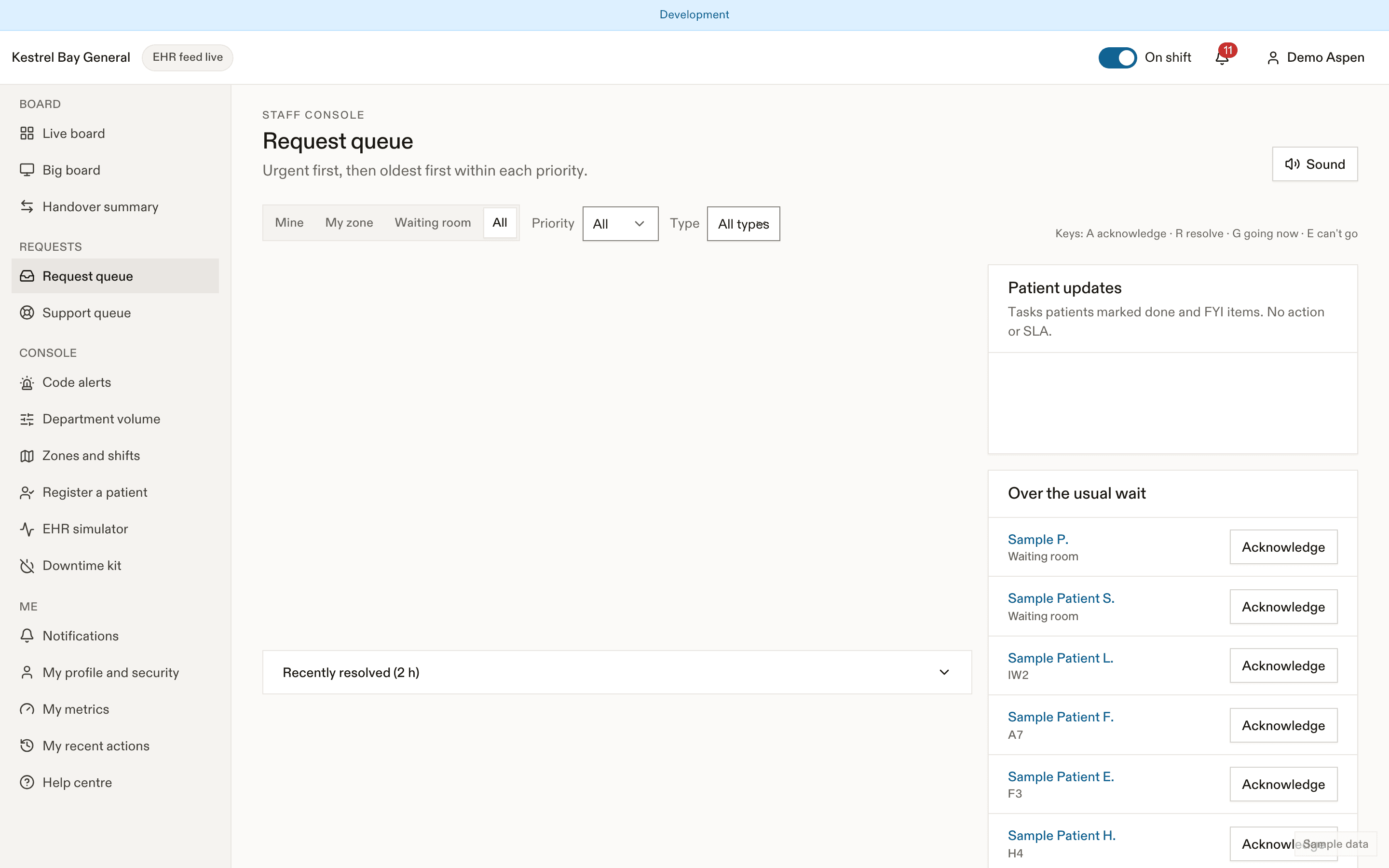
The queue
Four sections by priority, oldest first in each: Urgent (first, in the danger tone), High, Normal, Low. Two more lanes:
- Patient updates: tasks a patient marked done (to confirm), and FYI items like stepped out, back, going to the washroom, "asked when they'll see the doctor". FYI items need no action, have no service level and never make a sound.
- Over the usual wait: patients whose current step has passed p90. Acknowledging tells the patient "Your care team knows you're waiting."
Each row: type, patient display name and location, time in queue (amber at 50% of the target, red once breached), routed to, status, escalation badge, reminders.
Filters: Mine (me or my zone), My zone, Waiting room, All, plus priority and type. Recently resolved (2 h) is collapsed at the bottom.
Routing
At creation, EDFlow walks the request type's route list and takes the first that has someone on shift:
| Route | Goes to |
|---|---|
| Support pool | On-shift support staff, for comfort requests (blanket, help to the washroom, meal tray) |
| Primary nurse | The visit's assigned nurse, if on shift |
| Zone | Nurses assigned to the patient's zone or bed |
| Triage pool (if waiting) | Triage nurses, while the patient is in the waiting room |
| Charge | On-shift charge nurses |
| Physician in charge | The on-shift physician lead |
If nothing resolves, the request goes to the charge nurse, then the physician in charge, then every on-shift clinician. Everyone with queue access can still see every request under All. When a patient moves, their open unacknowledged requests re-route. On-shift status comes from zone assignments.
Acting on a request
| Priority | Actions | Keys |
|---|---|---|
| Low, Normal, High | Acknowledge, Resolve (Done, Not needed, Handled in person, Duplicate), Reassign | A, R |
| Urgent | Going now (starts a 5-minute timer), Can't go, escalate (reassigns at once), Handled in person | G, E |
A family call-back (a family member left their number from the family view) sits in the queue like any normal request and shows only the last two digits of the number. Show number reveals it once for you to call; every reveal is audited, and the number is deleted when the request is resolved.
Acknowledging shows the patient "Seen by" and your display name. You can resolve without acknowledging first. Low requests can be acknowledged in bulk. Every action is also a visible button: nothing depends on swiping or dragging.
Service levels and escalation
| Priority | First response | Escalation 1 | Escalation 2 |
|---|---|---|---|
| Urgent | 2 min | Charge nurse and triage pool, with push | 5 min without an in-person resolution: charge nurse and physician in charge |
| High | 5 min | Charge nurse | 15 min: zone nurses |
| Normal | 15 min | Highlighted in red | 30 min: charge nurse |
| Low | 30 min | Highlighted in red | — |
Your site can scale these targets between half and double. Acknowledging cancels escalation for non-urgent requests. For urgent requests, only a resolution stops it. See Escalations.
The urgent path: "I feel worse"
- The patient's phone has already told them to alert staff in person. EDFlow never tells them someone is coming.
- The request is routed to the primary nurse or zone (the triage nurse as "Re-triage requested" in the waiting room), and the triage pool and charge nurse are also notified.
- Answer Going now or Can't go, escalate. There is no plain acknowledge.
- After "Going now", the patient sees that you know they asked for help. If you don't resolve it within 5 minutes, escalation resumes.
- Resolve with Handled in person once you've seen them.
A patient who stepped out shows first as "Patient is OUTSIDE the department (stepped out 14:05)". Their phone tells them to come back or call 911.
Sounds and notifications
- A new urgent request chimes every 30 s until someone answers, sends a desktop notification with no patient details ("Urgent request · Zone B") and prefixes the tab title. You can lower the volume but not mute urgent sounds while on shift.
- High requests routed to you chime once.
- Low and FYI items never make a sound.
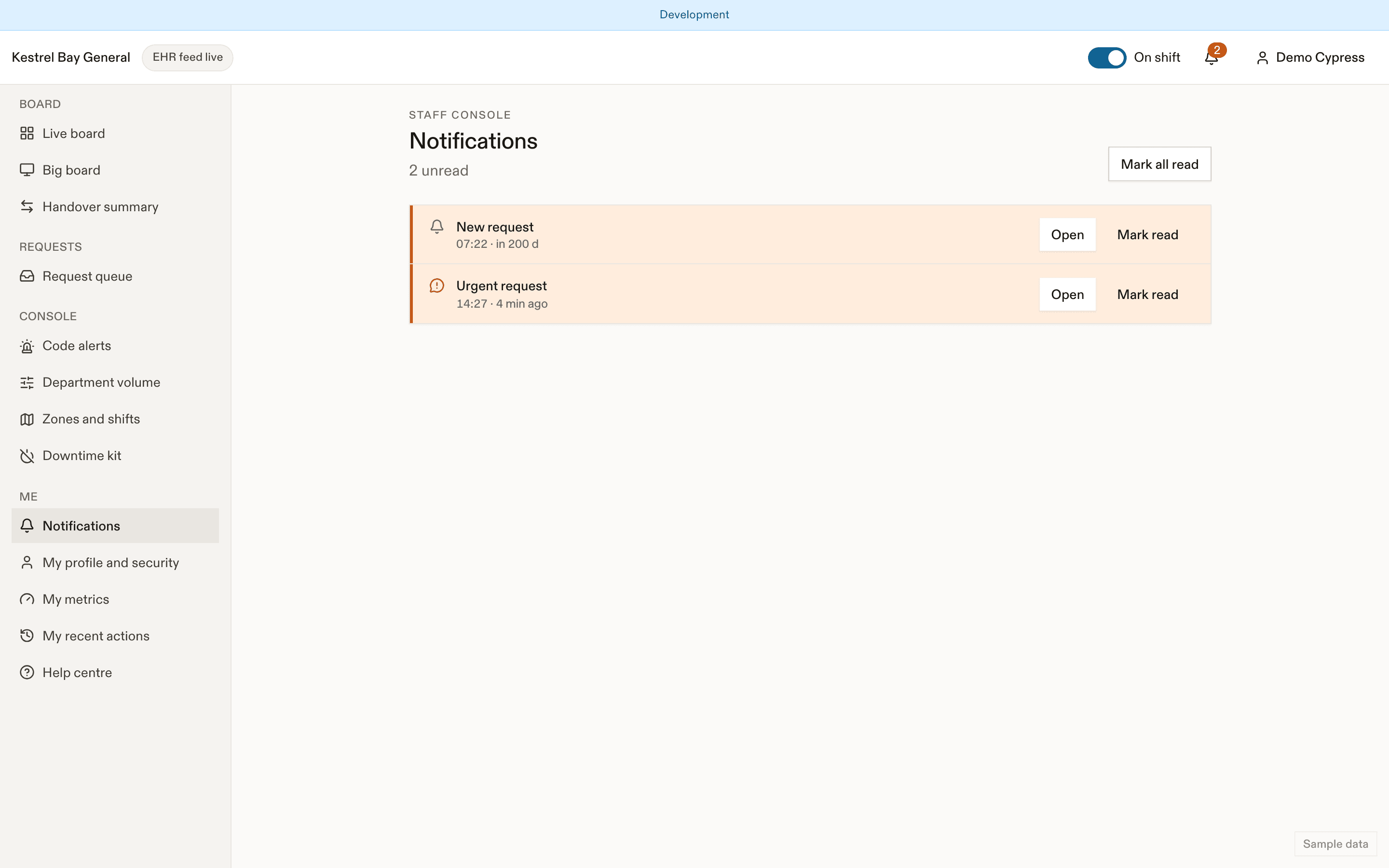
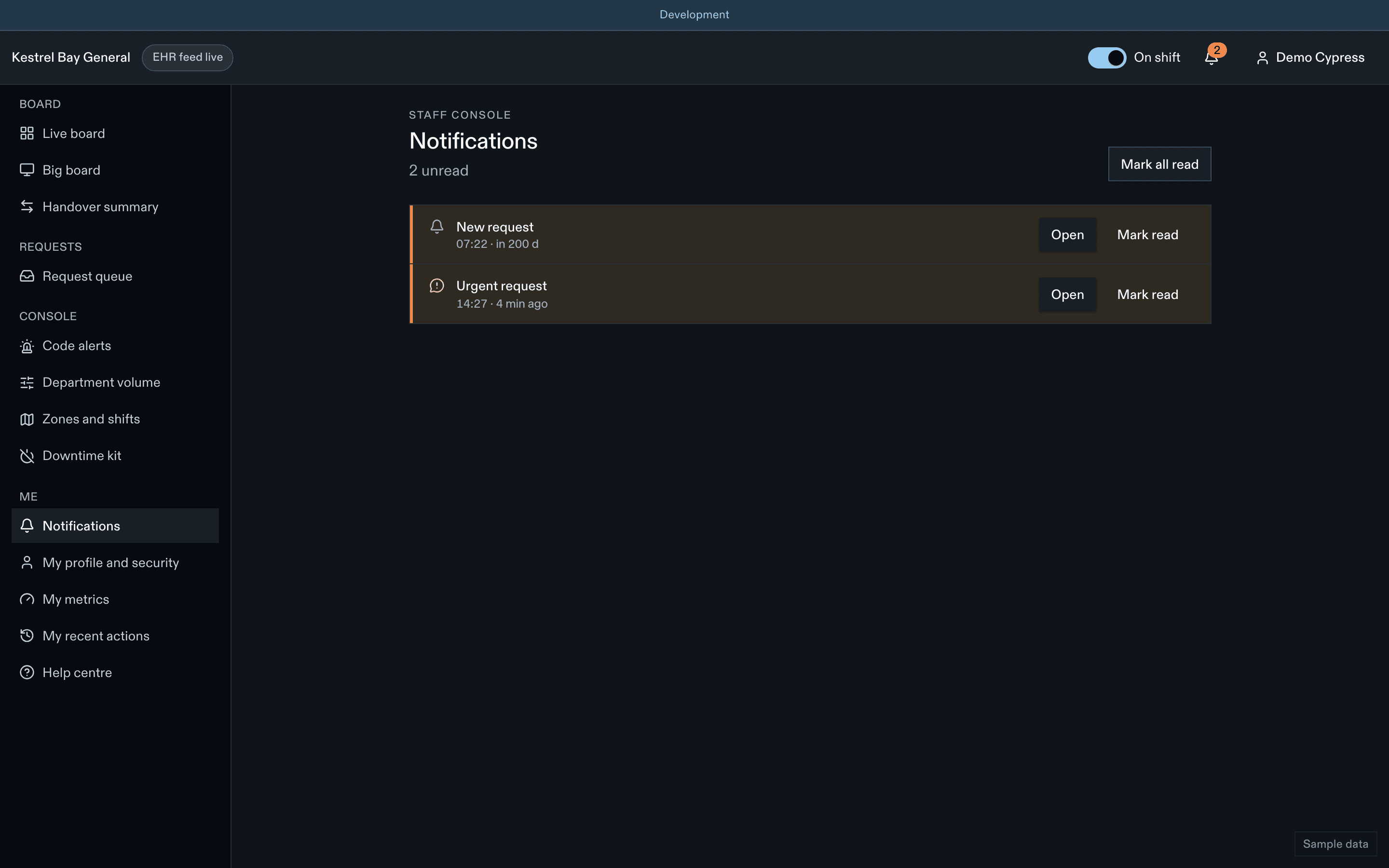
Notifications in the header lists your staff alerts: urgent and high requests, escalations, over-the-usual-wait, reassessments due, results back (physicians who opt in), unanswered call-backs, possible wrong-patient sign-ins, approvals, feed down (integration roles).
The support queue
Support staff see only the support pool: display name, location, request type, age, and "Restriction active: check with the nurse" when the patient has an eating or drinking restriction. Actions: Taking it, Done, Needs a nurse (sends it to the zone nurse). No board and no patient detail.
Duplicates, reminders and limits
One open request per type per visit. A patient can send a reminder after 10 minutes; it moves the request up and re-alerts you, without creating a new row. Patients are limited to 12 non-urgent requests an hour. Urgent requests are never limited, and repeated taps within 60 s merge.
At departure
Open requests close automatically with "Closed at departure" and are excluded from service-level measures.
Dernière mise à jour le
Cette page vous a-t-elle été utile?
What patients see
The same visit in the EDFlow staff console and on the patient's phone, side by side, so staff can answer patient questions about stages, estimates, tests and requests.
Manual console
Run EDFlow visit states by hand when there is no EHR feed or the feed is wrong: every manual action, the 10-second undo, overrides, back-dating and validation warnings.