Registration clerks
What registration clerks see and do in EDFlow: the limited board, visit cards and the print queue, manual registration, lost cards, sign-in help, and confidential and unknown patients.
Clerks start most patients' EDFlow visits: you make sure every registered patient gets a card and can sign in.
What you see
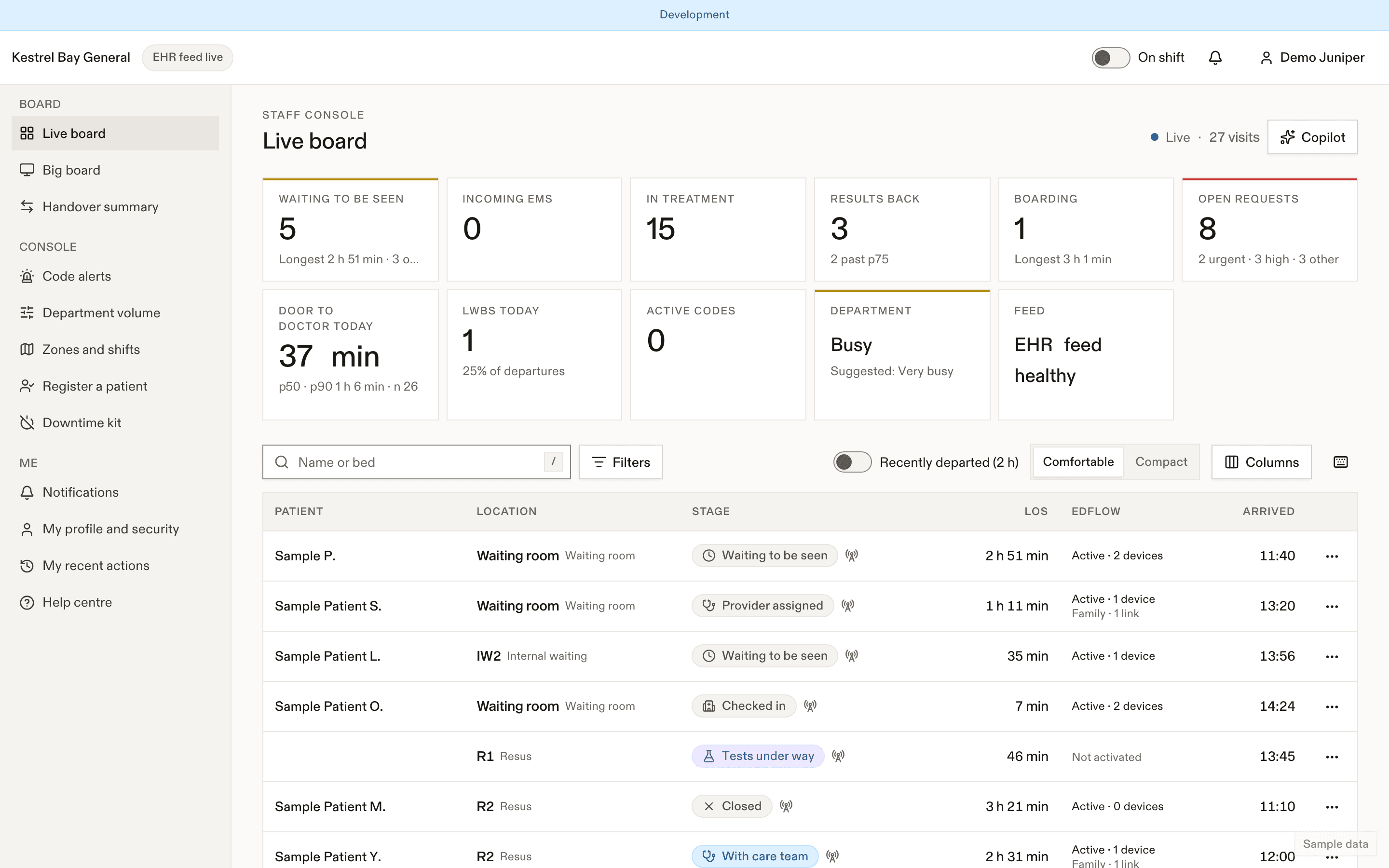
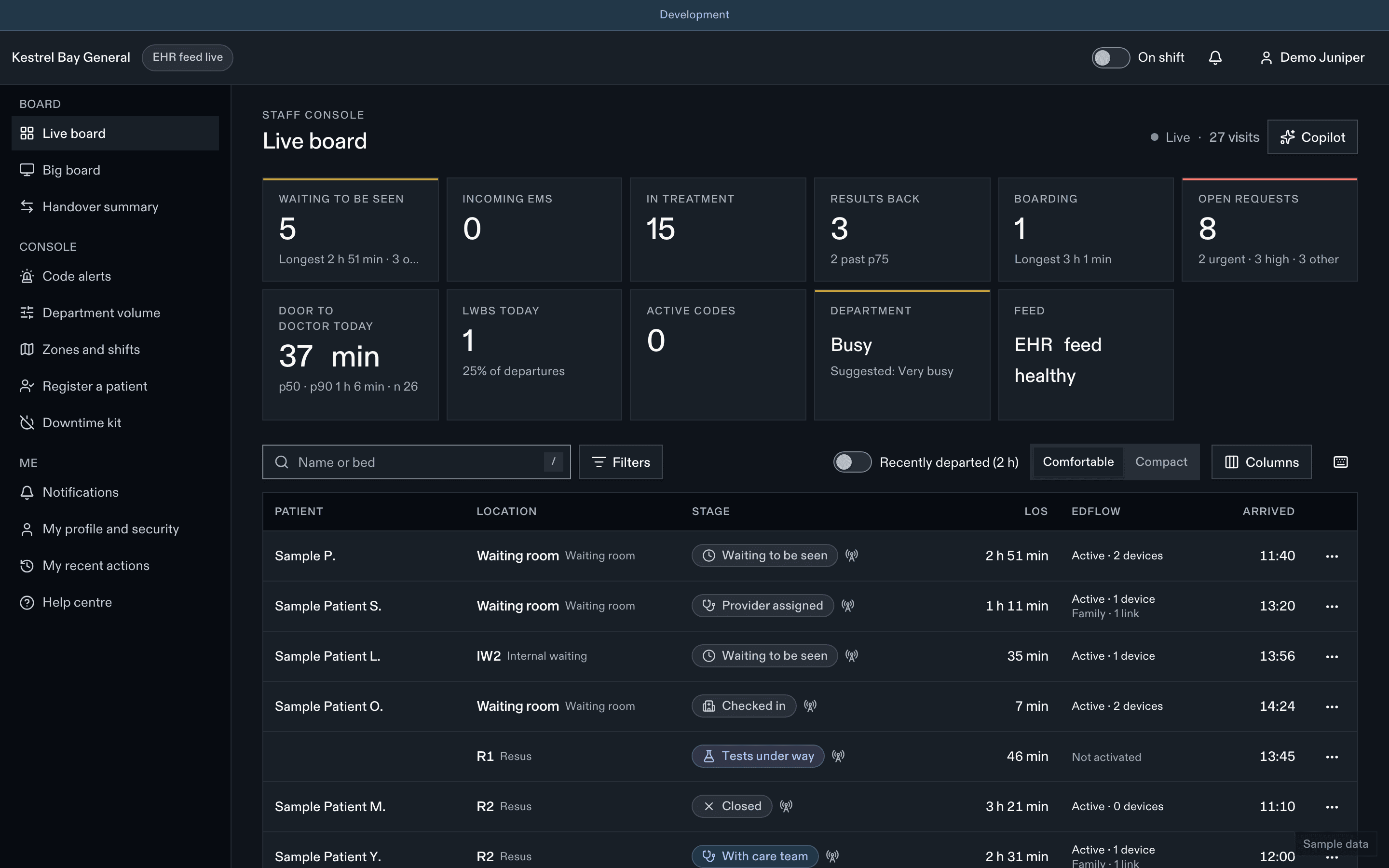
The board shows you only Patient, Location, Stage, LOS, EDFlow (not activated, active, family links) and Arrived. On a patient's page you see the header and the card, identity and device sections of Sharing & access. You never see CTAS, tests or clinical detail.
What you do
| Task | Guide |
|---|---|
| Make sure cards print, reprint, choose who gets the card | Visit cards |
| Register a patient by hand (manual sites, or EHR downtime) | Register a patient |
| Replace a lost card, sign out a patient's devices | Lost cards and access |
| Help a patient sign in on their own phone | Helping patients sign in |
| Set confidential, confirm an unknown patient's identity | Confidential and unknown patients |
| Post the delay notice for an active medical code | Codes |
Quick-reference card
| Card prints after triage | Automatically, at your station (most sites) |
| Reprint within 15 min | Same card |
| Send again after 15 min | Reissue: new code, old card stops working |
| You never see | The QR or the visit code in clear |
| Patient needs help signing in | They open Get help signing in; you approve the code they show |
| Duplicate warning | Review the possible duplicate before registering |
| Never | Sign in on a patient's phone for them. Read a code aloud. |
Dernière mise à jour le
Cette page vous a-t-elle été utile?
Big board and handover
Big-board mode for the staff station in EDFlow (initials only, auto-paging, no actions, big-board station credentials) and the per-nurse handover summary.
Visit cards
The EDFlow visit card print queue: automatic printing after triage, the 15-minute reprint window, card layouts and recipients, the print station, and what's printed on the card.