Sign-in and security
How staff sign in to EDFlow: accepting an invite, the password policy, two-step sign-in (MFA), Sign in with Microsoft, the idle lock, switching sites, sessions, and the companion app's biometric lock.
Staff accounts are invite-only. There is no sign-up page.
Accept your invite
Open the invite link
The email from your ED manager contains a link that works once and expires after 72 hours. The page shows the site and your email with most letters hidden.
Create your account, or add the site to your existing account
- Create my account: type the invited email in full, your name, how your name is shown to patients, and a password.
- I already have an account: sign in with your current password (and code). The invite adds this site to your account. Three wrong passwords use up the invite.
Set up two-step sign-in
Scan the QR code with an authenticator app, enter the 6-digit code, then save your 10 recovery codes. They are shown once.
Manager, privacy and integration roles need a second person's approval. Until then you see that your access is pending approval.
Password policy
- At least 12 characters, and a strength score of 3 or more.
- Not your email or your name, and not one of the 100,000 most common breached passwords.
- Reset links work once and expire after 30 minutes. Resetting signs you out everywhere.
If your hospital uses Microsoft sign-in only, the reset page says your hospital manages your password.
Signing in
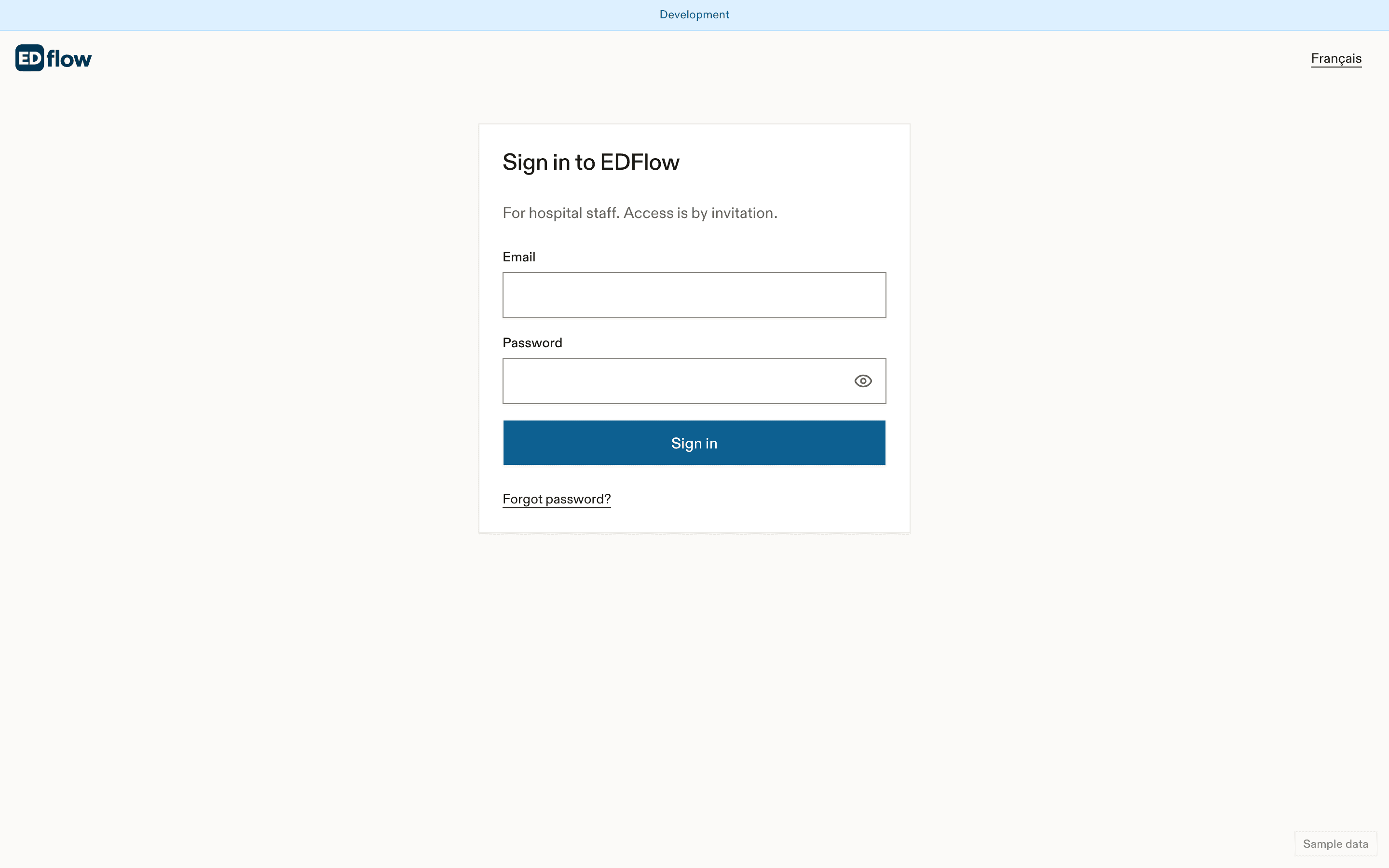
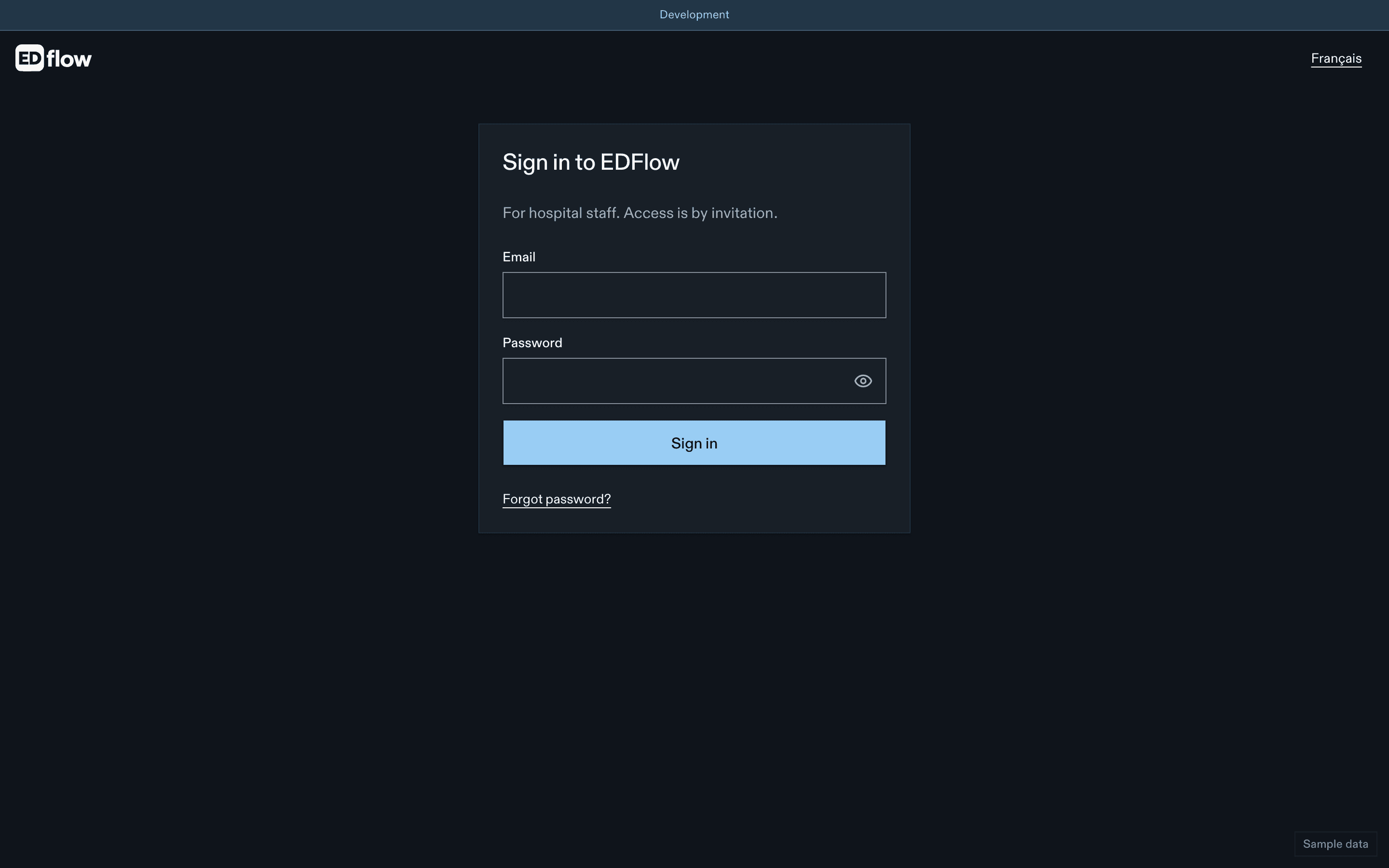
- Email and password, or Sign in with Microsoft when your hospital has turned it on.
- The 6-digit code from your authenticator app, or a recovery code.
| Message | Meaning |
|---|---|
| Email or password is incorrect. | The same message for a wrong password and an unknown account. |
| Too many attempts. Try again in 15 minutes. | 5 wrong passwords in 15 min lock the account for 15 min. Your manager can unlock it sooner. |
| Your two-step sign-in is locked for 24 hours. | 10 wrong codes in 24 h. Ask your manager to reset it. |
| Your Microsoft account can't be used here. | No membership, a guest account, the wrong tenant, or MFA missing for your role. |
Idle lock
After 15 minutes without activity (your site may set 5 to 60), the console removes patient data from the screen and shows the lock. Enter your password, or continue with Microsoft as the same user, to return to the same page. While locked, urgent requests routed to you still chime, without showing any patient data.
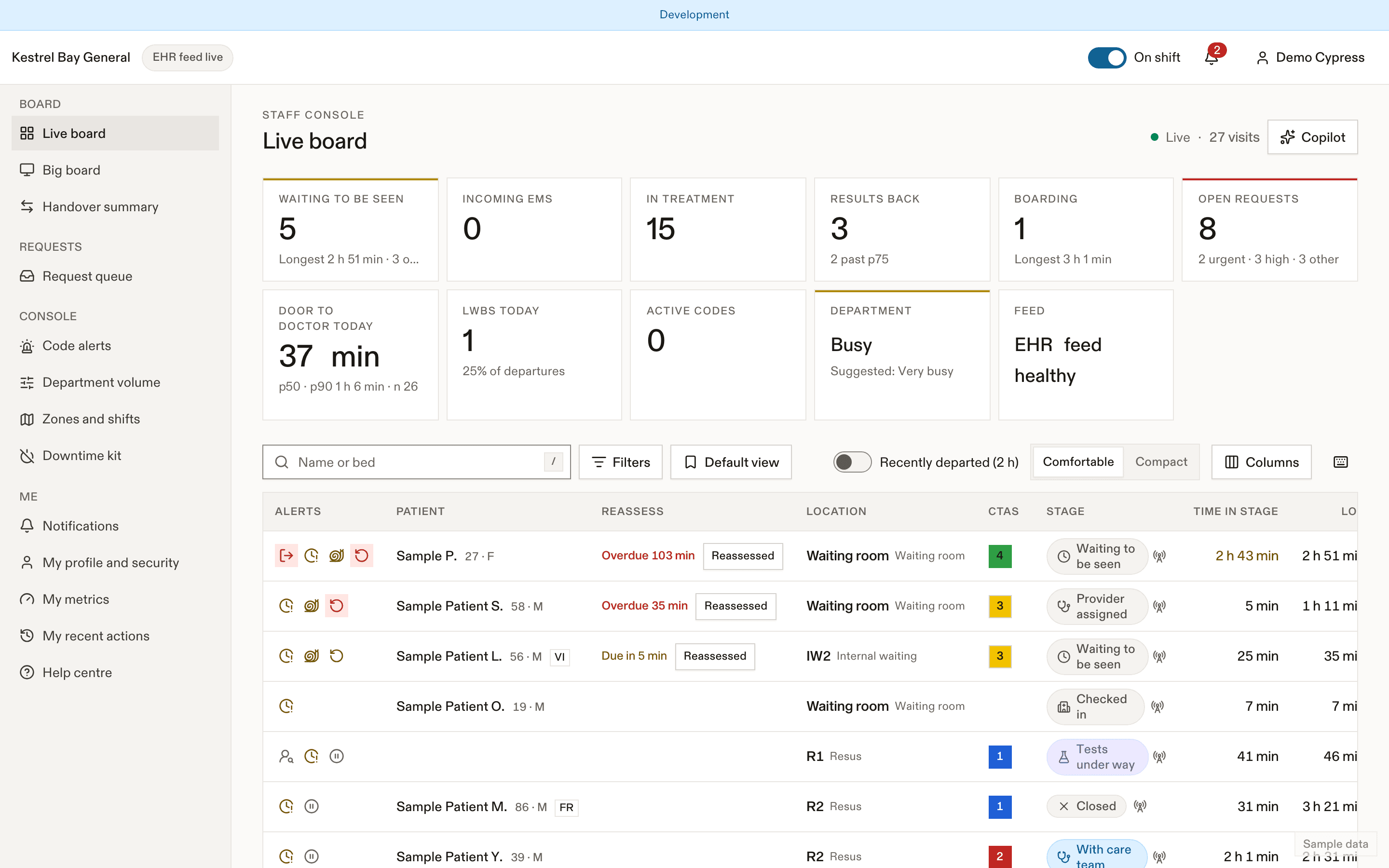
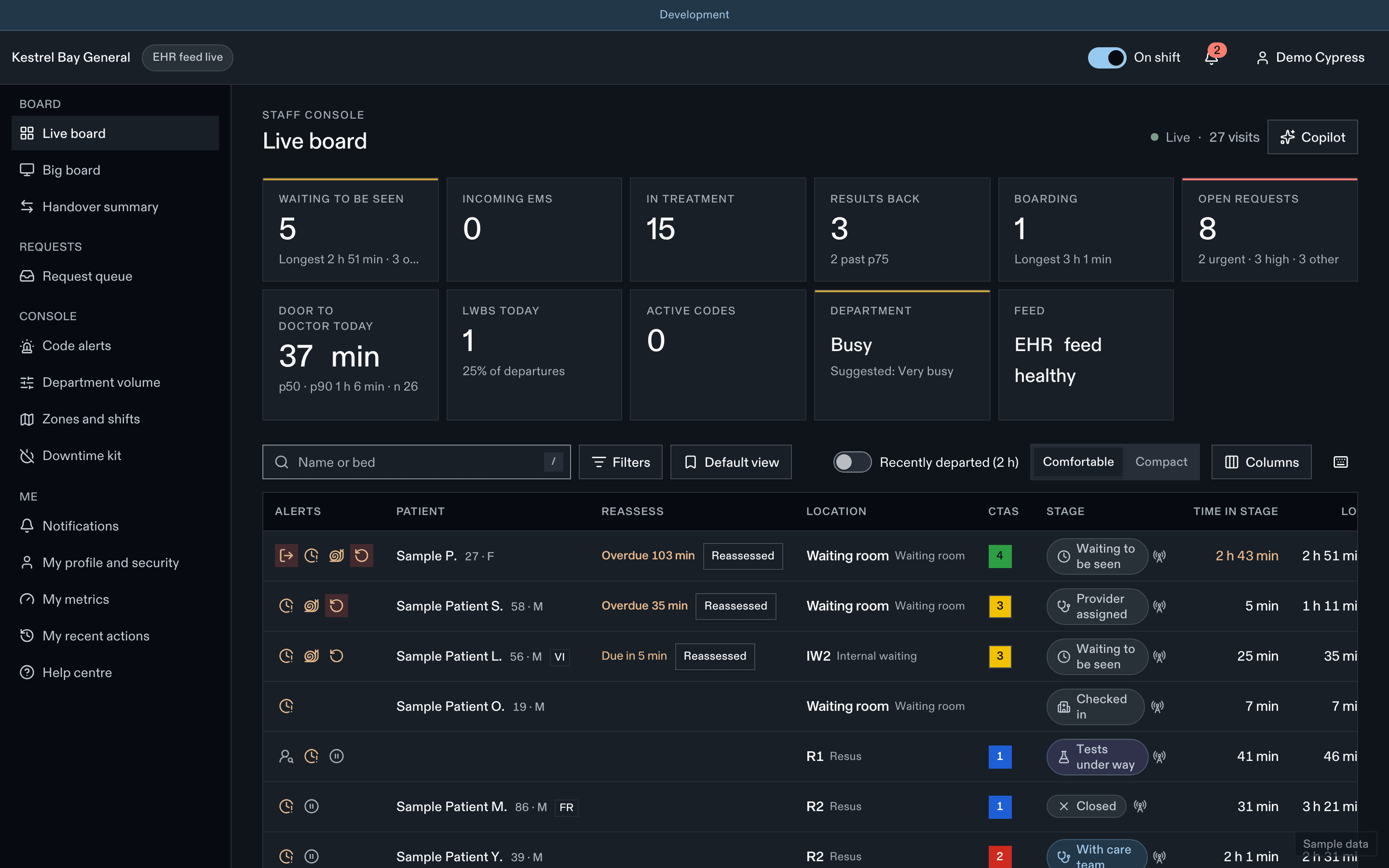
Sessions end after 12 hours (site range 8 to 16). Lock or sign out when you leave a shared workstation.
Confirming it's you
Some actions (exports, role grants, revealing a key, emergency revoke) ask you to confirm with your password and code if you haven't in the last 10 minutes.
Switching sites
If you work at more than one site, pick the site after sign-in or from the header. Everything you see switches to that site.
Your sessions
My profile → Security lists your active sessions with Sign out for each, lets you change your password and regenerate recovery codes. Your manager can sign out all your sessions.
Companion app
- Only on hospital-managed phones. The app refuses staff mode on a phone with no passcode.
- Sign in with email, password and code, or Microsoft.
- After 5 minutes in the background, the app asks for Face ID, fingerprint or the phone's passcode.
- Sessions last 12 hours and can be ended remotely.
Related
- Privacy at work
- Identity and SSO for IT
Dernière mise à jour le