What patients see
The same visit in the EDFlow staff console and on the patient's phone, side by side, so staff can answer patient questions about stages, estimates, tests and requests.
Patients will ask you about what their phone says. This page shows the same visit from both sides, and the rules that decide what reaches the patient.
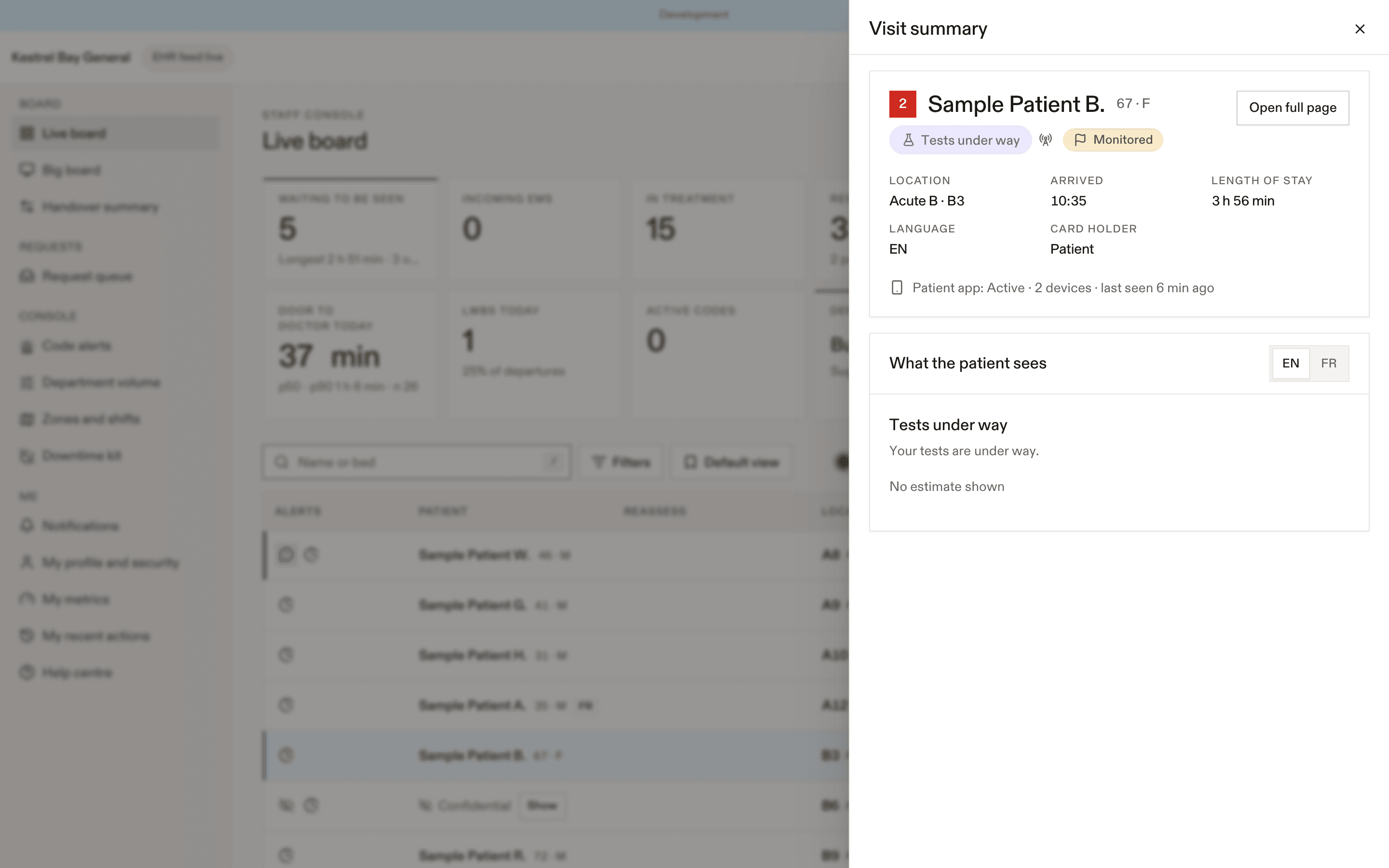
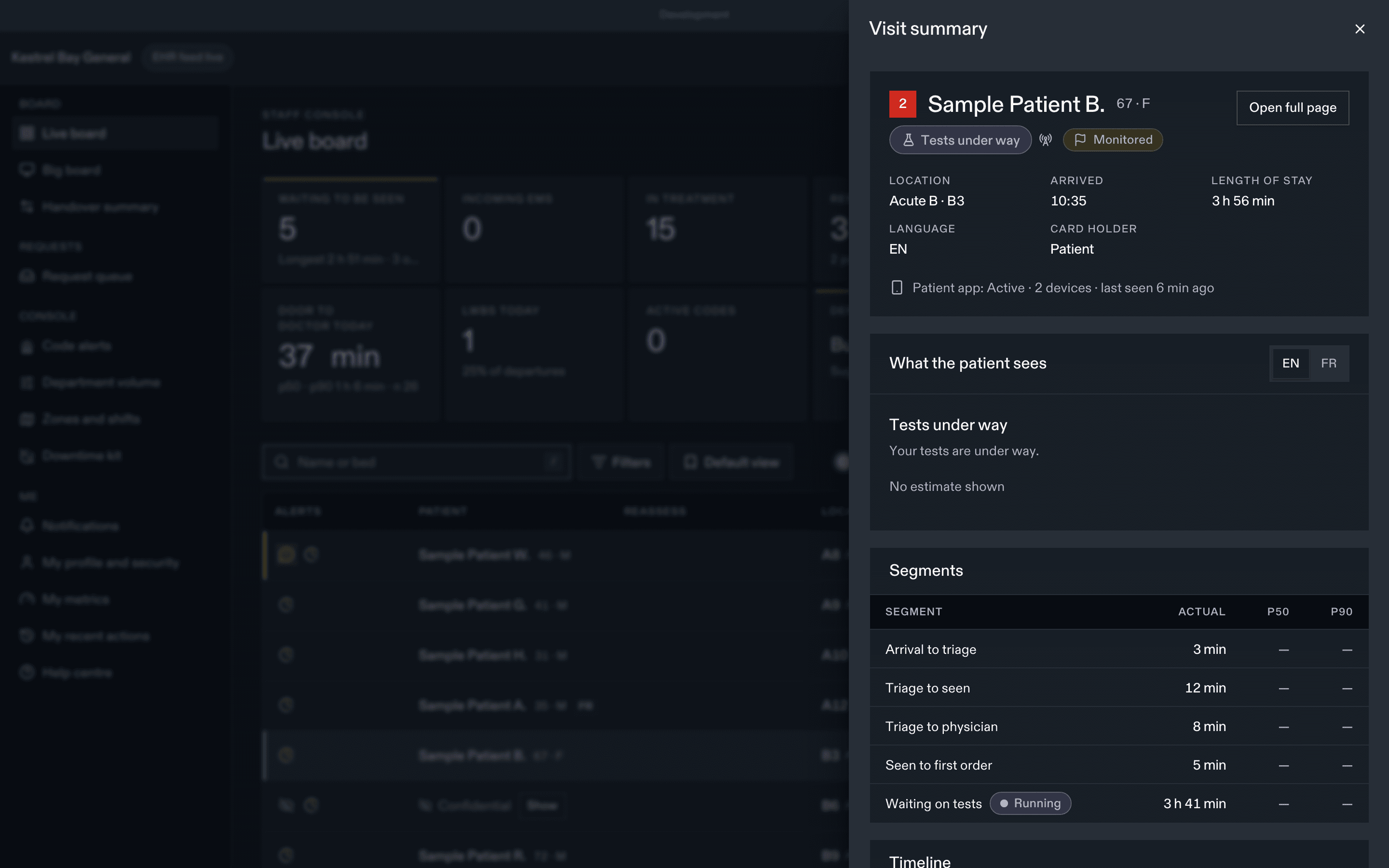
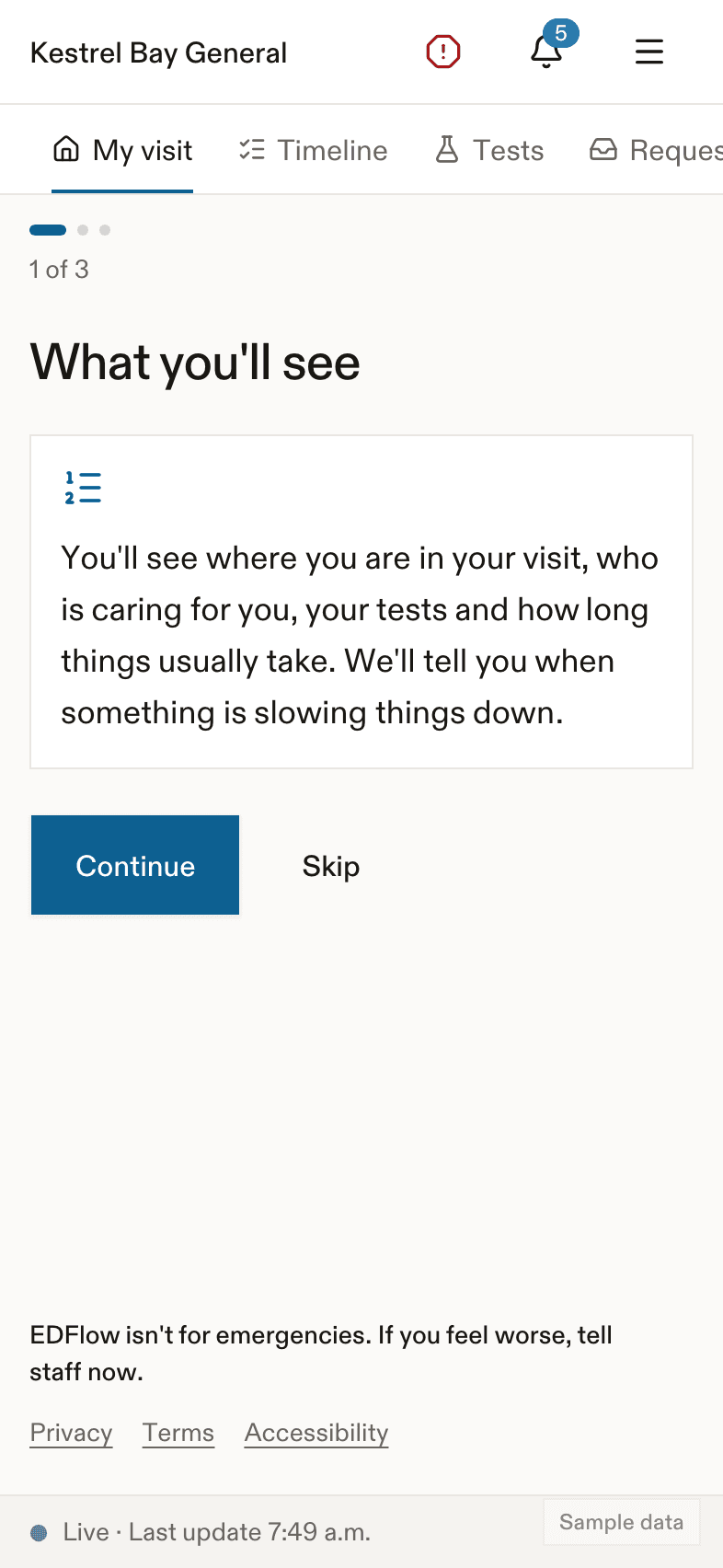
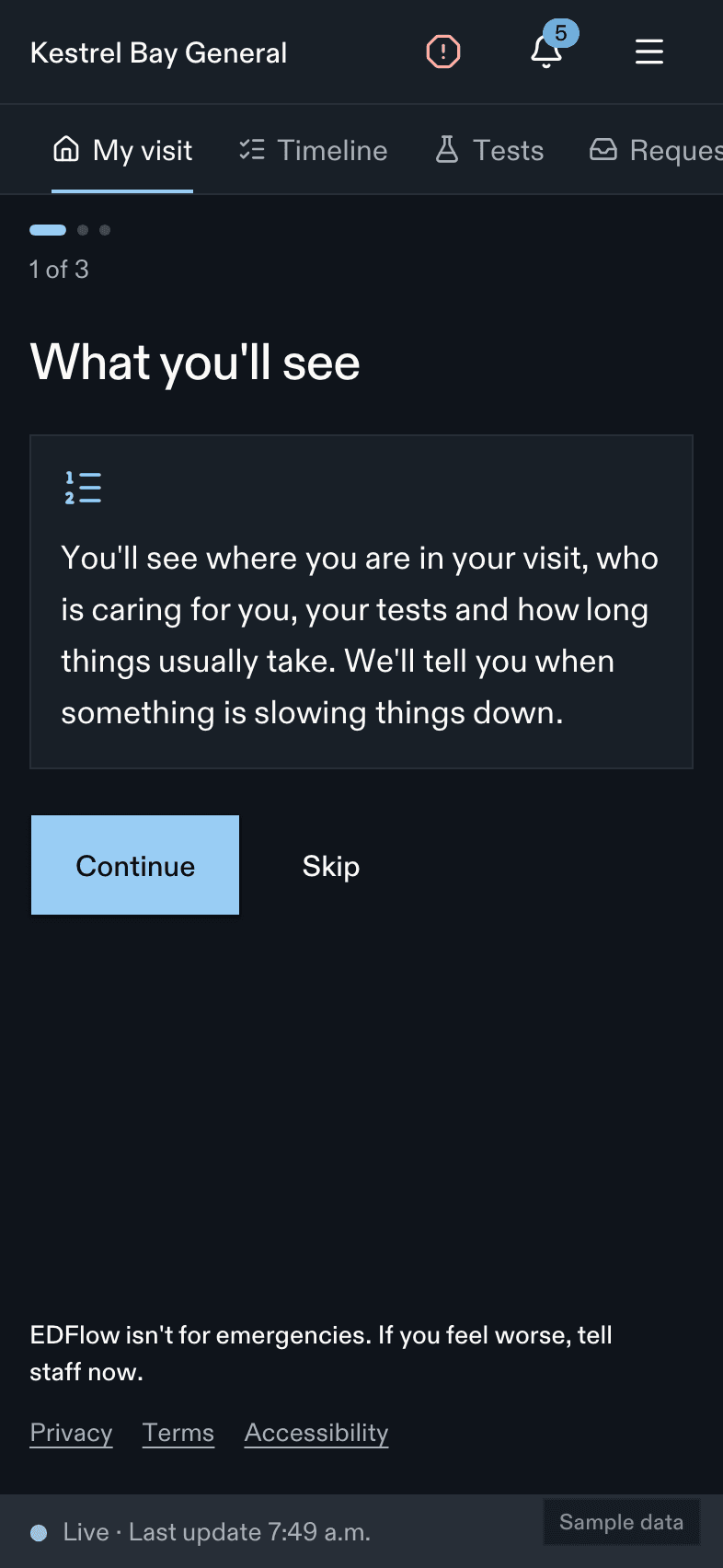
How the console maps to the patient screen
| Console | Patient screen |
|---|---|
| Arrived, not triaged | "Checked in", arrival-to-triage wait when available |
| Triaged, waiting | "Waiting to be seen", with the usual wait for their stream and CTAS. CTAS 1 and 2: no estimate ("We'll see you as soon as we can. The sickest people are always seen first.") |
| Physician assigned (Assign me) | "A doctor has been assigned" (or NP, PA). No estimate |
| Seen (PIA) | "Seen by a doctor" (or NP, PA) |
| Orders pending | "Tests under way", each test with its steps and usual wait |
| All counted results visible | "Results back: waiting to see your care team again", with the usual time to reassessment |
| Consult requested | "Waiting for a specialist", the service in plain words unless sensitive |
| Observation started | "Treatment and monitoring" with the planned end |
| Disposition home | "Getting ready to go home", then "You can go now" after Cleared to leave |
| Disposition admit | "Staying in hospital: waiting for a bed"; bed requested, assigned, ready |
| Disposition transfer | "Moving to another hospital" |
What never reaches the patient
- CTAS, chief complaint, care flags, result values, flags or interpretation.
- Anything you write in the EHR chart.
- Tests or consults you hide (Hide from the patient view), or sensitive tests beyond "Additional test".
- Location beyond the area label (unless the site shows room labels).
- Any other patient.
Answering "how much longer?"
- Open the patient and look at What the patient sees on the Overview tab: the stage label, the estimate text and its basis.
- The segment table shows the raw p50, p75, p90 and the sample count behind it.
- If the patient is past p90, their screen already says it's taking longer than usual, and a low-priority "Over the usual wait" item is in the queue. Acknowledging it changes their screen to "Your care team knows you're waiting."
Useful talking points
- "The app shows what usually happens here at this time of day. It isn't a countdown."
- "The sickest people are always seen first, so the order changes."
- "Your results are back means the team can look at them. We'll go over them with you."
- "If you feel worse, tell me or any staff member right away, not just the app."
Related
Dernière mise à jour le
Cette page vous a-t-elle été utile?
Patient detail
The EDFlow patient detail page: the header, the tabs (overview, tests, tasks, care team, requests, going home, sharing and access, activity), provenance of each fact, audited opening, and confidential and provisional patients.
Requests
The EDFlow request queue: how patient requests are routed, acknowledging and resolving, service levels and escalation, the urgent I feel worse path (Going now, Can't go), the support queue and desktop notifications.