Your profile
Control how patients see you in EDFlow: the name display policy, the optional photo, being hidden from patients, linked EHR identities, and your notification settings.
Open My profile from the header.
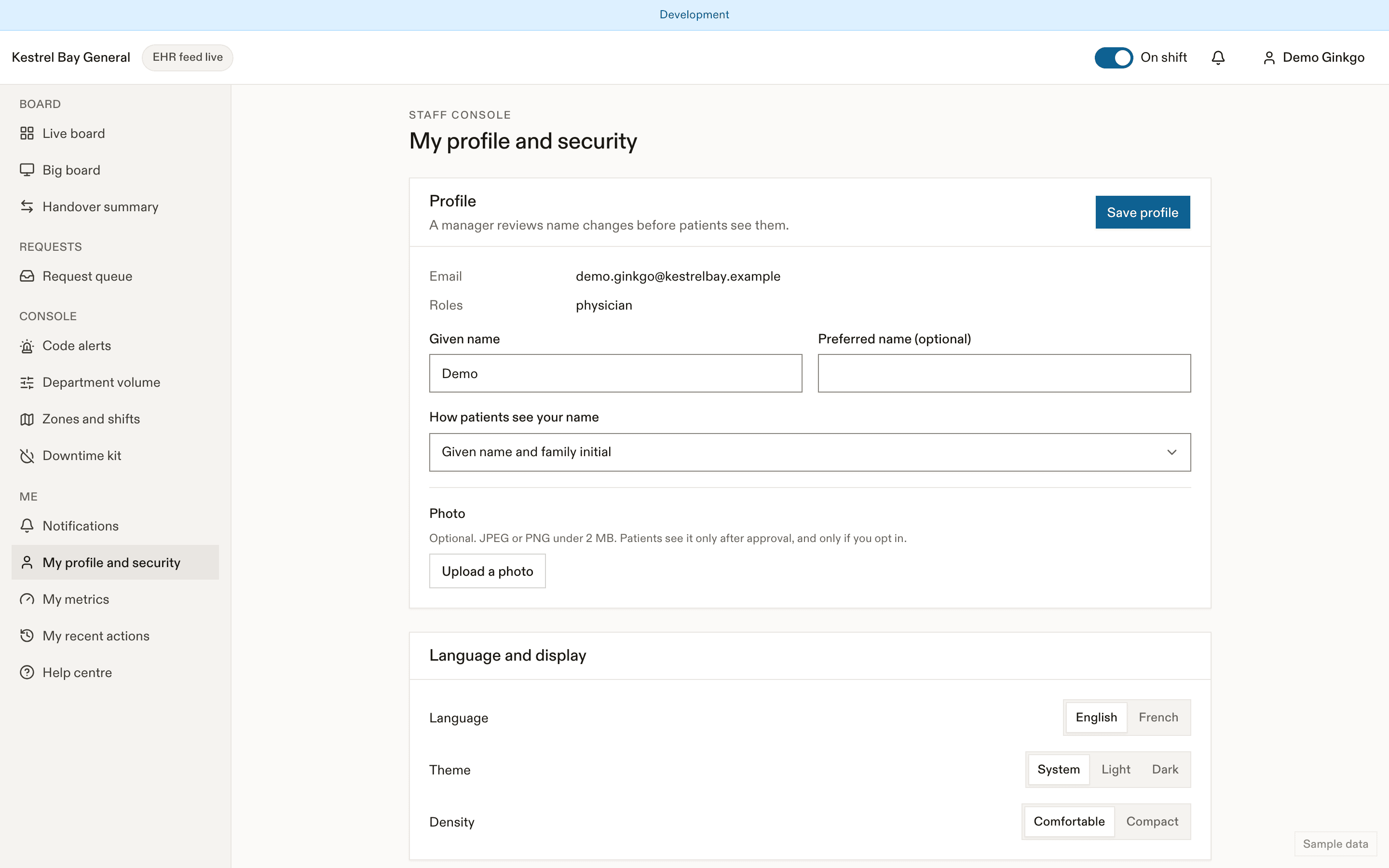
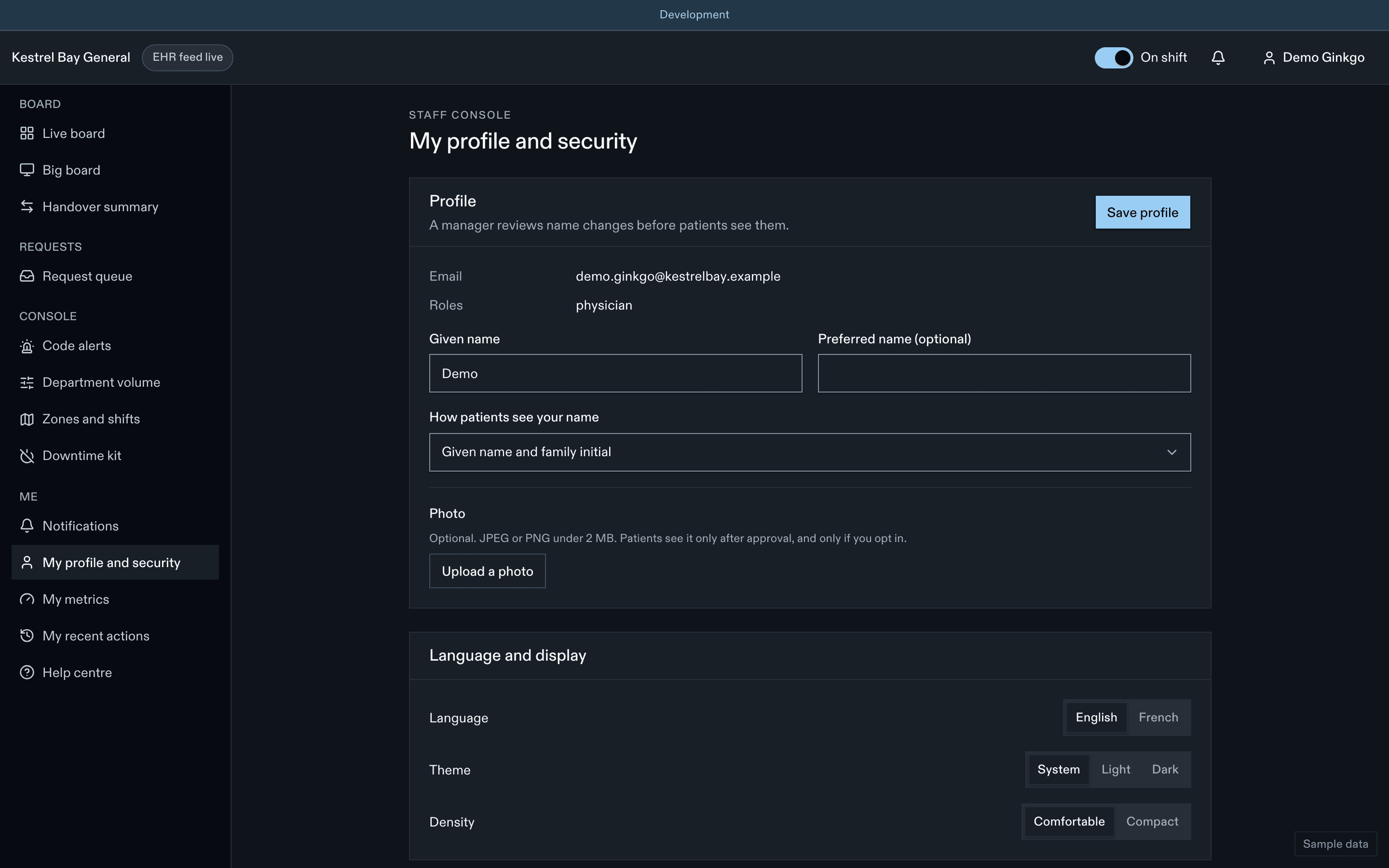
How patients see your name
| Role | Default |
|---|---|
| Physician | "Dr." with your first and last name |
| Nurse practitioner, physician assistant | First and last name |
| Others | First name and last initial, or first name only, per site policy |
You can change your display-name preference. A manager reviews the change before patients see it. Family always see your first name only.
Photo
Photos are opt-in. Where the site allows them, upload a JPEG or PNG under 2 MB. If the site requires approval, patients see it only after a manager approves it.
Hidden from patients
For your safety or privacy, a manager can hide you from patients. You still appear on the staff board, but never on the patient's care team, the family view or notifications.
Linked EHR identities
Read-only. These link your account to your EHR practitioner record so assignments from the EHR show your name. Changes are made by a manager with a second check and alert the privacy officer.
Notifications
Desktop notifications, sounds for high requests, your on-shift override, and the Results back digest.
Also on this page
Language, theme, density, password, two-step sign-in and recovery codes, active sessions, What's new, and Take the tour again.
Dernière mise à jour le
Cette page vous a-t-elle été utile?
My metrics for physicians
Per-physician step metrics in EDFlow: definitions, the private self view against blinded peer ranges, case-mix context, and why there are never ranks.
Charge nurses
Running the emergency department with EDFlow as charge nurse: zones and shifts, codes, department volume, escalations, overrides, feed downtime, analytics and a quick-reference card.