Codes
Charge nurses and codes in EDFlow: call, extend, clear and cancel codes, resolve paged codes, post the delay notice, merge and throttle rules, and which categories can notify patients.
Pourquoi cela arrive-t-il?
Une personne à l'urgence a besoin de soins immédiats, alors une partie de notre équipe est auprès d'elle. Votre attente pourrait s'allonger. Nous ne vous oublions pas et nous serons avec vous dès que possible.
Si vous vous sentez plus mal, avisez tout de suite un membre du personnel.
This page is the charge nurse's reference for codes in EDFlow. For the call itself, see Calling a code.
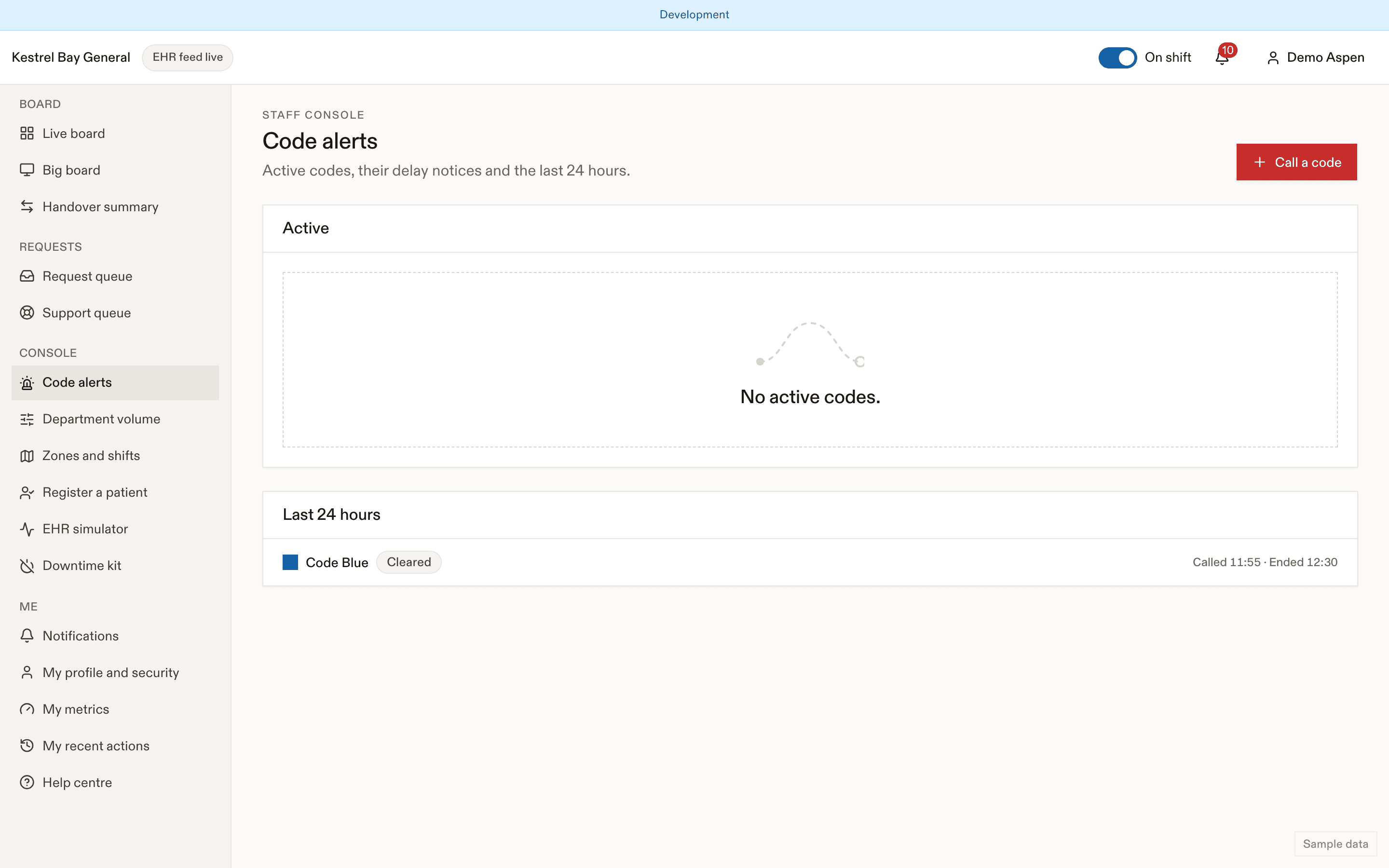
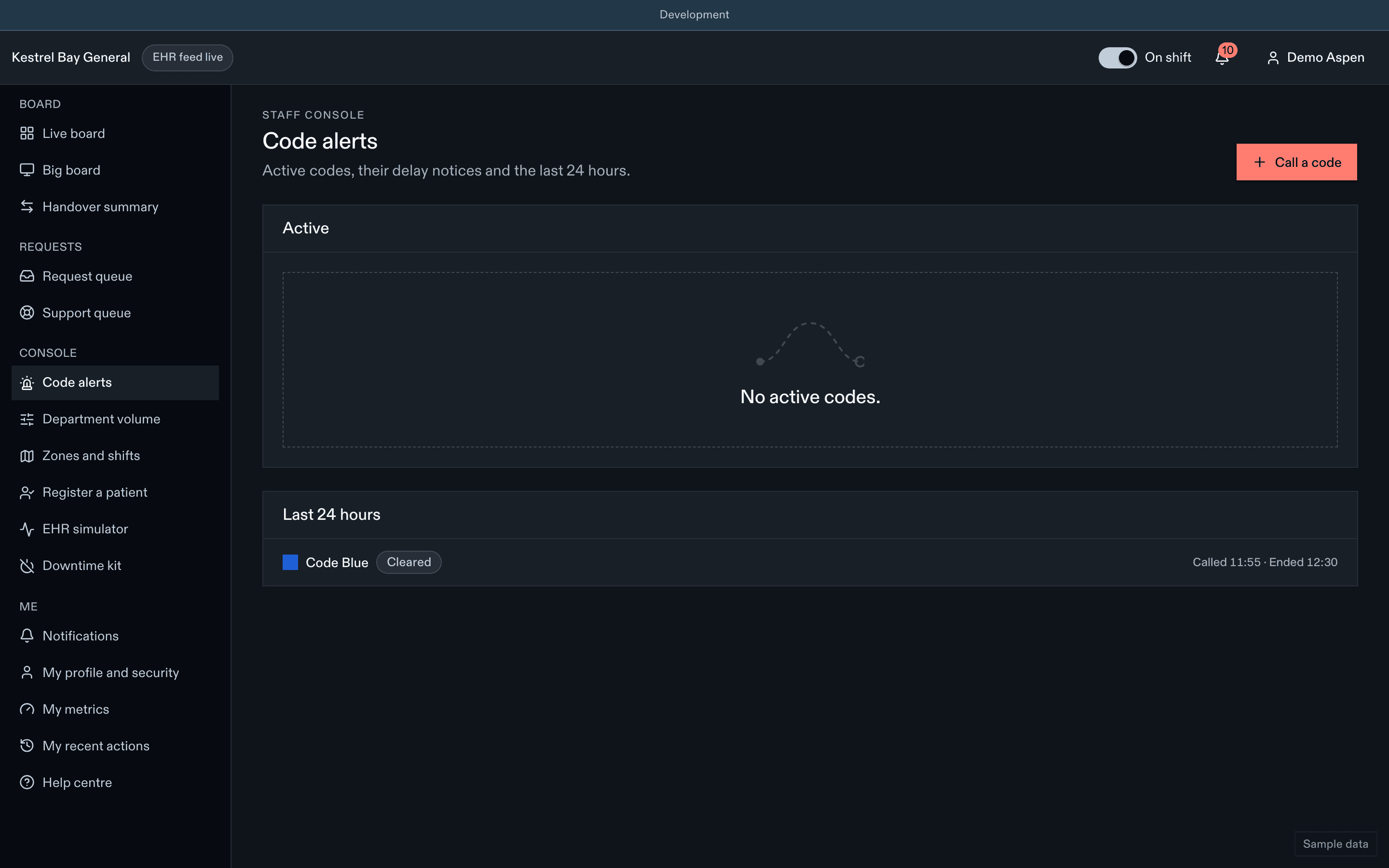
Where codes come from
| Source | What happens |
|---|---|
| Console or companion app | Two-step call; the caller answers "Which patient is this for?" |
| Paging system | Filtered by location. Codes outside the ED are staff-only and prompt nobody (unless your site turns on "ED responds outside"). Inside the ED, you get a prompt: "Code Blue received from paging. Which patient is this for?" |
| EHR | Same as paging |
Nobody is notified from a paged or EHR code until you answer the prompt.
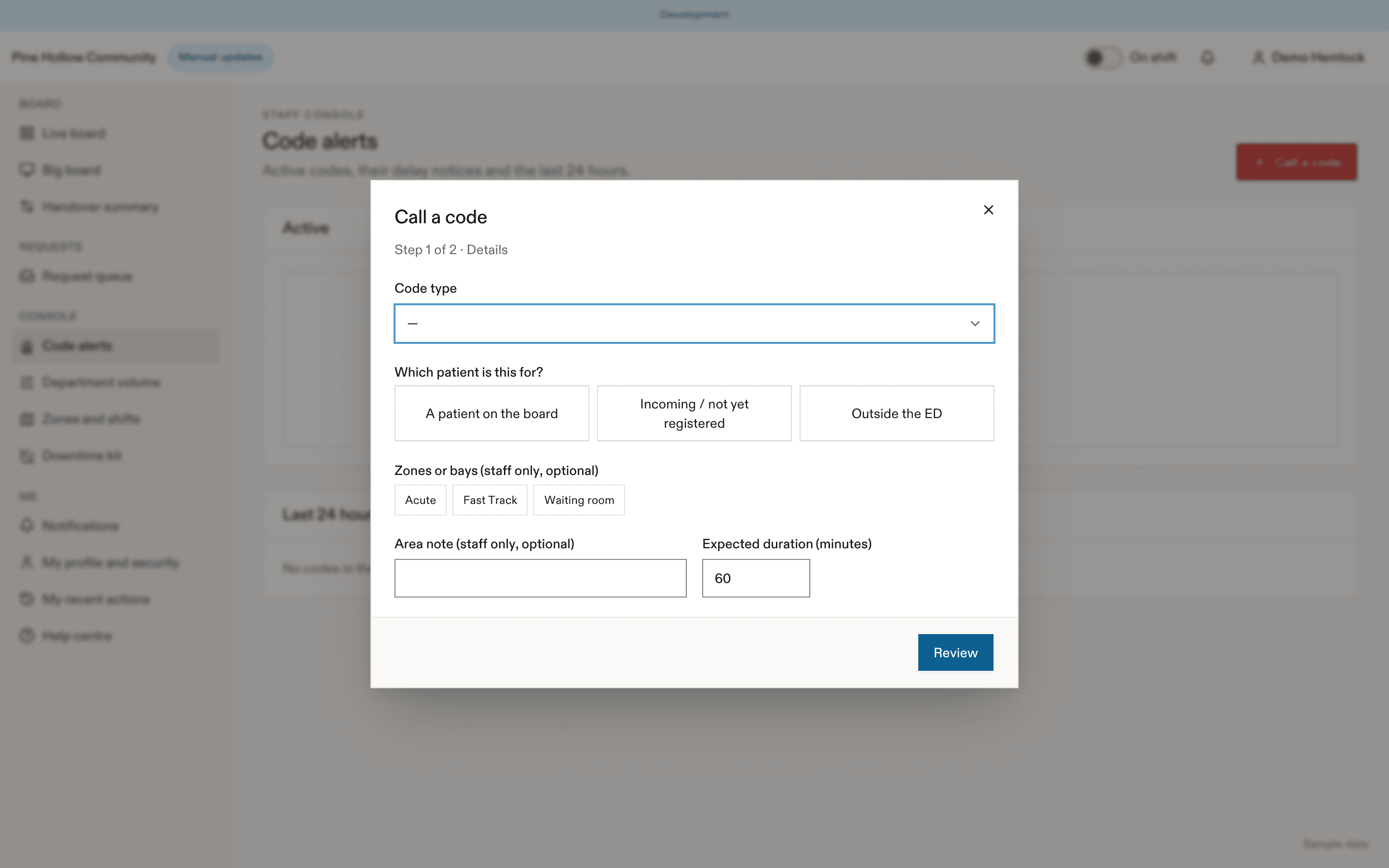
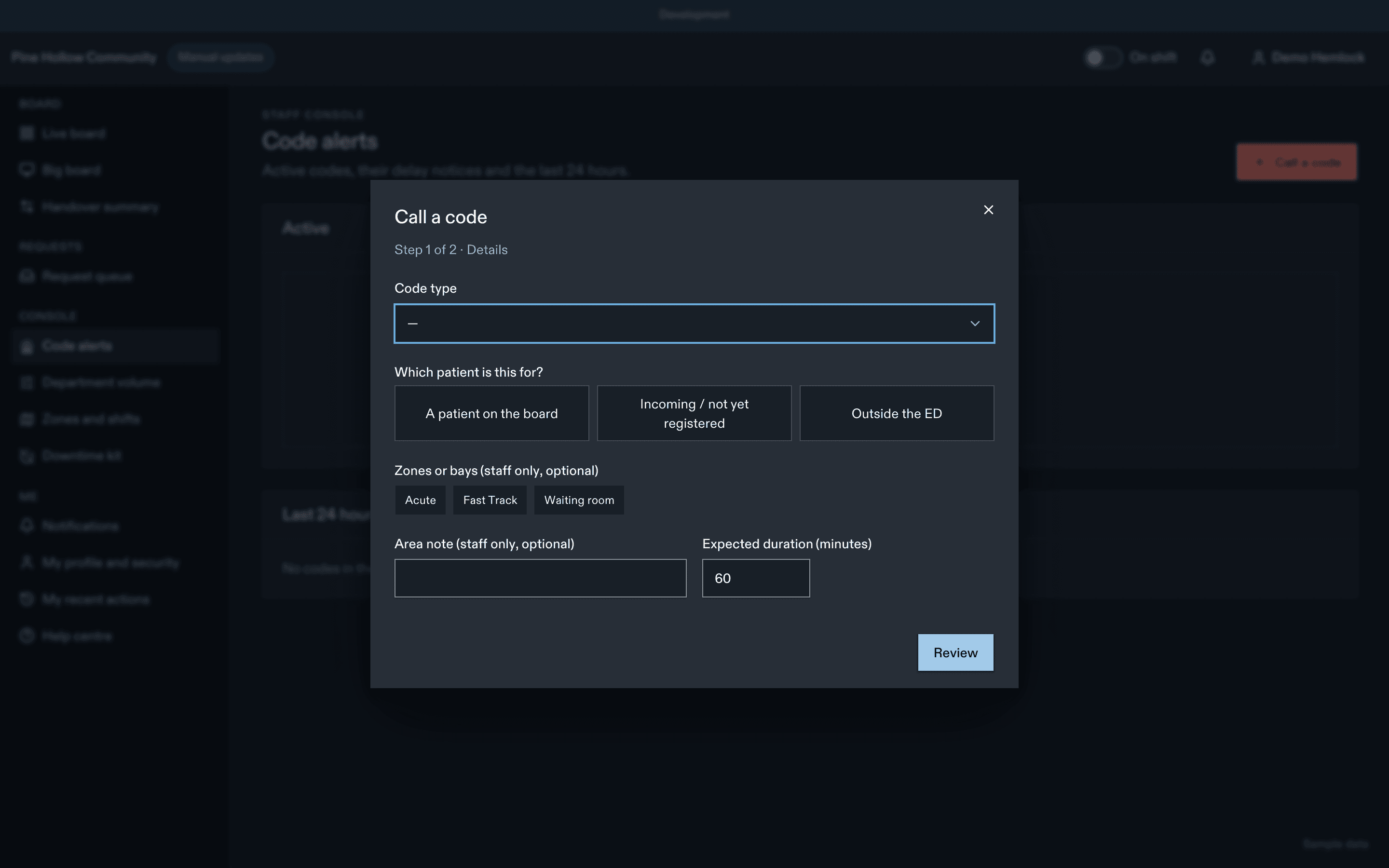
Managing an active code
- Post delay notice: one tap from the code strip, Codes, or the app. Anyone with the permission (including clerks) can post it for the resuscitation team. You can end it early.
- Extend: +15 or +30 min, up to 240 min in total.
- Clear: ends it now. Banners disappear within 10 s once the last notifying code ends.
- Cancel (called in error): ends it now and adds "This notice has ended." to the patients' inbox. A push already sent can't be recalled.
Codes expire on their own at the expected duration.
Who can notify patients
- Only medical codes, and only types your site enabled. Code Stroke and STEMI are staff-only by default.
- Security and facility codes can never notify patients, even through the API.
- The code's patient, anyone in the named zones or bays, and anyone in resuscitation are excluded. Only the notice stages receive it.
Merge and throttle
codes.notifyThrottleMinutes (par défaut 30 minutes)
Each visit gets at most one pop-up and one push per throttle window. A second notifying code within the window updates the existing notice ("Updated …") without a new push or pop-up. The banner stays while any notifying code is active.
Staff notifications
The "Code called" push to staff is off by default, because staff hear the overhead page. When on, it goes to on-shift staff with no area in the text.
| Paramètre | Par défaut | Valeurs permises | Effet |
|---|---|---|---|
codes.notifyThrottleMinutes | 30 | 15–120 minutes | Delay-notice push throttle per patient. |
codes.autoNotifyFromFeed | false | boolean | Feed codes post the notice without a prompt (never skips the subject step). |
codes.edRespondsOutside | false | boolean | Prompt the charge nurse for codes outside the ED. |
codes.pagingEdLocations | [] | array | Paging locations inside the ED. |
Audit and analytics
Calling, clearing, posting and ending notices are audited. Code impact on flow is reported per code type in Codes and delays, with the caution that codes often coincide with busy periods.
Dernière mise à jour le
Cette page vous a-t-elle été utile?
Department volume
Set the department volume level in EDFlow (normal, busy, very busy, surge), how suggestions are computed, imaging service status, and what patients, family, the entry page and the waiting-room display show.
Escalations
Request service levels and escalation in EDFlow for charge nurses: urgent requests without a response, Going now timers, thinking of leaving, over-the-usual-wait alerts and reassessments overdue.