Department volume
Set the department volume level in EDFlow (normal, busy, very busy, surge), how suggestions are computed, imaging service status, and what patients, family, the entry page and the waiting-room display show.
The volume level tells waiting patients, honestly and calmly, that waits may be longer. Open Department from the header.
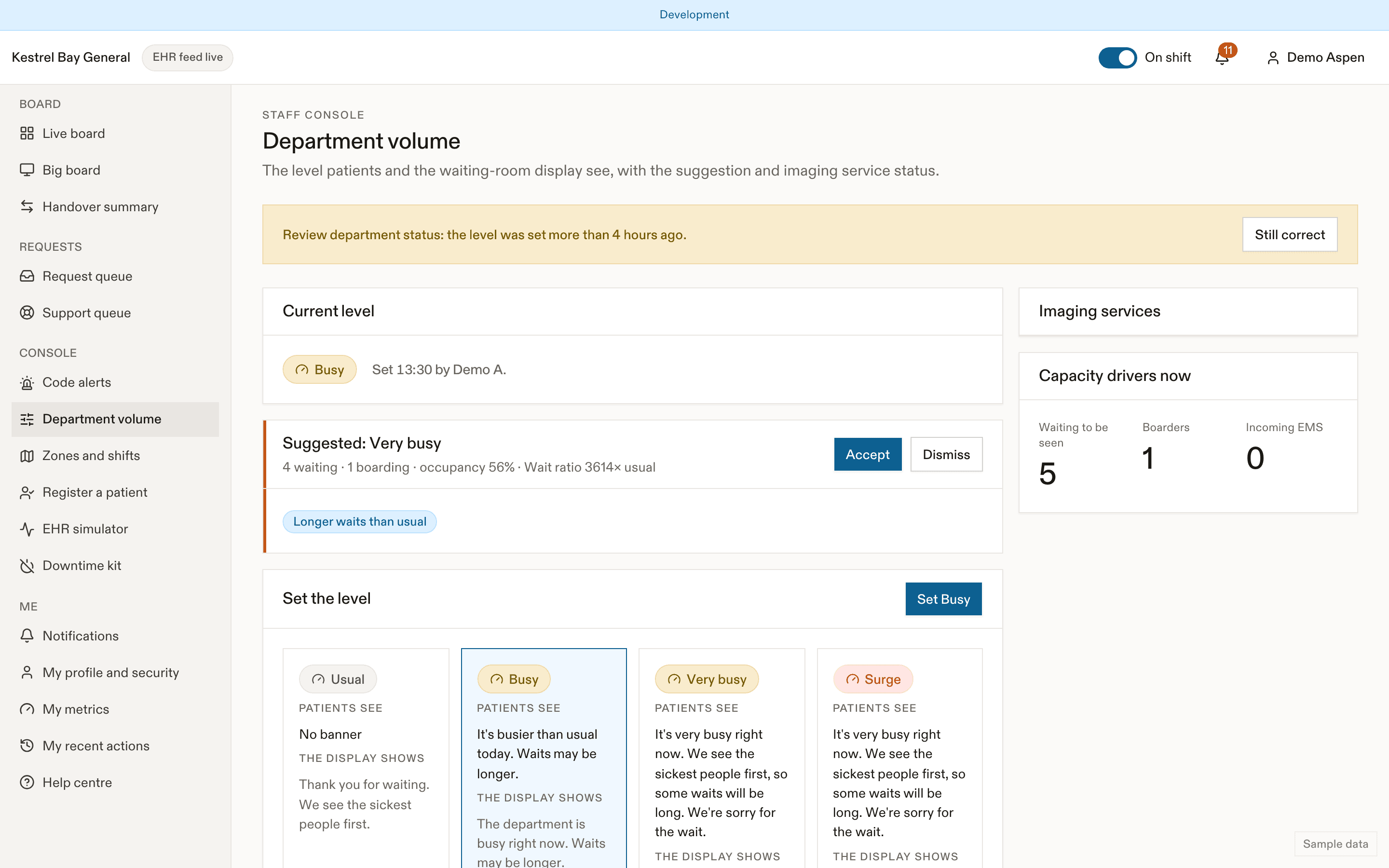
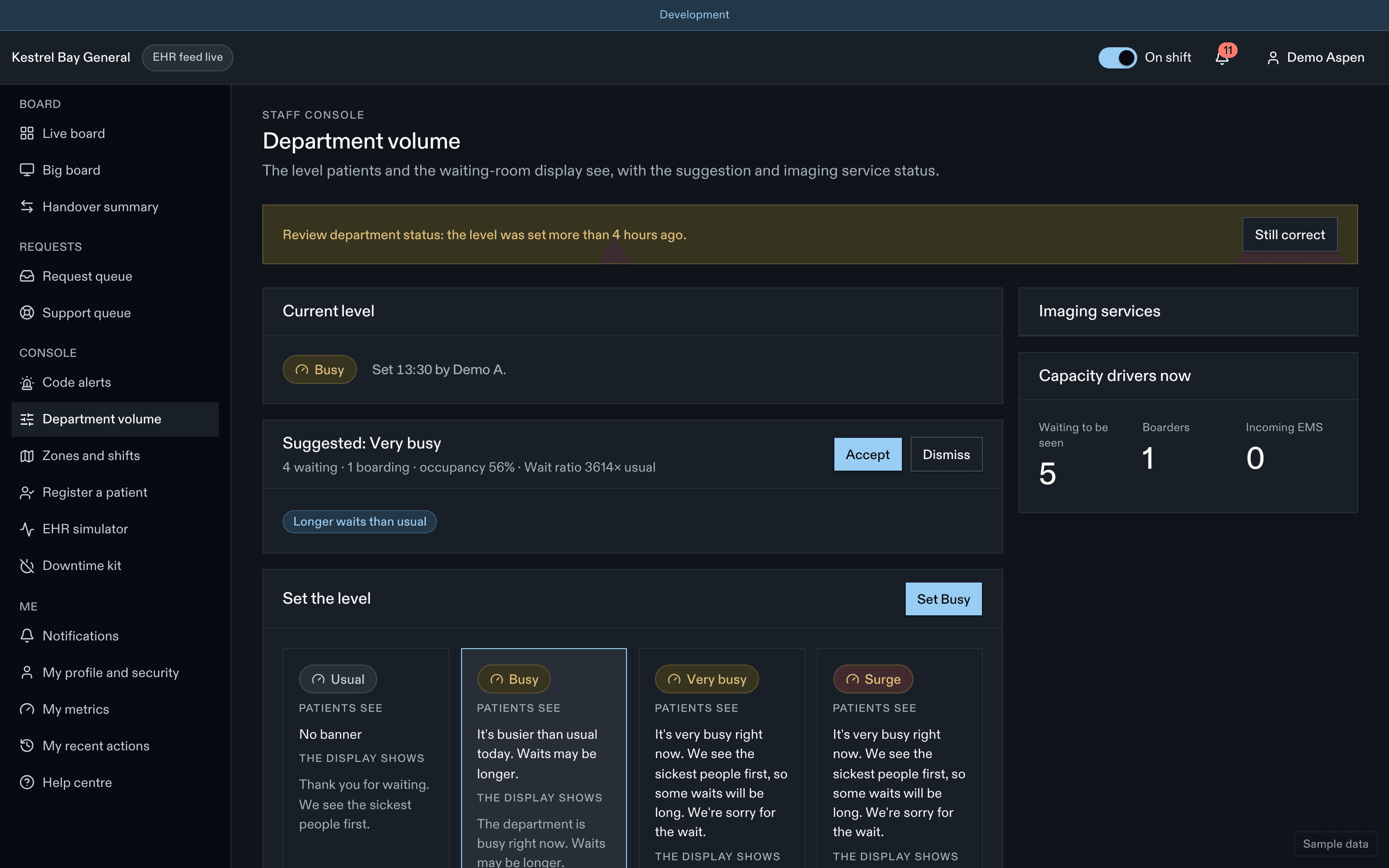
Setting the level
Choose Normal, Busy, Very busy or Surge. Each option previews the patient banner and the display text. Add an optional staff-only note. The level stays until someone changes it; after 4 hours, charge nurses get a Review department status prompt.
volume.reviewAfterHours (par défaut 4 hours)
Suggestions
Every 5 minutes EDFlow computes a suggestion from the live census, for example "Suggested: Busy · 14 waiting · median wait 1.4× usual for Tuesday 3 p.m." with Accept and Dismiss. A suggestion never changes anything until you accept it.
| Suggests | When any of these hold |
|---|---|
| Very busy | 20 or more waiting, 12 or more boarders, occupancy 110% or more, median wait 1.75× usual or more |
| Busy | 12 or more waiting, 8 or more boarders, occupancy 95% or more, median wait 1.25× usual or more |
| Normal | None of the above for 30 minutes |
Surge is never computed. It is suggested only by a code type (for example Code Orange) or by the EHR census.
| Paramètre | Par défaut | Valeurs permises | Effet |
|---|---|---|---|
volume.reviewAfterHours | 4 | 1–12 hours | Prompt to review the volume level. |
volume.acceptFeedLevel | false | boolean | Apply the feed's volume level directly. |
volume.thresholds.busy.waiting | 12 | 1–500 count | Volume suggestion threshold: busy waiting (F-08.3). |
volume.thresholds.busy.boarding | 8 | 1–500 count | Volume suggestion threshold: busy boarding (F-08.3). |
volume.thresholds.busy.occupancy | 0.95 | 0.1–5 ratio | Volume suggestion threshold: busy occupancy (F-08.3). |
volume.thresholds.busy.waitRatio | 1.25 | 0.1–10 ratio | Volume suggestion threshold: busy waitRatio (F-08.3). |
volume.thresholds.veryBusy.waiting | 20 | 1–500 count | Volume suggestion threshold: veryBusy waiting (F-08.3). |
volume.thresholds.veryBusy.boarding | 12 | 1–500 count | Volume suggestion threshold: veryBusy boarding (F-08.3). |
volume.thresholds.veryBusy.occupancy | 1.1 | 0.1–5 ratio | Volume suggestion threshold: veryBusy occupancy (F-08.3). |
volume.thresholds.veryBusy.waitRatio | 1.75 | 0.1–10 ratio | Volume suggestion threshold: veryBusy waitRatio (F-08.3). |
What everyone sees
| Level | Patients and family | Display and entry page |
|---|---|---|
| Normal | Nothing | "Thank you for waiting. We see the sickest people first." |
| Busy | L'urgence est plus occupée que d'habitude aujourd'hui. L'attente pourrait être plus longue. | L'urgence est occupée en ce moment. L'attente pourrait être plus longue. |
| Very busy, Surge | L'urgence est très occupée en ce moment. Nous voyons d'abord les personnes les plus malades, alors certaines attentes seront longues. Nous sommes désolés de l'attente. | L'urgence est très occupée en ce moment. Certaines attentes seront longues. |
Every banner also says: Si vous vous sentez plus mal pendant l'attente, avisez tout de suite un membre du personnel. On the hospital entry page, the busy message always comes after "check in with the triage nurse first". Patients never see red for volume, and volume changes never send push or text messages.
Imaging service status
The same page shows each imaging modality as open, closed until a time, or down until a time. Charge nurses can mark a modality Down in one tap. While a service is closed or down, patients see when it opens instead of an estimate, and those intervals are excluded from benchmarks.
Capacity drivers
The page also shows boarders, stretchers occupied by boarders and incoming EMS, and today's level history. Time in each level feeds analytics.
Related
Dernière mise à jour le
Cette page vous a-t-elle été utile?
Zones and shifts
Assign nurses to zones, the triage pool, the support pool, charge and the physician in charge in EDFlow, and how those assignments route patient requests and decide who is on shift.
Codes
Charge nurses and codes in EDFlow: call, extend, clear and cancel codes, resolve paged codes, post the delay notice, merge and throttle rules, and which categories can notify patients.