Publishing the going-home summary
Compose, preview and publish the EDFlow going-home summary from approved templates, mark Cleared to leave, edit or unpublish, and what the patient receives.
When the disposition is home, the visit moves to "Getting ready to go home" and the board shows "Going home: summary not published". The patient is told to wait for their nurse to go over instructions and take out the IV.
Compose the summary
Patient → Going home.
| Section | Input |
|---|---|
| Discharge diagnosis (staff only) | Optional. Choosing a common diagnosis pre-fills the activity templates, the "when to come back" set, a resource and a default follow-up from the templates approved at your site. Review and adjust before publishing; the diagnosis itself is never shown to the patient |
| About your visit | Optional, up to 280 characters, only where the site allows it |
| Your medicines | Only prescribers, where the site turns it on. Otherwise the summary points to the printed instructions and the portal |
| Activity and eating | Approved instruction templates |
| Follow-up | Up to 6 entries: who, when, notes (160 characters) |
| When to come back | Approved red-flag sets; the generic 911, Health811 and "if you feel worse" set is always included |
| Helpful resources | Approved resource sets |
| Prescription | "Sent to pharmacy" and pharmacy name |
| Notes for work or school | "Given" |
Free-text fields say Visible to the patient. Templates render in the patient's language, and the preview shows English and French side by side. No diagnosis text from the EHR is ever copied in.
Publish
Publish creates version 1 and sends the patient "Your going-home information is ready." Edits after publishing create new versions and add "Your summary was updated" to the patient's inbox, without a push. You can edit until one hour after departure. Unpublish (for errors) asks for a reason and is audited. Every published version is kept as a safety record.
Text the link to the patient's phone
Once published, Text the link to the patient's phone sends the summary link by SMS to the number the patient verified for updates during the visit. You never type or see the number (only its last two digits); the text carries no health information and the link asks for the date of birth. Without a verified number, the patient can text themselves a link from their own device.
Cleared to leave
When instructions are given and the IV is out, tap Cleared to leave. The patient sees "You can go now. Take care, and follow your going-home instructions."
What the patient gets
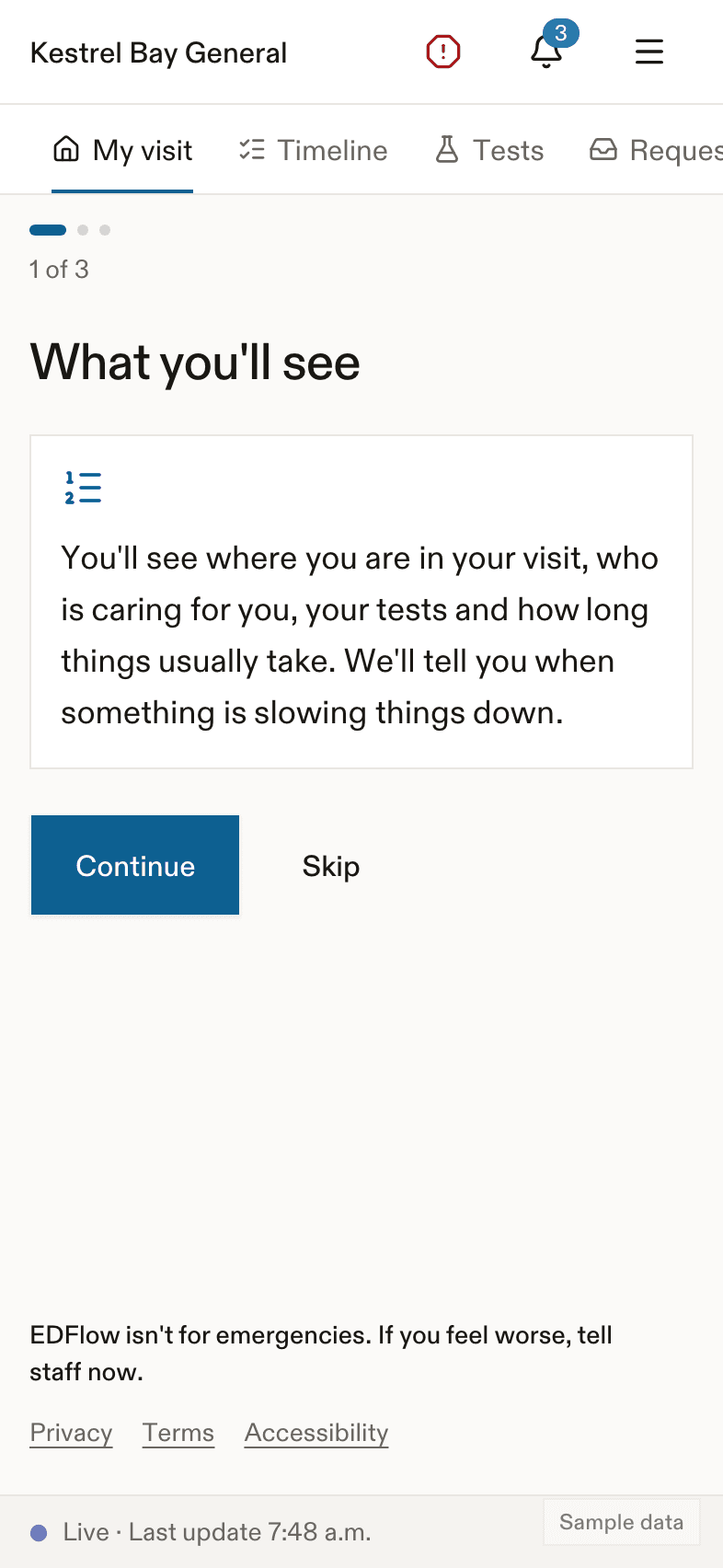
The patient reads the summary on their phone, prints it, adds follow-ups to their calendar, and can share a summary link that asks for their date of birth. See After your visit. Family never see the summary.
Related
Dernière mise à jour le
Cette page vous a-t-elle été utile?
Tasks
Patient tasks in EDFlow: which tasks are created automatically from orders (urine samples, consent, check before eating, nothing by mouth), adding tasks from templates, and confirming tasks patients mark done.
Family links
See and revoke a visit's family links in EDFlow, lock sharing, pause updates to break news in person, and understand why sharing is unavailable for some visits.